
Specs are compiled from manufacturer listings and verified buyer reviews and can change over time — please confirm the key details on the product page before buying.
You need somewhere to put a 60GB game library, a folder of phone videos, and a decade of tax files — and you need it to survive being tossed in a bag. That is the whole job. The tricky part is that almost every 1TB portable hard drive looks the same in a product photo: a small black slab with a USB cable. What separates them is what happens on day 400, whether it talks to your Mac without a fight, and whether the case gives up before the disc does.
This guide is built by comparing the manufacturers’ published specifications and the patterns across verified customer reviews, so you get each pick’s real strengths and trade-offs instead of marketing spin.
Every drive below holds 1TB — enough for a console library or a photo archive — and each one is sorted by what it actually does well. You also get the honest limits before you buy. The picks are ranked on the plain things you care about: does it plug in, does it stay working, and does it fit in a pocket.
Top Picks
How To Choose The Best 1TB Portable Hard Drive
Buying a portable drive is mostly a decision about three things: what it plugs into, what it is made of, and what happens if it falls. Everything else on the box is decoration. Here is what actually matters.
Windows first, Mac second
Most drives in this category arrive formatted for Windows, which means a Mac will see the disc but refuse to write to it until you reformat. Reformatting wipes the drive, so do it before you load it with files. If you split your work between a Mac and a PC, decide which one is your home base and format for that one. Some drives ship with software for Windows-only backup and password features, so a Mac user gives those up entirely.
Rugged means a real case, not a label
A 2.5-inch mechanical drive (a spinning platter inside a metal or plastic shell) hates being dropped while it is spinning. A rugged model wraps that platter in a rubberised or aluminum bumper and, in the best examples, seals it against water and dust. Look for a stated drop height, a stated IP rating, and a shock standard. A drive with none of those is a desk drive that happens to be small.
The USB spec decides your patience level
USB 3.0 and USB 3.1 are the connection standards used here, and both are far quicker than the old USB 2.0 ports on older machines. Both are backward compatible — the drive will still work in an old port, just much more slowly. If you plan to move 40GB of game files, the connection matters more than the marketing name on the box.
Side-by-Side Comparison
| Model | Best For | Capacity | Interface | Form Factor | Amazon |
|---|---|---|---|---|---|
| Seagate Portable 1TB (STGX1000400)★ Best Overall | Console and PC backups | 1 TB | USB 3.0 | Portable | Amazon |
| Kosbees 1TB External Hard DrivePocket-Sized Pick | Cheap plug-and-play storage | 1 TB | USB 3.0 | 2.5-inch | Amazon |
| WD 1TB My PassportBest for Security | Encrypted everyday backup | 1 TB | USB 3.1 / 3.0 | 2.5-inch | Amazon |
| ADATA HD710 Pro 1TB | Rough handling and travel | 1 TB | USB 3.1 | Portable | Amazon |
| LaCie Rugged Mini 1TB | Field work and photo archives | 1000 GB | USB 3.0 | Rugged | Amazon |
| Toshiba Canvio Basics 1TB | Simple PC expansion | 1 TB | USB 3.0 | 2.5-inch | Amazon |
| iDiskk MFi 1TB | iPhone and iPad photo backup | 1 TB | USB 2.0 / 3.0 | 2.5-inch | Amazon |
| Toshiba Canvio Advance 1TB | Backup software on Windows | 1 TB | USB 3.0 | 2.5-inch | Amazon |
| WD 1TB My Passport Ultra | USB-C laptops and metal build | 1 TB | USB-C / USB 3.1 | 2.5-inch | Amazon |
Detailed Reviews
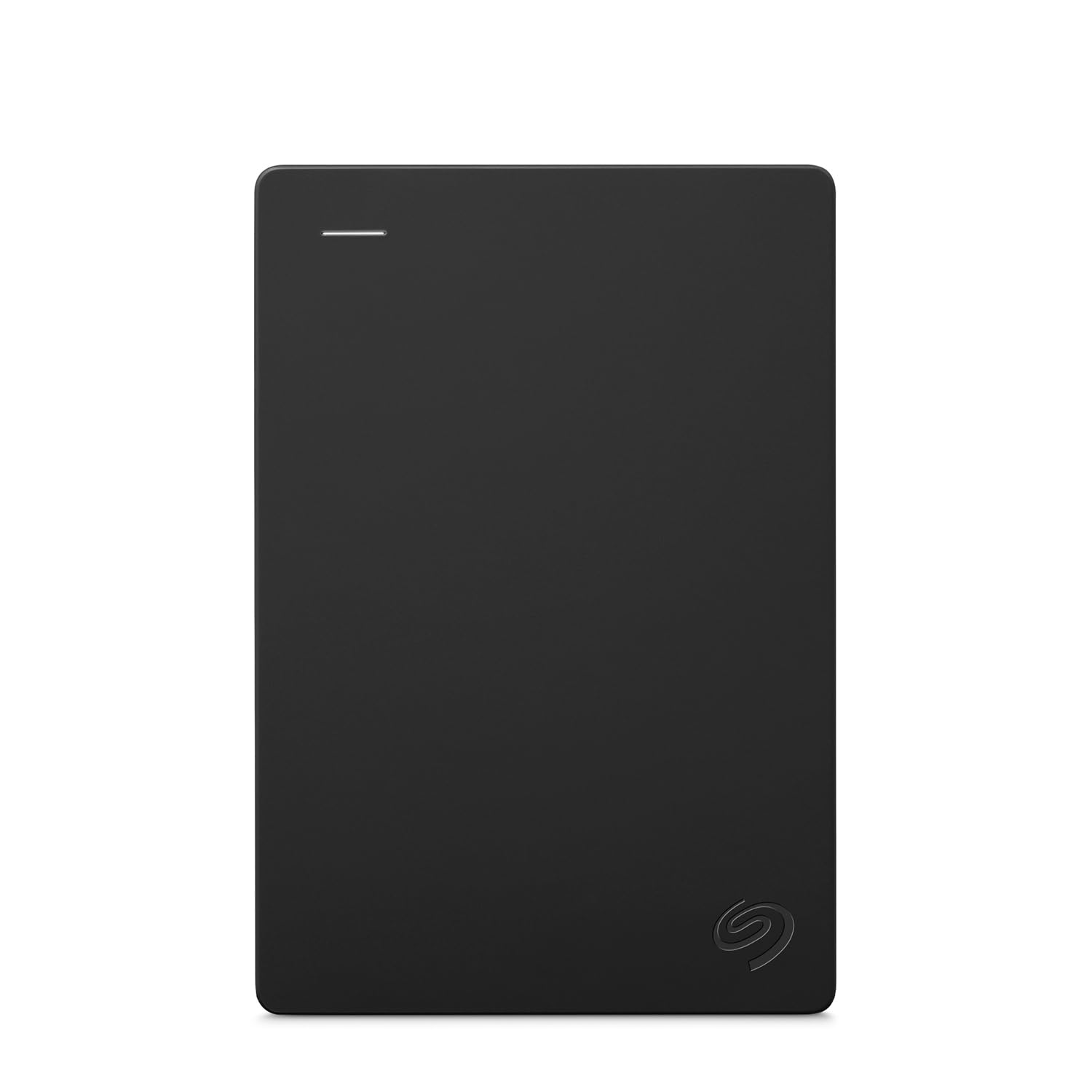
1. Seagate Portable 1TB External Hard Drive HDD (STGX1000400)
Our pick — 4.5+★ from 274,500+ verified ratings; the strongest balance of quality and price.
The 1TB drive that wins because it plugs into a PC, Mac or console with no software install.
You get a 1TB mechanical drive (a spinning platter inside a portable shell) that Windows recognizes the moment you connect it, no software to install. Drag a folder across and it is backed up. The included 18-inch USB 3.0 cable is the whole setup kit. That simplicity is the reason this is the drive most people should start with — you are not configuring anything, you are copying files.
Where it pulls ahead of the rugged pick below is raw speed: this drive is rated at 20 gigabits per second versus the ADATA HD710 Pro’s 5 gigabits per second. In practice that means a big game folder or a card dump moves over in a far shorter sit-and-wait. It is also the console-friendly option — the listing names PlayStation and Xbox compatibility, and the PS4 and Xbox Series S are the machines owners repeatedly mention pairing it with.
The thing to know before you click buy is the Mac question. Seagate says reformatting may be required for Mac, and the compatibility chatter around this drive leans heavily on that friction. Reliability is the other honest note: the drive performs and functions well for the overwhelming majority, but the failure reports that do exist are blunt about drives dying early. Back up anything that only exists on this disc somewhere else too — that is true of every spinning drive on this list.
What sells it
- 1TB of storage with true plug-and-play setup — no software, no install
- 20 gigabits per second rated transfer rate, well ahead of the rugged ADATA’s 5
- Named compatibility with PlayStation and Xbox consoles
- 18-inch USB 3.0 cable included, so nothing extra to buy
Where it asks for care
- Mac users may need to reformat before it will work as a Mac drive
- Early drive failures do get reported, so keep a second copy of irreplaceable files
- No drop rating, no water rating — this is a bag drive, not a rugged one
Reach for this if: you want a console library or a PC backup to just work with zero setup on day one.
Look elsewhere if: you’re carrying it onto a building site or a beach and need a stated drop height.
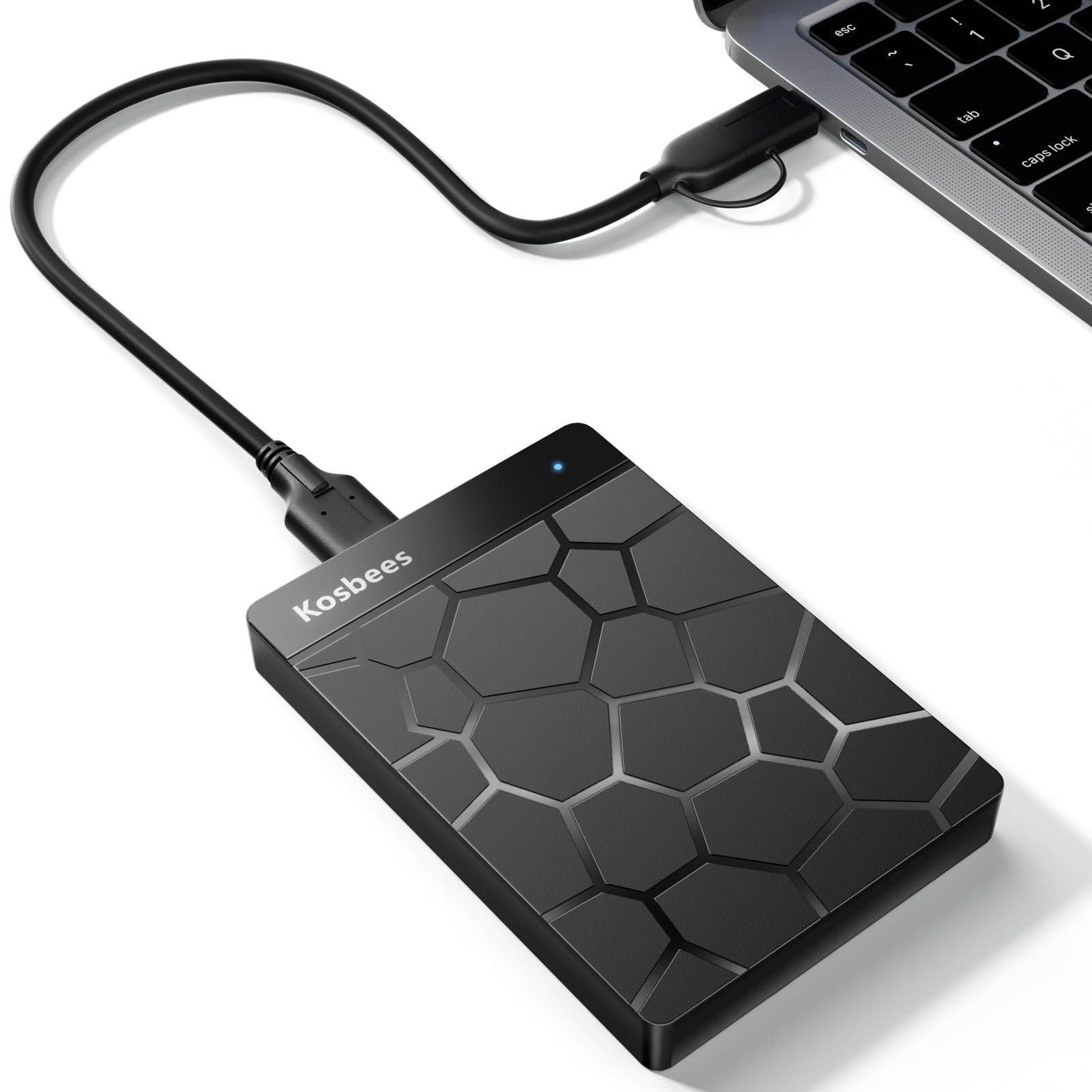
2. Kosbees 1TB External Hard Drive, Ultra Slim Portable HDD
At 0.6 lbs in a 2.5-inch plastic shell, this 1TB drive disappears into a laptop sleeve.
You can drop this drive into a jacket pocket and genuinely not notice it, because it weighs 0.6 lbs in a 2.5-inch plastic enclosure. The 1TB capacity matches the rest of this list. Kosbees quotes a theoretical read speed as high as 110MB/s–133MB/s (megabytes per second, a measure of how fast data copies) and write speeds up to 103MB/s. That is enough to copy a folder of photos or a game backup without an overnight wait.
Setup is simple: plug in the USB 3.0 cable (a standard fast USB connection) and Windows sees the drive with no software to install. On a Mac, format it to ExFat first (a file format both Mac and Windows can read). The listing also spells out the console rule: last-gen PS4 and Xbox One games run straight from the drive, but current-gen PS5 and Xbox Series X|S titles must be copied to the console’s internal SSD (solid-state drive, the console’s built-in fast storage) first. This drive holds your library; it does not run the new games.
The honest trade-off is longevity. Owners are enthusiastic about the build quality when it works, but there is a real thread of reports about drives quitting after a week or a couple of days. The flip side is the warranty — Kosbees offers 2 years of after-sales cover, which is more than most of the field gives you. Treat this as an affordable second copy of your files rather than the only place your wedding videos live.
Why owners like it: the 1TB capacity and the featherweight 0.6 lbs body get the most praise — it genuinely disappears into a bag and still holds a full library.
What to plan around: early failures are reported often enough that you should never let this be your single copy, and current-gen console games will not launch from it.
Best fit: a student or commuter who wants maximum storage in the smallest, lightest shell.
Think twice if: the drive will hold the only copy of anything you cannot afford to lose.
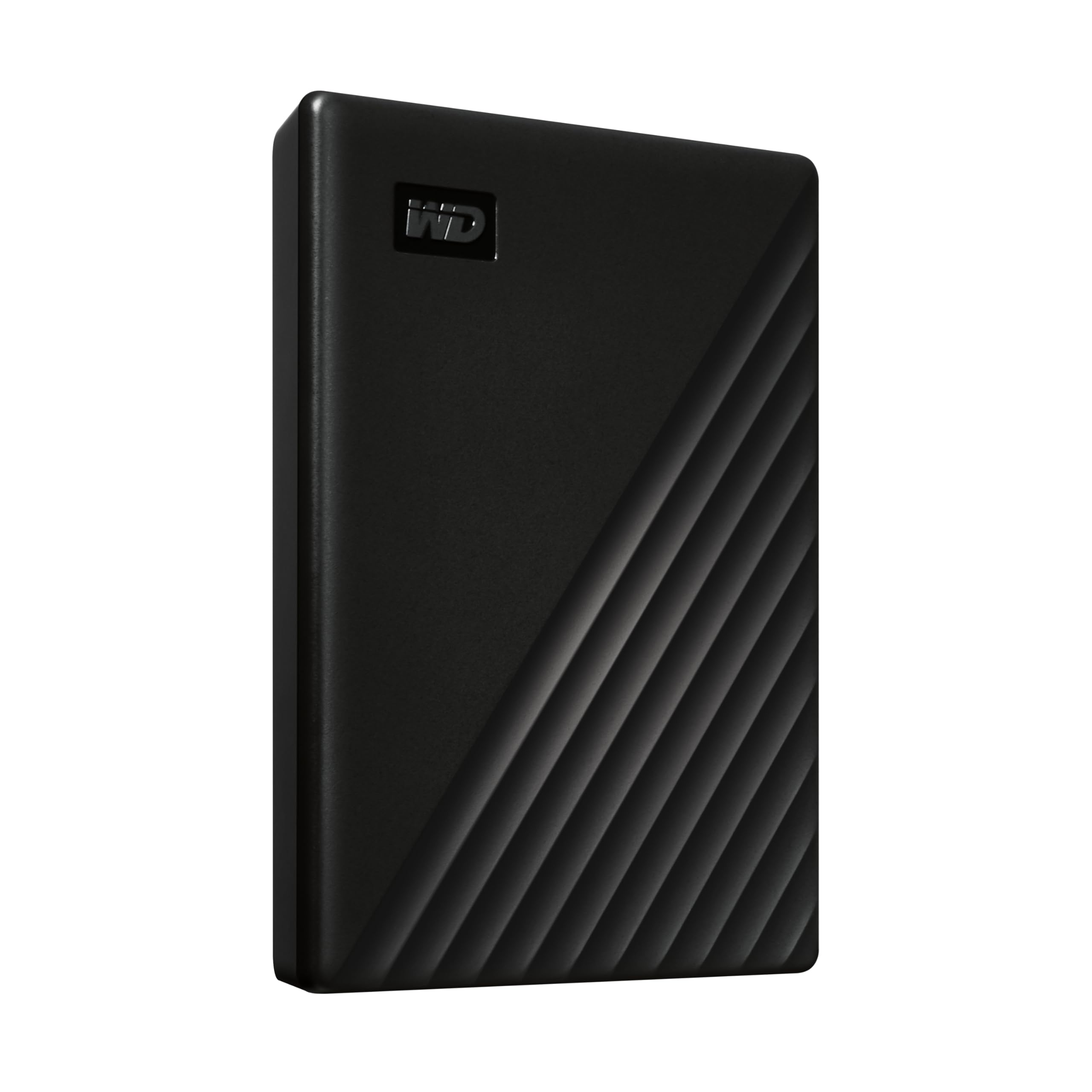
3. WD My Passport 1TB
A slim black 1TB drive with password protection and hardware encryption built in.
If the drive ever leaves your desk, encryption stops being a nice-to-have. This My Passport ships with password protection backed by hardware encryption, meaning the scrambling happens on the drive itself rather than through software on your laptop. WD also bundles device management software with defense against ransomware, and stands behind it with a 3-year limited warranty — the longest cover on this list alongside the Ultra.
Physically it is the compact option: slim enough that owners describe it as barely bigger than a full wallet, which makes it easy to slide into a laptop bag next to the machine. It is USB 3.1 and USB 3.0 compatible, and the included cable is a SuperSpeed USB-A cable rated at 5Gbps. Transfer speeds get consistent praise — quick page turns, fast game downloads — so a 1TB library does not take all evening to move across.
The catch worth flagging is compatibility. There is a clear pattern of computers refusing to recognize this drive, and the listing itself says reformatting may be needed for Mac. If you are on Windows and staying on Windows, you are in the well-trodden path. If you are juggling a Mac, budget a few minutes to reformat before you assume it is broken. Reliability reads mixed for the same reason as every drive here: most units run and run, a minority quit early.
The case for it: encryption, ransomware defense and a 3-year warranty in a wallet-sized metal-adjacent shell — genuinely the most secure mainstream pick here.
The honest limit: recognition problems do get reported, and Mac users face a reformat before it behaves.
Pick this one if: the drive travels with you and you want your files locked even if the drive is lost.
Not the one if: you need it to work on a Mac the second you unbox it.
4. ADATA HD710 Pro External Hard Drive, 1TB, Black
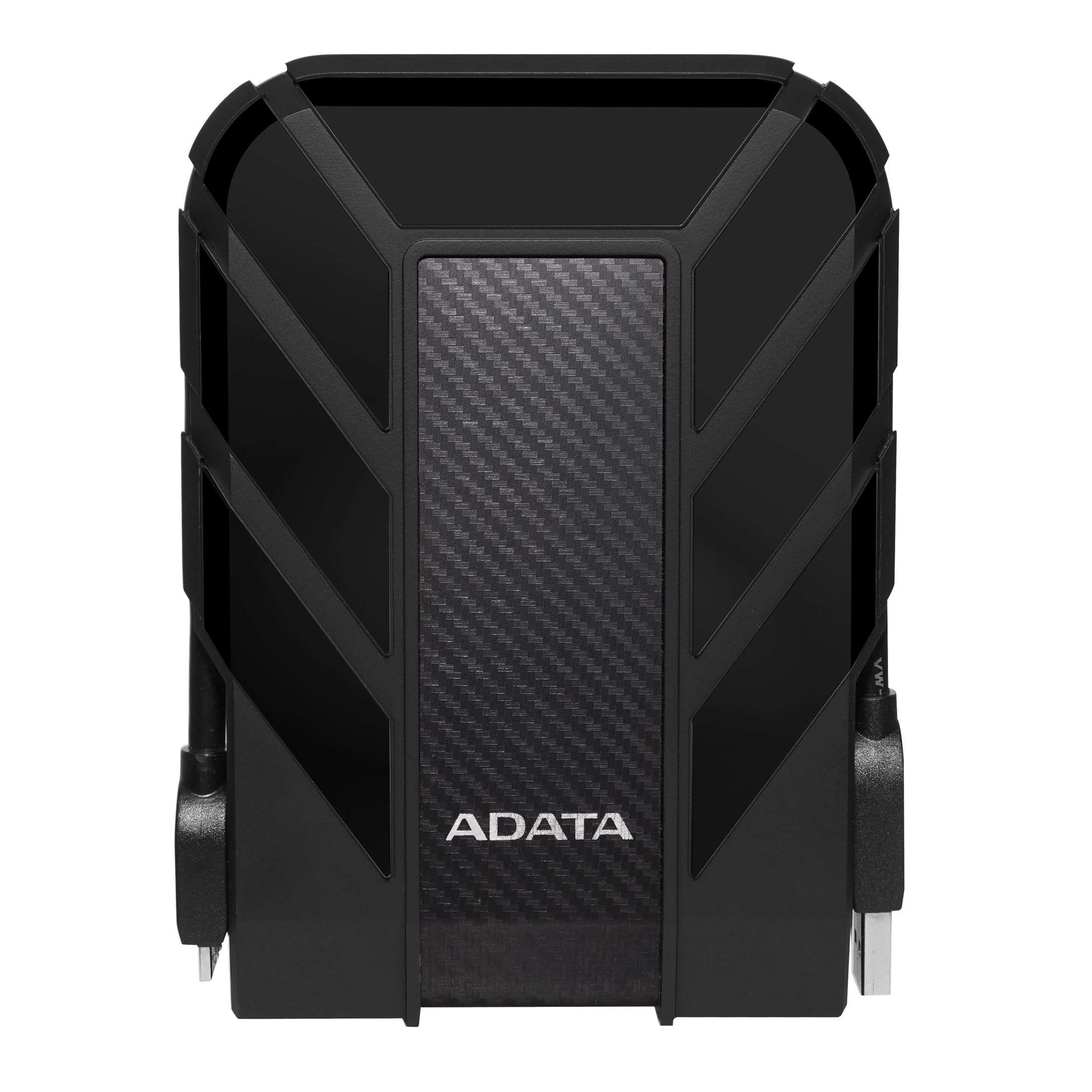
The only 1TB drive here rated IP68 waterproof and MIL-STD-810G shock resistant.
Start with the ratings, because they are the whole point. This is an IP68 drive (the highest dust and water rating the standard uses) with an IP6X dustproof design and military-grade shock resistance to MIL-STD-810G 516.6, all wrapped in a triple-layered aluminum body. Translated: dust cannot get in, a splash or a dunk should not kill it, and a knock off a desk is what the case was designed for. It even has built-in cable management so the lead does not flop around in your bag.
It is also the most console-friendly listing here on paper, naming Xbox 360, Xbox One, Xbox Series S, Xbox Series X, Nintendo Switch, PS3, PS4 and PS5 alongside PC, Mac and Linux. The USB 3.1 interface keeps transfers moving, and performance is what owners talk about most — the drive meets expectations, loads games, and does the job without drama.
Two honest notes. First, speed: this lists at 5 gigabits per second against the Seagate’s 20, so if raw transfer time is your priority the Seagate above wins that fight. Second, there are real reports of USB connection trouble and units that fail outright, and the value question splits both ways — some call it a good buy, some regret it. The rugged body is the reason to choose it; the reliability story is the reason to keep a second copy.
Why the case wins
- IP68 waterproof, IP6X dustproof and MIL-STD-810G 516.6 shock resistance — the toughest spec sheet here
- Triple-layered aluminum enclosure with built-in cable management
- Lists compatibility with seven console families plus PC, Mac and Linux
- Performance is the most-praised trait among owners
Where it costs you
- 5 gigabits per second transfer rate — slower on paper than the Seagate’s 20
- USB connection complaints and early failures are both on record
- Value opinions split; the rugged build is what you are paying for
Suits you if: the drive rides in a rucksack, a camera bag, or a car glovebox and gets knocked about.
Skip the rugged premium if: it lives on a desk and you would rather have the faster transfer rate.
5. LaCie Rugged Mini 1TB
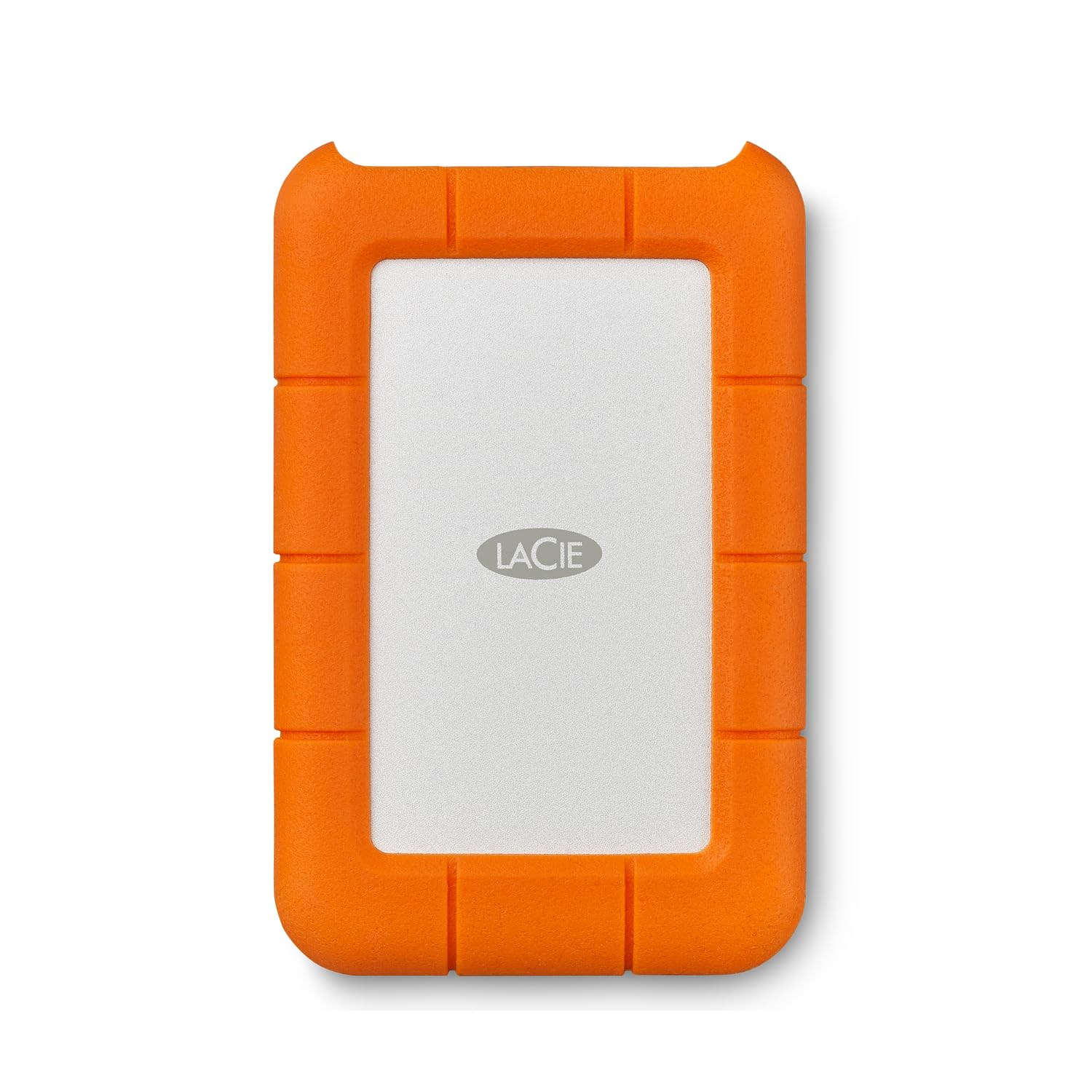
The orange-bumpered 1TB drive rated for 4-foot drops, dust and water.
LaCie puts a number on the durability instead of a vibe: drops up to 4 feet, plus dust and water resistance for all-terrain use, with password protection built in. That is a real, checkable spec rather than a marketing adjective, and it is why this drive turns up in camera bags. The USB 3.0 connection is quoted as up to 4 times faster than USB 2.0 while staying compatible with the older port, and the rated transfer rate is 130 megabytes per second.
Where it earns its place is photos and video. Storage capacity is the second most-praised trait among owners, with the drive holding tons of data and doing exactly what an archive drive should for a working library. Build quality draws far more consistent praise than the rest of the rugged field — a drive that feels sturdy in the hand rather than merely specced as sturdy.
What you give up is money and a bit of luck. Buyers are split on value, and part of the buyer pool feels it is overpriced for the spec sheet. Durability is not unanimous either — a minority of units reportedly break within a month. Mac users must reformat before it works, a step the listing says outright. Buy it for the 4-foot drop rating and the sturdy feel; skip it if you expect it to be cheaper than everything else here.
Where it shines: a concrete 4-foot drop rating, dust and water resistance, and 130MB/s transfers in the case photographers trust in a camera bag.
What you pay for: confidence from a rugged case and a password lock. Both cost more than a plain drive, and neither comes free.
Choose it for: shuttling photo and video archives between locations without treating the drive like glass.
Look elsewhere if: you want the most storage for the least outlay and never take the drive out of the house.
6. Toshiba Canvio Basics 1TB

Pre-formatted NTFS for Windows with a matte finish that hides fingerprints.
This drive arrives pre-formatted in NTFS for Windows PC, which means the setup is genuinely a single step: plug in the USB 3.0 cable and start moving files. No external AC power cord, no software to install, no configuration screens.
The practical win is space. Owners talk most about freeing up room on their PCs, and with 1TB on tap you can pull a full drive’s worth of documents and media off a laptop that is choking. Performance is the most consistent positive in the reviews — it is described as a quality product that simply does what a backup drive is asked to do. Value for the capacity is the second thing buyers keep coming back to.
The point to weigh carefully is durability. This is the one drive on the list where the case for caution is strongest, with reports of units failing within a week and others giving out after two years. That is not a reason to cross it off — it is a reason to treat it as a working drive rather than an archive. Keep the irreplaceable files on a second drive and this Toshiba becomes a very sensible everyday tool.
Why it earns a slot: pre-formatted NTFS, USB 3.0 and no power brick — the least fuss of any Windows drive on this list.
The caveat that matters: durability reports are the least reassuring here, so plan for a second copy rather than assuming the drive is forever.
A good match for: a Windows user who just needs to clear a full laptop drive tonight.
Not your pick if: you want a drive with an explicit drop or water rating for travel.
7. iDiskk MFi 1TB

The only 1TB drive here with an MFi chip and a 2000mAh battery for direct iPhone backup.
This is a different animal from the rest of the list. The MFi-certified chip and connector are made to guarantee a stable, safe connection to iPhone and iPad, and the drive carries a built-in 2000mAh battery so it can work without drawing power from your phone. One tap in the companion app backs up your camera roll, and later backups only copy the newly added files so you are not filling the drive with duplicates.
The capacity story is the one that lands: a small white unit holding lots of videos and pictures, which is exactly the problem it was built to solve. There is also a password feature — enable it and the encrypted files stay invisible when the drive is plugged into a computer, which is a sensible layer for family photos. A built-in in-app camera lets you shoot straight to the drive if you want to skip the phone’s storage entirely.
Read the fine print before you buy. Functionality is genuinely polarising — some units work quickly and well, others reportedly stop working overnight. The connectivity promise also has a gap: buyers report it working with multiple devices but failing with iPhones, which is the whole reason you would pick this over a cheaper drive. Set your expectations to match the price tier and test it thoroughly inside the return window.
What it brings
- MFi-certified connection built specifically for iPhone and iPad
- 2000mAh built-in battery so it works without draining your phone
- One-click backup that only copies newly added files
- Password-protected files stay invisible when plugged into a computer
What you should know
- Functionality reports split sharply, with some units failing quickly
- Some owners mention it will not connect to an iPhone at all
- Transfer speeds are not its strength; large backups take patience
Built for: the iPhone or iPad owner whose camera roll has outgrown the phone and who wants a cable-free backup path.
Another route if: you only ever plug into a laptop — a plain drive does that job with far less risk.
8. Toshiba Canvio Advance 1TB

Toshiba’s textured white 1TB drive, bundled with Windows-only automatic backup and password software.
The feature that separates this from the Canvio Basics above is the software, not the hardware. Toshiba includes automatic backup software and password protection software as free downloads — both are Windows PC only, so a Mac user gets the drive and none of the extras. For a Windows household that wants a “set it and let it run” backup routine rather than manual drag and drop, that is the reason to pick this version over its plainer sibling.
The body is the other talking point. A textured finish in an aluminum and glass enclosure gives it more of a shelf presence than a plain black slab, and the compact proportions keep it bag-friendly. USB 3.0 keeps it compatible with both current and older ports. The overall quality read is the bright spot — it is consistently described as a great little drive that owners would recommend.
Reliability is where the picture muddies, with a chunk of the feedback describing drives that simply quit. That is a familiar story across this category, and it is worth balancing against the warranty and the fact that the drive works as intended for plenty of people. Just do not let the automatic backup software lull you into believing one copy is enough — the software protects your files from your own mistakes, not from the drive itself dying. Reformat required for Mac.
The draw: automatic backup and password protection software included, in a textured aluminum-and-glass white body that looks better than most drives on a desk.
Who should hesitate: Mac owners get none of the software, and reliability reports argue for keeping a second copy of anything critical.
It fits: a Windows home office that wants scheduled backups without remembering to run them.
Pass on it if: you work primarily on a Mac, where the bundled software is simply not available.
9. WD My Passport Ultra 1TB

The metal-bodied, USB-C version of My Passport for anyone whose laptop has no USB-A port left.
You skip the dongle entirely on a modern ultrabook with nothing but USB-C, because this Silver Ultra connects over USB-C and USB 3.1 (a fast USB standard). The refined metal cover feels like a real step up from the plastic competition. The drive keeps the My Passport security package: password protection backed by 256-bit AES hardware encryption (the same grade of scrambling used in business-grade storage), plus WD’s backup software with defense against ransomware (malicious software that locks your files). WD backs it with a 3-year manufacturer’s limited warranty.
Setup is where it earns its keep. It arrives formatted for Windows, and owners consistently describe it as ready to go right from the start and straightforward to connect to a MacBook Pro. The compact size draws praise too — smaller than most people expect, with plenty of space and a slim footprint that travels without bulk. If your goal is a drive that just works on a modern laptop with minimal friction, this is the cleanest fit in the lineup.
Your extra money goes to the port, the metal and the encryption — not to extra speed. Speed readings are mixed, with some transfers quick and others slow. Reliability is the weakest part of this drive’s story: most units run perfectly, but the failures customers note tend to happen early, within a month or so of use. Buy it for USB-C convenience and hardware encryption, and check it thoroughly in the first few weeks.
Where the money goes: a USB-C connection, a refined metal cover and 256-bit AES hardware encryption — none of which the cheaper picks offer together.
What to test early: speed is inconsistent and early failures do occur, so run a real transfer test inside the return window.
Worth it if: your laptop is USB-C only and you want encryption without adding an adapter.
Not for you if: you have USB-A ports and care more about transfer speed than the connector shape.
Know the Specs
Capacity and the 931GB surprise
A 1TB drive does not show up as exactly 1TB in Windows. Drive makers count in decimal (1TB is 1,000,000,000,000 bytes) while Windows counts in binary, so a 1TB drive typically displays as roughly 931GB. That is not missing space — it is two different ways of counting the same bytes. Factor that in before you worry the drive is short.
USB 3.0 vs USB 3.1 vs USB-C
USB 3.0 and USB 3.1 are the connection generations used across this list, and both are far quicker than the older USB 2.0 that older machines carry. All three are backward compatible, so an older port will still work, just slower. USB-C is the physical connector shape, not a speed promise — a USB-C drive still needs a USB-C port on your laptop to skip the adapter. Check the port on your machine before you choose.
Common Questions
Why does my 1TB portable hard drive show as 931GB?
Will a 1TB portable hard drive work with both a Mac and a Windows PC?
Can I play PS5 or Xbox Series X games directly from an external hard drive?
Is a rugged portable hard drive actually worth the extra cost?
How long should a portable hard drive last?
Do I need the backup software that comes with the drive?
Is hardware encryption better than setting a password in software?
Can I use an external hard drive to back up an iPhone?
Will USB 3.0 work in an older USB 2.0 port?
Should I buy a 1TB or a larger portable drive?
The Bottom Line
For most people, the 1tb portable hard drive that makes the most sense is the Seagate Portable 1TB. It is the least fussy drive here: plug in, drag files, and it works on PC, Mac and console. It also has the fastest rated transfer rate on the list at 20 gigabits per second. If you want a drive that survives being dropped, the ADATA HD710 Pro brings IP68 (a rating for dust and water resistance) and MIL-STD-810G protection (a military-standard test for drops and shock). The LaCie Rugged Mini gives you a stated 4-foot drop rating in the case photographers already trust. And if you want your files encrypted the moment the drive leaves the desk, the WD My Passport builds that in with hardware encryption and a 3-year warranty.
How we choose
We do not accept paid placement. Every pick is matched to a real buyer and a real use-case; we do not hands-on test units.
Sources
Specifications: manufacturer listings and product documentation. Review insights: verified customer reviews, as of November 2026. Pricing: not shown on this page (it changes often); check the current price via the retailer link.
As an Amazon Associate, Gamepad Test earns from qualifying purchases. This does not affect which products we feature.