
Specs are compiled from manufacturer listings and verified buyer reviews and can change over time — please confirm the key details on the product page before buying.
Here is the short answer: the Samsung Odyssey OLED G6 at the top of this list gives you the most impressive picture in this size band, so it is the one to beat. If you just need a sharp, honest desk monitor for work and streaming, the budget ViewSonic and Samsung S3 picks near the bottom do the job well. In between sit the gaming-first panels that cost a little more and give you a lot more speed. One thing to know before you scroll: this list uses flexible, human-like matching for the 24 to 27 inch size band, so not every pick is the exact number you typed into the search bar. The nearest same-type size serves the same purpose, and every pick here genuinely sits inside that range.
This guide is built by comparing the manufacturers’ published specifications and the patterns across verified customer reviews, so you get each pick’s real strengths and trade-offs instead of marketing spin.
Panel type, refresh rate, and resolution decide most of your experience, so below you’ll find what each spec actually does for your eyes. This rundown of the 24 to 27 inch monitor picks separates the smooth, color-rich panels from the ones you’ll want to skip.
Top Picks

How To Choose The Best 24 to 27 Inch Monitor
Picking a screen in this band is mostly about answering one plain question: what will you actually look at all day? A person who reads spreadsheets and answers email needs different things from someone chasing a fast-moving shooter. Get refresh rate, resolution and panel type right and any pick here feels great; get one wrong and you’ll notice it every session.
Match the refresh rate to what you do
Refresh rate is how many times per second the screen redraws the picture — 120Hz means 120 times a second. That smooths out scrolling and fast motion, which is why the 120Hz panels here feel noticeably slicker than an ordinary office screen. Competitive gamers should chase the higher figures, like 240Hz or 300Hz, because every extra frame gives your eyes fresher information.
Decide whether resolution or speed matters more
On a 27-inch screen, a 2560 x 1440 resolution packs in more detail than 1920 x 1080, so text and fine UI elements look crisper up close. A 1080p panel at this size is still perfectly usable, and it’s often the easier choice for a graphics card to drive at high frame rates. If you sit close and read a lot, lean toward the higher resolution; if you’re purely gaming on a tight budget, 1080p at high refresh is a sensible trade.
Know your panel types before you commit
An IPS panel keeps colors steady when you look from an angle, which is why it dominates this list for shared desks and multi-monitor setups. A QD-OLED panel adds per-pixel light control for deep blacks, and Samsung’s OLED Safeguard on the G6 actively works against burn-in. OLED panels generally ask for a little more care with static images than an LCD, so factor that into how you’ll use it.
Side-by-Side Comparison
| Model | Best For | Resolution | Refresh Rate | Response Time | Amazon |
|---|---|---|---|---|---|
| Samsung 27″ Odyssey OLED G6 (G61SH)★ Best Overall | rich, color-rich gaming | 2560 x 1440 | 240 Hz | 0.03 ms | Amazon |
| LG 24G411A-B 24-inch UltraGearBest Value | Budget esports starter | 1920 x 1080 | 120Hz (144Hz overclock) | 1 ms MBR | Amazon |
| Samsung 27″ S3 (S32GF)Everyday Workhorse | Everyday work and streaming | 1920 x 1080 | 120 Hz | — | Amazon |
| LG 24G414B-B 24-inch UltraGear | Fast 1080p with speakers | 1920 x 1080 | 144 Hz | 1 ms MBR | Amazon |
| Amazon Basics 27-inch | Big screen on a budget | 1920 x 1080 | 120 Hz | — | Amazon |
| ViewSonic VA2448-MH 24 Inch | Multi-monitor desk work | 1920 x 1080 | 120 Hz | 1 ms | Amazon |
| ViewSonic VA2756A-MHD 27 Inch | Versatile home office | 1920 x 1080 | 120 Hz | 1 ms | Amazon |
| AOC 27″ Q27G41ZE | High-refresh 1440p value | 2560 x 1440 | 240Hz (260Hz overclock) | 0.3 ms MPRT | Amazon |
| LG 27G640A-B 27-inch UltraGear | Pro-speed QHD gaming | 2560 x 1440 | 300 Hz | 1 ms (GtG) | Amazon |
| Dell S2725QC 27 Monitor | 4K work and creation | 3840 x 2160 | 120 Hz | 0.03 ms | Amazon |
| ASUS ROG Strix XG27ACDNG | Torrid OLED esports | 2560 x 1440 | 360 Hz | 0.03 ms | Amazon |
Detailed Reviews
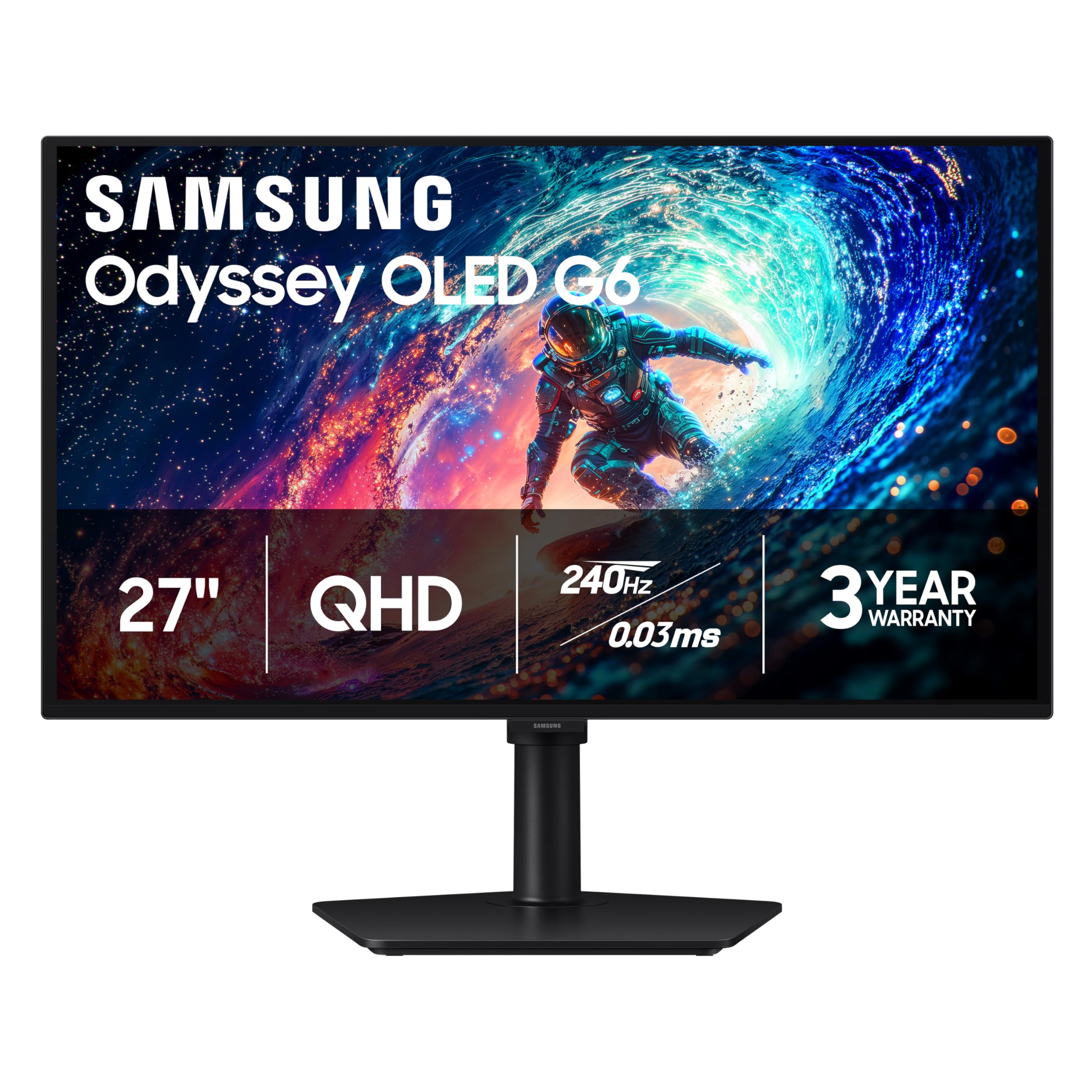
1. Samsung Odyssey OLED G6 G61SH
Our pick — 4.5+★ from 450+ verified ratings; the strongest balance of quality and price.
The 27-inch panel that makes everything else on your desk look flat and grey.
This is the pick for someone who wants the deepest blacks and richest color in this size band. The headline number is a 1,000,000:1 contrast ratio, which is the gap between the brightest white and the darkest black it can show. Because a QD-OLED panel lights each pixel on its own, dark scenes go truly black instead of glowing grey — so space games and night levels hit with real depth.
Speed is just as serious. A 240Hz refresh rate redraws the picture 240 times a second, and the 0.03ms response time is the delay before a pixel changes, so fast pans stay crisp with no smear. The QHD 2560 x 1440 resolution puts noticeably more detail on the screen than the 1080p Samsung S3 further down this list, which matters when you sit close. Pantone Validated coverage of 2100+ colors and 110+ skin tone shades keeps faces and artwork looking natural.
The height, pivot, tilt and swivel stand and the Glare Free coating are where it quietly wins people over. The stand pivots, tilts, swivels and raises, so you can line the screen up with your eyes instead of craning. Glare Free technology cuts reflection from a window or lamp behind you, and HDR10 adds brighter highlights and deeper shadows in supported games and films. OLED Safeguard uses a thermal modulation system that actively works against burn-in, which is the ghost image a static logo can leave behind.
What earns its spot at the top
- 1,000,000:1 contrast ratio for true blacks and punchy highlights
- 240Hz refresh with 0.03ms response for near-instant motion
- Pantone Validated color with 2100+ colors and 110+ skin tone shades
- Height, pivot, tilt and swivel stand plus Glare Free coating
Where it asks for patience
- Fine text shows slight fringing — clear for games, softer for long word-processing
- A small number of units have reported turning on and off unexpectedly
- OLED still rewards you for varying what’s on screen
Reach for this if: you want the richest picture in this size band and mostly game, stream, or edit video on it.
Look elsewhere if: you stare at dense spreadsheets for eight hours and text sharpness outranks everything else.
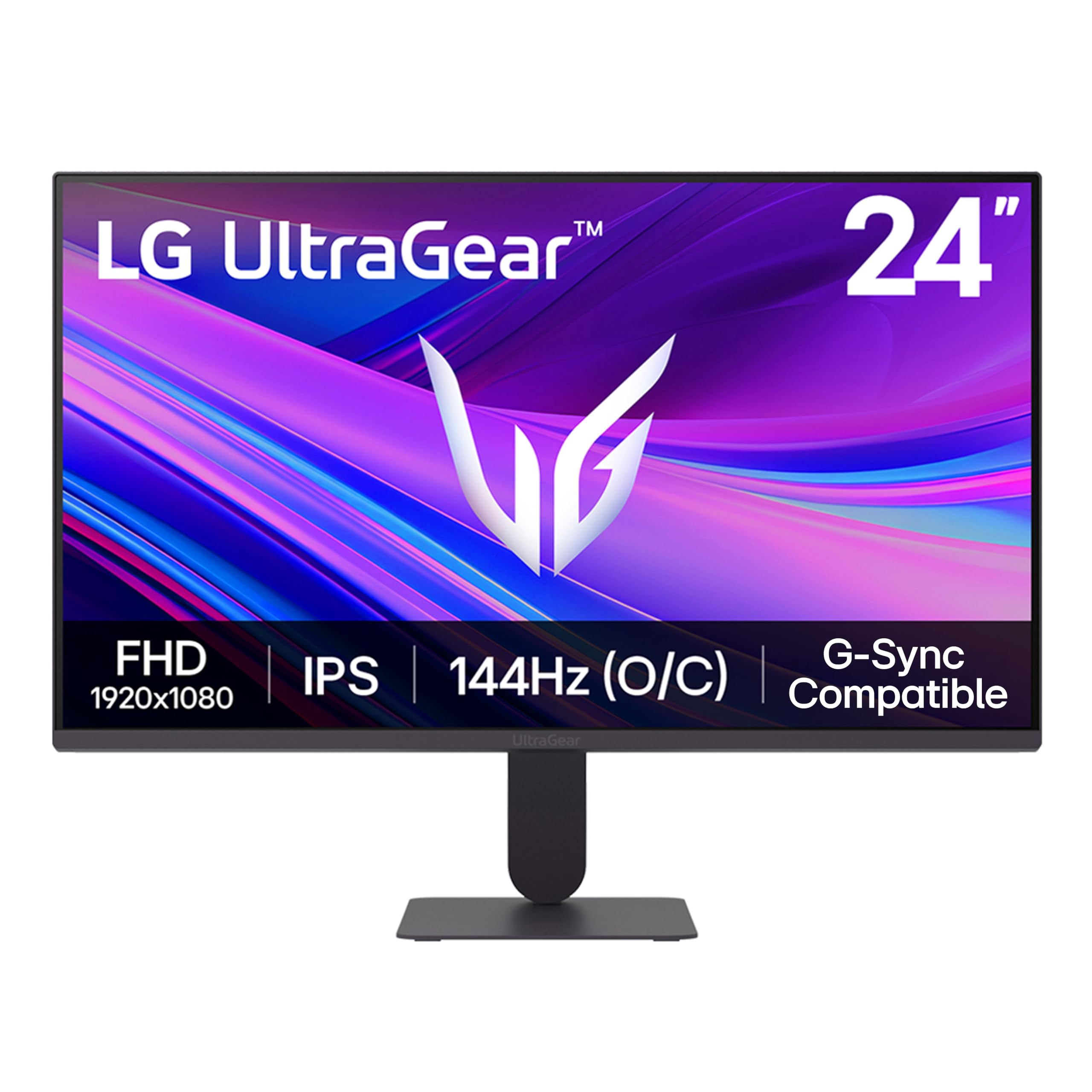
2. LG 24G411A-B 24-inch UltraGear IPS FHD 120Hz Gaming Monitor
A 24-inch starter screen that punches well above its place in the lineup.
If you’re building a first gaming setup and want your money to go to frames rather than frills, this is the sensible entry. The IPS panel (in-plane switching, a screen type that keeps colors steady from the side) covers up to 99% sRGB, the standard color range most games and websites are mastered in. The Samsung S3 lists 0.72 on the same measure, so this one is the far more color-confident panel of the two. In plain terms, explosions and landscapes look the way the developers intended.
Motion is handled by a 120Hz native refresh that overclocks to 144Hz, paired with 1ms MBR (Motion Blur Reduction) that cuts ghosting on fast objects. G-SYNC Compatible and AMD FreeSync both keep the image tear-free whether your graphics card is NVIDIA or AMD. Dynamic Action Sync trims input lag and Black Stabilizer lifts detail in dark corners so you can spot a threat before it sees you.
The Switch app’s 6-way screen split and the Crosshair overlay are genuinely useful, not filler. The Switch app splits the screen into up to 6 sections, so you can park a chat window beside your game without a second monitor. A Crosshair overlay puts a center reticle on screen for first-person shooters. The recurring gripe is the stand, which a fair few buyers describe as weak and cheap feeling — the panel itself draws the praise.
Money well placed: 99% sRGB color, 120Hz native with 144Hz overclock, and dual G-SYNC/FreeSync support make this a genuinely capable first gaming screen.
Feel before you buy: the bundled stand is the weak link — if wobble bothers you, plan on a VESA arm instead.
Best fit: a first-time PC gamer on a tight budget who wants smooth motion and honest color.
Second thought: you need a rock-solid desk stand from the start, or you want more than 24 inches of screen.
3. Samsung 27″ S3 (S32GF) Series FHD High Resolution Monitor
A big 27-inch workspace that keeps its colors steady from any seat in the room.
For homework, spreadsheets and streaming, the 27-inch size here is the draw — a 1920 x 1080 panel that gives you plenty of room for two windows side by side. The IPS display holds its colors and brightness even when you shift your chair or glance from the couch. That wide-angle steadiness is the reason buyers keep calling its picture clear and sharp across the whole screen rather than just the middle.
The 120Hz refresh rate reduces lag and motion blur, so scrolling a long document and watching fast video feels smoother than an old 60Hz office screen. Game Picture Mode adjusts any title to fill your screen, and genre presets tweak color and contrast in a click. Eye Care reduces blue light and screen flicker for long sessions, and the super slim design with ultra-thin bezels keeps a multi-monitor desk looking tidy.
Connections are modest — HDMI only — so plan your cable run around that. The one feature buyers flag as inconsistent is the brightness adjustment, which some find won’t change the way they expect. Setup, though, is the part everyone agrees on: it goes together quickly and works the first time you plug it in.
Built for a full day: 27 inches of IPS screen, 120Hz motion and an eye-care mode make it a calm, easy panel for work and streaming.
The catch is connections: HDMI is your only video input, and brightness control behaves inconsistently for some owners.
Pick this when: you want a large, easy, color-stable screen for office work and video without chasing gaming speed.
Think twice if: your setup needs DisplayPort or you demand fine manual brightness control.
4. LG 24G414B-B UltraGear
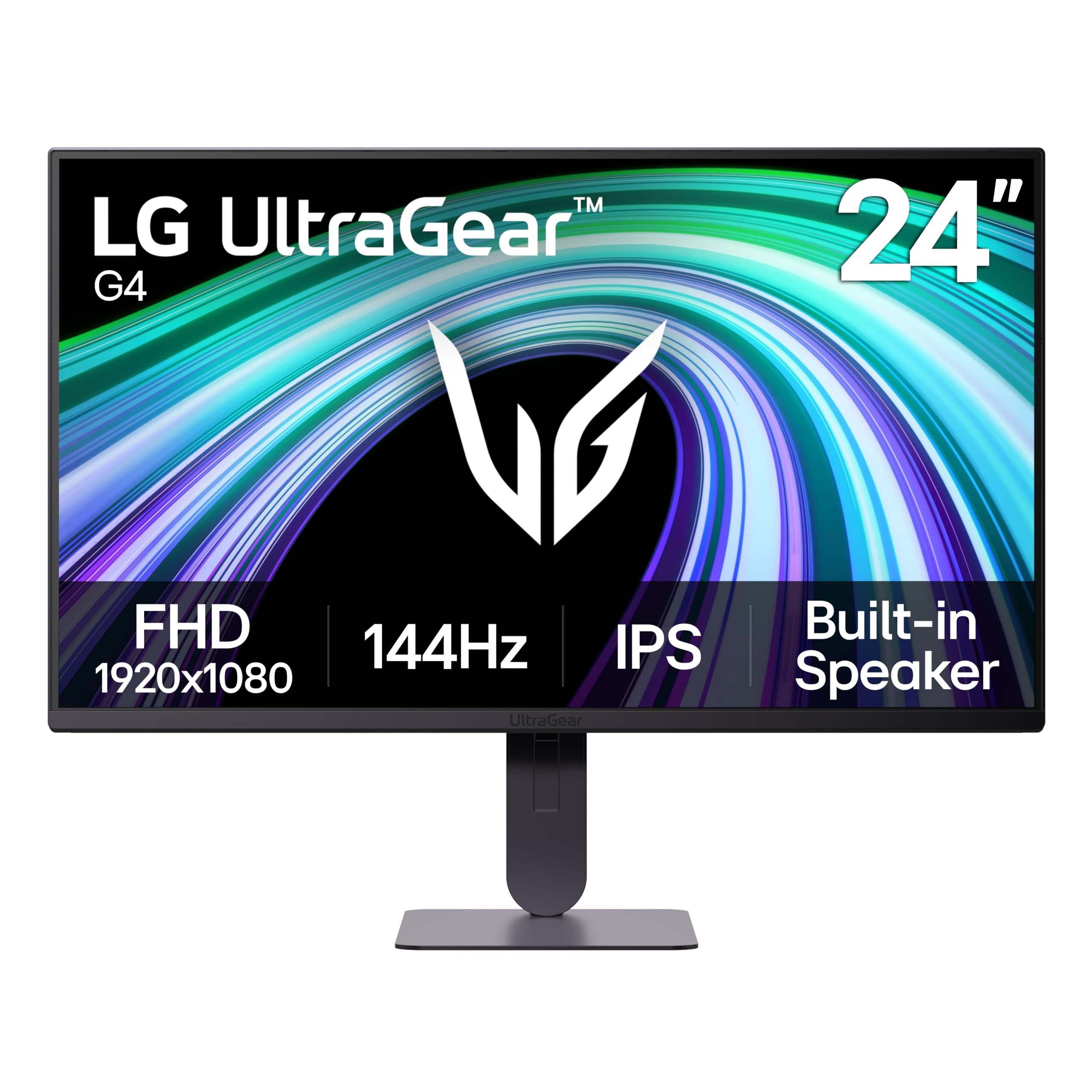
The 24-inch speed panel that trims the extras but keeps the frame rate.
A 144Hz native refresh rate is the defining spec here, and it means the screen redraws 144 times a second for smoother pans than a 120Hz panel. That’s the whole point of this screen: keep the motion fast and keep the 1ms MBR blur-cutting on hand for shooters. It edges the 120Hz LG 24G411A-B above on raw speed, though both cap their color at the same 99% sRGB.
Unlike the 27-inch Samsung S3, this panel is glare-resistant with an anti-glare screen finish, so a window behind you won’t wash it out. Built-in stereo speakers cover stream audio and calls, and a headphone out lets you switch to a headset when you need to coordinate with a team.
Connectivity runs DisplayPort and HDMI, and the same Switch app splits your screen into up to 6 sections for multitasking. The people who buy it consistently call out the quality of the picture and the value for the money. It doesn’t include a swivel or pivot adjustment, so the ergonomics stop at height and tilt.
Why it earns a spot: 144Hz native, 1ms MBR, an anti-glare finish and built-in speakers make this a fast, self-contained 24-inch gaming screen.
What you give up: no swivel or pivot adjustment, and the stand stays basic.
Made for: competitive players on a 1080p budget who want the fastest 24-inch panel here without extra accessories.
Skip if: you need portrait rotation or a fully articulated stand on your desk.
5. Amazon Basics 27-inch Computer Monitor, 120 Hz, 1080P, IPS
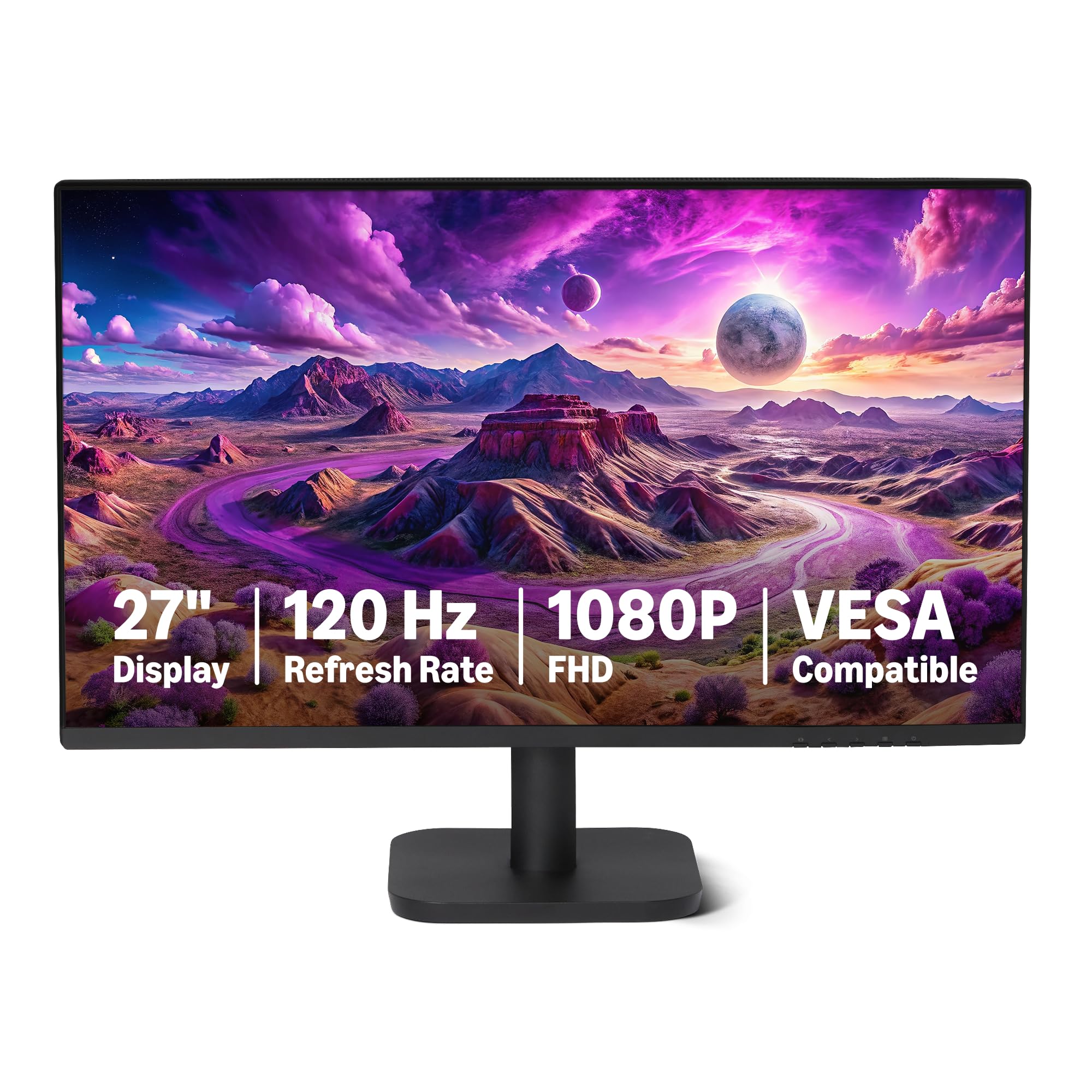
Think of it as a no-fuss 27-inch screen for documents, video and the occasional call.
This is the panel you buy when you want 27 inches of clear IPS picture for work and streaming without paying for gaming speed. The 27-inch IPS panel shows 16.7 million colors at 1920 x 1080 with a 1500:1 contrast ratio — a measure of how distinct the brightest and darkest areas are. 99% sRGB coverage keeps office documents and video looking true rather than washed out. Adaptive Sync smooths playback on a 120Hz refresh, so dragging a window or watching sport doesn’t stutter.
The connection set is unusually complete for the money. HDMI 1.4, DisplayPort 1.2 and a 3.5mm audio-out all sit on the back, and built-in 2W x 2 speakers mean you don’t need a separate set for a call or a quick video. LowBlue Light and Flicker-Free modes ease eye strain across a long working day. A 4-sided narrow bezel keeps a two-screen setup looking like one continuous display.
At 3.9 kg it’s light enough to move between rooms without a second pair of hands. The VESA Compatible mount means you can hang it on an arm instead of the desk stand. Buyers who own it keep returning to the same points — it’s easy to set up, the picture is nice and clear, and it works well for the money.
Reasons it sells itself
- 27-inch IPS screen with 99% sRGB and a 1500:1 contrast ratio
- HDMI 1.4, DisplayPort 1.2 and 3.5mm audio-out all included
- Built-in 2W x 2 speakers save a separate purchase
- VESA Compatible and light at 3.9 kg for easy repositioning
Things to weigh first
- 1080p spread over 27 inches is softer up close than a 1440p panel
- The stand isn’t height adjustable from the start
Strongest fit: a home office or living-room screen where size and simplicity beat razor text.
Not for you if: you work inches from the glass and want the tightest sharpness.
6. ViewSonic VA2448-MH 24 Inch 1080p IPS 120Hz Monitor
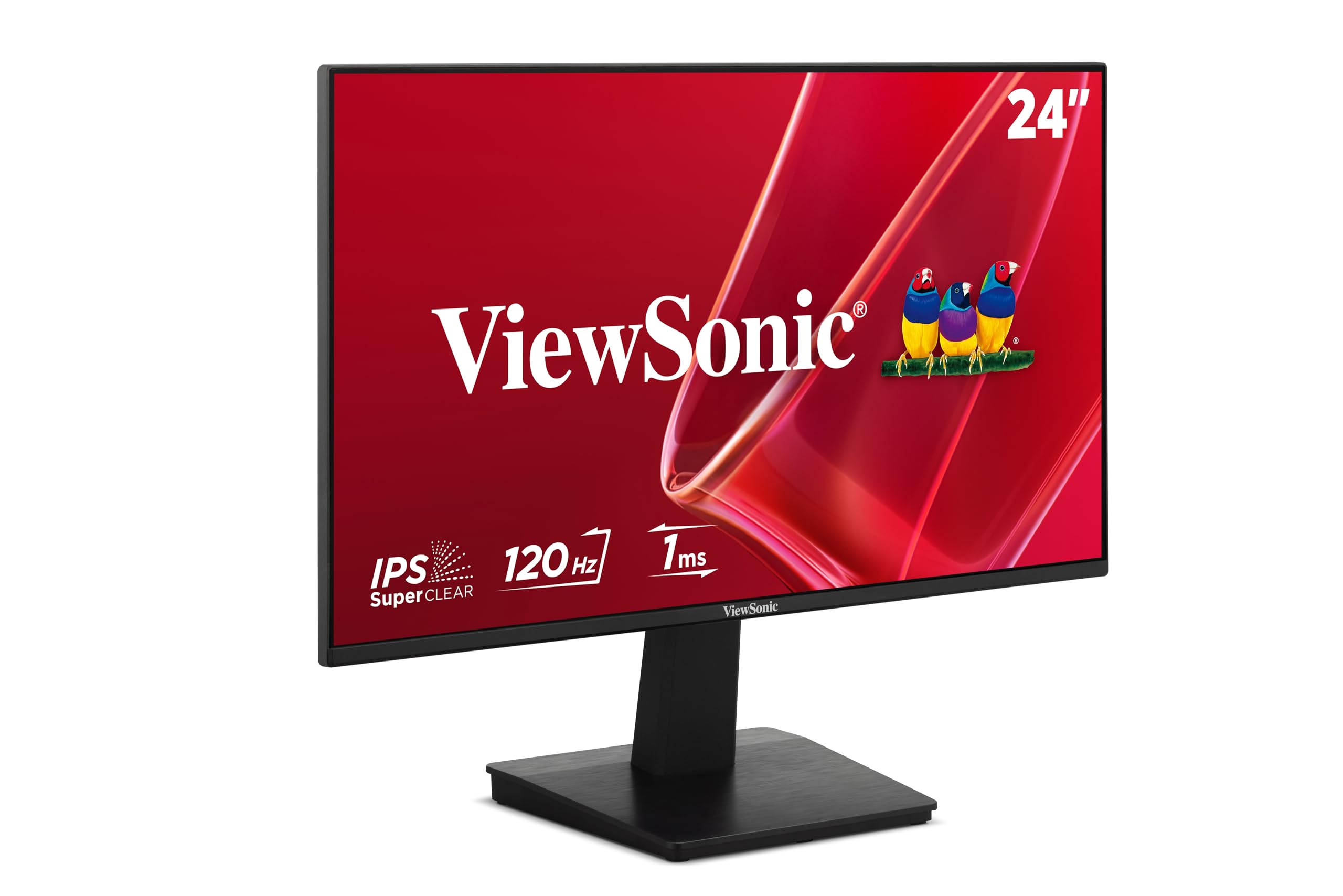
Set two or three of these side by side and the gaps nearly vanish.
A frameless design is the entire pitch, and it delivers: the 24-inch Full HD screen looks bigger than its size, and you can line up multiple panels with almost no gap between them. That makes it a natural pick for an email-on-one-side, spreadsheet-on-the-other desk. The IPS screen keeps colors and brightness steady across 178-degree viewing angles, so you and a coworker can both read the screen from an angle.
Brightness is the spec that surprises people — 300 nits with an anti-glare finish holds text and images clear in a bright room or beside a window. That’s the higher brightness figure against the 250-nit Samsung S3 above, so this one fights glare better. HDMI 1.4 and VGA both sit on the back, letting your newest laptop and an older tower share the same screen. Two built-in 2W speakers and 3.5mm audio in and out keep calls and music simple.
Motion runs at 120Hz via HDMI with a 1ms response time and Variable Refresh Rate to trim torn frames. A Blue Light Filter and Flicker-Free help through late-night browsing. The 2W speakers are the weak spot — owners call them fine for a call, not for enjoying music. A 100 x 100mm VESA mount lets you wall-mount or arm-mount it, and a 3-year limited warranty covers the panel.
Where it shines: frameless 24-inch IPS design, 300 nits with anti-glare, HDMI plus VGA ports and a 3-year limited warranty.
Go in knowing: the 2W speakers are weak — plan on headphones or a separate set for anything beyond a voice call.
The match: anyone building a clean dual- or triple-screen desk who wants big brightness and old-plus-new ports.
Better skip if: you want real audio out of the screen rather than a stopgap.
7. ViewSonic VA2756A-MHD 27 Inch Full HD IPS 120Hz Monitor
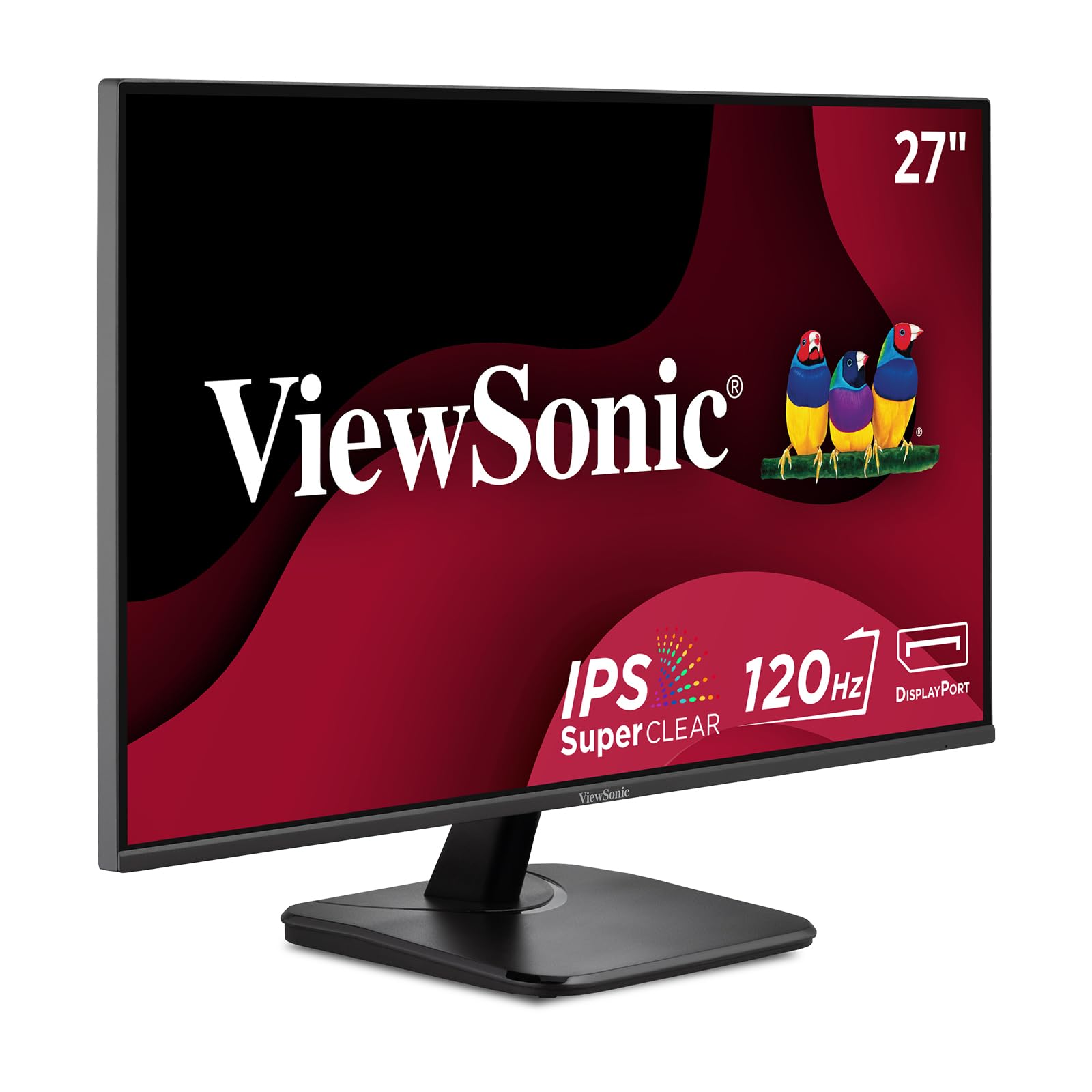
One screen that plugs into nearly anything you own, old or new.
Three video connectors are the reason this 27-inch panel exists: HDMI 1.4 (a common video cable standard), DisplayPort and VGA on the back mean a new laptop, a desktop and an older tower can all share the display. The 27-inch Full HD IPS screen (1080p resolution on an in-plane switching panel) holds colors and brightness across 178-degree viewing angles, so photos and movies stay clear whether you’re at the desk or across the room. A frameless design keeps a multi-monitor row looking near-smooth.
For everyday tasks, the 120Hz refresh and 1ms response time smooth out scrolling, streaming and casual games. Built-in Game, Movie, Web, Text and Mono presets set the picture for the task in one click — handy when you switch from a document to a film. Two built-in 2W speakers and 3.5mm audio in and out handle calls and video without extra hardware. A Blue Light Filter and Flicker-Free mode ease long workdays and online classes.
Reliability is the honest asterisk. While most owners find it works well, a few report a unit failing within three weeks of use, and the performance topic is the mixed one in its feedback. Tilt it to your best angle or hang it on a wall or arm via the 100 x 100mm VESA mount, and a 3-year limited warranty backs the panel.
The case for it: 27 inches of IPS at 120Hz with three video inputs, task presets, built-in speakers and a 3-year limited warranty — a true do-everything desk screen.
Read this before: the performance record is mixed, with a handful of early failures noted alongside the many that run fine.
Best paired with: a mixed-device desk that needs VGA, HDMI and DisplayPort all on one good-looking 27-inch panel.
Consider another if: you want the most bulletproof long-term record rather than the widest port selection.
8. AOC 27″ Gaming Monitor QHD 260Hz Overclocked IPS Q27G41ZE
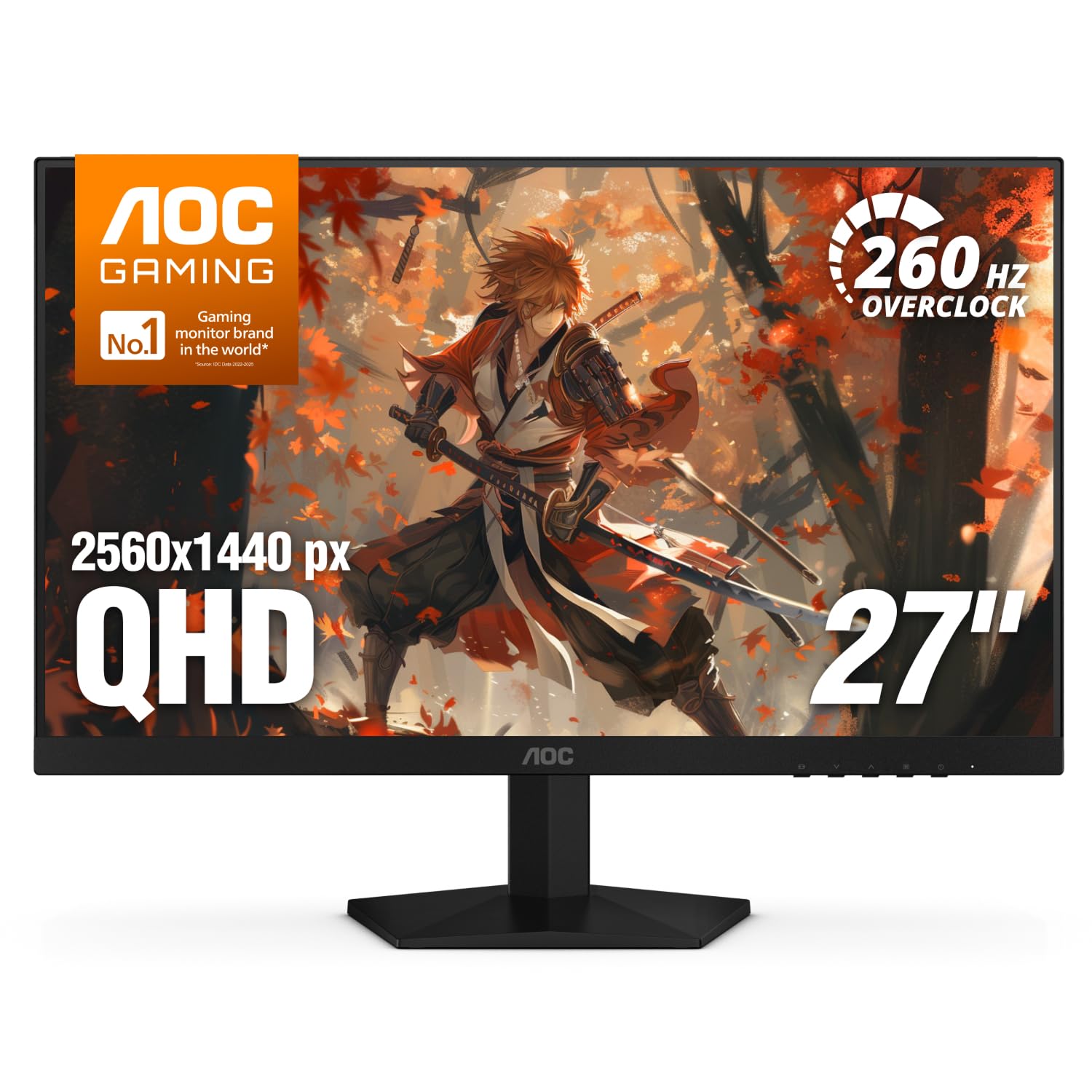
1440p crispness and near-flagship frame rates at a mid-range price.
This is the panel for the player who wants both detail and speed without paying flagship money. A 27-inch QHD 2560 x 1440 IPS display shows the same resolution as the Samsung G6 at the top but with far more frames on tap. The 240Hz refresh rate runs over DisplayPort and overclocks to 260Hz, paired with a 0.3ms MPRT (moving picture response time) that keeps fast targets sharp. Adaptive-Sync works with both AMD and NVIDIA graphics cards, so tearing and input lag stay in check whichever GPU you own.
Brightness lands at 300 nits with a 1000:1 contrast ratio, enough to keep colors punchy in a normally lit room. Three-sided frameless design with a textured black and red finish gives it a proper gaming look, and it tilts from -3° to +21° for a comfortable angle. Game Mode presets and a graphical OSD menu make tuning quick, and Shadow Control digs out detail in dark corners.
Picture quality is the mixed part of its story — buyers praise the massive upgrade to 1440p, though some report pixel issues and text that looks a touch blurry. Color draws split views too, with some finding it good and others underwhelmed. Adjustability is limited to tilt, so plan on a VESA mount if you like a screen at exactly eye level.
Why gamers latch onto it
- 2560 x 1440 IPS panel with a 240Hz refresh that overclocks to 260Hz
- 0.3ms MPRT for minimal blur on fast targets
- Adaptive-Sync across AMD and NVIDIA GPUs
- 1x DisplayPort 1.4 plus 2x HDMI 2.0 and audio out
Trade-offs to expect
- Text sharpness and color split opinion among owners
- Tilt is the only adjustment — no height or swivel
Most at home with: a competitive gamer who wants 1440p and 240Hz-class speed in a mid-range bracket.
Pass if: you read a lot of small text or need a height-adjustable stand built in.
9. LG 27G640A-B 27-inch UltraGear IPS QHD 300Hz Gaming Monitor
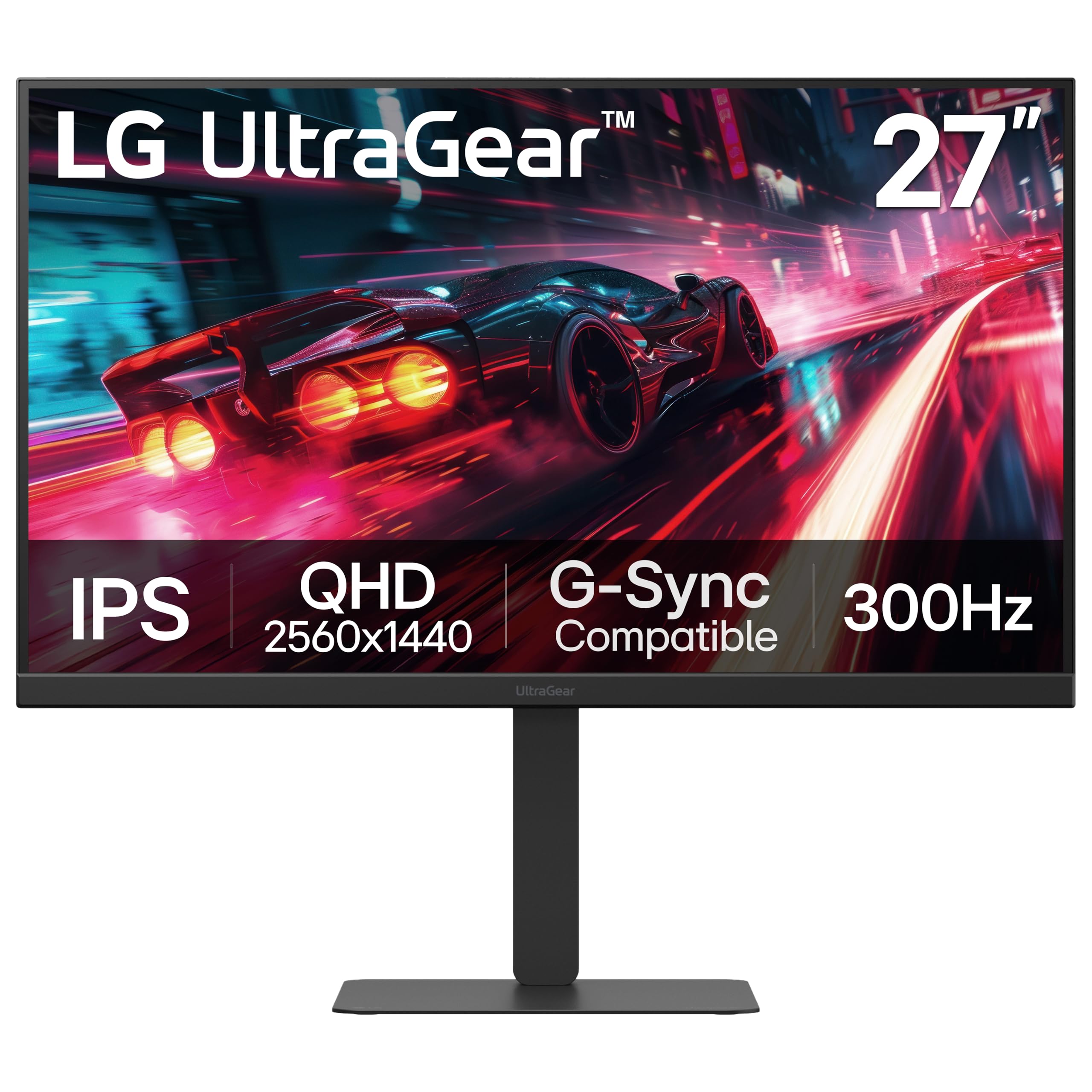
A 300Hz QHD panel for players who want the edge on reaction time.
The number that sets this apart is a 300Hz refresh rate on a 27-inch QHD 2560 x 1440 IPS screen — 300 redraws a second, well above the 240Hz Samsung G6 and AOC above. GtG (gray-to-gray) response is listed at 1ms, which keeps fast pans clean without the smear you’d see on a slower panel. FreeSync Premium and G-SYNC compatibility keep frames in sync across PC and next-gen console.
Color is a strength: up to 95% DCI-P3 gamut (a wide cinema color range) with VESA DisplayHDR 400, so highlights pop and shadows hold depth in supported games. The stand adjusts for height, tilt, swivel and pivot, letting you go portrait for code or a document. Ports are generous — USB Type-C with 15W power delivery, dual HDMI 2.1 and DisplayPort 1.4 — plus built-in speakers for quick audio.
The screen reliability record is the honest worry here, with screen flickering and rebooting turning up as a recurring theme among the mixed performance feedback. Sound quality is described as unsatisfactory, so treat the built-in speakers as a fallback. Buyers who get a good unit describe the monitor as phenomenal and meeting or beating their expectations, so this is a panel worth qualifying on condition and returns.
Speed and color together: 300Hz, 1ms GtG, 95% DCI-P3 with VESA DisplayHDR 400, plus USB-C 15W and dual HDMI 2.1 make this a loaded competitive panel.
The honest caveat: flickering and rebooting surface often enough in the feedback that you should plan around the warranty.
Suits: a serious competitor who wants the highest frame rate in a QHD IPS screen and can lean on the return window.
Be wary if: a screen that must run flawlessly day one matters more than peak refresh.
10. Dell 27 Monitor S2725QC, 4K UHD IPS, 120Hz, 99% sRGB
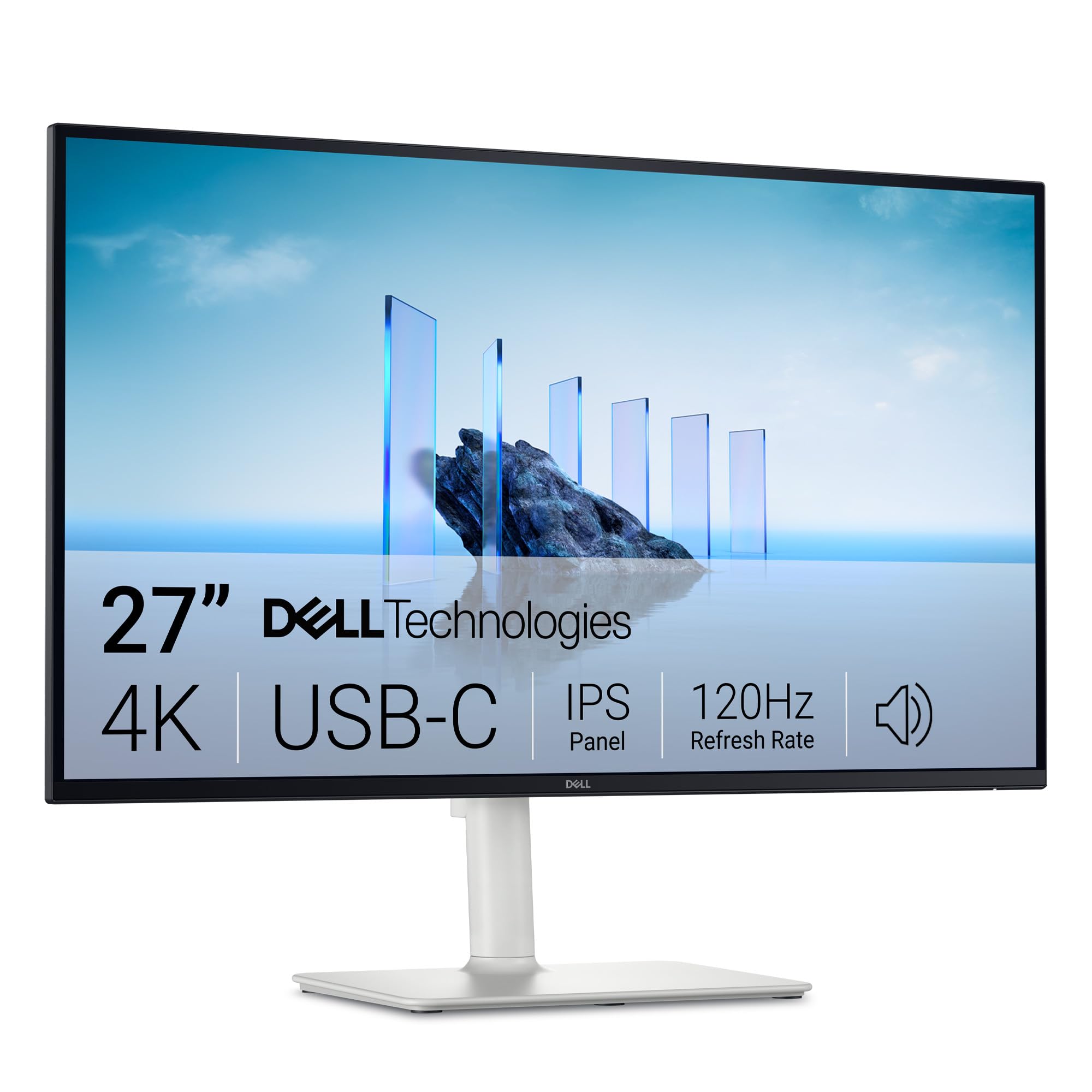
The one that turns a 27-inch desk into a 4K photo-editing suite.
Four times the detail is the whole story here. A 3840 x 2160 resolution on an IPS panel puts sharp, crisp text and fine image detail on a 27-inch screen, which is a big jump in clarity over the 1080p panels near the top. 99% sRGB color and a 1500:1 contrast ratio keep photos and video true, while HDR readiness adds depth for supported content. FreeSync Premium runs the refresh up to 120Hz with a 0.03ms response time for tear-free work and play.
Cable management is where a 4K desk setup usually gets messy, and this panel solves it cleanly. A single USB-C cable carries video and delivers up to 65W of power to your laptop, so one cord does the job of two. The stand adjusts for height, tilt, swivel and pivot, and ComfortView Plus trims blue light to ≤35% without wrecking color accuracy. Re-engineered speakers offer more detailed audio than the previous generation.
Reliability is the part to weigh carefully — a notable share of the reliability feedback describes units stopping within a month or losing signal. USB-C connectivity draws split reviews, with some finding the port dies. That said, the display and picture quality draw heavy praise, and buyers call it good value for a 4K 120Hz monitor.
The 4K case for it
- 3840 x 2160 IPS resolution with 99% sRGB and a 1500:1 contrast ratio
- Single USB-C cable with up to 65W laptop charging
- 120Hz FreeSync Premium with a 0.03ms response time
- Height, tilt, swivel and pivot adjustment plus ComfortView Plus
Points to weigh
- Reliability comes up as the mixed topic, with some units losing signal
- USB-C port reliability splits buyer opinion
Built for: a creator or Mac/PC hybrid desk that wants one USB-C cable, 4K sharpness and a fully adjustable stand.
Weigh this first: the reliability reports mean you should keep the warranty and return window front of mind.
11. ASUS ROG Strix XG27ACDNG
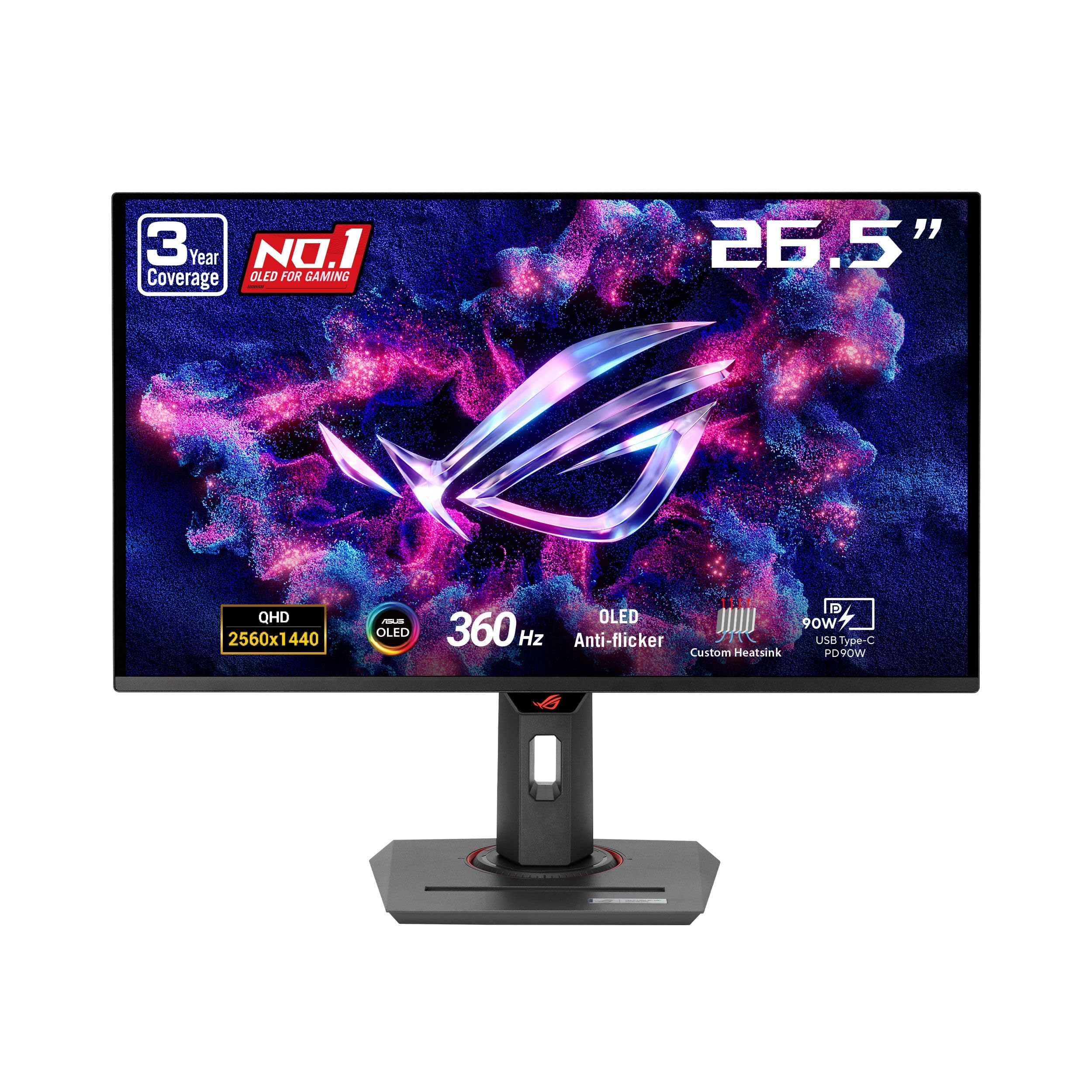
The fastest display here — a 360Hz OLED built for pixel-level precision.
If reaction time is the whole game, this is the top rung. A 360Hz refresh rate on a 26.5-inch QHD 2560 x 1440 QD-OLED panel is the highest frame rate on this list, and the 0.03ms response time makes the motion near-instant. VESA DisplayHDR 400 True Black, 99% DCI-P3 and true 10-bit color mean deep blacks and vivid, accurate hues — frames pop the way they do on the Samsung G6 but with even more speed on tap.
ASUS clearly built this for the long haul on OLED. A custom heatsink and advanced airflow design plus ASUS OLED Care+ functions work to reduce the risk of burn-in, and the warranty runs 3 years with burn-in coverage. ROG-exclusive OLED Anti-flicker technology is designed to calm flicker during refresh-rate swings. G-SYNC Compatible support keeps the image tear-free, and the DisplayWidget Center software lets you tune settings with a mouse instead of buttons.
The mixed part is exactly where OLED is hardest to get right. Reliability and anti-flicker both split opinion, with some owners reporting the screen randomly turning off and others noting significant flicker. Since the panel is aimed at gaming and media, a buyer who also wants a plain work screen should weigh that. Still, picture quality, color and appearance draw strong praise, and the finish reads as genuinely premium.
What you’re paying for: a 360Hz, 0.03ms QD-OLED panel with 99% DCI-P3, true 10-bit color and a custom heatsink with 3-year burn-in coverage.
Weigh this honestly: reliability and anti-flicker feedback is mixed, so some units flicker or power off unexpectedly.
Built to reward: an esports-minded buyer who wants the absolute highest refresh rate and OLED color in one screen.
Reconsider if: a rock-steady work monitor matters as much as peak gaming performance to you.
Know the Specs
Refresh rate (Hz)
Refresh rate is how many times per second the screen redraws — 120Hz means 120 redraws, 300Hz means 300. Higher numbers make scrolling and fast pans feel smoother because your eyes get fresher frames. For casual work and streaming, 120Hz is already a comfortable step up; for competitive gaming, 240Hz or 300Hz gives sharper tracking of fast targets.
Response time (ms)
Response time is the delay before a pixel changes color, measured in milliseconds. A lower figure like 0.03ms means less ghosting and blur behind moving objects, while 1ms keeps most gameplay clean. Note the label: MBR (Motion Blur Reduction), MPRT and GtG (gray-to-gray) measure slightly different things, but all point to how well fast motion stays sharp.
Panel type: IPS, LCD and QD-OLED
An IPS panel holds its colors steady across wide viewing angles, which suits shared desks and multi-monitor rows. A QD-OLED panel lights each pixel individually for deep blacks and vivid color, at the cost of some care around static images. LCD is the broader category most budget panels fall under. Pick IPS for reliable color from any seat, QD-OLED for the richest picture.
Resolution and contrast ratio
Resolution is the pixel count — 1920 x 1080 is Full HD, 2560 x 1440is QHD, and 3840 x 2160 is 4K. On a 27-inch screen, higher resolutions pack in more detail for sharper text up close. Contrast ratio measures how distinct the brightest and darkest areas are; a QD-OLED like the Samsung G6 lists 1,000,000:1 against 1000:1 for the Samsung S3, so it shows far deeper blacks.
Common Questions
Is a 27-inch monitor too big for a normal desk?
Does 1080p look bad on a 27-inch screen?
Do I need 240Hz or 300Hz for gaming, or is 120Hz enough?
Is QD-OLED better than IPS for a monitor?
What does Adaptive Sync or G-SYNC actually do?
Can I use a gaming monitor for work and office tasks?
Do these monitors have built-in speakers?
Will a 1440p or 4K monitor slow down my games?
Can I mount these monitors on a wall or arm?
Should I worry about OLED burn-in on a monitor?
The Bottom Line
For most people, the 24 to 27 inch monitor winner is the Samsung Odyssey OLED G6 because its QD-OLED panel (quantum-dot OLED, a screen type that lights each pixel itself for deep blacks) and 1,000,000:1 contrast ratio deliver the richest picture in this size band, backed by 240Hz speed (240 screen refreshes per second) and a fully adjustable stand. If you want to spend less and still get fast, honest gaming, reach for the LG 24G411A-B for its 99% sRGB color and 120Hz refresh. And for a big, calm, color-stable desk screen for work and streaming, the Samsung 27″ S3 is the one to grab.
Whichever you choose, the pattern that separates a happy buyer from a frustrated one is matching the panel to the job: OLED and high refresh for games and film, IPS and a comfortable resolution for long workdays. Match the panel to your daily work — IPS for documents, OLED for games and film — and you’ll be happy with it for years.
How we choose
We do not accept paid placement. Every pick is matched to a real buyer and a real use-case; we do not hands-on test units.
Sources
Specifications: manufacturer listings and product documentation. Review insights: verified customer reviews, as of November 2026. Pricing: not shown on this page (it changes often); check the current price via the retailer link.
As an Amazon Associate, Gamepad Test earns from qualifying purchases. This does not affect which products we feature.