
Specs are compiled from manufacturer listings and verified buyer reviews and can change over time — please confirm the key details on the product page before buying.
If you want the honest answer fast: for most gamers the Samsung Odyssey G4 is the smart buy, because it delivers a true 240Hz panel with a fully adjustable stand for the least money. But the 240Hz number alone does not make a great gaming screen. The panel type underneath decides whether your fast turns look crisp or smeary, and that is where these eleven monitors split apart. This guide covers what each of these eleven monitors does well, where it falls short, and which desk it suits.
This guide is built by comparing the manufacturers’ published specifications and the patterns across verified customer reviews, so you get each pick’s real strengths and trade-offs instead of marketing spin.
A 240Hz panel redraws the picture 240 times a second, so fast camera swings stay readable instead of blurring into a streak. Below you’ll find the panel types, sync standards, and response times that separate a genuinely smooth display from one that only claims the number. Here is the breakdown of every 240hz monitor for gaming worth your desk space.
Top Picks


How To Choose The Best 240Hz Monitor for Gaming
Hitting 240Hz is the easy part. Every monitor on this list reaches 240Hz. What separates them is pixel response time, panel type, and how much color accuracy, screen size, or curve you trade away to hit 240Hz.
Panel type decides what fast motion looks like
An IPS panel (in-plane switching, a screen type known for wide viewing angles) keeps colors steady when you sit off-center. A VA panel (vertical alignment) pushes deeper blacks but can smear on quick pans. An OLED panel lights each pixel individually, so a dark pixel is genuinely off — that is why OLED motion looks so clean at 240Hz.
Response time versus refresh rate — they are not the same thing
Refresh rate is how often the screen updates. Response time is how fast a single pixel changes color, measured in milliseconds (ms). A 1ms panel keeps up with 240Hz fine. An OLED rated at 0.03ms changes almost instantly, which is why fast flicks of the mouse leave no ghost trail behind.
Sync tech stops the torn picture
G-Sync Compatible and AMD FreeSync both match your graphics card’s frame output to the screen’s refresh. Without one, a mismatched frame rate shows as a horizontal tear across the image. Most monitors here carry both, so the choice depends on which one your card supports best.
Resolution and the cable you plug in
1080p at 240Hz is the cheapest path and the easiest to drive. 1440p at 240Hz looks noticeably sharper but needs more graphics horsepower. Either way, check the port: some monitors only reach 240Hz over DisplayPort, and drop to a lower rate on HDMI.
Side-by-Side Comparison
| Model | Best For | Panel | Resolution | Response | Amazon |
|---|---|---|---|---|---|
| Samsung Odyssey G4 25″★ Best Overall | Budget FPS play | IPS | 1920 x 1080 | 1ms (GtG) | Amazon |
| Acer Nitro XV272USharpest Value | Sharp 1440p value | IPS | 2560 x 1440 | 1ms (GtG) | Amazon |
| LG 27GR83Q-BBalanced Pick | Balanced 1440p IPS | IPS | 2560 x 1440 | 1ms (GtG) | Amazon |
| GIGABYTE GO27Q24G | OLED on a budget | WOLED | 2560 x 1440 | 0.03ms (GtG) | Amazon |
| AOC Q27GAZDV | QD-OLED contrast | QD-OLED | 2560 x 1440 | 0.03ms | Amazon |
| LG 27GX704A-B | Glossy OLED clarity | OLED | 2560 x 1440 | 0.03ms | Amazon |
| LG 34G630A-B | Ultrawide on a budget | VA | 3440 x 1440 | 1ms (GtG) | Amazon |
| ASUS ROG XG27AQDMGR | HDR OLED gaming | WOLED | 2560 x 1440 | 0.03ms | Amazon |
| MSI MAG 271QPX | Fastest refresh here | QD-OLED | 2560 x 1440 | 0.03ms (GtG) | Amazon |
| Alienware AW3425DW | rich ultrawide | QD-OLED | 3440 x 1440 | 0.03ms | Amazon |
| LG 45GX900A-B | Huge curved OLED | OLED | 3440 x 1440 | 0.03ms (GtG) | Amazon |
Detailed Reviews
1. SAMSUNG 25″ Odyssey G4 Series FHD Gaming Monitor
Our pick — 4.5+★ from 950+ verified ratings; the strongest balance of quality and price.
The cheapest real 240Hz screen here, and it still moves its stand every which way.
The Odyssey G4 turns the 240Hz number into a genuine 1080p IPS panel, which means you get 1920 x 1080 pixels redrawn 240 times a second and colors that hold from a 178º viewing angle. For competitive shooters where you track a target across a curved wall, that combination keeps the image steady rather than muddy. It also pairs G-Sync Compatible with AMD FreeSync Premium, so screen tearing stays off whether you run an Nvidia or AMD card.
Two features do real work in practice. Ultrawide Game View squeezes the display into a 21:9 shape so you can see more of the field — in a driving game, that means more of the road ahead. And Auto Source Switch+ jumps to a newly powered-on source on its own, so plugging in a console does not cost you a menu crawl. The 400 cd brightness (candela, a measure of screen luminance) keeps a bright room from washing the picture out.
The catch is color and screen uniformity. The review pages split on both: some owners love the vivid look, while others hit light bleed in the top left corner and tearing in specific titles like Halo Infinite. At 1080p on a 25-inch frame, a sharp eye will also spot pixels where a 1440p panel would hide them. If you need absolute color accuracy for editing work after hours, this is not that screen.
What earns it the crown
- True 240Hz IPS at the lowest tier on this list
- Height, tilt, and swivel adjustment on the included stand
- Both G-Sync Compatible and FreeSync Premium on board
- Ultrawide Game View widens the field to 21:9
What you give up
- 1080p only — fine detail trails the 1440p picks
- Brightness uniformity is the recurring gripe
- Color accuracy is inconsistent screen to screen
Lock it in for: first-time 240Hz buyers on a tighter budget who want a moving stand and a proper FPS panel.
Look elsewhere for: a 1440p desktop or color-critical side work — the resolution and uniformity limits show there.
2. Acer Nitro 27″ QHD 2560×1440 IPS 240Hz XV272U
1440p sharpness and a 240Hz panel in the same frame, without jumping to OLED money.
Take the Samsung’s 1080p and stretch it to 2560 x 1440 pixels and you get this Nitro. That is the practical jump: HUD text and distant enemies resolve instead of blurring, so spotting a head peeking over a ridge stops being a guess. A 1ms (GtG) response time keeps those frames from ghosting, and the included ErgoStand tilts, swivels a full 360°, pivots to portrait, and lifts through 4.7 inches of height.
One thing to be clear about before you buy: the 240Hz only happens over DisplayPort. The listing is explicit that HDMI caps the Nitro at 144Hz, so a console plugged into HDMI will not see the top speed. It also ships with a pair of 2-watt speakers, which is enough for chat and menu audio, and two HDMI 2.0 ports alongside the DisplayPort 1.4.
Picture quality is where the Nitro earns its reputation — crisp and smooth in-game, with AMD FreeSync Premium smoothing the frame matching. But the honest trade-off sits in brightness and panels. Excessive light bleed in HDR mode is a repeated note, and factory settings run dark until you dig in. There are also scattered reports of stuck pixels early on. Buy it for the resolution-to-speed ratio, not for a flawless black screen.
The bright side: you get 1440p clarity and a real 240Hz refresh together, with a stand that does height, pivot, and full swivel — a combination that usually costs more.
Watch the ports: DisplayPort is the only path to 240Hz here, so plan your cable before the box arrives.
This one fits: the desk that wants 1440p sharpness without paying OLED prices.
Think twice if: you game on HDMI-only hardware or demand a pitch-black screen in a dark room.
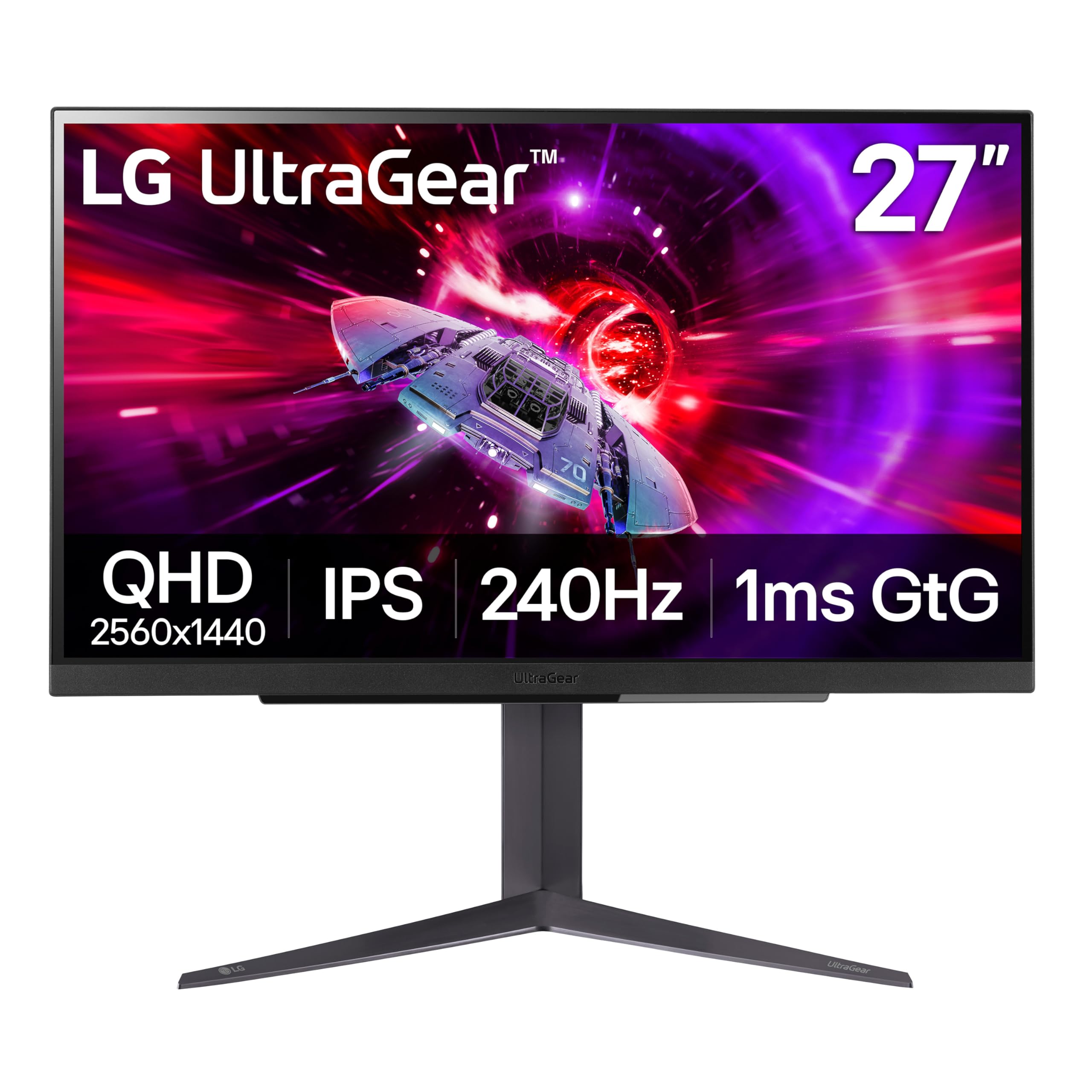
3. LG 27GR83Q-B 27-inch UltraGear QHD IPS
Full 240Hz over both HDMI 2.1 and DisplayPort 1.4 — an unusual luxury at this tier.
Here is the comparison that matters: the LG runs 1ms (GtG), while the GIGABYTE OLED above it runs 0.03ms. That gap shows on paper as a much faster pixel, but for IPS motion the LG still feels genuinely quick. Where it separates from the Acer is the connection: the LG holds 240Hz at 2560 x 1440 over HDMI 2.1 and DisplayPort 1.4 alike, so a next-gen console and a PC can both feed it full speed.
Color is a step up, too. It covers up to 95% (Typ.) of the DCI-P3 color gamut (the range of colors a display can show) with VESA DisplayHDR 400, so highlights stay bright without flattening the shadows. NVIDIA validated it as G-Sync Compatible and AMD FreeSync Premium is also on board. A 4-pole headphone jack carries both stereo audio and a mic signal, and DTS Headphone:X handles positional audio for spotting footsteps.
The recurring issue on this model is pixel quality — dead pixels near the center of the screen come up often enough to be worth a careful first-week check while you can still exchange. Reliability draws a mixed read too, with a minority reporting a unit that failed to power on months later. Neither pattern cancels out the crisp image the majority describe; it just means opening the box with a return window in mind is smart.
Where it pulls ahead
- 240Hz on both HDMI 2.1 and DisplayPort 1.4
- 95% DCI-P3 coverage with DisplayHDR 400
- Height, tilt, and pivot stand included
- DTS Headphone:X for positional audio
Where it needs care
- Dead pixels are a recurring note — inspect early
- Some units reported failing to power on later
- Costs more than the Acer for the same IPS speed
Reach for this if: you switch between PC and console and want one monitor to feed both at full speed.
Honest caveat: test the panel the day it lands — the pixel reports are real enough to justify a quick check.
4. GIGABYTE GO27Q24G 27″ W-OLED 240Hz QHD
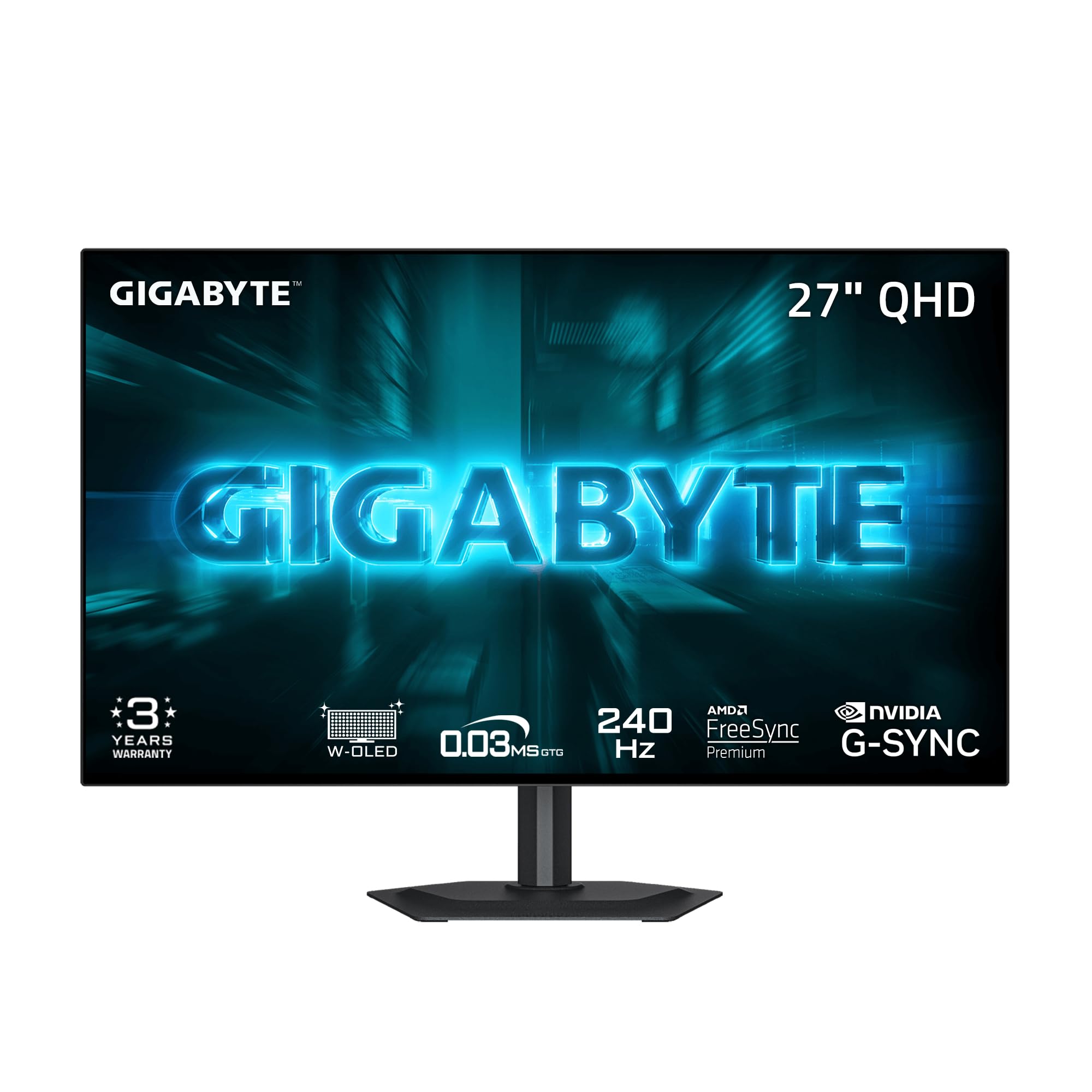
The OLED entry point — 0.03ms pixels at a price that undercuts most of the competition here.
The first thing the GO27Q24G changes is motion. Its response time is 0.03ms against the LG 27GR83Q-B’s 1ms, and that difference is what you feel when you snap a 180-degree turn: OLED pixels switch almost instantly, so the frame stays sharp instead of trailing. It backs that with a 240Hz refresh and both FreeSync Premium and G-Sync Compatible support, so the card-to-screen handshake is covered either way.
The panel is a 27-inch WOLED using MLA+ technology, with 275 nits typical brightness and up to 1300 nits peak. The RealBlack Glossy finish carries an anti-reflective coating with a zero-haze layer, which keeps dark scenes readable in a lit room. The contrast ratio of 1,500,000:1 is the reason blacks look genuinely black rather than grey. And because burn-in is the OLED worry, GIGABYTE runs an AI-based OLED Care routine in the background.
Two honest limits. First, the glossy coating does its best work in dim light — in a bright room, reflections can still intrude despite the coating. Second, some units report grey banding in color gradients, and a few note random disconnects on the DisplayPort. Both are minority notes rather than the norm, but they are the reason to buy from a seller with an easy return path.
The motion payoff: at 0.03ms, fast flicks and strafes stay clean — the kind of clarity IPS panels chase but rarely match.
The OLED tax: a glossy panel rewards a darker room, and gradient banding appears on some units.
Best for: the gamer ready to try OLED motion without stepping into premium territory.
Skip if: your desk sits in direct window light all afternoon.
5. AOC 27″ Q27GAZDV QD-OLED 240Hz
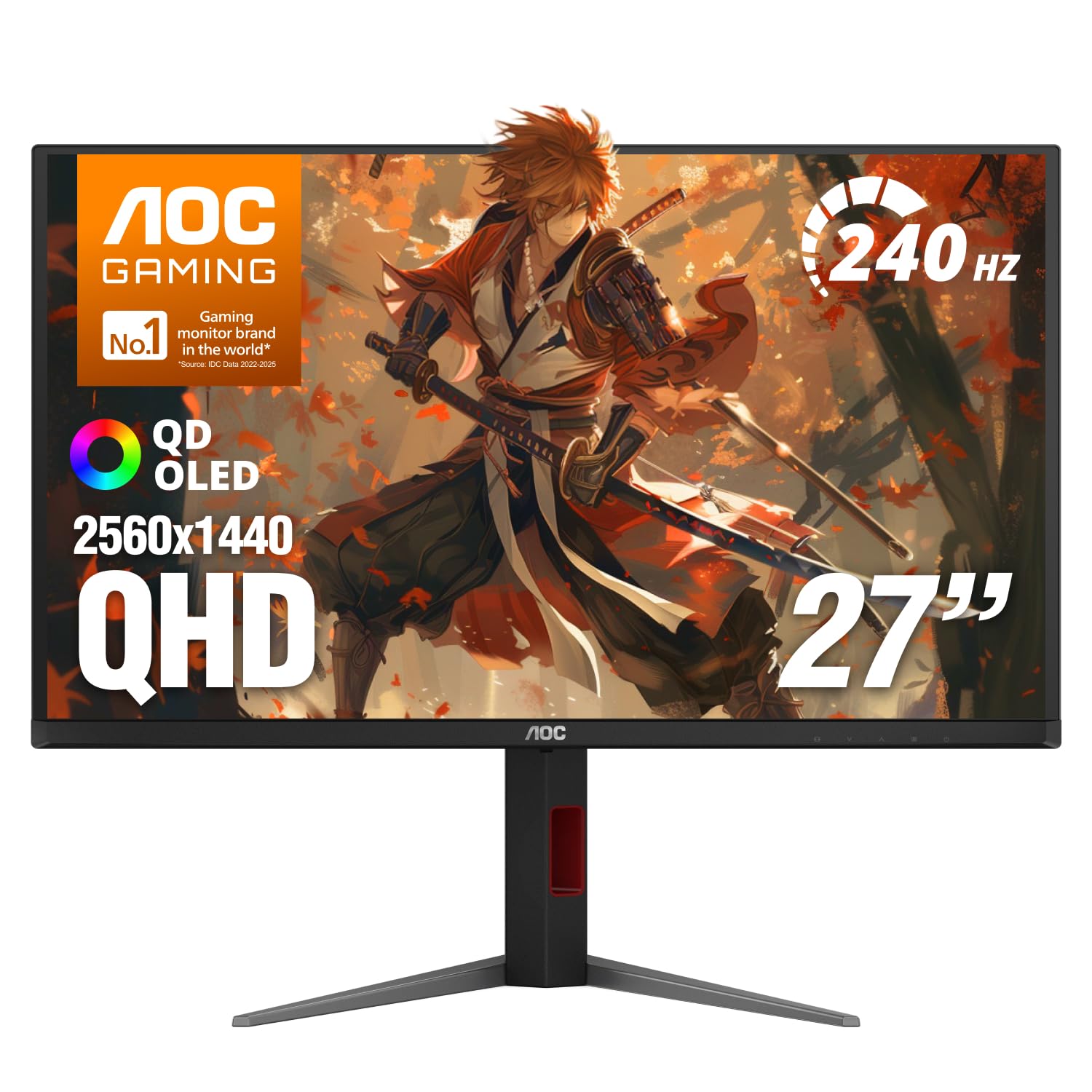
QD-OLED color that hits 147% sRGB, with a USB hub built into the stand.
This is the pick for anyone who cares about color as much as speed. The QD-OLED panel (quantum-dot OLED, which layers a color-boosting film over the OLED pixels) covers 147% sRGB and 110% DCI-P3, so games look saturated and rich rather than flat. It keeps the 0.03ms response time and 240Hz refresh, and adds HDMI 2.1 plus DisplayPort 1.4 so it runs at full speed on PC, PS5, and Xbox Series X.
The ergonomics are unusually complete. The stand handles height, tilt, swivel, and pivot, the panel is VESA mount compatible, and a USB 3.2 hub gives you ports right at the desk. Flicker-Free handling is included for long sessions. What wins people over most, though, is the screen itself — the deep true blacks and crisp text clarity land as the standout.
The one number to know: brightness is listed at 200. That is modest on paper, and a few owners find it leaves something to be desired in a bright room. In a dimmer setup, the OLED contrast does the heavy lifting and the picture reads bright enough. Treat it as an evening and shade-friendly panel rather than a sunlit-room champion.
Why it earns its spot
- QD-OLED color at 147% sRGB and 110% DCI-P3
- HDMI 2.1 for console gaming at full speed
- Full height, tilt, swivel, and pivot stand
- USB 3.2 hub on the monitor
What to weigh
- 200 brightness is modest for a bright room
- Costs more than the IPS picks for similar speed
- OLED still asks milder room lighting to shine
Pick it when: color-rich visuals and a clean multi-device desk matter as much as raw speed.
Pass if: your room floods with daylight and you need screen punch to fight it.
6. LG 27GX704A-B UltraGear Glossy OLED QHD
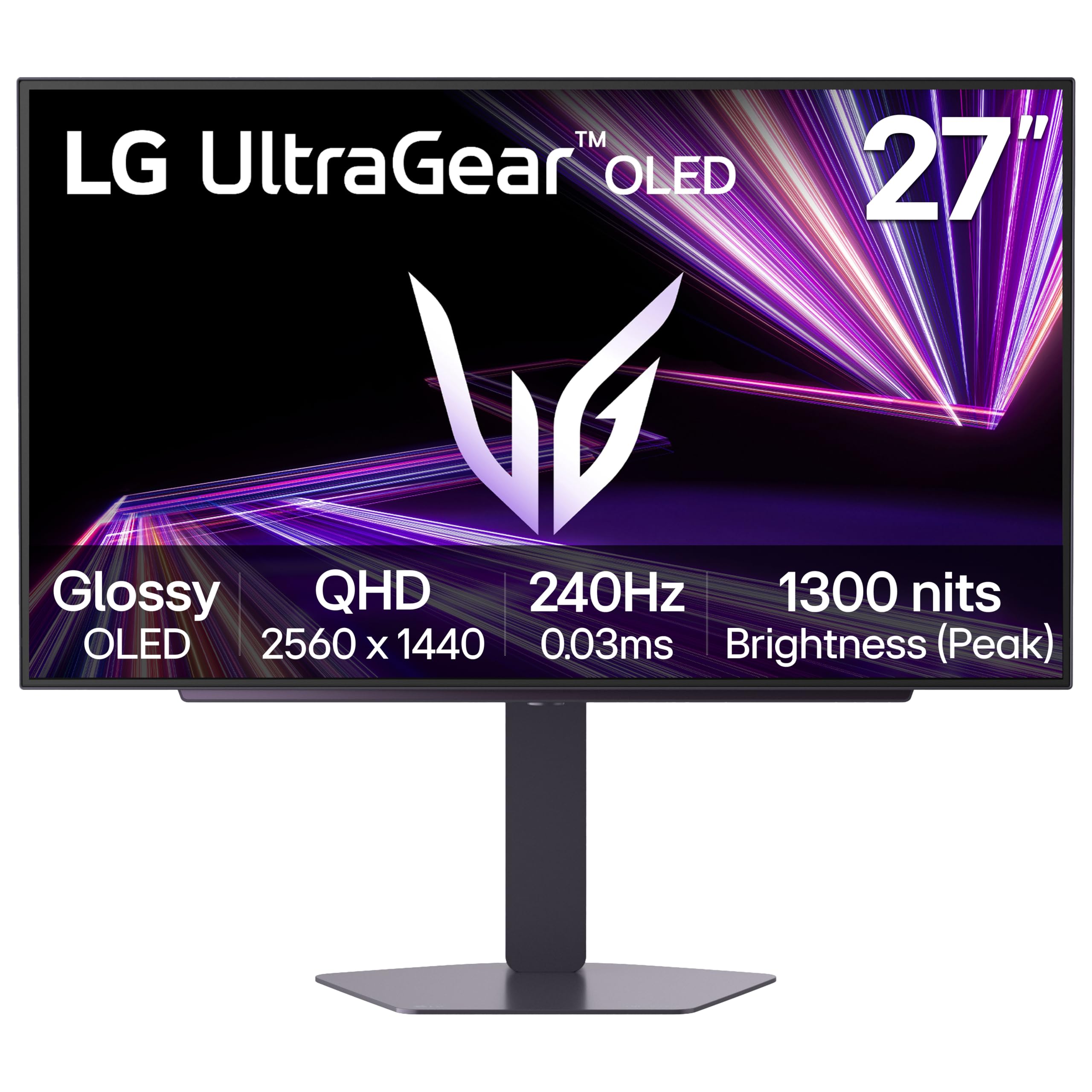
A glossy OLED that leans on color depth — 98.5% DCI-P3 and a 1.5M:1 contrast ratio.
If the GIGABYTE above was the OLED entry ticket, this is the polished version. The glossy 27-inch QHD OLED runs 240Hz with a 0.03ms response time, the same near-instant pixel speed, and covers up to 98.5% of DCI-P3. Paired with VESA DisplayHDR True Black 400 and a 1.5M:1 contrast ratio, dark corners in a game show detail instead of crushing to black. Peak brightness reaches 1300 nits, with 275 nits typical.
LG wrapped the comfort side in three UL certifications — Anti-Glare, Flicker-Free, and Low Blue Light — which matters across a long session. Connectivity is generous: dual HDMI 2.1, DisplayPort 1.4, and USB 3.2 upstream plus two downstream ports. G-Sync Compatible and FreeSync Premium Pro both ride along, and the stand adjusts height, tilt, swivel, and pivot.
Two things temper the pitch. Some units show flicker during gameplay, and brightness draws mixed reads — great in a dark room, less impressive otherwise. Automatic pixel-care cycles run in standby to guard against image retention, which is the standard OLED housekeeping. Buy it for the inky blacks and glossy clarity; go in knowing the flicker reports exist.
The color argument: 98.5% DCI-P3 with True Black 400 makes landscapes and night scenes look rich and detailed.
The small print: flicker crops up on some units, and the glossy finish favors controlled lighting.
A natural fit for: PC gamers who want OLED depth on a single 27-inch desk and run both an Nvidia and AMD setup.
Consider the alternative if: flicker sensitivity is a known issue for you — the AOC OLED is the steadier bet on that front.
7. LG 34G630A-B 34-inch UltraGear WQHD 240Hz
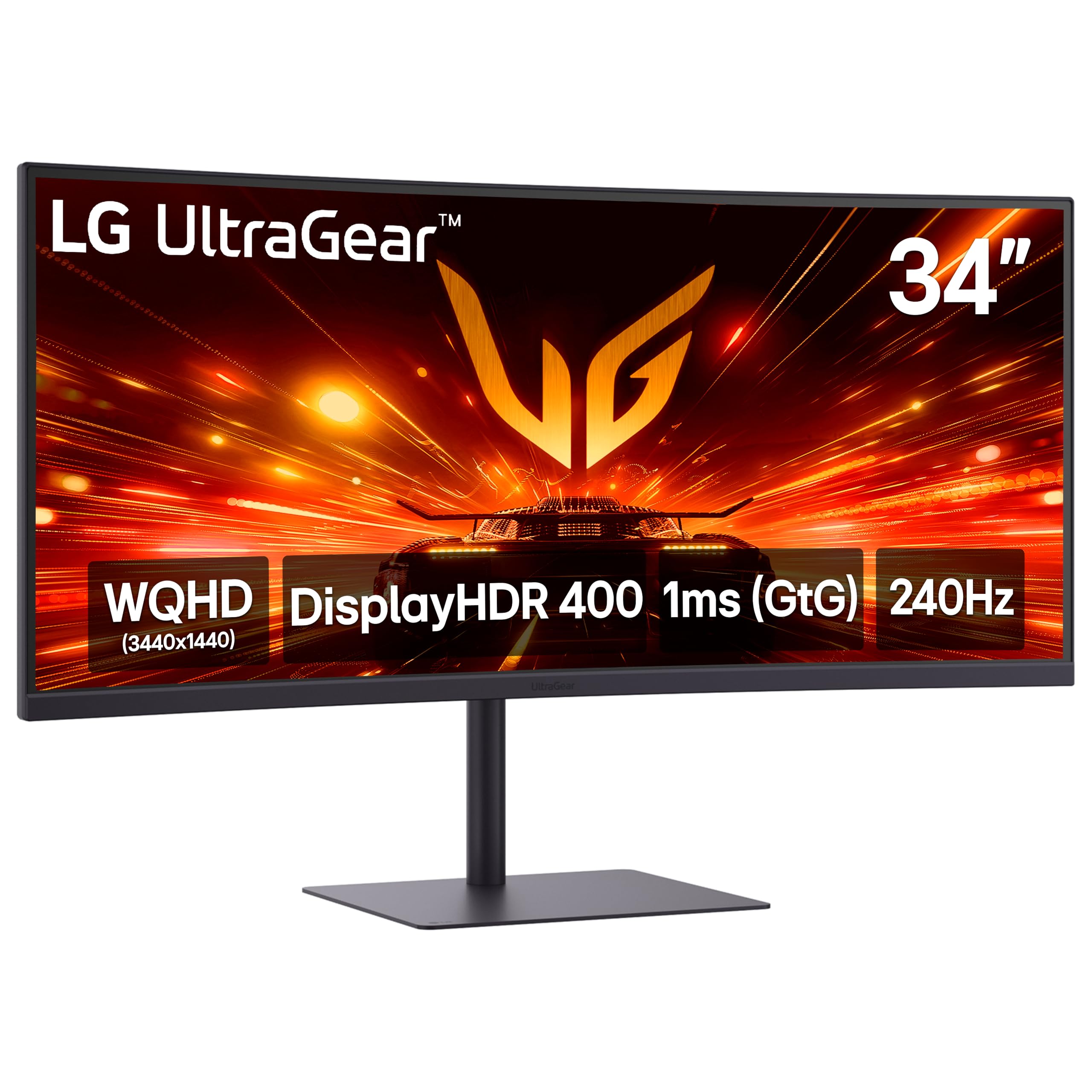
The ultrawide that keeps the 240Hz habit at the lowest cost on this list.
A 3440 x 1440 ultrawide changes how you play before you even think about refresh rate. The extra width on the 21:9 screen lets you keep overlays, chat, and a guide open beside the game instead of alt-tabbing out. The LG then adds 240Hz and a 1ms (GtG) response on top, so the wide frame still moves fast. A VA panel sits underneath with up to 95% DCI-P3 and VESA DisplayHDR 400, and AMD FreeSync Premium smooths the frame matching.
One feature worth calling out: USB Type-C with 15W power delivery carries both the display signal and data over a single cable. That means a laptop docks with one plug and your desk loses a tangle of wires. Advanced gaming tools are here too — Black Stabilizer lifts dark corners, and the FPS Counter and Crosshair sit right where you need them. The slim stand includes height, tilt, and swivel adjustment.
Where it stumbles: the built-in speakers draw mixed feedback and read as a weak point, so plan on a headset. Height adjustment is less generous than some want. And a subset of units turn off or back on at random — worth watching during the return window. None of that undercuts the wide, sharp image that wins most people over.
Why ultrawide fans bite
- 3440 x 1440 ultrawide at 240Hz and 1ms
- USB-C with 15W PD for one-cable laptop docking
- Up to 95% DCI-P3 with DisplayHDR 400
- Black Stabilizer and FPS Counter on board
Where it’s thinner
- Built-in speakers are a known weak point
- Height adjustment is less than some expect
- A minority of units power off randomly
Go for it if: you want the rich width of 21:9 without paying OLED-tier money.
Hold off if: you rely on monitor speakers — budget for a headset in your plan.
8. ASUS ROG XG27AQDMGR 27″ Glossy OLED
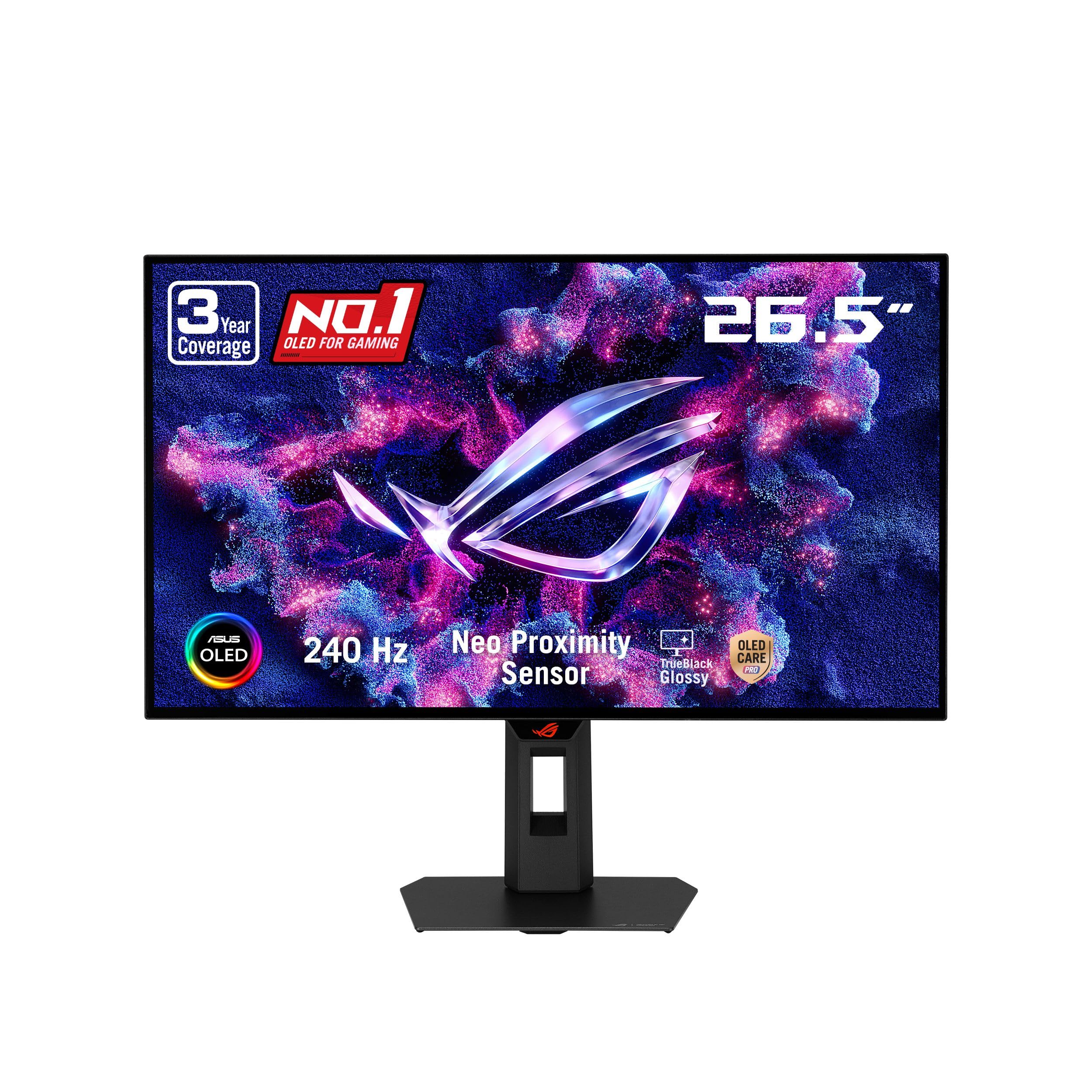
A 26.5-inch TrueBlack glossy WOLED with 99% DCI-P3 and a burn-in warranty.
ASUS builds this one around color accuracy and HDR. The 26.5-inch QHD panel is WOLED with a glossy TrueBlack finish, hitting 240Hz and 0.03ms, and covering 99% of DCI-P3 with true 10-bit color and a Delta E under 2 (a color-error score, where lower means the on-screen color sits closer to the real shade). VESA DisplayHDR 400 True Black rounds it out, so HDR scenes carry deep blacks and clean highlights together.
The burn-in worry gets a real answer here: a 3-year warranty with accidental-damage and burn-in coverage backs the panel, and OLED Care Pro uses a Neo Proximity Sensor to detect when you leave your desk and switch to a black screen. Free 3-month Adobe Creative Cloud comes bundled too. Owners confirm it plays cleanly across PC, PS5, and even a Nintendo Switch, with no compatibility headaches.
The trade-off is brightness at the top end — it peaks high for highlights but some find the everyday brightness less impressive, and reflections on a glossy panel still want sensible room control.
Accuracy first: 99% DCI-P3 and Delta E under 2 mean game worlds look the color the artist intended, not oversaturated.
The warranty safety net: 3 years with burn-in coverage takes most of the anxiety out of an OLED purchase.
Reach for this if: you want OLED HDR with real color accuracy and the confidence of a burn-in warranty.
Look elsewhere if: a sun-drenched room is your setup — the glossy finish asks for some light control.
9. MSI MAG 271QPX QD-OLED 360Hz

The panel that jumps past the whole list — 360Hz, not 240.
Every other monitor here stops at 240Hz. This one keeps climbing to 360Hz on a 3rd-gen QD-OLED panel, with the same 0.03ms GtG response time. That means faster position updates on screen, which shows up as smoother tracking when you whip the view around in a fast shooter. QD Premium Color holds Delta E to 2 or under, and VESA DisplayHDR True Black 400 delivers the contrast. MSI’s OLED Care 2.0 works in the background to lower burn-in risk.
What owners rave about is the color and contrast — deep blacks with accurate reproduction, and visuals that read sharp and clean. The 360Hz speed lets games feel fluid even below the frame ceiling. HDMI 2.1 carries console mode at WQHD 360Hz with a full 48 Gbps bandwidth, and the adjustable stand tilts and shifts height for a comfortable setup. Design stays understated, which suits a competitive desk.
Two things to keep on your radar. A 360Hz panel really rewards a strong graphics card — if yours cannot push frames near that ceiling, you will not feel the full jump over 240Hz. And reliability is the honest weak spot: a few units power off mid-play or go black without warning. Size the caveat realistically — the screen quality wins people over — but a working return window is worth having.
What puts it ahead
- 360Hz refresh — higher than any other pick here
- 0.03ms GtG with QD-OLED color to Delta E 2 or better
- HDMI 2.1 at 48 Gbps for console mode
- MSI OLED Care 2.0 for burn-in risk
What to keep in mind
- Needs a strong GPU to feel 360Hz over 240Hz
- A few units power off or go black
- Highest refresh ask makes it a gaming-first display
For the enthusiast: someone with the GPU to actually feed 360Hz and a taste for OLED color.
Not for: a mid-range graphics card that tops out well below the refresh ceiling — the extra speed stays on the table.
10. Alienware 34 AW3425DW QD-OLED Ultrawide

A sweeping 1800R curve that wraps the 34-inch WQHD QD-OLED around your view.
The AW3425DW is about immersion. The 34-inch QD-OLED sits on an 1800R curve (the R number describes how tightly the screen bends — lower is deeper), which pulls the edges toward your eye line so the whole 3440 x 1440 frame wraps around you. It runs 240Hz with a 0.03ms response, covers 99.3% of DCI-P3 with Delta E under 2, and hits VESA DisplayHDR TrueBlack 400 with 1000 nits peak HDR brightness and an infinite contrast ratio.
On syncing, it carries NVIDIA G-Sync Compatible, AMD FreeSync Premium Pro, and VESA AdaptiveSync all at once, so any modern card finds a match. The picture quality is the headline — crisp visuals and pure blacks over a top-notch resolution, and owners consider it money well spent for an ultrawide. Height, swivel, and tilt adjustment keep the comfortable viewing angle dialed in.
The honest counterweight: this is a large, premium display, and a few units arrive with cosmetic scratches or fail to turn on, while some find brightness feels off. The curve itself is polarizing — it feels great for rich single-player games and takes a session or two to adjust to in spreadsheets. Bring the desk depth for a 34-inch screen and it earns its place.
For immersion: the 1800R curve plus QD-OLED blacks turns a racing or open-world game into a wrap-around experience.
For the cautious: watch for cosmetic damage or a dead unit on arrival — check the box the day it lands.
Worth it for: single-player and racing fans who want a curved ultrawide that still reaches 240Hz.
Give it a miss if: your desk is shallow or you want a flat panel for side-by-side work windows.
11. LG 45GX900A-B 45-inch OLED WQHD 240Hz
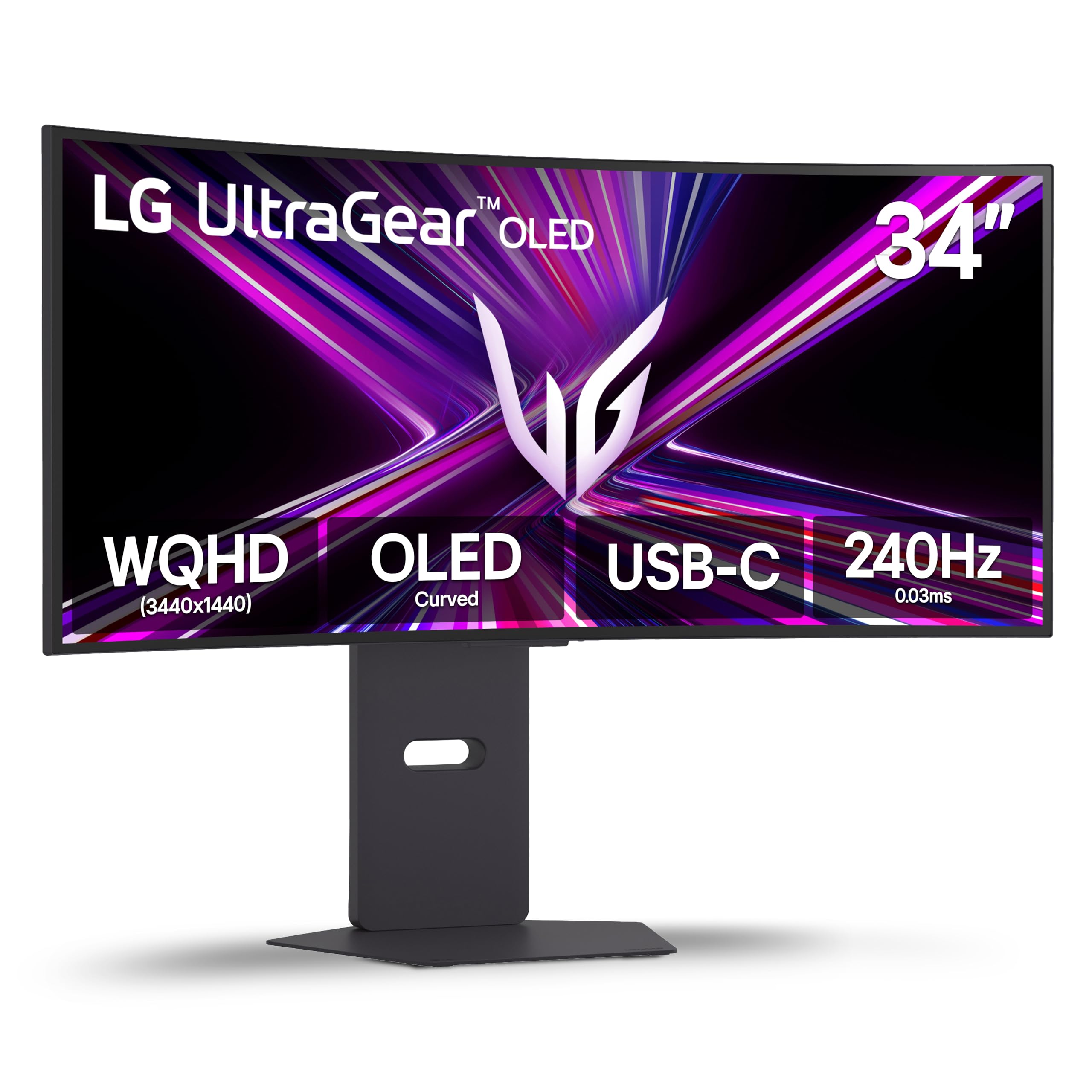
A 45-inch OLED with a steep 800R curve that fills your whole field of vision.
This is the biggest, most wraparound pick here. The 45-inch 21:9 WQHD OLED bends to an 800R curve, a steeper bend than the Alienware’s 1800R, which extends the screen into your periphery. It runs 240Hz with a 0.03ms response time, and peaks at 1300 nits with 275 nits typical brightness. OLED contrast comes in at 1.5M:1 with DisplayHDR True Black 400, so dark games have real depth. LG notes the 45-inch 21:9 gives you more screen area than a 49-inch 32:9 panel.
Connectivity is a genuine plus: HDMI 2.1, DisplayPort 1.4, and USB Type-C with 65W power delivery, which is enough to run and charge a laptop over one cable. FreeSync Premium Pro and G-Sync compatibility both handle frame sync. A 2-year limited warranty covers the OLED panel, and pixel-cleaning tools sit in the menu to keep it sharp. Flicker-free, low blue light, and anti-glare handling are all part of the package.
Now the reality check. Picture quality splits — some love the visuals and HDR, while others find text soft and resolution less crisp up close at this size. A few report units that stop working quickly or power off repeatedly. The steep curve also wants a deep desk and a couple of hours to get used to. If you want the most enveloping screen here, this is it; just verify it on arrival.
The case for the giant
- 45-inch 21:9 OLED with a deep 800R curve
- USB-C at 65W to run and charge a laptop
- 240Hz, 0.03ms, and 1300 nits peak
- 2-year panel warranty with pixel care
The case against going big
- Text and fine detail read soft up close
- A few units power off or fail early
- Steep curve needs a deep desk and a break-in period
The right call for: a big-desk setup built around immersion, where the screen is the centerpiece.
Look past it if: you read documents on screen all day and want the sharpest text at close range.
Know the Specs
Refresh rate vs response time
Refresh rate (Hz) is how many times per second the screen redraws the whole image, so 240Hz means 240 updates a second and a smoother look at fast motion. Response time (ms) is how quickly one pixel changes color. They work as a team: a high refresh rate with a slow pixel still shows a blur trail. That is why the 0.03ms OLED panels here read crisper on quick turns than a 1ms IPS panel — the pixel keeps up with every frame.
Panel types: IPS, VA, and OLED
IPS gives wide viewing angles and stable color but relies on a backlight, so blacks can look grey. VA pushes deeper blacks but tends to smear on fast pans. OLED lights each pixel on its own, so blacks are truly dark and motion is near-instant — at the cost of brightness headroom and a burn-in risk that protections like OLED Care exist to manage. QD-OLED and WOLED are two OLED variants, both keeping thedark-pixel motion advantage while changing the color layer on top.
Adaptive sync, G-Sync, and FreeSync
Adaptive sync matches the monitor’s refresh to your graphics card’s frame rate so frames arrive in step and the picture stays tear-free. G-Sync Compatible is NVIDIA’s validation for cards from that maker, and FreeSync Premium is the AMD-side equivalent. Many panels here carry both, which means either brand of card gets a clean image. A monitor without sync support can still look fine, but a mismatch between frame rate and refresh shows up as a tear line.
Resolution and how you connect it
Resolution is the pixel count of the panel: 1920 x 1080 is full HD, 2560 x 1440 is QHD (sharper, more demanding on your card), and 3440 x 1440 is the ultrawide shape. More pixels means crisper detail but more graphics load to hold 240Hz. That is why the cable matters — some monitors only reach 240Hz over DisplayPort 1.4 or HDMI 2.1, and drop to a lower rate on an older HDMI port. Check the port before you assume the top speed.
Common Questions
Will a 240Hz monitor actually look smoother than my 60Hz screen?
Do I need DisplayPort to reach 240Hz?
Is OLED better than IPS for a 240Hz gaming monitor?
What graphics card do I need to drive 1440p at 240Hz?
Will FreeSync work with an NVIDIA card?
How do I prevent OLED burn-in on a gaming monitor?
Is a curved ultrawide good for competitive gaming?
What is the difference between GtG and MPRT response time?
Do 240Hz monitors include speakers?
Should I pick 1080p or 1440p for 240Hz gaming?
The Bottom Line
For most gamers, the 240hz monitor for gaming winner is the Samsung Odyssey G4 because it pairs a true 240Hz IPS panel with a fully adjustable stand for the least money on this list. If you want the sharper 1440p image and a stand that pivots to portrait, grab the Acer Nitro XV272U. And for the cleanest fast motion and deepest blacks, the GIGABYTE GO27Q24G brings 0.03ms OLED speed without the premium price tag of the big ultrawides.
Think about your graphics card and your desk before you decide. A 240Hz panel only pays off in smoothness if your graphics card can push frames near that rate, and a 34- or 45-inch curved ultrawide needs enough desk depth to sit back from it. Match the panel to your card’s frame output and your desk’s depth, and the choice narrows fast.
How we choose
We do not accept paid placement. Every pick is matched to a real buyer and a real use-case; we do not hands-on test units.
Sources
Specifications: manufacturer listings and product documentation. Review insights: verified customer reviews, as of November 2026. Pricing: not shown on this page (it changes often); check the current price via the retailer link.
As an Amazon Associate, Gamepad Test earns from qualifying purchases. This does not affect which products we feature.