
Specs are compiled from manufacturer listings and verified buyer reviews and can change over time — please confirm the key details on the product page before buying.
Most first gaming PCs fail in one of two ways: the graphics card is a weak, old part that stutters the moment you try a modern title, or the whole machine is a refurbished office tower dressed up with a light strip. Here is the simple truth — you want a dedicated graphics card (a separate card just for graphics) with at least 6GB of video memory (the card’s own fast memory for textures and lighting) and a processor that will not bottleneck it (hold it back). That combination is what separates a machine that plays today’s games from one that merely launches them.
This guide is built by comparing the manufacturers’ published specifications and the patterns across verified customer reviews, so you get each pick’s real strengths and trade-offs instead of marketing spin.
Below you will find the strongest entry points into PC gaming sorted by real-world use, from budget towers that hit 60 frames per second to a 2K-capable build with ray tracing. Every pick here has a dedicated graphics card, and the lineup below explains which one belongs on your desk for the best beginner gaming PC.
Top Picks

How To Choose The Best Beginner Gaming PC
The biggest mistake a first-time builder makes is spending the budget on a pretty case and a high clock speed (how fast the processor runs) while ignoring the graphics card. Your frame rate (how smoothly the game moves) lives and dies by the GPU (graphics processing unit, the chip that draws the game). Look for a model with a dedicated card from Nvidia or AMD and at least 6GB of dedicated video memory — that is the pool of fast memory the card uses for textures and lighting, and when it runs out, games stutter.
The Graphics Card Is Your Frame Rate
A card like the RTX 3050 or GTX 1660 Super with 6GB of memory handles modern titles at 1080p with the settings turned up. If you see a GT 1030 with 2GB, understand that it is an entry card for older or lighter games at medium settings — fine for a kid’s first machine, not for competitive shooters. The number after the model name (2GB, 4GB, 6GB, 8GB) is the VRAM, and bigger genuinely means fewer texture pop-ins.
Processor Cores And Clocks
Six cores and twelve threads, like the Ryzen 5 5500, is a comfortable starting point for gaming plus Discord plus a browser. An older quad-core i7 can still game, but it will work harder when you stream. The clock speed in GHz tells you how fast each core runs, while the cache figure (measured in MB) is the fast scratchpad the chip uses — more cache means fewer trips to slower memory.
Storage, RAM, And Power Headroom
A 512GB NVMe solid state drive boots in seconds and holds a handful of large games; a 1TB drive buys you breathing room. 16GB of RAM is the sensible floor for gaming, and 32GB helps if you edit video or keep dozens of tabs open. Check the power supply wattage if you plan to swap the graphics card later — a 400W unit will need replacing before a higher-end card goes in.
Side-by-Side Comparison
| Model | Best For | Graphics Card | RAM / Storage | Processor | Amazon |
|---|---|---|---|---|---|
| HP OMEN 40L★ Best Overall | Best Overall | GTX 1660 SUPER 6GB | 16GB / 512GB NVMe | Ryzen 7 5700X, 4.6GHz | Amazon |
| Dell OptiPlex RGB (Renewed)Best Value GPU | Kids’ First PC | GT 1030 2GB | 16GB / 512GB SSD | Core i7 4770, 3.9GHz | Amazon |
| Dell OptiPlex 24″ Bundle (Renewed)Complete Setup | Complete Setup | GT 1030 2GB | 16GB / 512GB SSD | Core i7, 3.40GHz | Amazon |
| STGAubron Core i7 RX 560 | Best for Multitasking | RX 560 4GB | 32GB / 512GB SSD | Core i7, 3.9GHz | Amazon |
| STGAubron R5 5500 RTX 3050 | Modern Budget Card | RTX 3050 6GB | 16GB DDR4 / 512GB SSD | Ryzen 5 5500, 4.2GHz | Amazon |
| ZYNEEX Ryzen 5 RTX 3050 | Top Performer | RTX 3050 6GB GDDR6 | 16GB DDR4 3200MHz / 1TB NVMe | Ryzen 5 5500, 4.2GHz | Amazon |
| Olialia RTX 3060 Ti | 2K Gaming | RTX 3060 Ti 8GB | 16GB / 512GB SSD | Ryzen 5 5500, 4.2GHz | Amazon |
| Byte Depot Gamer Master | Most RAM & Storage | RTX 3050 6GB GDDR6 | 32GB / 1TB SSD | Core i7, 3.9GHz | Amazon |
| HP Victus i5-14400F | Newest Generation | GTX 1660 SUPER 6GB | 16GB / 1TB PCIe SSD | Core i5-14400F, 4.7GHz | Amazon |
Detailed Reviews
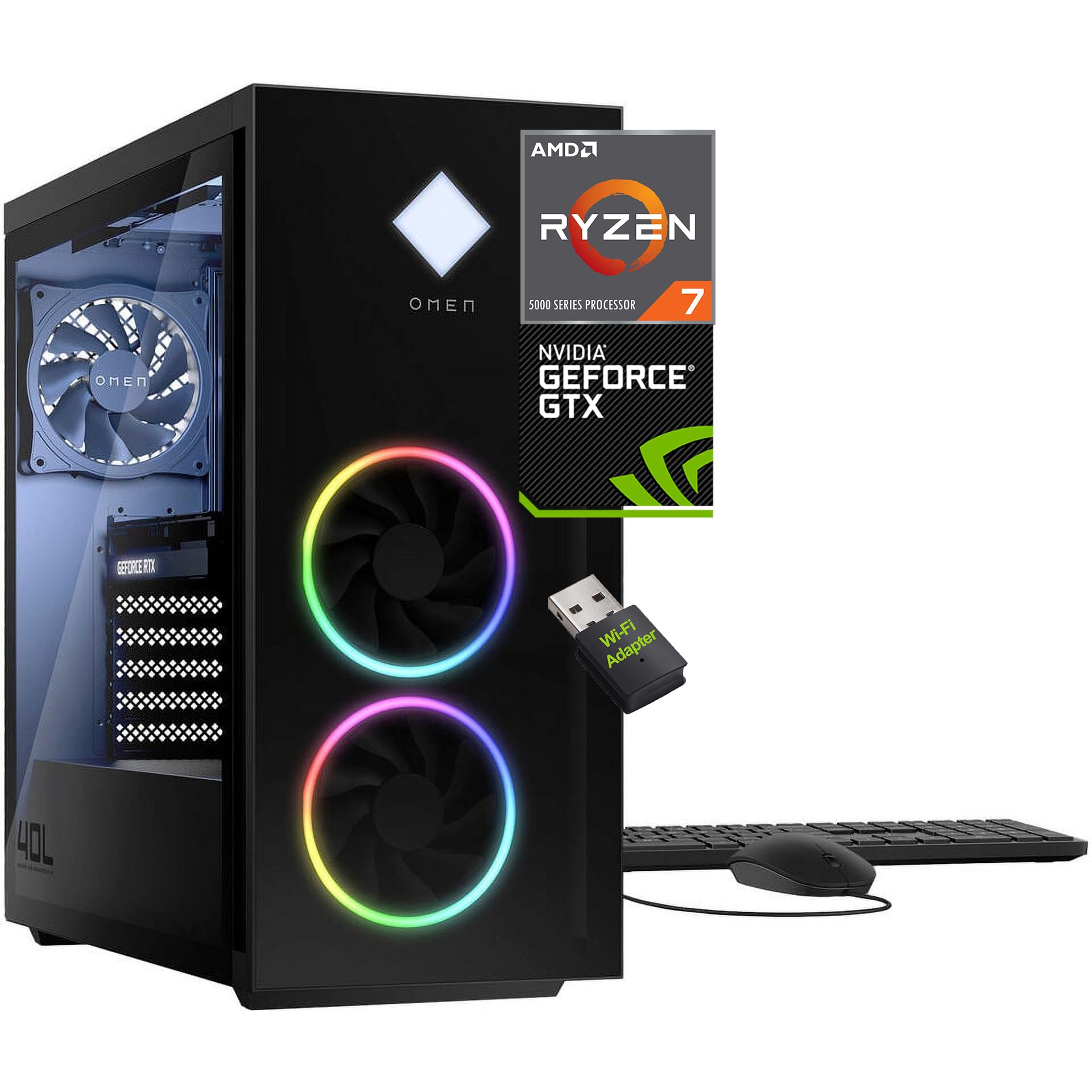
1. HP OMEN 40L Gaming Desktop PC
Our pick — 4.5+★ from 400+ verified ratings; the strongest balance of quality and price.
The one that pairs a serious eight-core chip with an upgrade path you can actually walk through.
The number worth starting with is eight — the Ryzen 7 5700X runs 8 cores and 16 threads (the processor’s parallel lanes for tasks) at up to 4.60GHz with 32MB of cache (fast scratch memory that keeps a game, a Discord call, and a browser from fighting each other). Compare that cache figure to the 6MB on the Dell OptiPlex RGB tower here and the gap is enormous: 32MB against 6MB. In practice, that headroom is what stops a stream from turning into a slideshow while you play.
Graphics come from a dedicated GeForce GTX 1660 SUPER with 6GB of GDDR6 memory — GDDR6 being the fast video memory type the card uses, and 6GB being enough to load modern textures without dropping detail. It connects over DVI, HDMI, or DisplayPort, so a two-monitor gaming-and-chat setup is a cable away. That 6GB beats the 2GB on the Dell OptiPlex RGB pick by a wide margin for texture-heavy titles. A 512GB PCIe NVMe SSD handles storage and boot.
What wins people over here is build quality — the case earns more praise than any other trait, and the tool-less chassis is why: you can open it without a screwdriver and swap parts later. The active fan-sink cooling with 4-pin fan control holds performance under load, and a 600W power supply leaves room for a future card upgrade. The 16GB of DDR4 RAM and bundled USB WiFi adapter round it out. The catch is the WiFi — the connection is the most common trouble spot in owner feedback, and a cheap Ethernet cable sidesteps the whole issue.
What earns its place
- 8 cores and 16 threads at up to 4.60GHz keeps gaming and streaming apart
- 32MB cache — the biggest scratchpad in this lineup
- Tool-less chassis makes the first upgrade painless
- 600W power supply leaves headroom for a bigger card
Where it asks for patience
- Bundled WiFi adapter is the weak link — go wired if you can
- Reliability feedback splits between smooth Windows 11 runs and a few units acting up early
Reach for this if: you want a tower that starts comfortable and grows with you over a few years of upgrades.
Look elsewhere if: you need the machine to run on wireless only, from the start, with zero setup fiddling.
2. STGAubron Gaming PC Desktop GTX 1660 Super
The starter tower that lights up the desk and suits a younger first-time gamer.
Where this one earns its spot is suitability for kids and first-timers — that is the single most-praised trait in its feedback, and it makes sense. The Intel Core i7 quad-core runs at 3.40GHz, 16GB of RAM keeps several apps open at once, and the 512GB SSD gets you to the desktop in a hurry. A dedicated GeForce GT 1030 with 2GB of video memory handles lighter titles like CS:GO and DOTA 2 at medium settings. Compare that 2GB to the 6GB in the STGAubron GTX 1660 Super above and you can see the ceiling: this card is built for casual gaming, not demanding ones. The RGB panel with a remote controller adds the visual flair a younger player wants.
Speed gets consistent credit — boot times are quick and everyday use feels smooth. The honest caveat is reliability: this is a renewed machine, and the most common complaint describes the board giving out inside a year, along with connectivity headaches on Wi-Fi. If you buy it, plan on a wired connection and keep the minimum 90-day warranty in mind as your window to shake out any dud unit.
Bright spots
- Quad-core i7 at 3.40GHz boots fast and stays responsive
- Remote-controlled RGB panel adds the fun factor
- Priced low enough to be a genuine kid’s first desktop
Weigh before you buy
- 2GB graphics card is for casual titles, not modern AAA
- Board failures and Wi-Fi dropouts come up most in feedback
Best matched to: a first gaming setup for a kid or a casual player who mostly runs lighter titles.
Not the one for: anyone chasing high frame rates in new releases who expects years of trouble-free operation.
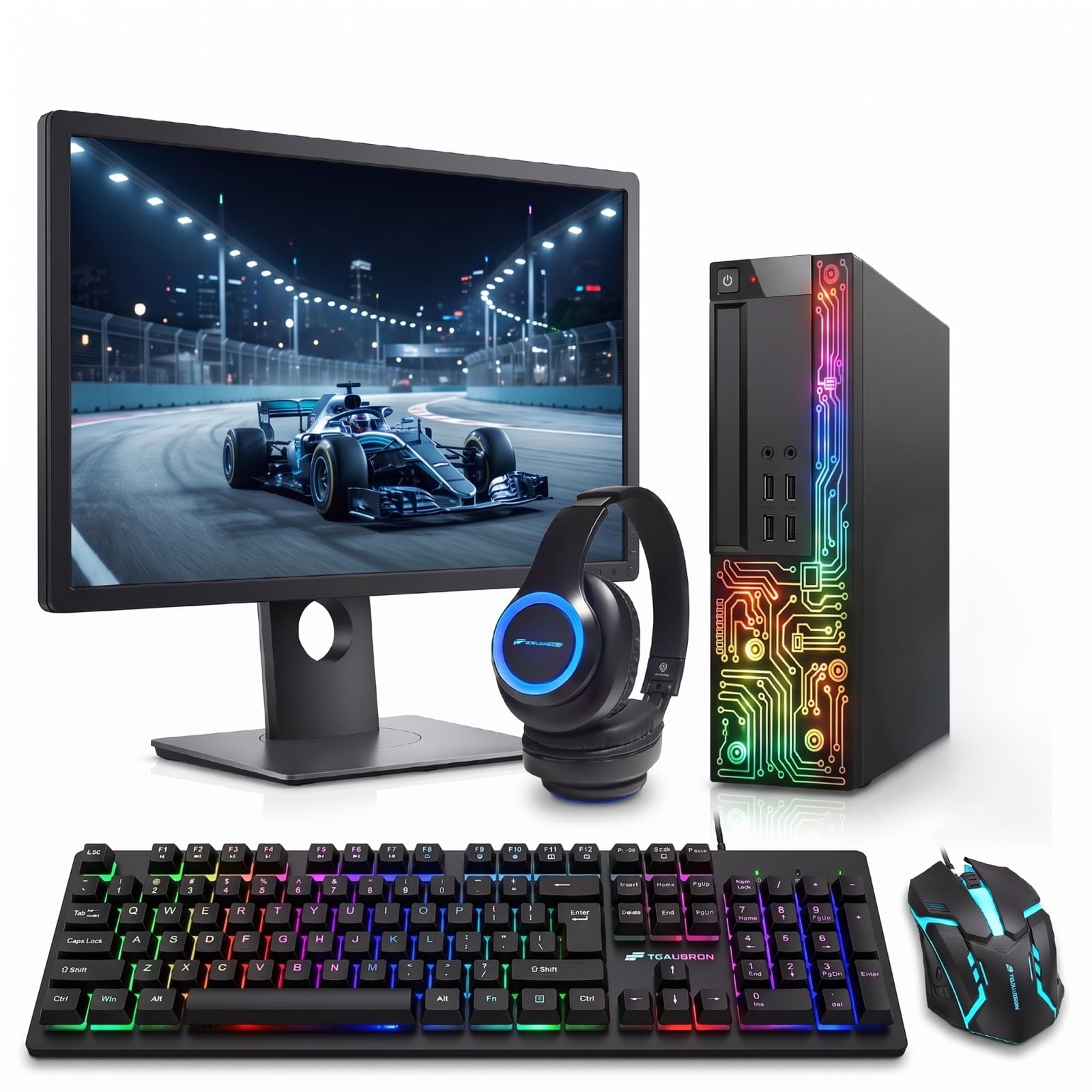
3. Dell OptiPlex PC 24” Monitor
Everything on the desk in one box — tower, 24-inch screen, keyboard, mouse, headset.
If you are assembling a rig from nothing, this bundle removes the guesswork. It ships with a 24-inch Full HD monitor at 1920×1080, a gaming headset, and a backlit keyboard and mouse, so the entire station is covered. The Core i7 quad-core at 3.40GHz, 16GB of RAM, and a 512GB SSD handle schoolwork, streaming, and lighter games. A dedicated GeForce GT 1030 with 2GB of GDDR5 handles photo editing and casual titles at modest settings. Compare those 2GB to the 8GB on the Olialia RTX 3060 Ti later in this list and the gap tells you exactly what tier this machine lives in.
Performance is what owners celebrate — the machine does what it promises, and setup is near-universal praise. The qualifier is connectivity: Wi-Fi and Ethernet problems are the most common complaint, so a stable wired connection is worth planning for. It is a renewed system, backed by a minimum 90-day warranty, which is your safety net if anything is off on arrival.
Suited to: a buyer who wants the whole desk ready to go in one purchase, monitor included.
Skip the bundle if: you already own a decent monitor and want the extra money to go into graphics power instead.
4. STGAubron Gaming PC Desktop RX 560
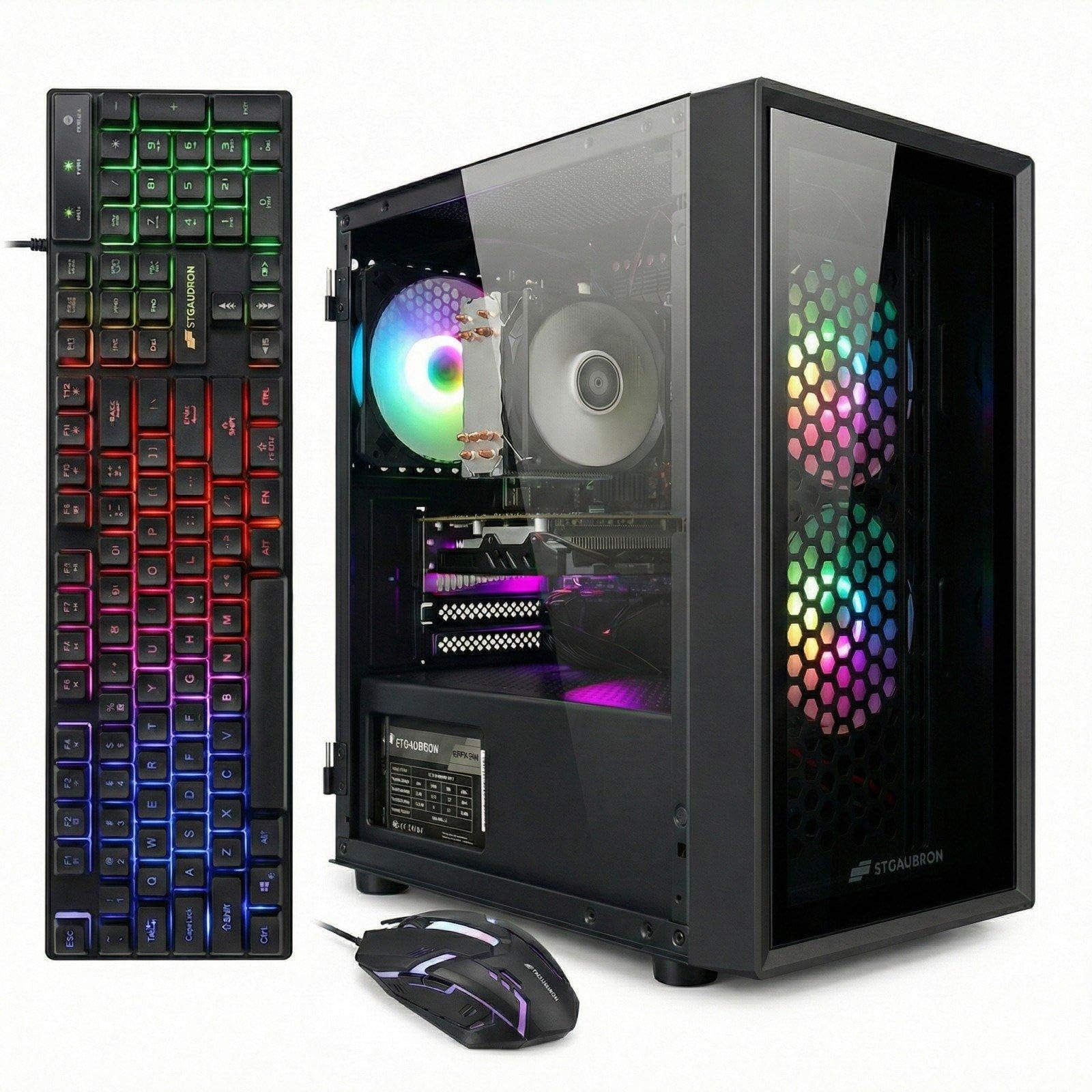
Double the RAM of most picks here, aimed at streamers and tab hoarders.
Thirty-two gigabytes of memory is the headline: most beginner towers here carry 16GB, and this one doubles it. For anyone who streams, edits clips, or leaves fifty browser tabs open beside a game, that extra memory keeps things moving without stutter. The Intel Core i7 runs up to 3.9GHz, backed by a 512GB SSD and a Radeon RX 560 with 4GB of video memory. You get Wi-Fi 6, Bluetooth 5.0, three RGB fans, and the standard RGB keyboard and mouse bundle.
Performance is what buyers report most positively — the machine runs games and heavy apps cleanly and arrives ready to use. Reliability is the mixed note: some machines run great for the long haul, while a portion of feedback describes one that quit after a month. That is the trade-off to weigh as a first-time buyer, so make peace with testing it thoroughly in the early going and keeping the warranty close.
Why it stands out
- 32GB RAM — double what the STGAubron GTX 750Ti offers
- 4GB Radeon card handles esports and older AAA titles
- Arrives ready to use, no assembly required
What to keep in mind
- Reliability is mixed — a few machines quit early
- Radeon RX 560 is an older card for heavy modern games
The point of difference: 32GB of RAM at a mid-range price, which no other tower here matches for the money.
Only if you need the RAM: if your games are the demanding part, a stronger graphics card serves you better than more memory.
5. STGAubron Gaming PC Desktop R5 5500
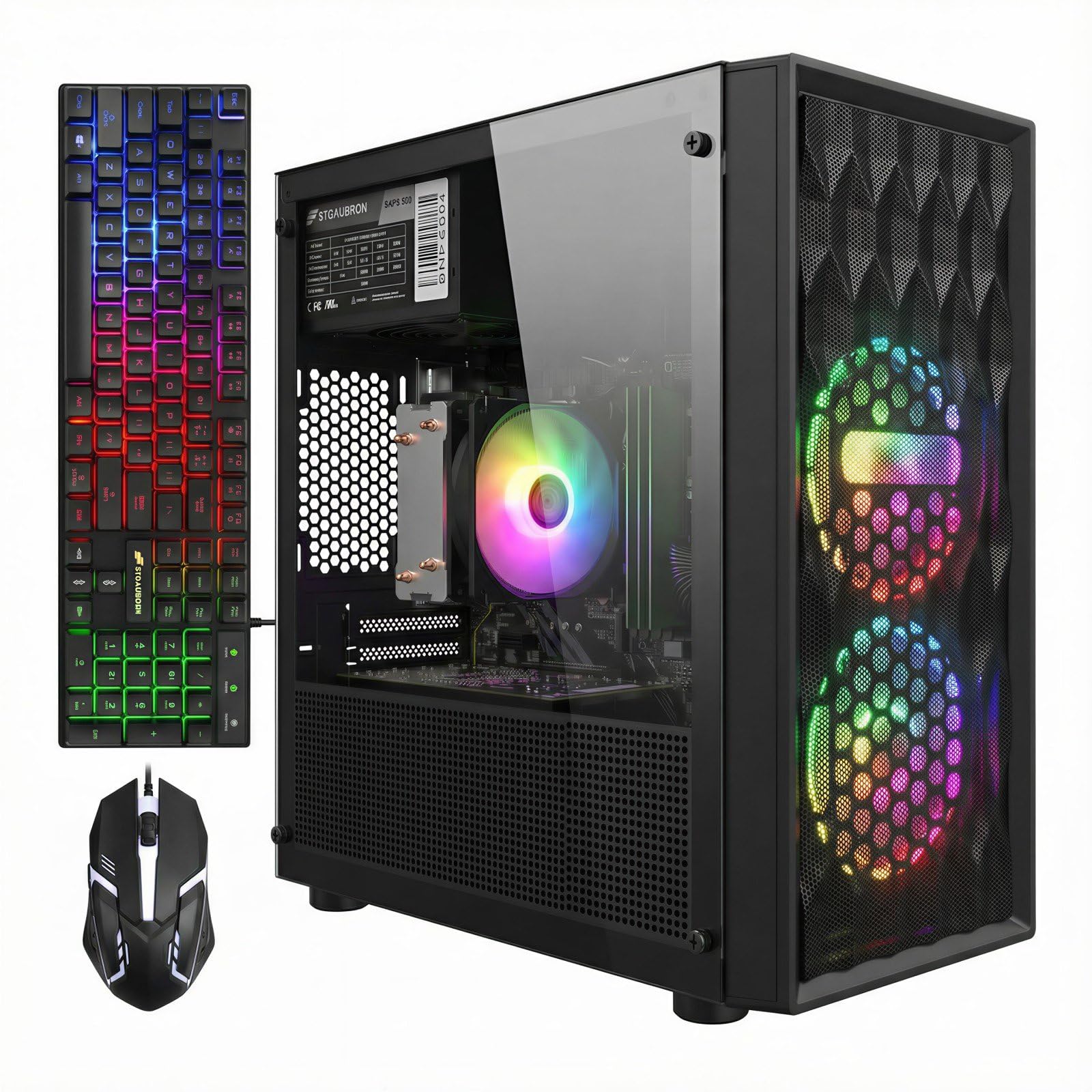
The first pick here to pair a modern RTX card with a current six-core AMD chip.
Two upgrades matter here: an AMD Ryzen 5 5500 with 6 cores and 12 threads up to 4.2GHz, and a GeForce RTX 3050 with 6GB of video memory. The Ryzen chip has more cores than the quad-core Intel options here, which helps when a game client, a voice call, and a stream all run at once. The RTX 3050 is a newer-generation card with 6GB, putting it in the same VRAM class as the GTX 1660 Super but a generation fresher. Wi-Fi 6, Bluetooth 5.2, two RGB fans, and the RGB keyboard and mouse come included.
Build quality is the trait owners single out most — that is the leading positive note, ahead of gameplay and speed. It runs games beautifully and the memory upgrade path matters, because 16GB here is DDR4 on a modern socket. Reliability is the balanced caveat, with some machines running flawlessly and a few stopping unexpectedly. Wi-Fi is another mixed point, so plan a cable if the router is far away.
The frame-rate case: a modern RTX card with 6GB of VRAM is what keeps new titles playable years after you unbox it, and this is the cheapest route to that card in this lineup.
Pick it for: a current-generation graphics card and six-core AMD power at a sensible starting price.
Consider the ZYNEEX instead if: you want 1TB of storage from the start rather than 512GB.
6. ZYNEEX Prebuilt Gaming Desktop
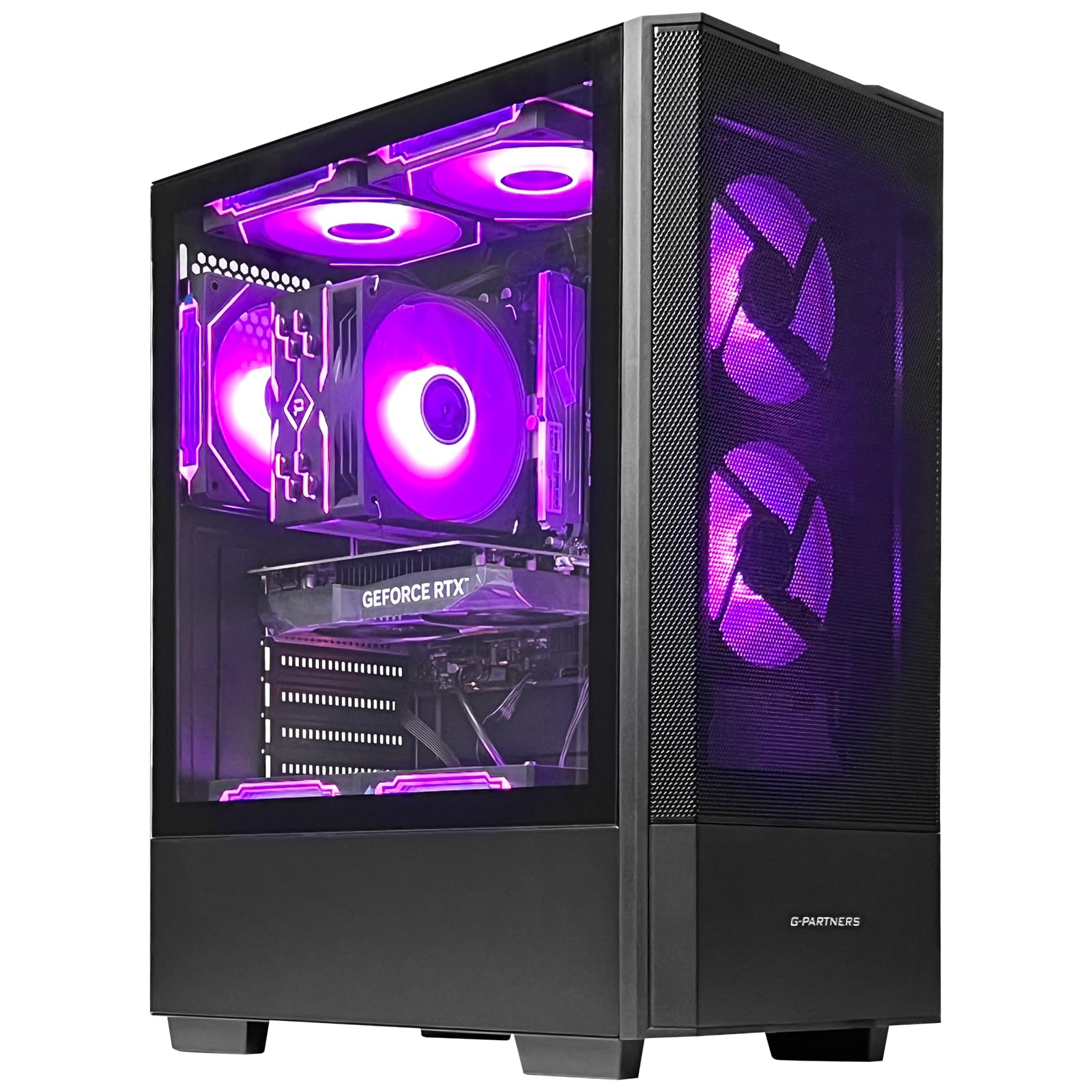
Same Ryzen and RTX combo as the pick above, but with double the storage.
The standout here is the 1TB NVMe SSD (a fast solid-state drive) — that is double the 512GB in the STGAubron R5 5500 above, which means twice as many large game installs before you need to delete anything. The AMD Ryzen 5 5500 runs 6 cores and 12 threads up to 4.2GHz, the card is a GeForce RTX 3050 with 6GB of GDDR6 (graphics memory) built for high frame rates at 1080p (Full HD resolution) with ray tracing (realistic lighting and reflections) switched on, and the 16GB of DDR4 3200MHz RAM (system memory) keeps load times short. ARGB air cooling (addressable RGB fans that light up) with multiple fans keeps the tower quiet during long sessions.
Performance is what owners love — clean, excellent, and built for gaming, with setup getting a clean sweep of praise on every count. Built-in Wi-Fi, HDMI, and DisplayPort make multi-monitor hookups easy.
Green lights
- 1TB NVMe SSD — twice the storage of the STGAubron R5 5500
- 16GB DDR4 3200MHz RAM keeps game loads quick
- ARGB cooling keeps it quiet under sustained play
- Setup praised on every mention
Known trade-offs
- RTX 3050 is a 1080p card — 1440p gaming is not its job
- Storage is 1TB, which a large library can still fill
Best fit for: the buyer who wants the safest quality record in this roundup and room for a big game library.
Not for: anyone planning to jump into 1440p gaming on day one.
7. Olialia Gaming PC Prebuilt
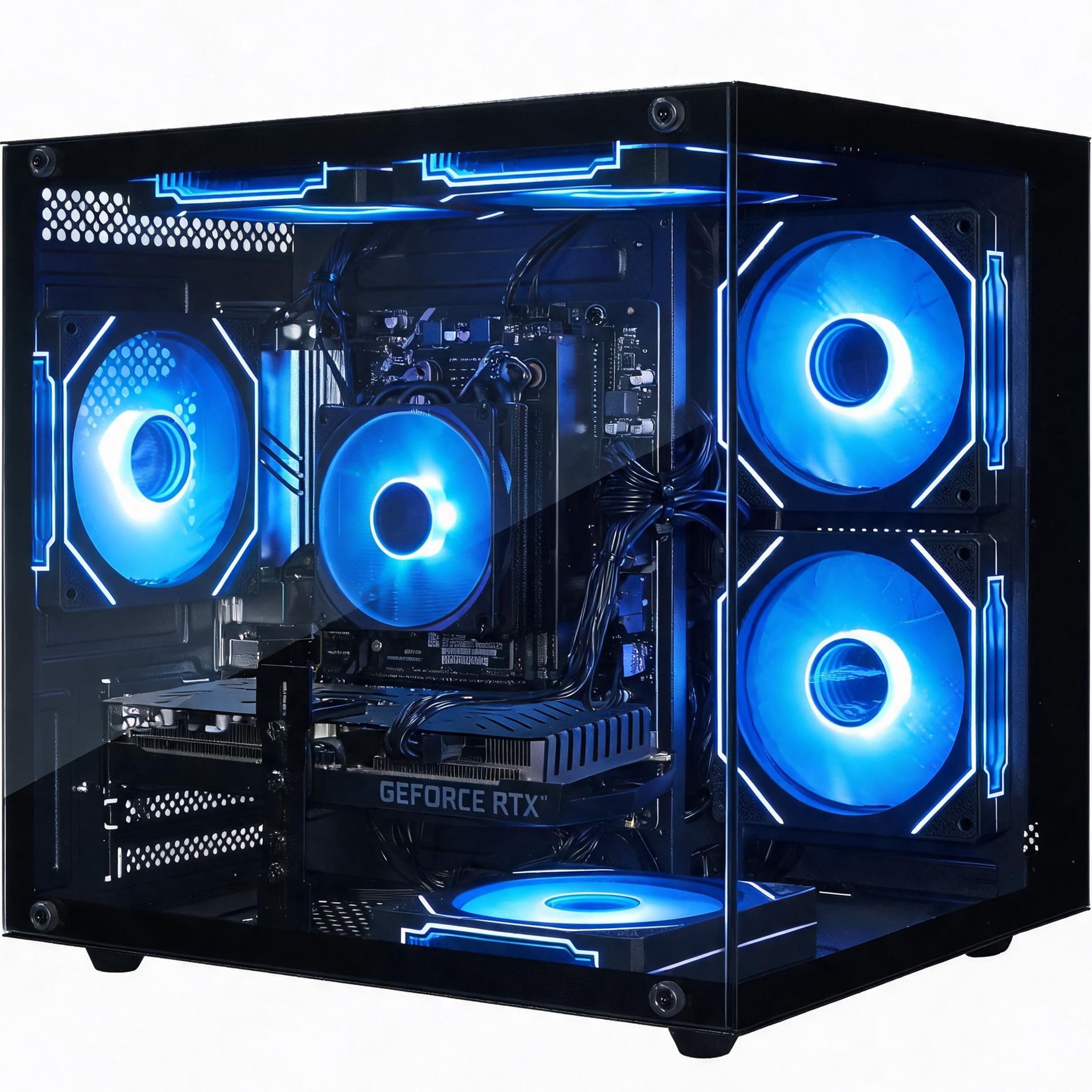
The one with a card powerful enough to push past 1080p into 2K territory.
If you want to grow into sharper gaming rather than start at the entry tier, the GeForce RTX 3060 Ti with 8GB of video memory is the part that earns this pick its spot. That 8GB is the most video memory in this lineup, and it beats the 6GB on the STGAubron and ZYNEEX RTX 3050 builds above. The maker rates it for smooth 60+ FPS at 1440p (2K) in demanding titles with DLSS on. — DLSS being Nvidia’s upscaling trick that renders at lower resolution and sharpens the image back up to gain frames. The AMD Ryzen 5 5500 runs 6 cores and 12 threads up to 4.2GHz, paired with 16GB of RAM and a 512GB SSD.
The build itself is eye-catching: dual tempered glass panels, 6 adjustable RGB case fans (colored lights you can change), an RGB CPU cooler, and dust filters behind ventilated panels. Six fans and a small mid-tower chamber is why airflow gets the credit it does. Windows 11 comes pre-installed, and a 1-year warranty with repairs handled in the United States adds confidence.
Buy it for the card: 8GB of VRAM is the number that keeps settings high when newer games arrive, which is exactly where the 6GB builds will need to compromise.
This is your match if: you are already eyeing a 1440p monitor and want a tower that keeps up rather than a card that stops short.
Save the extra instead if: a 1080p screen is all you own — the RTX 3050 picks deliver that without the premium.
8. Byte Depot Gamer Master Gaming Desktop

Memory and storage stacked to the ceiling — 32GB and 1TB in one tower.
Few beginner towers give you both the big numbers. Here a 32GB memory pool sits beside a 1TB ultra-fast SSD, so game installations and editing projects fit without a second drive. The Intel Core i7 quad-core hits 3.4GHz with Turbo Boost up to 3.9GHz (Turbo being a short-term speed bump when the chip needs extra grunt). Graphics come from a GeForce RTX 3050 with 6GB of GDDR6, ready for modern 1080p titles, and it even handles detailed 1440p in many games. Connectivity covers Wi-Fi 6, Bluetooth 5.2, Gigabit LAN, HDMI, and DisplayPort, plus a free keyboard and mouse.
Performance is what owners like most — the machine does its job at the entry level, and speed is a recurring note. It is a newer listing with a strong record so far, and no-bloatware Windows 11 keeps the interface clean. The trade-off to weigh is that the RTX 3050 is a 6GB card, so the memory and storage are the real stars, not the graphics.
Worth a look if: you store a big library or edit video and want a memory and storage buffer that lasts.
Not the answer if: raw graphics power is your priority — spend the budget on the card first.
9. HP Victus Prebuilt Gaming Desktop
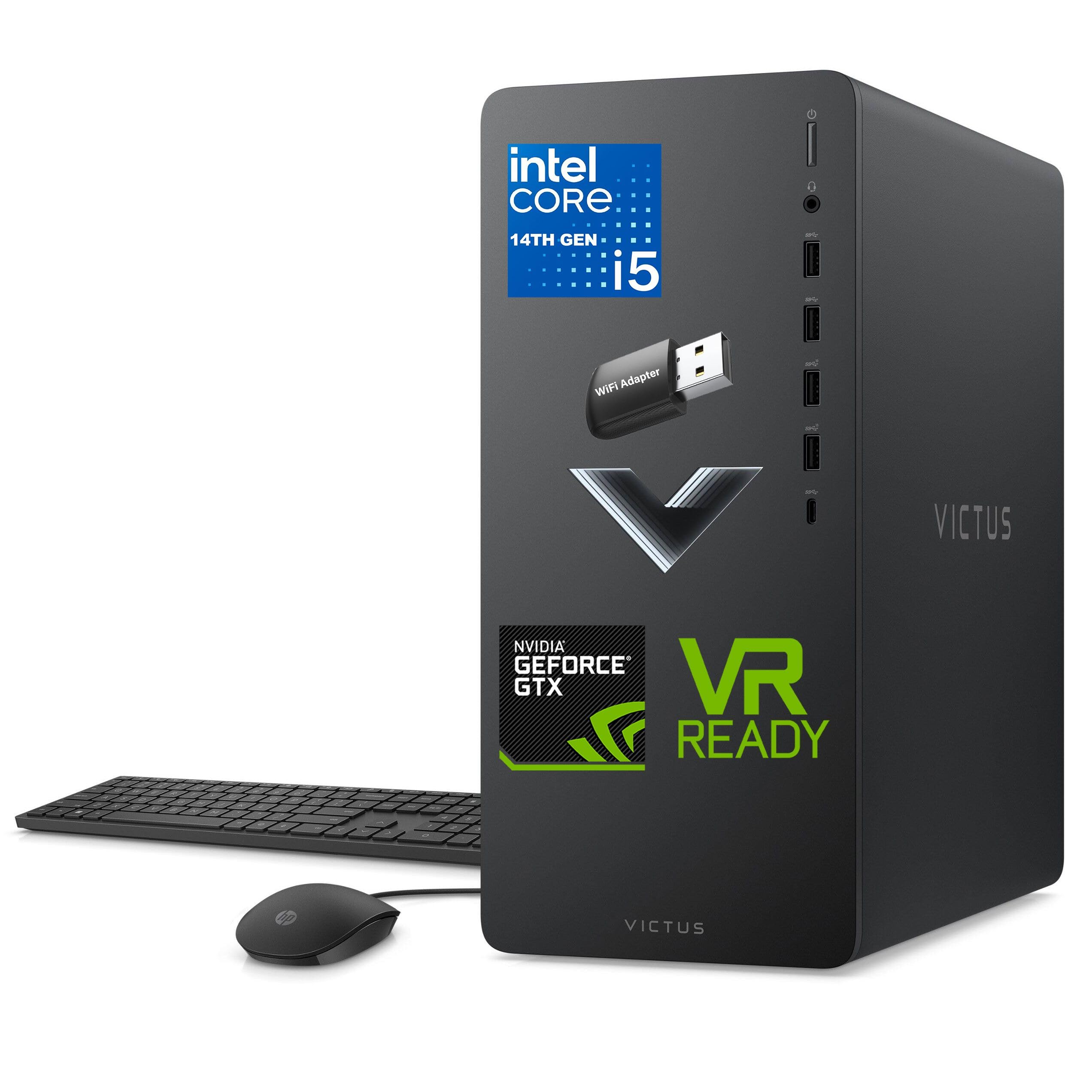
The freshest chip of the bunch — ten cores that stay calm while everything runs at once.
This is the most recent processor in this lineup: a 14th Gen Intel Core i5-14400F with 10 cores (6 Performance plus 4 Efficient) and 16 threads, boosting to 4.7GHz on a 20MB cache. The Performance cores do the heavy lifting while the Efficient cores handle background tasks, which is why game clients, Discord, and a browser stay snappy together. Graphics come from a GeForce GTX 1660 SUPER with 6GB of GDDR6 built for 1080p gaming, and the 16GB of DDR4 RAM plus a 1TB PCIe SSD cover memory and storage. The 20MB cache beats the 6MB on the Dell OptiPlex RGB tower by a wide margin, which is exactly the kind of headroom that keeps multitasking smooth.
Liveability is where it shines: nine USB ports including USB Type-C 3.2 Gen 2, HDMI, DisplayPort, DVI, and RJ-45 Ethernet mean you do not need a hub for a headset, mouse, keyboard, and external drive. The compact 15L tower measures 11.7 x 13.2 x 6.1 inches and weighs 11.3 lbs, so it tucks under a desk. A wired keyboard, mouse, and a USB WiFi adapter are in the box; a monitor is not. The 400W power supply covers this build, but swapping in a higher-end graphics card later means upgrading the power supply too — plan for that.
One spec to remember: 4.7GHz on a 10-core 14th Gen Intel chip is why this one feels fast on everyday tasks, though the GTX 1660 SUPER is the same 1080p card as in the HP OMEN 40L.
Ideal for: a buyer who wants the most modern processor and plentiful ports in a compact case that fits under a desk.
Know before you buy: later graphics-card swaps will need a beefier power supply than the 400W unit.
Know the Specs
Dedicated Graphics Card and VRAM
A dedicated graphics card is a separate chip with its own memory that draws the game’s worlds — its memory, VRAM (video RAM), is measured in GB. A card with 6GB or more keeps textures sharp in modern games, while a 2GB card like the GT 1030 handles lighter titles at modest settings. This one spec drives the whole frame rate, which is why it deserves the most attention in your search.
Processor Cores, Threads, and Cache
Cores are the chip’s workers and threads are the tasks they juggle simultaneously — six cores and twelve threads is a comfortable floor for gaming plus streaming. Cache is the fast scratchpad that holds data right on the chip, and it is measured in MB; more cache means fewer slow trips to RAM. A 32MB cache chip has more on-chip room than a 6MB one.
RAM and SSD Storage
System RAM holds active programs, and 16GB is the practical starting point for a gaming desktop — 32GB gives more breathing room for editing or heavy tab use. An SSD (solid state drive) has no spinning parts, so it boots and loads games far faster than a hard drive. NVMe is a faster SSD connection type, and capacity in GB or TB sets how many game installs you can keep.
Power Supply and Upgrade Headroom
The power supply wattage is how much electrical power the unit can deliver to the whole system. A higher-end graphics card later requires more headroom, so a 400W supply will need upgrading before a bigger card goes in. Check this before you count on future upgrades.
Common Questions
Is 16GB of RAM enough for a beginner gaming PC?
What is the difference between 4GB and 6GB of video memory?
Will a 2K monitor work with these PCs?
Can I upgrade the graphics card later?
Do I need a monitor and keyboard included?
Is a refurbished gaming PC a good first buy?
Does a faster CPU matter more than a better graphics card?
Will these PCs run Fortnite, Valorant, and Minecraft?
How much storage do I need for a game library?
Is Wi-Fi good enough for online gaming on these desktops?
Do these prebuilt PCs come with Windows installed?
The Bottom Line
For most first-time buyers, the beginner gaming pc that earns the nod is the HP OMEN 40L — eight cores, 32MB of cache, a 6GB GTX 1660 SUPER (a dedicated graphics card), and a tool-less case (opens without tools) that makes your first upgrade a five-minute job. It is the crowd favorite at 4.5+ stars, and its 600W power supply leaves room for a bigger graphics card later.
If you want the strongest quality record and a roomy 1TB NVMe drive, the ZYNEEX Ryzen 5 RTX 3050 is the one to grab, and its 16GB DDR4 3200MHz memory keeps load times short. Chasing 2K gaming instead? The Olialia RTX 3060 Ti carries the most video memory here at 8GB and is built for 1440p with ray tracing.
A final note: if every dollar counts, the STGAubron GTX 1660 Super matches the top pick’s 6GB of VRAM (video memory) for far less, so the GPU is the spec to protect when you choose.
How we choose
We do not accept paid placement. Every pick is matched to a real buyer and a real use-case; we do not hands-on test units.
Sources
Specifications: manufacturer listings and product documentation. Review insights: verified customer reviews, as of November 2026. Pricing: not shown on this page (it changes often); check the current price via the retailer link.
As an Amazon Associate, Gamepad Test earns from qualifying purchases. This does not affect which products we feature.