
Specs are compiled from manufacturer listings and verified buyer reviews and can change over time — please confirm the key details on the product page before buying.
You want two real screens in your hands — one running the game, the other holding the map, the guide, or the touch controls. That is the whole appeal of a dual screen handheld emulator, and the short answer is this: the Anbernic RG DS is the safest starting point, the AYN Thor Max is the outright performance champ, and the two RG DS Plus models sit in between as budget-friendly Linux machines that ask you to supply your own games. Everything below explains exactly who each one fits.
This guide is built by comparing the manufacturers’ published specifications and the patterns across verified customer reviews, so you get each pick’s real strengths and trade-offs instead of marketing spin.
Dual-screen emulation is a niche with real traps: half these devices ship with no games at all, and a few charge slowly enough to reshape your evening. Here is the honest, spec-by-spec breakdown of the best dual screen handheld emulator options you can actually buy.
Top Picks
How To Choose The Best Dual Screen Handheld Emulator
Two screens are the point, so start by checking both panels are actually usable — a glance-only top screen and a touch-and-stylus bottom screen is the layout that makes DS emulation feel right. A top panel you only glance at and a bottom panel that takes touch and stylus input is the layout that makes dual-screen DS emulation feel right. Every pick here clears that bar, but they clear it at very different levels of speed and finish.
The chip decides your library, not the screen
The processor inside sets which emulators run smoothly. An RK3568 quad-core at 2.0GHz paired with a Mali-G52 or ARM G52 2EE graphics chip is the workhorse of the affordable Linux machines, and it handles classic handheld and arcade systems. Step up to a Snapdragon G3 Gen3 or Snapdragon 8 Gen 2 and you get headroom for heavier systems, Android titles, and PC streaming.
No preload means no games in the box
Several dual-screen consoles ship deliberately empty. You download the game files yourself and drop them onto a TF card (a small microSD memory card). That keeps the device legal and low-cost, but it means setup is on you. If you want to play within minutes of unboxing, weight this heavily.
Battery, hinge, and the slow-charge trap
A dual-screen clamshell folds, so the hinge takes daily abuse — a magnetic Hall switch that sleeps the console when you close it protects both the battery and the screens. Charging speed is the quiet spec nobody checks: some of these units charge slowly enough that the battery becomes a planning item rather than an afterthought.
Storage you can grow
Retro libraries add up fast. Internal storage ranges from 16GB to 512GB and 1TB across these picks, and most accept a TF card up to 2TB. Buy for the internal capacity you want on day one, then add removable storage as the collection grows.
Side-by-Side Comparison
| Model | Best For | Display | Storage | Battery | Amazon |
|---|---|---|---|---|---|
| Anbernic RG DS (Android 14)★ Best Overall | All-round dual-screen starter | Dual 4-inch IPS touch | 32 GB (TF to 2TB) | 4000mAh | Amazon |
| AYN Thor MaxTop Performer | Top-tier dual AMOLED power | 6-inch 120Hz AMOLED + 3.92-inch AMOLED | 1 TB UFS 3.1 | 8 hours rated | Amazon |
| RG DS Plus (Matte Black, Linux) | Budget Linux emulation | Dual 4.3-inch IPS 1024×768 | 16 GB (TF to 2TB) | 4000mAh, up to 6 hrs | Amazon |
| RG DS Plus (Metallic Blue) | Stylus-in-body design fans | Dual 4.3-inch IPS-OCA 1024×768 | 16 GB | 4000mAh, 6 hrs | Amazon |
| ONEXPLAYER ONEXSUGAR | Dual OLED Android gaming | 6.01-inch OLED + 3.92-inch OLED | 512 GB UFS4.0 | 5600mAh | Amazon |
Detailed Reviews
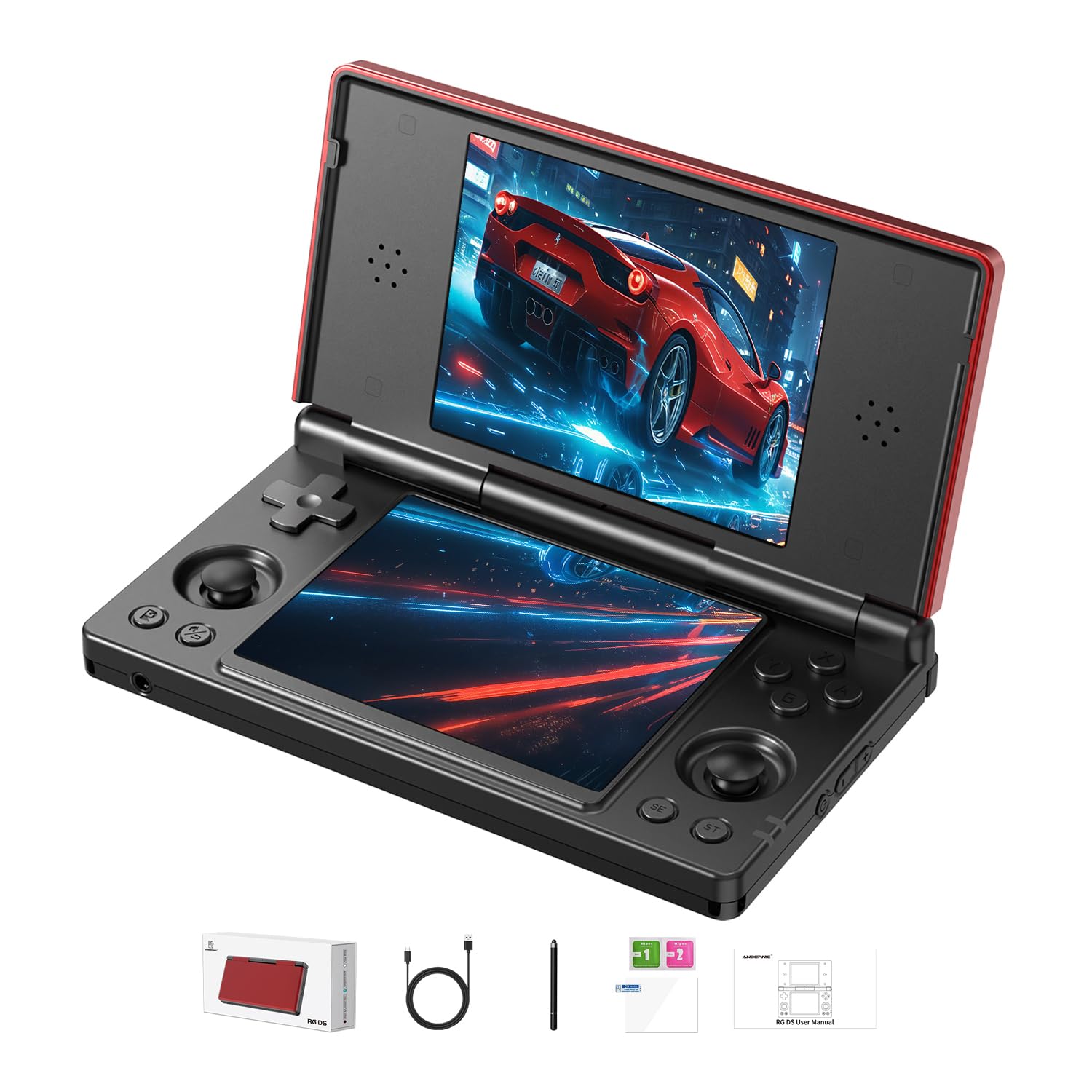
1. Anbernic RG DS Handheld Game Console (Android 14)
Our pick — 4.0+★ from 80+ verified ratings; the strongest balance of quality and price.
Two laminated 4-inch touch panels, 32GB of storage, and Android 14 — no tinkering required.
If you want the dual-screen experience without learning Linux, this is the one. It runs Android 14 out of a 32GB internal drive, so you install emulator apps from a store the same way you would on a phone. The quad-core RK3568 processor at 2.0GHz and Mali-G52 graphics handle over 20 emulators for classic consoles, handhelds, and arcades, plus modern Android titles and PC streaming through Moonlight.
The screens are the reason to pick it. Both are 4-inch IPS panels with OCA lamination (the layers are bonded so there is no dusty gap between glass and display) and capacitive touch that accepts a stylus. You can run the game up top and a walkthrough, map, or touch-heavy control layout on the bottom. Built-in AI tools add one-click game guides and dual-screen translation, which is a genuinely useful trick when a game is only available in another language.
Where the other four picks leave the box empty, this one arrives with 32GB of storage, a capacitive stylus, and a screen protector. Connectivity covers dual-band Wi-Fi and Bluetooth 4.2, so PC streaming and wireless controllers both work. The 4000mAh polymer battery pairs with a Hall magnetic auto-sleep that kicks in when you shut the lid. What wins people over most is the dual 4-inch IPS build and screen quality — this feels like a finished product, not a project. The honest trade-off: charging is slow, and that is the one thing to plan around on a long trip.
What earns its keep
- Dual 4-inch IPS OCA touch screens with stylus support
- Android 14 with 32GB storage — emulator apps install like phone apps
- RK3568 at 2.0GHz and Mali-G52 run 20-plus emulators
- Stylus, screen protector, and TF expansion to 2TB included
Where it stumbles
- Charging takes a long time relative to play time
- Certain DS emulator setups take fiddling to get right
- Emulation depth stops short of the Snapdragon machines
Reach for this if: you want dual-screen emulation with Android apps and no setup marathon.
Look elsewhere if: you plan marathon sessions and can’t tolerate slow top-ups.
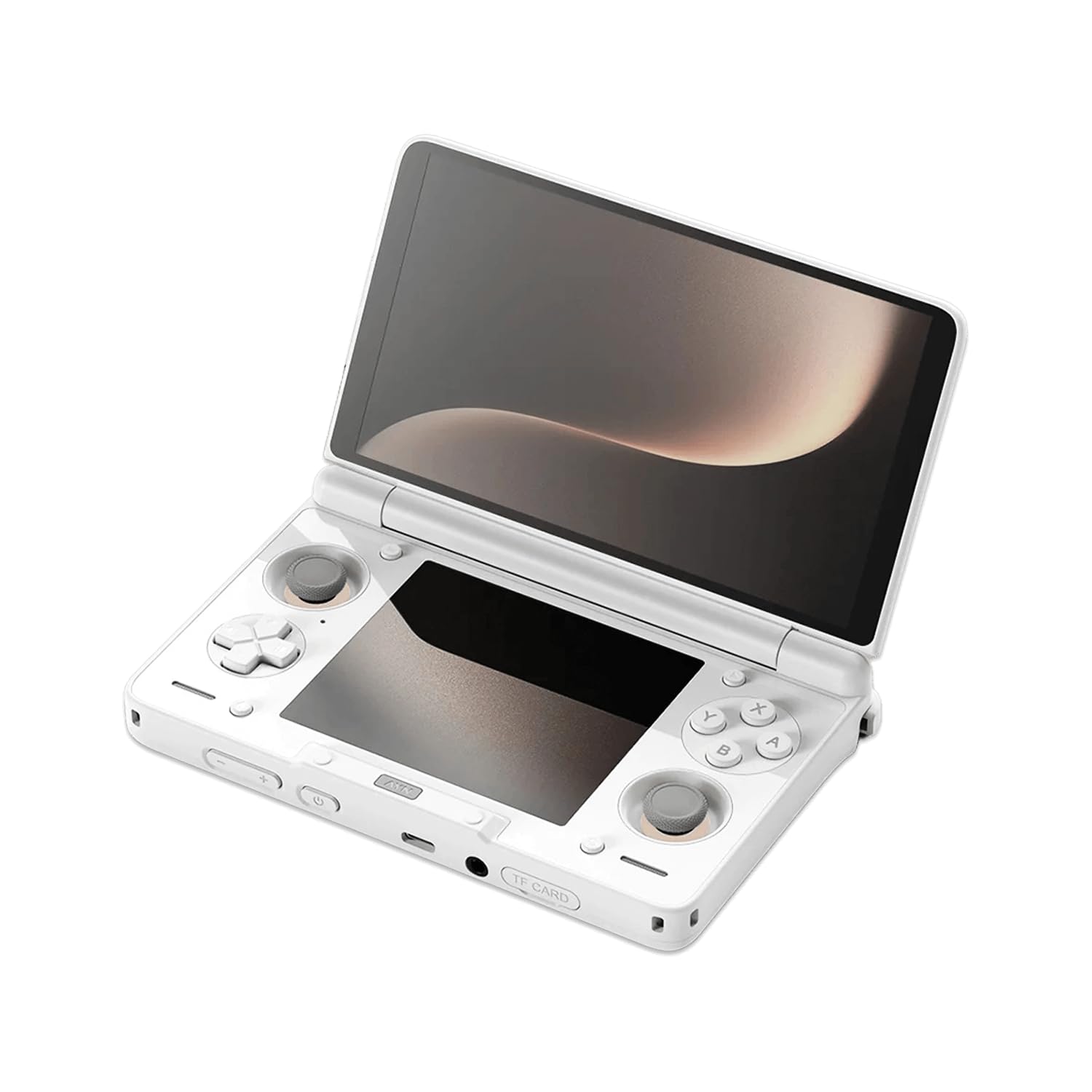
2. AYN Thor Max Dual-Screen Clamshell Gaming Handheld
A 120Hz AMOLED main screen over a second AMOLED panel — this is dual-screen done at flagship level.
If your library stretches past retro handhelds into heavier systems, start here. The Snapdragon 8 Gen 2 drives a 6-inch 120Hz AMOLED main display, with a 3.92-inch 60Hz secondary AMOLED panel beneath it for maps, touch controls, or a second app. AMOLED means each pixel makes its own light, so dark scenes look deep rather than washed grey. The 120Hz refresh rate means the image redraws far more often, which translates to visibly smoother motion in fast games.
It is a clamshell, and a light one at 380g. That is the spec that matters for pocket carry — it folds shut, protects both screens, and slips into a bag without feeling like a brick. Hall Effect joysticks and triggers use magnets rather than rubbing contact points, so they resist the drift that eventually wears out ordinary sticks. Active cooling keeps the chip from throttling during long sessions. Storage runs up to 16GB LPDDR5x RAM and 1TB UFS 3.1, with a stated 8-hour average battery life. Owners agree the dual AMOLED panels and premium build are the highlights, with high-end emulation running smoothly.
Performance you can feel: the Snapdragon 8 Gen 2 and a 120Hz AMOLED panel put it ahead of every other pick here on raw speed and motion clarity.
The cost of entry: this is the premium end of the category, and the deep library it enables assumes you already own or can source those game files.
Suits the heavy emulation player: you want flagship silicon, AMOLED, and 1TB on board.
Not the value route: the affordable Linux machines cover retro systems for a fraction of the outlay.
3. ONEXPLAYER ONEXSUGAR Dual OLED Gaming Handheld
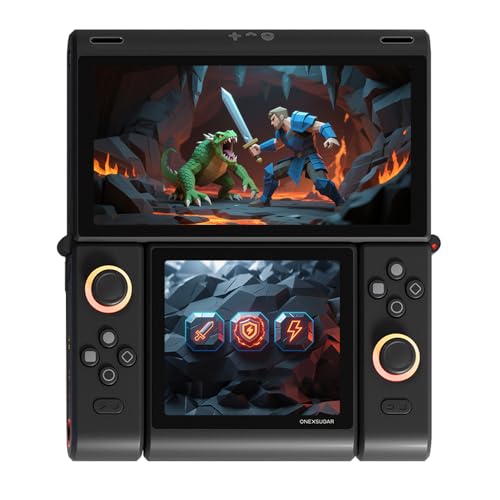
Two OLED panels in a clamshell, one of them a 6.01-inch 2160×1080 main screen.
Screen quality is what this machine is built around, and the numbers back that up. The main 6.01-inch OLED runs 2160×1080 at 18:9, while the 3.92-inch secondary panel handles 1240×1080 at 8:7 — a taller shape that suits DS-style layouts and touch input. For contrast, the Anbernic RG DS uses dual 4-inch IPS screens; the ONEXSUGAR’s main display is both larger and OLED, so blacks go properly black and colors pop in dark scenes.
Under the hood sits the 8-core Snapdragon G3 Gen3, reaching up to 3.3GHz with an Adreno A32 GPU and 16GB RAM. Storage is 512GB of UFS4.0, which is a rapid storage standard that loads games fast. Hall effect joysticks and micro-switch triggers handle input without drift, backed by dual rotor and linear motors for haptics plus a 3-axis gyro and accelerometer for motion controls. Wi-Fi 7 and Bluetooth 5.3 cover wireless, with a USB-C port, MicroSD expansion, and dual 1W speakers. The 5600mAh battery and roughly 486g body keep it portable. Owners consistently praise the dual OLED panels as beautiful and the clamshell design as unlike anything else in the category.
What the screens deliver: dual OLED is a real visual leap over IPS, and the main 2160×1080 panel is the sharpest here outside the AMOLED machines.
Size it honestly: the 5600mAh battery is the largest on this list, but heavy Android gaming can drain it faster than the rating suggests. It is also the pick that draws the most disagreement about whether the price matches the experience — go in knowing you are paying largely for those two OLED panels.
Built for the screen snob: dual OLED and a 2160×1080 main panel are the whole pitch.
Think twice if: you want the fastest possible silicon for the money — the AYN Thor Max leads on raw speed.
4. RG DS Plus Folding Handheld (Matte Black, Linux)
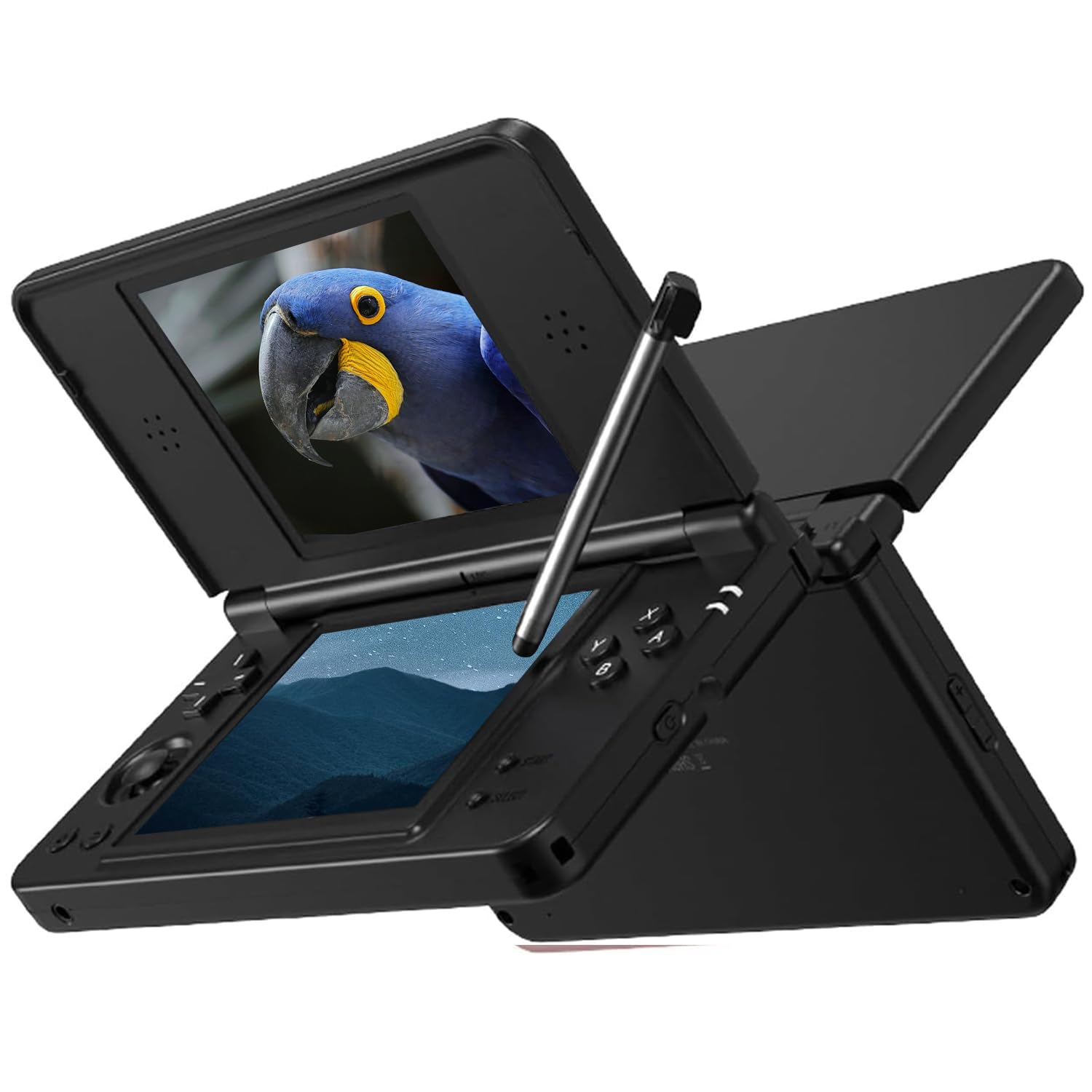
Dual 4.3-inch OCA touch screens and over 20 emulators — but the games are not in the box.
This is the entry route into dual-screen emulation, and the screens are bigger than the Anbernic RG DS’s 4-inch panels. Both displays are 4.3-inch IPS with OCA lamination at 1024×768, and the lower screen supports multi-touch and a capacitive stylus. A built-in Hall-effect switch chip sleeps the console the moment you close the lid and wakes it when you open. The RK3568 4-core Cortex-A55 chip runs up to 2.0GHz with an ARM G52 2EE GPU, backed by 1GB of RAM and the Linux system on 16GB of internal storage.
It ships with no games and no SD card, so you download your own files and load them onto a TF card — expansion goes up to 2TB. Buyers report solid emulation performance and steady praise for build quality on this Linux handheld. The 4000mAh battery is rated up to 6 hours of play with 5V/1.5A charging. Wi-Fi covers 2.4/5G 802.11a/b/g/n/ac alongside Bluetooth 4.2, and there is a vibration motor, 3.5mm headphone jack, and built-in DSP sound effect algorithms. It comes in matte black, coral pink, and metallic blue.
Why budget buyers bite
- Dual 4.3-inch IPS OCA screens, larger than the base RG DS
- Hall switch auto-sleep on lid close
- Over 20 emulator formats with TF expansion to 2TB
- Rated up to 6 hours from a 4000mAh battery
Set your expectations
- No games and no SD card included — you source everything
- Installing game files trips some buyers up
- Runtime complaints pop up; charge before long sessions
The smart budget play: dual 4.3-inch touch screens and 20-plus emulators for entry-level spend.
Keep in mind: plan on a few evenings of downloading and setup before the first game runs.
5. RG DS Plus Retro Handheld (Metallic Blue)
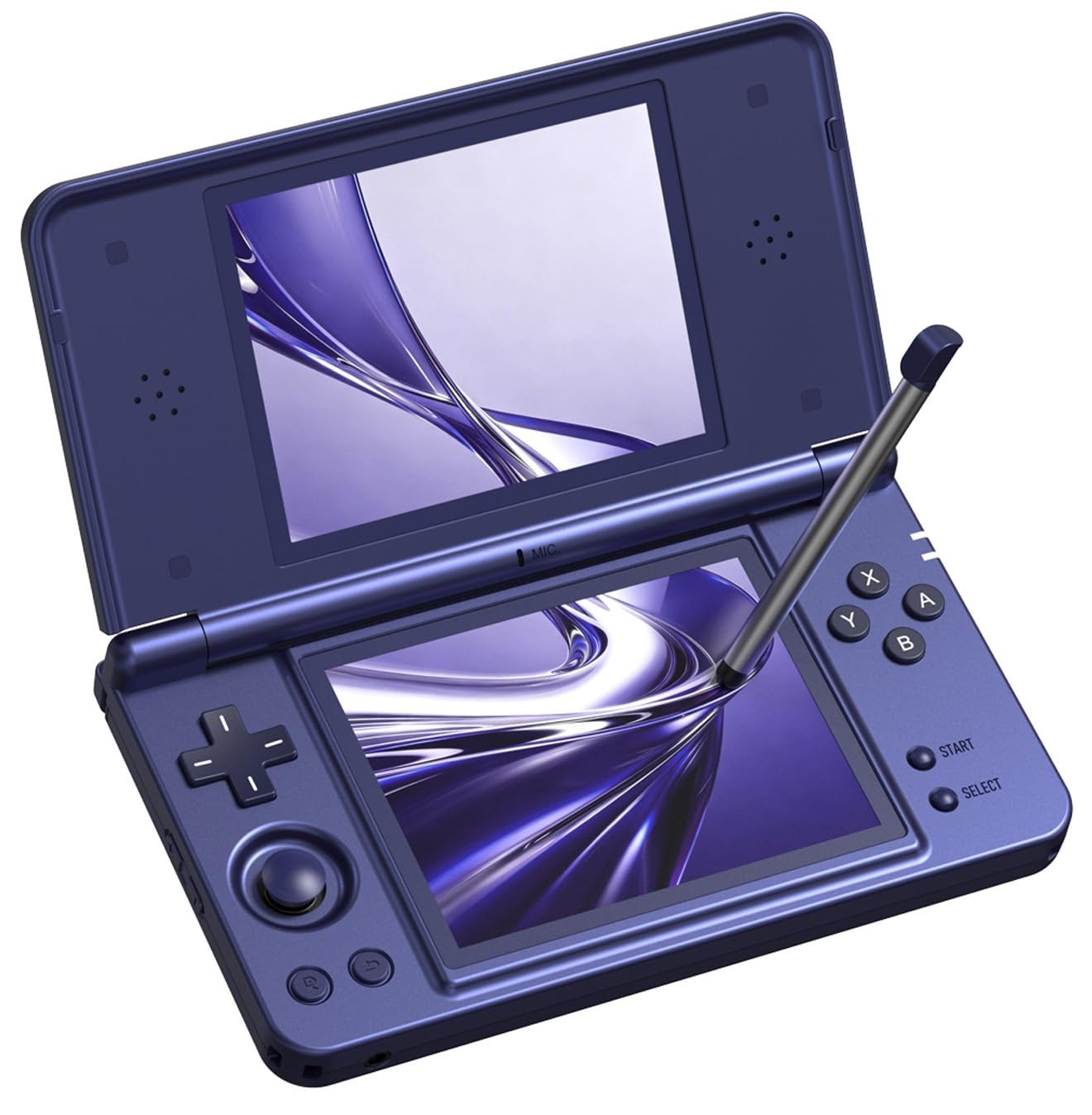
The stylus lives inside the body, and the hinge holds any angle from 15 to 180 degrees.
Same RK3568 quad-core Cortex-A55 at 2.0GHz, same ARM G52 2EE GPU, same Linux system on 16GB with 1GB RAM — but this Metallic Blue version is finished differently. The capacitive stylus is electroplated stainless steel and slots into the lower-left of the body so it never gets lost. The dual 4.3-inch IPS-OCA panels at 1024×768 support multi-touch and stylus input, and you can hover the lid anywhere between 15 and 180 degrees on a high-quality alloy shaft. The hinge structure is refined over the base RG DS to cut wear.
Two details make daily use nicer than the numbers suggest. The D-pad and XYAB buttons use dual-color injection molding with embedded characters, so the lettering will not rub off over years of play. There is a dedicated left-side analog stick and a lanyard hole for a wrist strap. Power comes from the same 4000mAh lithium-ion battery rated at 6 hours, with 5V/2A charging that fills it in roughly 3.5 hours. Wi-Fi is 2.4/5G 802.11a/b/g/n/ac with Bluetooth 4.2, plus high-fidelity stereo speakers, DSP sound algorithms, a vibration motor, and a 3.5mm headphone jack. It supports over 20 emulators including the NNDDSS DS emulator and third-party RixelHK game downloading.
One caveat carried over from its sibling: no games and no SD card. You supply the library. The dual 4.3-inch IPS panels are also the one area where buyer reactions split — most find them visually appealing, while a small number hit quality-control variance.
Where it edges ahead of the matte version: the stainless stylus stores inside the unit, the buttons won’t lose their lettering, and the hinge hovers at any angle in the 15–180° range for tabletop DS play.
Same starting cost in effort: you still download every game yourself onto a TF card before the first session.
Pick this over its twin if: you want the stylus always on hand and a hinge that props at any angle.
The catch: it arrives empty — budget time for sourcing and installing your games.
Know the Specs
IPS versus OLED versus AMOLED panels
IPS is a backlit LCD technology — a light behind the screen shines through the pixels, which keeps colors consistent from wide angles but leaves blacks slightly grey. OLED and AMOLED make each pixel its own light source, so dark scenes go truly dark and colors look richer. In dual-screen emulation the difference shows up in games with moody scenes and in battery behavior. IPS is the budget-friendly standard on the RG DS family; OLED and AMOLED are reserved for the premium ONEXSUGAR and AYN Thor Max.
Refresh rate in Hz
A 120Hz display redraws the image 120 times a second, while 60Hz redraws 60 times. Higher numbers mean smoother motion in fast games, which is why the AYN Thor Max’s 120Hz main panel stands out for action titles. The secondary panel can run slower without hurting the experience, since it usually holds static maps and guides rather than fast action.
Hall Effect joysticks and triggers
Ordinary analog sticks use physical contact points that wear down over time, causing drift where the character moves on its own. Hall Effect parts use magnetic sensing with no surface rubbing together, so they resist that drift. Several picks here include Hall joysticks, and the RG DS Plus adds a Hall switch chip that sleeps the console when the lid closes.
Chip, RAM, and storage
The processor sets your ceiling. The RK3568 is a 4-core Cortex-A55 design running up to 2.0GHz, suited to classic systems. The Snapdragon G3 Gen3 and Snapdragon 8 Gen 2 reach higher clock speeds and handle heavier emulation, Android titles, and streaming. RAM (1GB to 16GB across these picks) affects multitasking, and storage — from 16GB up to 1TB — determines how big a library fits before you add a TF card.
Common Questions
Do these dual screen handhelds come with games installed?
Can a dual screen handheld actually emulate Nintendo DS games properly?
What does “no game preload” mean on the RG DS Plus listings?
How much storage do I need for a retro emulation library?
Is the ONEXPLAYER ONEXSUGAR better than the AYN Thor Max?
How long does the battery last on these dual-screen consoles?
Why do some of these consoles charge so slowly?
Do I need Wi-Fi and Bluetooth on a handheld emulator?
Can I connect these handhelds to a TV?
Will the hinge on a dual-screen clamshell wear out?
The Bottom Line
For most people shopping a dual screen handheld emulator, the Anbernic RG DS is the pick — dual 4-inch laminated touch screens, Android 14, 32GB of storage, and a stylus in the box make it the least fussy way into the category. If raw power is the goal, the AYN Thor Max leads on silicon and a 120Hz AMOLED main screen, while the ONEXSUGAR is the one for dual OLED on both panels. And if you are working to a tighter level of spend, either RG DS Plus covers over 20 emulators on dual 4.3-inch screens — just plan on loading your own games first.
How we choose
We do not accept paid placement. Every pick is matched to a real buyer and a real use-case; we do not hands-on test units.
Sources
Specifications: manufacturer listings and product documentation. Review insights: verified customer reviews, as of November 2026. Pricing: not shown on this page (it changes often); check the current price via the retailer link.
As an Amazon Associate, Gamepad Test earns from qualifying purchases. This does not affect which products we feature.