
Guide
Gamepads are becoming more and more popular, mainly because they are easier to use. In addition, they come in various forms and have multiple features that make the gaming experience a whole lot better. A gamepad is a controller that lets you play games. They are designed so that you can use them while sitting down comfortably. This allows you to play video games while sitting at your desk or even while lying down on a bed. It is also possible to use them while standing up if they have the proper setup, making it easier to enjoy your favorite games. For more insights into gamepad controllers so that you can troubleshoot any possible problems with your controllers, read the following articles to stay up to date.
159 guides · page 10 of 14
 Performance TuningController Polling Rate Overclocking Guide: Min Input LagController Polling Rate Overclocking Explained: The Input Lag Advantage Step-by-Step Guide: Overclocking Xbox & PlayStation Controllers for PC Scientific Benchmarks:…
 Gamepad RepairHow to fix controller snapback on PS5 and Xbox controllersUnderstanding Controller Snapback (And Why It's Not Stick Drift) Tier 1 (Easy Fix): Adjusting Deadzone Settings on PS5 & Xbox…
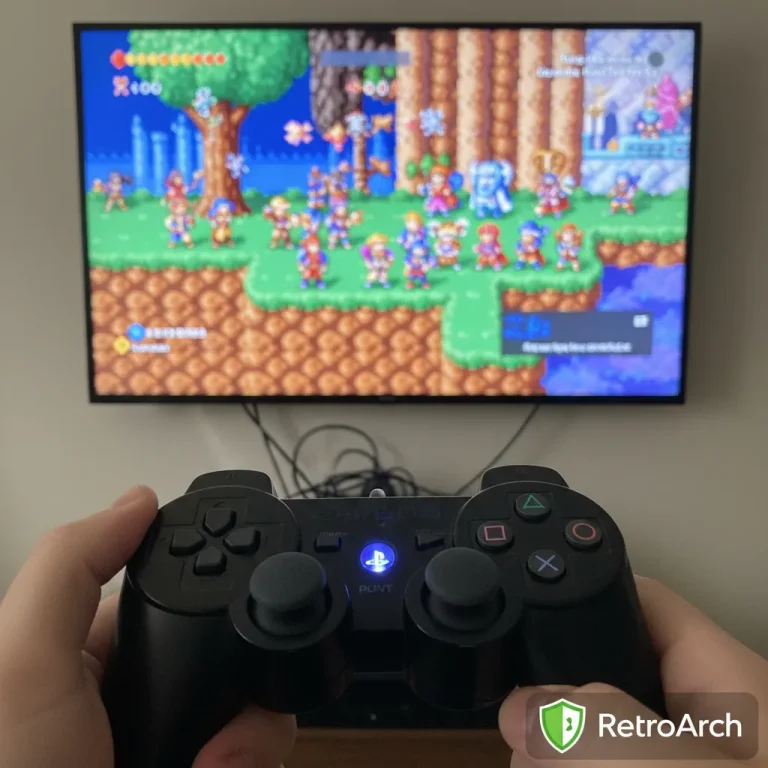 Retro GamingConnect PS3 controller to Android TV RetroArch setup: GuidePS3 Controller to Android TV: Unlocking Bluetooth Connection Step-by-Step Wired Activation for Wireless Pairing RetroArch Setup for Your PS3 Controller…
 ConsolesWii U Pro Controller Bluetooth Windows 11 Input Lag FixUnpacking Wii U Pro Controller Input Lag on Windows 11 Quantified Latency Benchmarks: Software and Hardware Impact Achieving Ultra-Low Latency:…
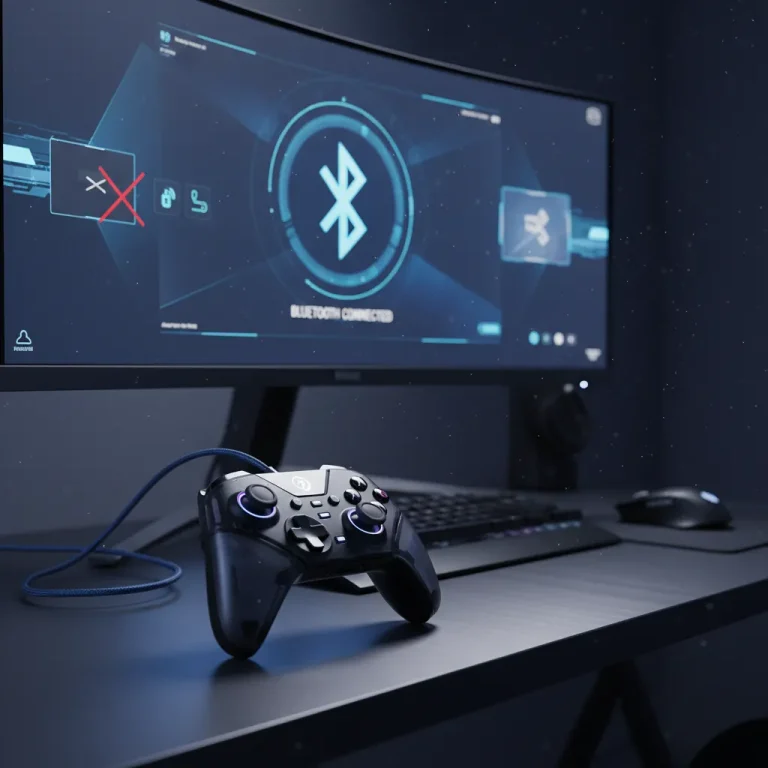 GuideConnect Flydigi Apex 2 to PC without official dongleUnderstanding Flydigi Apex 2 PC Limitations Without the Official Dongle Connecting Flydigi Apex 2 to PC: Advanced Bluetooth & Wired…
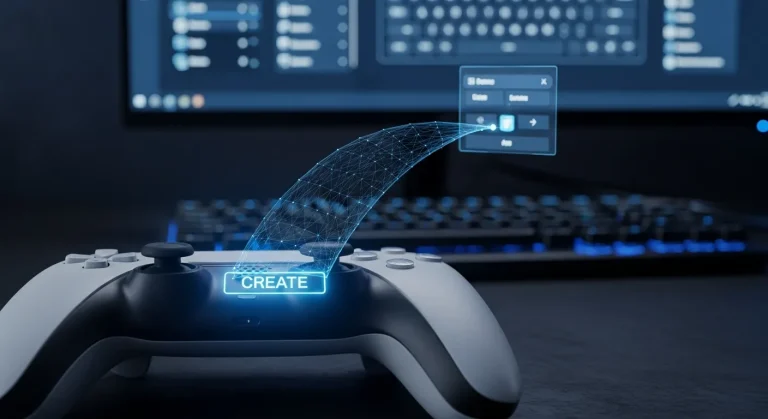 ConsolesHow to remap PS5 DualSense Create button on PC: Easy GuideRemapping the Create Button via Steam Input for Gaming Assigning Share Functions in DS4Windows Master Global Desktop Control with DualSenseX…
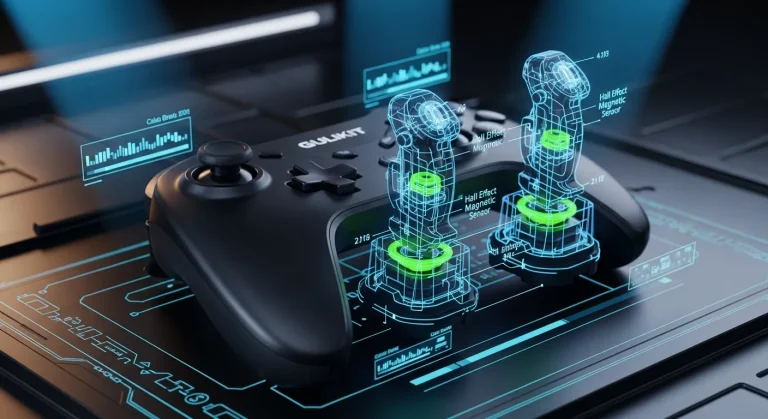 Gamepad RepairFix Gulikit KingKong 2 Pro stick drift calibration issue FastDiagnostic Check: Distinguishing True Drift from 'No Deadzone' Mode and Interference Performing the Standard On-Controller Calibration Sequence Executing the L,…
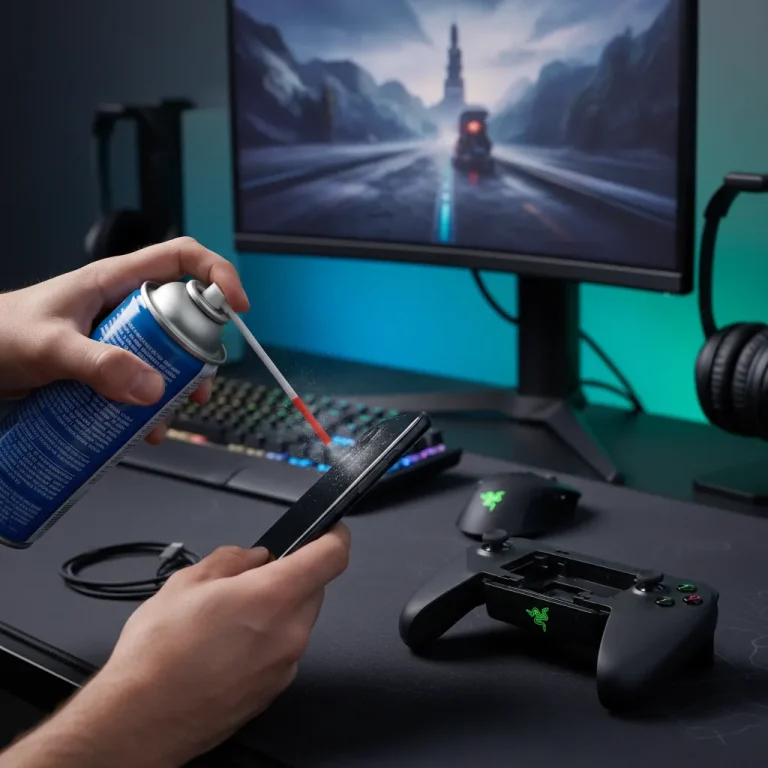 Gamepad RepairRazer Kishi V2 Not Connecting to Phone? A Fix GuideDiagnosing Your Razer Kishi V2 Connection: A Systematic Guide Step 1: Essential Preliminary Checks & Physical Integrity Step 2: Software,…
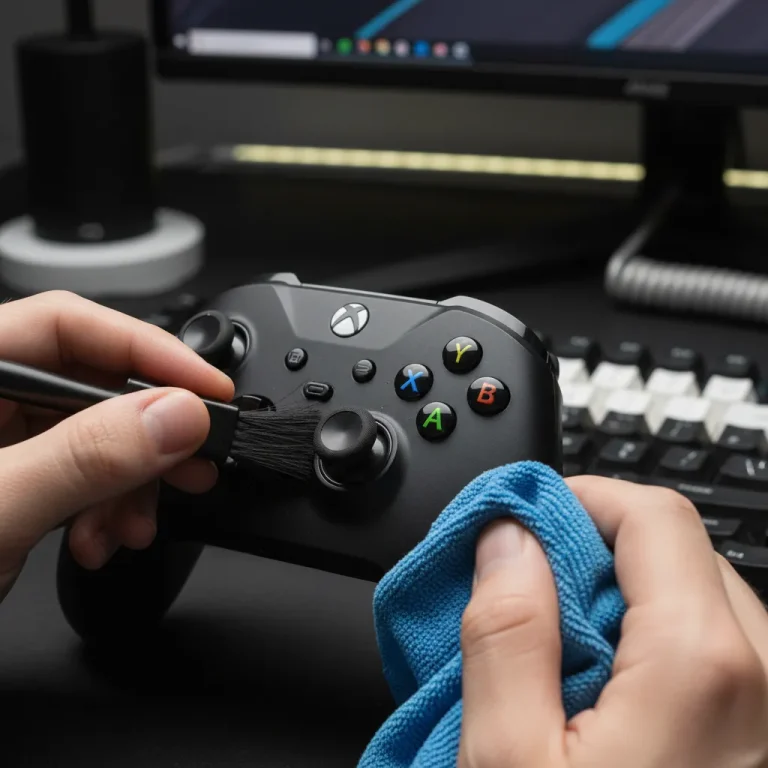 Gamepad RepairHow to Prevent Controller Buttons From Becoming MushyThe Science Behind Mushy Buttons: Material Degradation & Core Causes Tiered Preventative Maintenance: A Schedule for Long-Lasting Controllers Level 1:…
 ConsolesFix Bluetooth Controller Disconnecting Android TV: Easy StepsSolving USB 3.0 and Wi-Fi Frequency Interference Optimizing Bluetooth AVRCP via Developer Options Clearing System Bluetooth Cache and Data Stabilizing…
 GuideController Working in Steam but Not Epic Games? Fix It!Analyzing the Root Cause: Steam Input Priority vs. Epic Native Support Strategy 1: Closing Steam Completely via Task Manager for…
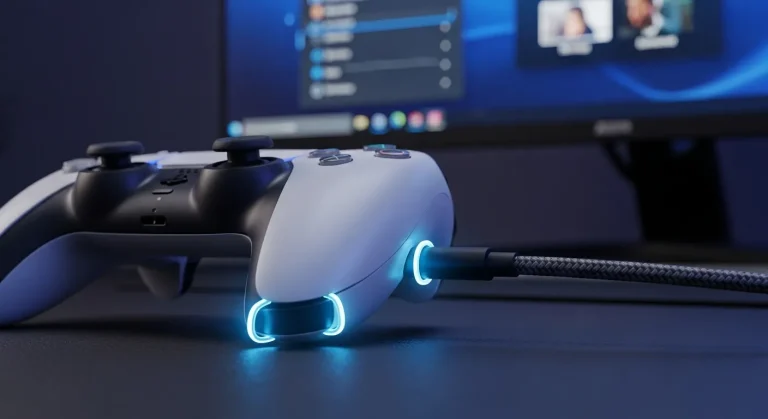 GuideDualSense Adaptive Triggers Not Working on PC? 3 Easy FixesPrerequisites: Official Firmware Updates and Wired USB-C Connection Solution A: Restoring Native Triggers by Disabling Steam Input Supported Games List:…