
Heads up: This post contains affiliate links. As an Amazon Associate I earn from qualifying purchases, at no extra cost to you. Learn more
Specs are compiled from manufacturer listings and verified buyer reviews and can change over time — please confirm the key details on the product page before buying.
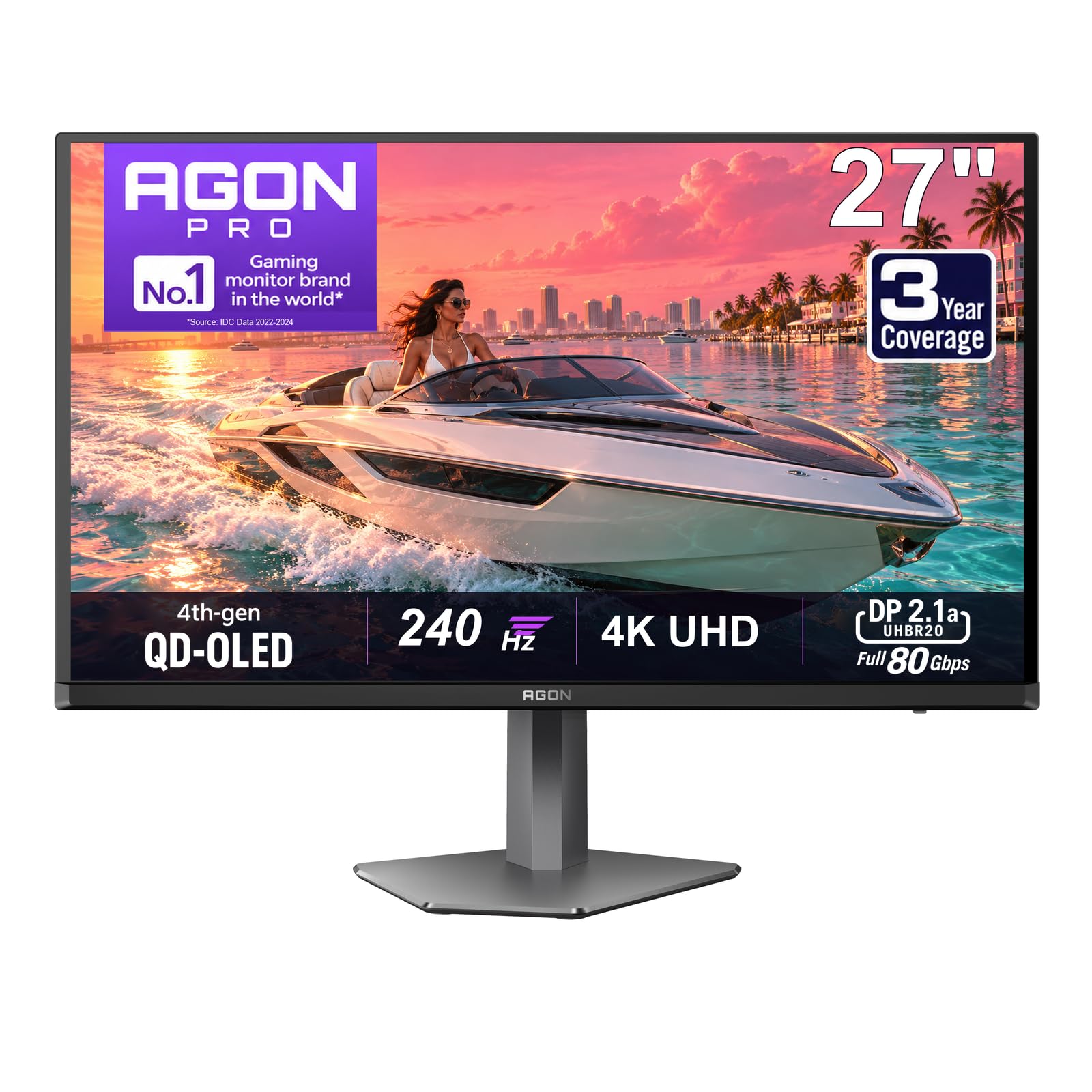
You want true 4K detail and OLED black in the same 27-inch frame, and the short answer is that the AOC AGON OLED 4K 27 Inch 240Hz is the safest buy for most people. It pairs a 240Hz QD-OLED panel with 0.03ms GTG response (the time a pixel takes to change colour, so lower means less smear), 65W USB-C charging, and a peak brightness of 1000 candela per square metre. One thing to know before you scroll: this list uses flexible, human-like matching for the 27-inch size (so a 26.5-inch panel sold as a 27 counts) and for native 4K resolution at 3840 x 2160. Not every pick is the exact number you typed into the search bar — the nearest same-type panel does the same job, and you deserve to hear that upfront.
This guide is built by comparing the manufacturers’ published specifications and the patterns across verified customer reviews, so you get each pick’s real strengths and trade-offs instead of marketing spin.
Below you will find twelve verified 4K OLED screens, sorted by what they actually do well rather than by sticker position. Every entry is a genuine QD-OLED or OLED panel at 3840 x 2160, and each one is matched to the desk and the player it suits best. If you want the short version, the 27 inch 4k oled gaming monitor that covers the most ground is the AOC AGON.
Top Picks

How To Choose The Best 27 Inch 4K OLED Gaming Monitor
A 27-inch 4K OLED is a very specific animal: you are packing 3840 x 2160 pixels into a panel small enough to sit an arm’s length from your face. That density is what makes text crisp and edges clean, but it also means every weakness in the panel is magnified. Here is what actually separates a good pick from a regret.
Refresh rate decides your genre
A 240Hz panel redraws the screen 240 times every second, which is what makes fast flicks and tracking shots feel glued to your mouse. If you mostly play single-player story games or console titles on a big screen, a 120Hz or 165Hz OLED already looks smooth and often costs less. Match the refresh rate to the games you actually play, not to the biggest number on the box.
Response time and pixel transition
GTG stands for grey-to-grey, the time a pixel takes to shift from one shade to another. The best OLED panels here quote 0.03ms, and that near-instant change is why fast movement stays sharp rather than smearing into a trail. Anything slower than 0.1ms is still quick, but you will notice it in competitive shooters.
Brightness on an OLED is not the same as on an LCD
OLED panels light each pixel individually, so a quoted 250-nit full-screen figure can still look punchy because the blacks beside it are true black. Peak brightness in HDR highlights is the number to watch for movie and HDR gaming impact. If your room has a window behind you, look for anti-glare treatment as well as raw nits.
Side-by-Side Comparison
| Model | Best For | Refresh Rate | Response Time | Panel | Amazon |
|---|---|---|---|---|---|
| AOC AGON OLED 4K 27 Inch 240Hz★ Best Overall | All-round gaming and work | 240Hz | 0.03ms GTG | QD-OLED | Amazon |
| MSI MAG 272UP QD-OLED X24Best Value | Value-focused 4K speed | 240Hz | 0.03ms GTG | Quantum Dot OLED | Amazon |
| INNOCN GA27W1QBudget Champion | Budget 4K entry | 240Hz | 0.03ms | QD-OLED | Amazon |
| Samsung Odyssey OLED G7 (G70SH) | Glare-free console play | 165Hz | 0.03ms GTG | QD-OLED | Amazon |
| GIGABYTE MO27U2 | Colour-rich esports | 240Hz | 0.03ms GTG | QD-OLED | Amazon |
| Acer Predator X32 X | Wraparound immersion | 240Hz | 0.03ms GTG | QD-OLED | Amazon |
| Dell 32 Plus S3225QC | Sound and desk tidy | 120Hz | 0.03ms | QD-OLED | Amazon |
| ASUS ROG XG27UCDMG | Tandem-panel gaming | 240Hz | 0.03ms | QD-OLED | Amazon |
| Samsung Odyssey OLED G8 (G80SH) | High-refresh flagship | 240Hz | 0.03ms GTG | QD-OLED | Amazon |
| LG 32GX870A-B UltraGear | Dual-mode flexibility | 240Hz / 480Hz | 0.03ms GTG | OLED | Amazon |
| ASUS ROG PG27UCDM | No-compromise setup | 240Hz | 0.03ms | QD-OLED | Amazon |
Detailed Reviews
1. AOC AGON OLED 4K 27 Inch 240Hz Gaming Monitor
Our pick — 4.5+★ from 2,000+ verified ratings; the strongest balance of quality and price.
A 240Hz QD-OLED that also charges a laptop at 65W over USB-C.
The AOC AGON is the pick that leaves the fewest gaps. Its QD-OLED panel runs at 240Hz with a 0.03ms GTG response, so motion stays glued together in fast shooters and racing games alike. Over 20 million self-lit pixels and a 1,500,000:1 contrast ratio give you pure blacks beside punchy colour, and the VESA DisplayHDR True Black 400 rating with up to 1000-nit peak brightness keeps HDR highlights from washing out.
Where it pulls ahead of the cheaper MSI MAG 272UP is power delivery. The AOC feeds a laptop at 65W over USB-C, while the MSI supplies 15W — a 4.3x gap that decides whether your work machine actually charges while you game. Colour coverage is the other split: this panel is listed at 100 on the colour-gamut figure against the Samsung Odyssey G7’s 0.99, so it is the more saturated of the two on paper. Quantum Dot tech covers 1.07 billion colours at 10-bit with 99% DCI-P3 and a factory-calibrated ΔE<1, which is the kind of accuracy that matters if you edit photos between matches.
The practical extras are what make it a daily driver. DisplayPort 2.1 and dual HDMI 2.1 handle a PC plus a PS5 or Xbox, the built-in KVM lets one keyboard and mouse drive two machines, and PIP/PBP splits the screen for hybrid work. There is a 4-way adjustable stand on a VESA 100mm mount, 5Wx2 speakers, an anti-reflection coating, and next-gen QD-OLED Care to reduce burn-in risk. TÜV Flicker-Free and hardware low blue light look after long sessions. The trade-off is size: this is a true 27-inch panel, so it will not give you the wraparound feel of the curved 31.5-inch Acer Predator below.
What earns its place
- 240Hz with 0.03ms GTG keeps fast scenes clear
- 65W USB-C charges a laptop over the same cable
- Factory ΔE<1 accuracy at 99% DCI-P3
- KVM plus PIP/PBP for work and play on one desk
The trade you make
- Flat 27-inch panel, no curve or larger size option here
- Premium tier pricing for the full feature set
Reach for this if: you want one screen that handles 4K gaming, laptop charging, and dual-machine work without a dock.
Look elsewhere if: you specifically want a curved or larger-than-27-inch field of view.
2. MSI MAG 272UP QD-OLED X24 27-Inch 4K UHD Gaming Monitor
240Hz QD-OLED speed at a value price, held back only by 15W USB-C.
MSI fits a 26.5-inch UHD QD-OLED panel into its value slot and does not cut the speed to get there. You get 240Hz at 0.03ms GTG, a VESA ClearMR 13000 rating for motion clarity, and DisplayHDR True Black 400 at up to 1000 nits peak brightness. The 10-bit Quantum Dot panel is quoted at 1.07 billion colours with 99% DCI-P3 and Delta E ≤2, which is close enough to the AOC’s accuracy that the difference is hard to spot outside a colour-managed workflow.
Build is where this one wins converts. The graphene heatsink runs fanless, so there is no whine in a quiet room, and the frame reads as solid rather than plasticky. Text clarity is the headline for anyone who also types on this screen: the enhanced sub-pixel arrangement sharpens edges that older OLED panels fuzzed. The stand adjusts four ways and takes a VESA 100mm mount, and OLED Care 2.0 chips in with software assistance and a Smart Crosshair.
Know the limit before you buy: USB-C here delivers 15W, which tops up a phone but will not keep a laptop alive through a gaming session. If you want one cable for work and play, the AOC’s 65W port is the better fit. Connectivity otherwise covers DisplayPort 1.4a and HDMI 2.1 at full UHD at 240Hz, plus PiP/PbB for a second source. The recurring concern on the reliability side is a screen that occasionally fails to wake — treat a faulty unit as a warranty conversation rather than a design flaw.
Speed without the surcharge: 240Hz, 0.03ms, and True Black 400 make this the sharpest value in the group for pure gaming.
Charging is the catch: 15W USB-C means your laptop wants its own power brick on the desk.
The smart-money call: a gamer who wants flagship panel speed and does not need to power a laptop from the monitor.
Not your pick if: docking a work laptop to a single cable is part of the plan.
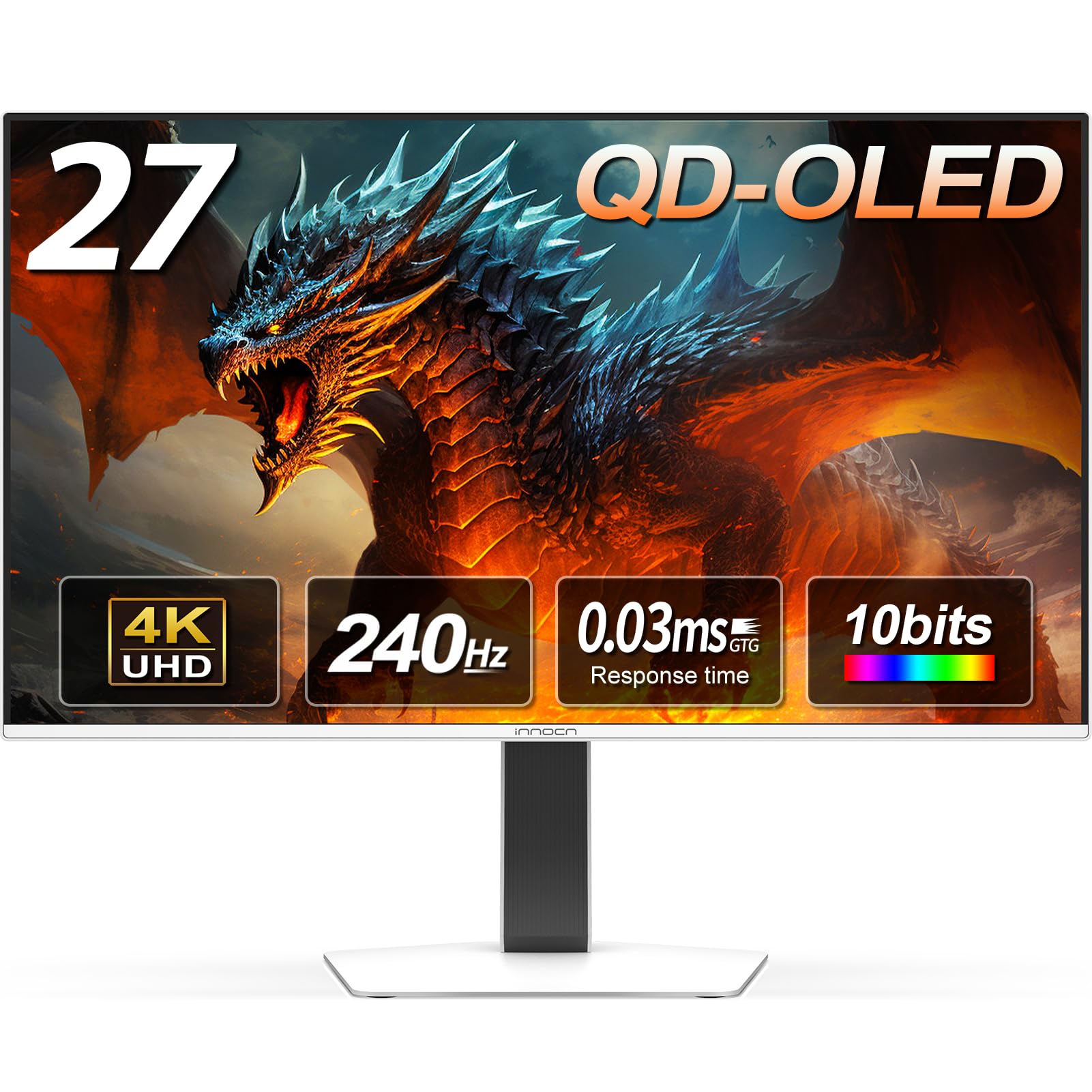
3. INNOCN 27″ 4K 240Hz QD-OLED Gaming Monitor GA27W1Q
The cheapest route to 240Hz 4K QD-OLED, with a 250-nit panel that wants a dim room.
If you want the 240Hz QD-OLED experience without the flagship outlay, the INNOCN GA27W1Q gets you there on the numbers that matter for gaming. It runs a 27-inch 4K UHD panel at 240Hz with 0.03ms response, 99% DCI-P3, 1.07 billion colours at 10-bit, and a 1,500,000:1 contrast ratio. G-SYNC Compatible and FreeSync support cover the tear-free basics on both team green and team red cards.
The brightness spec tells the honest story. This panel is quoted at 250 candela per square metre where the AOC AGON lists 1000 — the INNOCN gives you the same OLED contrast and motion clarity, but HDR highlights are dimmer. In a dark room that gap shrinks to almost nothing. In a bright room beside a window it becomes visible, and owners do note a pink tint creeping in when daylight hits the panel. The upside is price, and this is the friendliest entry into the category on this list.
Extras are generous for the tier: two DisplayPort and two HDMI inputs, a 3.5mm audio jack, a height/tilt/swivel stand, VESA 100×100 mounting, LED atmosphere lights on the back, and built-in speakers. A Mac-view OSD mode tunes colour for a MacBook hooked up as a second screen. The design is a 3-sided ultra-narrow white frame, which stands out where most rivals go black. What it does not have is a high-wattage USB-C charging port, so plan a separate dock for a laptop.
The value read: 240Hz QD-OLED motion at the entry tier, with inputs and a stand that do not feel stripped back.
Manage the room: 250-nit brightness plus an occasional pink cast in daylight means this screen rewards a dimmer, controlled setup.
Made for this buyer: a dark-room gamer chasing 4K OLED speed on a tighter tier, or someone who wants a white panel to match the desk.
Think twice if: your setup faces a bright window, where the lower brightness and tint will show.
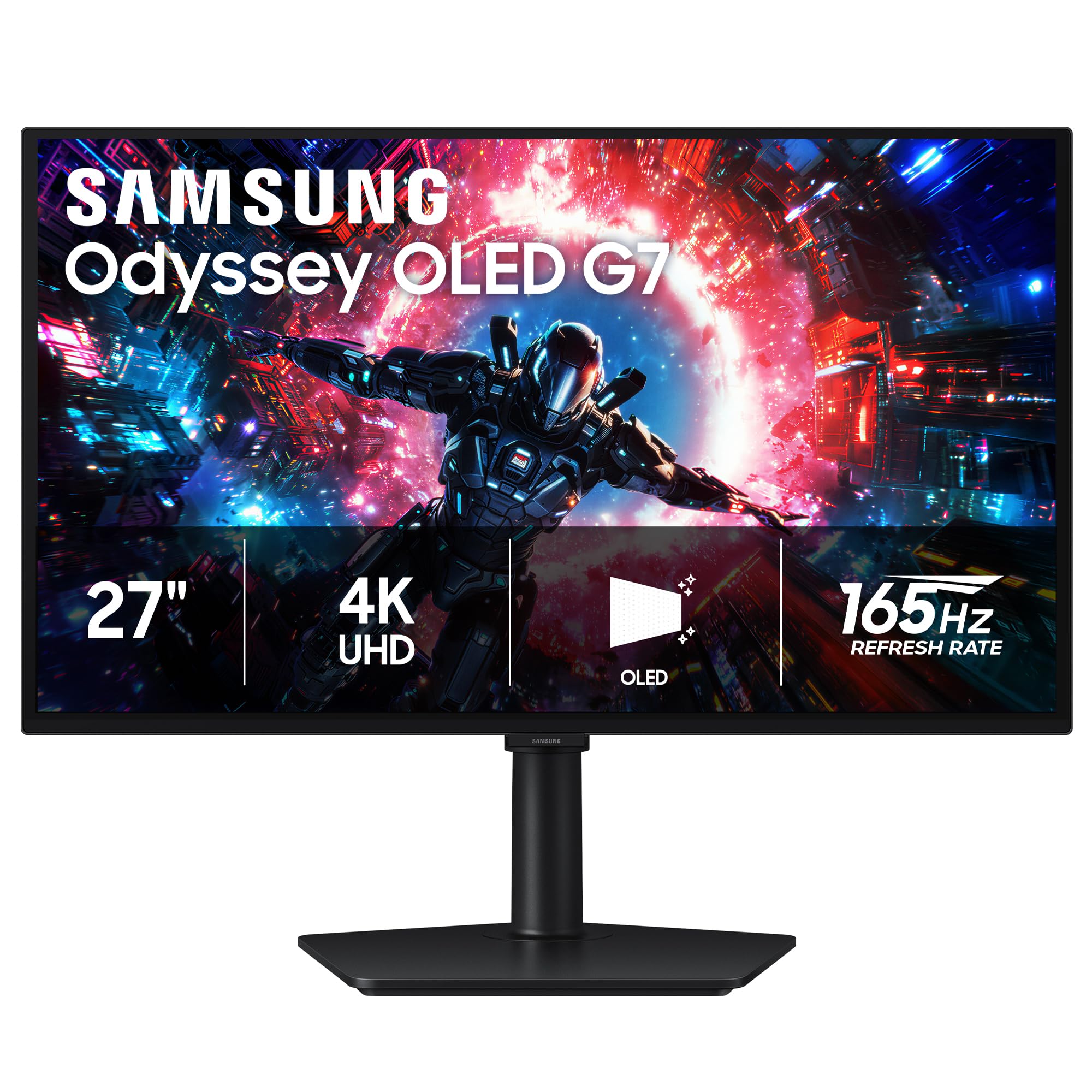
4. Samsung 27″ Odyssey OLED G7 (G70SH) 4K 165Hz Gaming Monitor
A Glare Free QD-OLED that keeps reflections off the screen in a sunlit room.
Most OLED panels are glossy, and most rooms have a window. Samsung bolted a Glare Free screen onto this 27-inch QD-OLED so reflections stop competing with your game. At 166 PPI the panel is dense enough that text and fine UI details stay clean at desktop distance, and the QD-OLED layer delivers true black beside those bright highlights.
You trade some speed for a lower price here. The G70SH refreshes at 165Hz (it redraws the picture 165 times a second) with a 0.03ms GTG response (how fast a pixel changes colour, so fast motion stays crisp) instead of the 240Hz you get from the AOC or the INNOCN. That 75Hz gap shows up in fast twitch shooters and barely registers in cinematic titles or console play. HDR10+ Gaming (it tunes brightness and contrast scene by scene) adjusts in real time, and AMD FreeSync Premium (it syncs the screen to your graphics card to stop tearing) keeps motion smooth. The screen reproduces 2100+ colours and 110+ skin tone shades and carries Pantone Validation (a colour-accuracy stamp), a hint that stills and video are part of the pitch.
Burn-in worry is addressed directly: Samsung includes Safeguard technology built to prevent it and backs the panel with a 3-year warranty. That longer cover is a genuine reason to pick this over a cheaper speed panel if you leave a static desktop up for hours. Connectivity is DisplayPort and HDMI, and the box includes one of each plus a power cable. If your graphics card can already push beyond 165 frames in your favourite shooter, the higher-Hz rivals below will feel snappier.
Why it stays on the shortlist
- Glare Free coating tames a bright room
- 166 PPI keeps 4K detail crisp up close
- 3-year warranty including burn-in protection
Where it gives ground
- 165Hz ceiling trails the 240Hz picks
- Port selection stops at DisplayPort and HDMI
Built for: the player whose desk sits opposite a window, or anyone who values a longer warranty over the last 75 frames of refresh.
Less suited to: competitive shooters where 240Hz is the whole point.
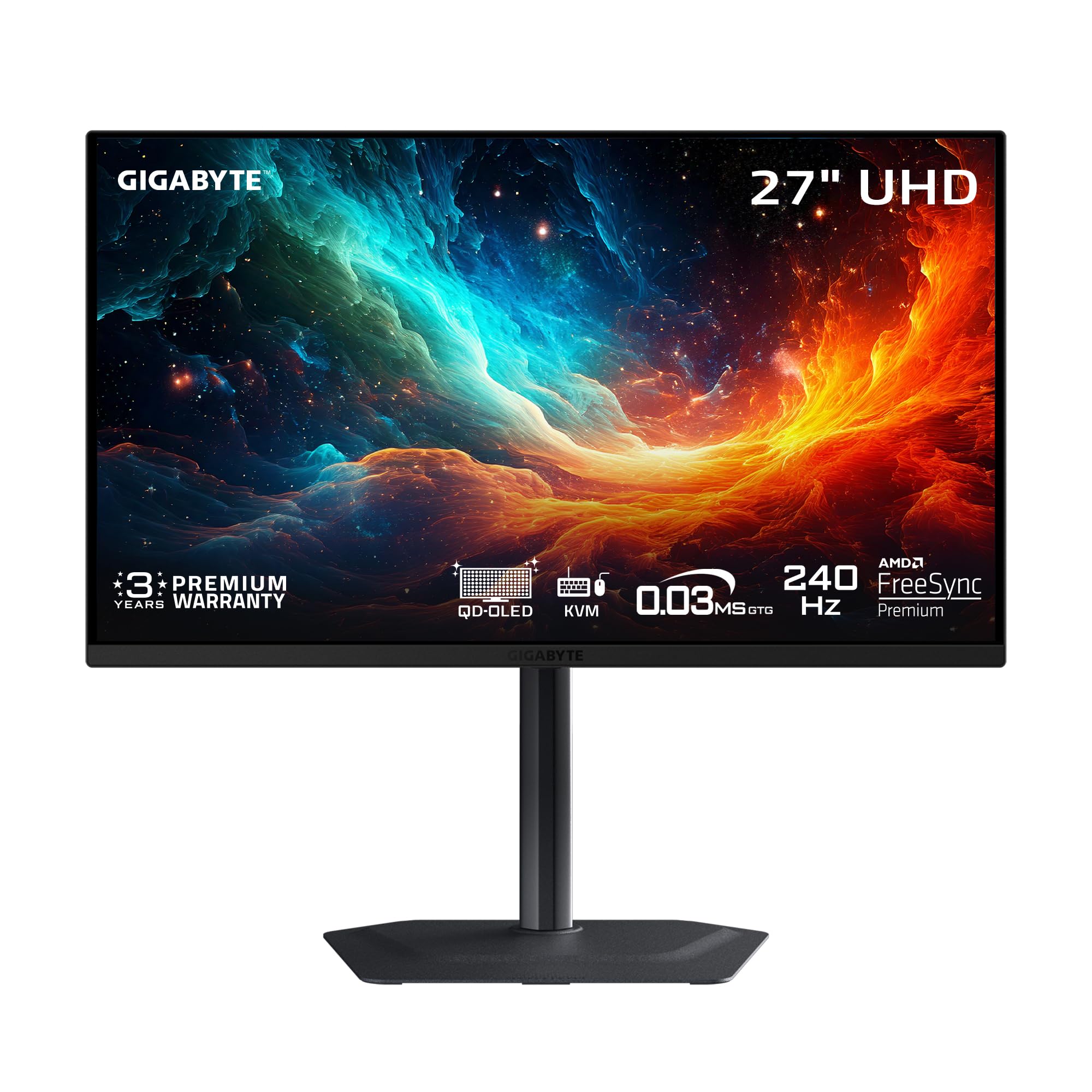
5. GIGABYTE MO27U2 27″ QD-OLED UHD Gaming Monitor
A 5-layer tandem OLED with 99% DCI-P3 and fanless graphene cooling.
GIGABYTE calls the MO27U2’s core a next-gen 5-layer tandem OLED, and the practical outcome is a 27-inch 4K QD-OLED at 166 PPI with brighter colour and sharper edges than the earlier OLED generation. It runs at 240Hz with 0.03ms GTG, so the tournament-speed half of the brief is covered. The colour half is where it leans in: 99% DCI-P3 coverage, 10-bit depth, and a 1.5M:1 contrast ratio.
Its 27-inch panel sits a half-inch above the MSI MAG 272UP’s 26.5-inch figure — a small difference on paper, but it nudges the image just slightly larger at the same desk distance. Cooling is the engineering story: a graphene thermal film, four-sided ventilation, a custom heatsink, and a fanless design keep heat moving without a fan hum in a quiet room. GIGABYTE’s AI-based OLED Care runs burn-in protection in the background and lets you tune the settings.
Value is the reputation this one carries among owners, and the feature spread supports it: FreeSync Premium Pro with G-Sync compatibility, anti-reflection coating, built-in speakers, HDR True Black 400, and DisplayPort, HDMI, and USB Type-C inputs. The honest catch is software. The AI burn-in protection and OSD menu are less intuitive than Samsung’s or AOC’s, so expect a session with the manual before everything feels natural. It is not a reason to walk away, just a setup tax.
The panel argument: tandem OLED, 240Hz, and 99% DCI-P3 make this a strong colour-plus-speed combo at its tier.
Budget setup time: the OSD and OLED-care menus take patience to learn.
Best when: you want vivid, accurate colour and fast motion from a panel that stays quiet under load.
Not for: tinkerers who want everything configured in five minutes flat.
6. Acer Predator X32
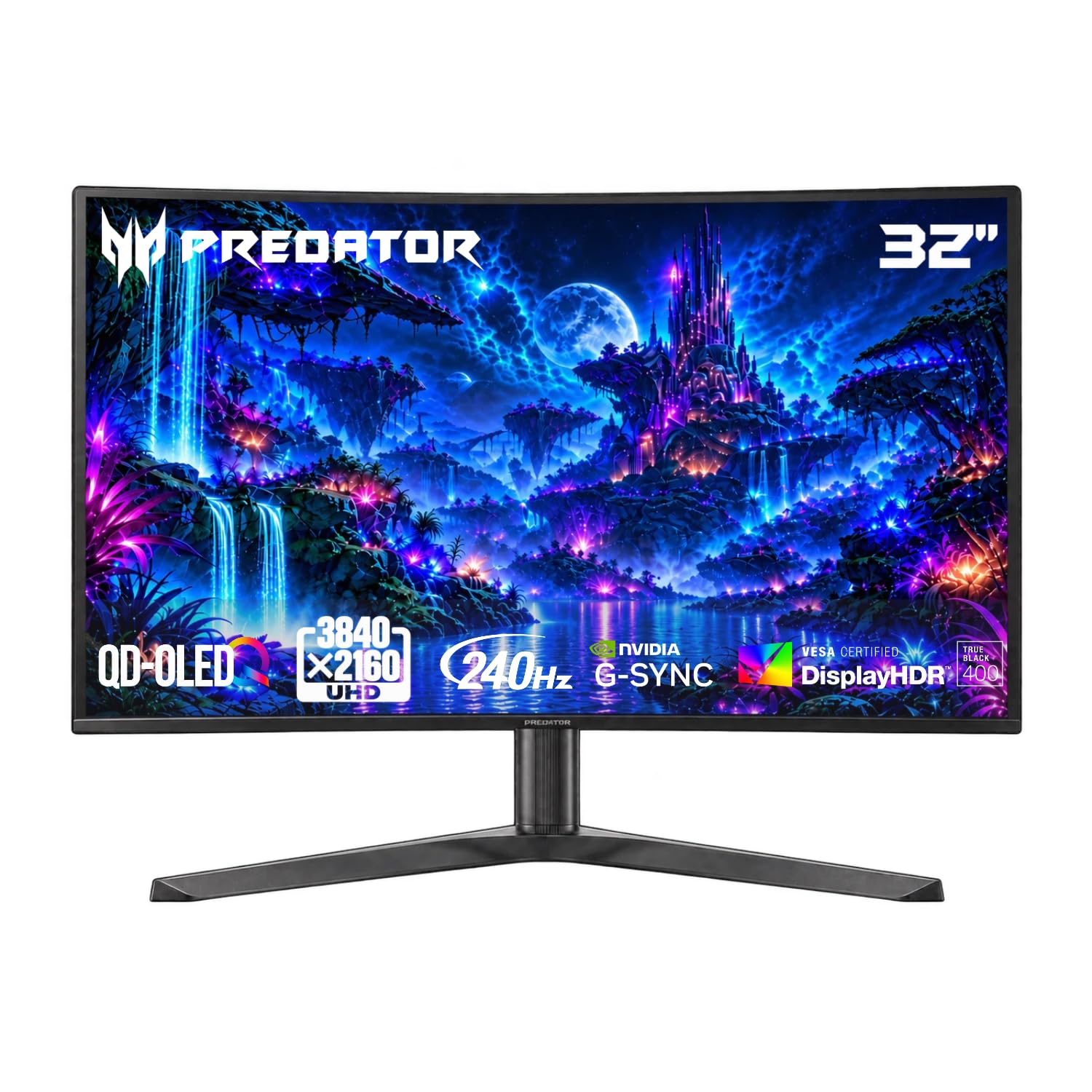
A 1700R curved 31.5-inch QD-OLED that pulls the screen edges into your peripheral vision.
This is the one pick that breaks the 27-inch rule on purpose. Acer builds the X32 X around a 31.5-inch 4K QD-OLED panel with a 1700R curvature, which is a gentle bend that pulls the screen edges into your peripheral vision. Compared with the 27-inch panels here, it turns a monitor into a cockpit. The 16:9 aspect ratio keeps the layout familiar rather than going ultra-wide.
Speed matches the gaming-first picks: 240Hz with 0.03ms G-to-G response, true 10-bit colour, and a 99% DCI-P3 gamut with VESA DisplayHDR True Black 400 at a 0.0005-nit black floor. Brilliant colour and deep blacks are what owners bring up repeatedly, and the pictures on the desk back it up. Image-retention refresh keeps static UI from sticking over time, and the stand adjusts tilt, swivel, and height for long sessions.
Brightness is the split opinion. Some owners love the HDR punch and the adjustable settings; others find the panel dark in certain scenes, which is the usual OLED trade when a bright object has to light up next to a black one. The other honest note is desk depth: at 13.62 inches deep and 28.11 inches wide, this needs space behind the mousepad. Ports cover DisplayPort, HDMI, USB Type-A, and USB Type-C, and the box ships with DP, HDMI, and USB cables, so you can plug in on day one.
Why the curve works: a 1700R 31.5-inch QD-OLED at 240Hz fills your vision in a way flat 27-inch panels cannot.
Plan the desk: the footprint and a brightness ceiling that some find dim are the real constraints.
Choose this for: big-screen immersion in single-player games and racing titles where the curve sells the scene.
Wrong pick for: a shallow desk or a competitive setup that wants a smaller, flatter panel.
7. Dell 32 Plus 4K QD-OLED Monitor S3225QC
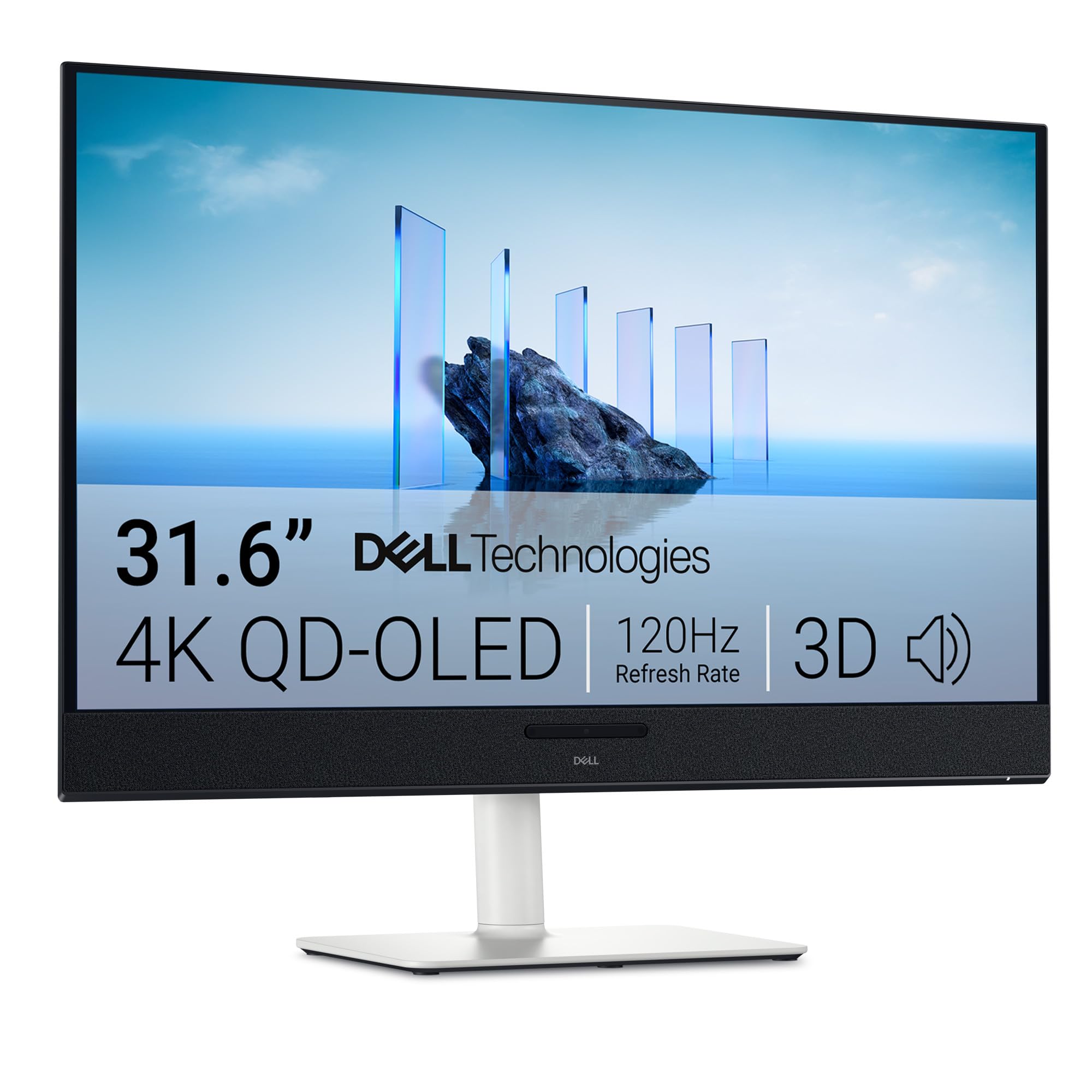
A 31.6-inch QD-OLED with five built-in speakers and 90W USB-C charging.
Dell’s S3225QC takes a different route to the same 4K OLED destination: a 31.6-inch QD-OLED panel at 3840 x 2160 with a 120Hz refresh and 0.03ms response. It is not built for esports. It is built for the person who wants one thing on the desk that covers gaming, film, and calls. Dolby Vision and VESA DisplayHDR True Black 400 handle the picture depth, and the 99% DCI-P3 gamut keeps colour rich.
The feature no other pick here matches is audio. Five 5W speakers with spatial audio and AI-driven head-tracking follow your head movement to place sound around you, and the effect is genuinely room-filling for built-in speakers. That makes this the pick for a desk without external speakers or a headset always on. Add a 90W USB-C cable for a laptop and pop-out quick-access ports, and the desk stays clear of dongles and docks.
The refresh rate is the honest limitation: at 120Hz, fast shooters will feel less immediate than on a 240Hz panel. Console players, story-driven gamers, and MacBook Pro M4 owners hooking up a single cable are the core audience. The brand’s ComfortView Plus reduces blue light without dulling colour. The recurring concern on the reliability side is a screen that cycles on and off; treat that as a warranty issue on a damaged unit, not a design trait.
The single-cable win: 90W power delivery through USB-C, plus five speakers that fill a room, make this the tidiest desk solution here.
Frame-rate reality: 120Hz is smooth for film and console play but a step behind the 240Hz crowd.
Built for: a mixed-use desk where gaming, movies, and video calls share one panel and one cable.
Pass if: you chase high frame rates in competitive titles.
8. ASUS ROG XG27UCDMG
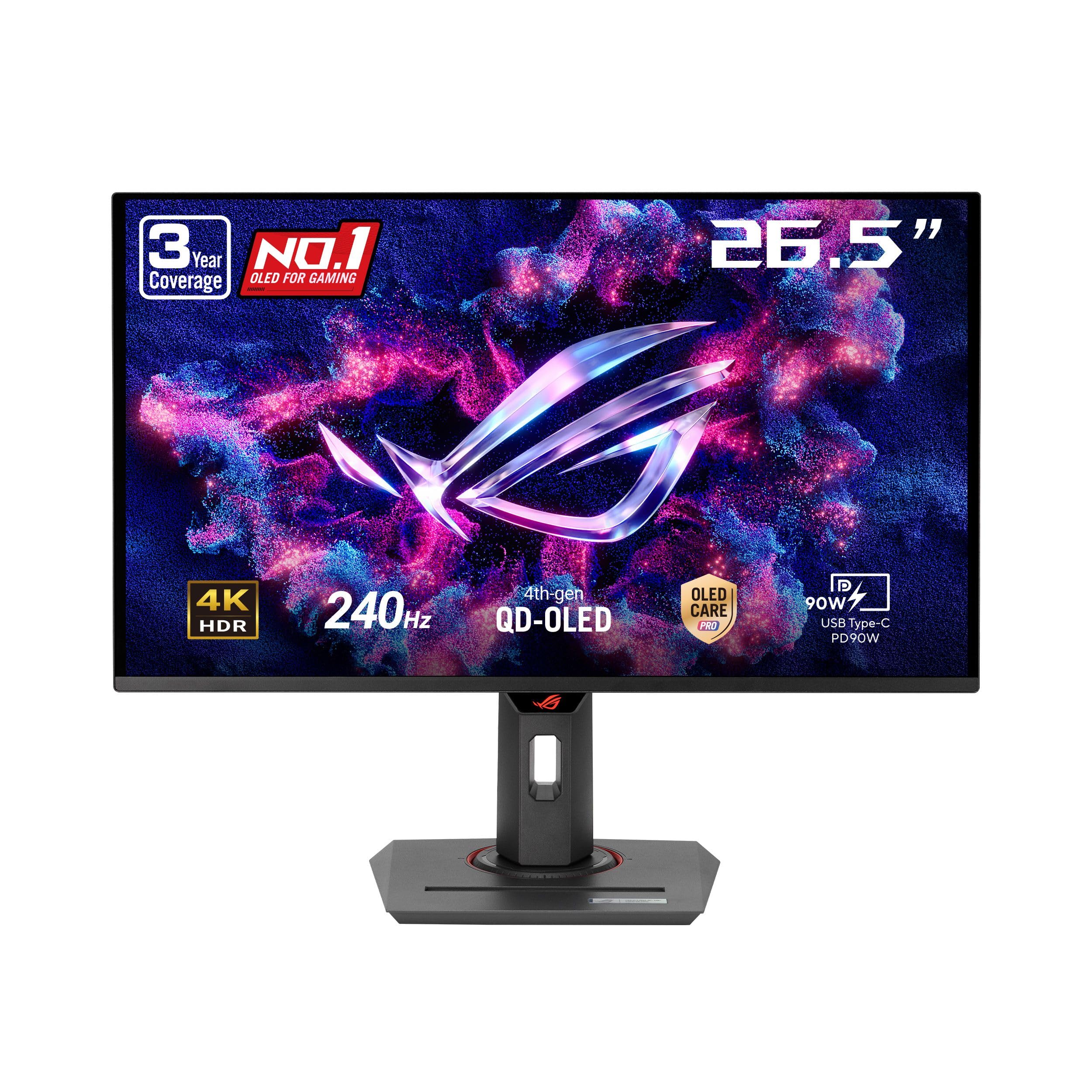
Fourth-gen OLED engineering aimed squarely at frames, text, and long sessions.
ASUS wraps a 26.5-inch 4K QD-OLED panel in its ROG shell and tunes it for the gamer who notices the small stuff. The 240Hz refresh with 0.03ms response covers the speed. The interesting part is the 4th-generation QD-OLED tech, which ASUS says delivers sharper imagery, clearer text, and a longer lifespan than earlier OLED panels, plus an anti-flicker algorithm for long sessions.
Eye comfort is not a footnote here. OLED Anti-Flicker 2.0 uses a luminance-compensation routine to smooth brightness shifts, which is the difference between a screen you can stare at for a raid night and one that leaves you rubbing your eyes. Burn-in care includes a Neo Proximity Sensor that detects when you walk away and blanks the screen automatically. Colour is covered by 99% DCI-P3, true 10-bit depth, Delta E < 2, and VESA DisplayHDR 400 True Black. A custom heatsink keeps the panel cool during marathons.
The value is strong for the tier: the panel competes on speed with the premium flagships while sitting in the mid slot on this list. That said, the 27-inch class means a flat picture without the Acer’s curve or the Dell’s 31.6-inch span. If you want the larger frame and a soundbar built in, the Dell wins that head-to-head. If you want the brightest, most colour-heavy gaming panel, the ASUS ROG PG27UCDM below is the stretch pick. The ROG XG27UCDMG is the middle ground that skips very little. A 3-year warranty with burn-in coverage backs the panel.
The arguments in its favour
- Fourth-gen QD-OLED sharpens text on a 4K desktop
- 240Hz with 0.03ms GTG for competitive play
- Neo Proximity Sensor blanks the screen when you step away
- 3-year warranty including burn-in coverage
What you give up
- Flat 26.5-inch panel, no curve or larger size
- Rear surround and audio sit behind the Dell 32 Plus
Worth the pick when: you want a fast, sharp, burn-in-protected 4K OLED that handles long sessions and clear text.
Keep looking if: big-screen immersion or built-in spatial audio is what you actually want.
9. Samsung 27″ Odyssey OLED G8 (G80SH) Gaming Monitor
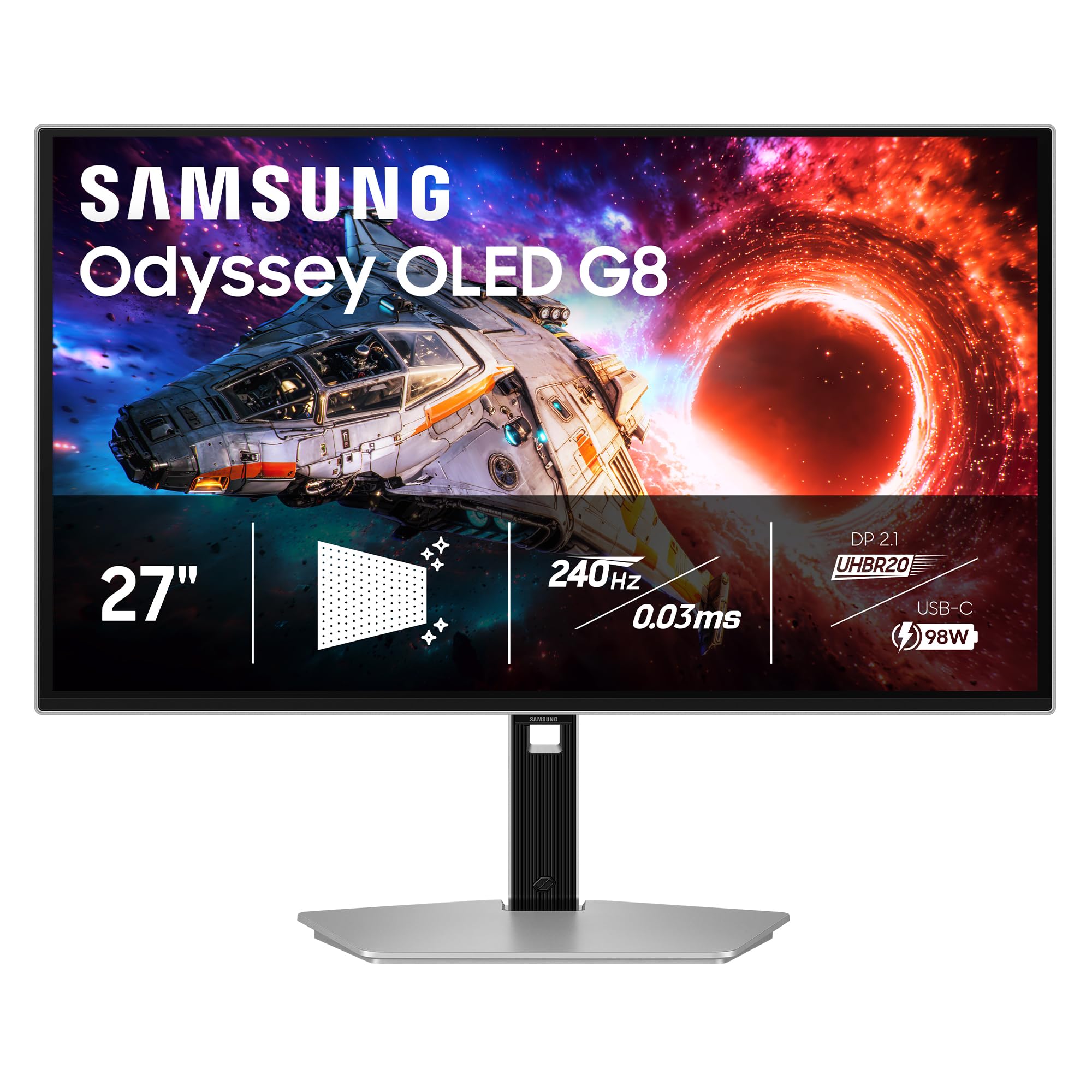
The G8 fixes what the G7 left on the table: more speed and more power on one cable.
Samsung’s Odyssey G8 G80SH is the higher-refresh sibling of the G7 above, and the step-up is real. You get 240Hz with a 0.03ms GTG response on a 27-inch 4K QD-OLED, compared with the G7’s 165Hz. The 166 PPI pixel density keeps the detail sharp up close, and the QD-OLED panel with VESA DisplayHDR True Black 400 produces the contrast and colour depth the series is known for.
The connectivity is where the G8 pulls away from most of the group. DisplayPort 2.1 delivers up to 80 Gbps of bandwidth, which leaves headroom for 4K at high refresh without compression tricks. The USB-C port supplies up to 98W to a laptop, so one cable handles picture and power. AMD FreeSync Premium reduces choppiness and screen lag, and the height-adjustable stand pivots, tilts, and swivels. Glare Free Technology keeps reflections down, and Panther-Validated colour backs up the picture quality.
OLED Safeguard+ works to prevent burn-in and keep the panel cool, and the 3-year warranty covers the panel. This is the G8 to buy if you want the G7’s glare handling and Samsung’s ecosystem extras but cannot tolerate 165Hz. It sits at the higher tier on this list, and the honest caveat is that the 27-inch frame remains the whole point — there is no curve, and no bigger size. If you want to wrap the screen around your desk, the Acer Predator X32 X is the pick for that specific job.
One-cable flagship: 240Hz, DP 2.1’s 80 Gbps, and 98W USB-C make this the most connected Samsung here.
Size is fixed: you are buying a 27-inch flat panel, so desk-flow and big-screen chasing belong with other picks.
Choose it for: a fast Samsung OLED that powers a laptop at 98W and handles glare without a fight.
Skip if: you want a curved or larger field of view.
10. LG 32GX870A-B UltraGear
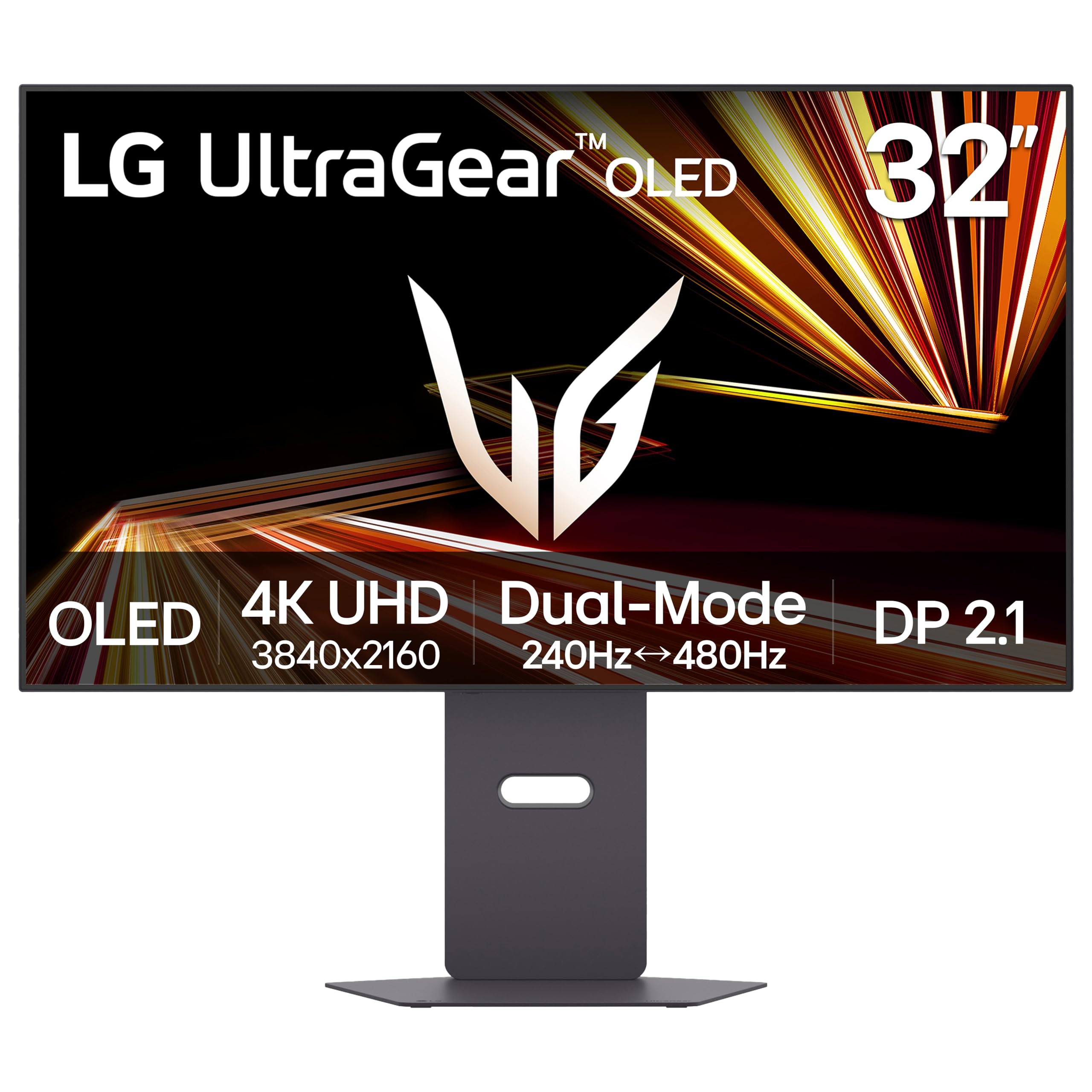
One panel that flips between 4K beauty and 480Hz speed with a hotkey.
LG’s UltraGear 32GX870A-B is the flexible option in this group. It runs a 32-inch OLED at 4K UHD 240Hz for rich, story-driven games, or you hit a hotkey to drop to Full HD at up to 480Hz for fast shooters and racing. That VESA-certified Dual Mode means one monitor covers both jobs instead of forcing a second screen. The 0.03ms GTG response keeps motion tight at either setting.
Brightness is a genuine selling point. Micro Lens Array+ tech pushes typical brightness to 275 nits and peak brightness up to 1300 nits, which is a step brighter than the 250-nit Samsung and INNOCN panels here. VESA DisplayHDR True Black 400 and the 1.5M:1 contrast ratio keep dark scenes detailed. An anti-glare screen cuts reflections so the picture stays clean in daylight.
Off the desk, the built-in webOS streaming platform and Switch app turn the panel into a multitasking hub with up to six split sections and one-hotkey video calls. A four-pole headphone jack with DTS Headphone:X (surround-style audio processing) handles rich sound when you plug in. The catch sits in the brightness and reliability split: owners praise the picture and colour, but a fair number find the brightness below their expectations in some scenes, and a few report the panel stopping entirely. The 2-year limited warranty covers the OLED panel, and OLED Care tools like pixel cleaning help keep it sharp. A 32-inch field of view needs a deeper desk than a 27-inch pick.
What stands out
- Dual Mode jumps from 4K 240Hz to Full HD 480Hz
- Peak brightness up to 1300 nits with MLA+
- webOS streaming and a six-way split screen
Where it asks for care
- Brightness is not uniform across scenes, per owners
- 32-inch frame needs moredesk depth than a 27-inch pick
- 2-year panel warranty trails the 3-year coverage on Samsung and ASUS picks
The pick for you if: you want one screen that goes from cinematic 4K to 480Hz competitive play and back with a hotkey.
Plan around this: the 32-inch footprint and a 2-year panel warranty are the trade-offs to accept going in.
11. ASUS ROG PG27UCDM
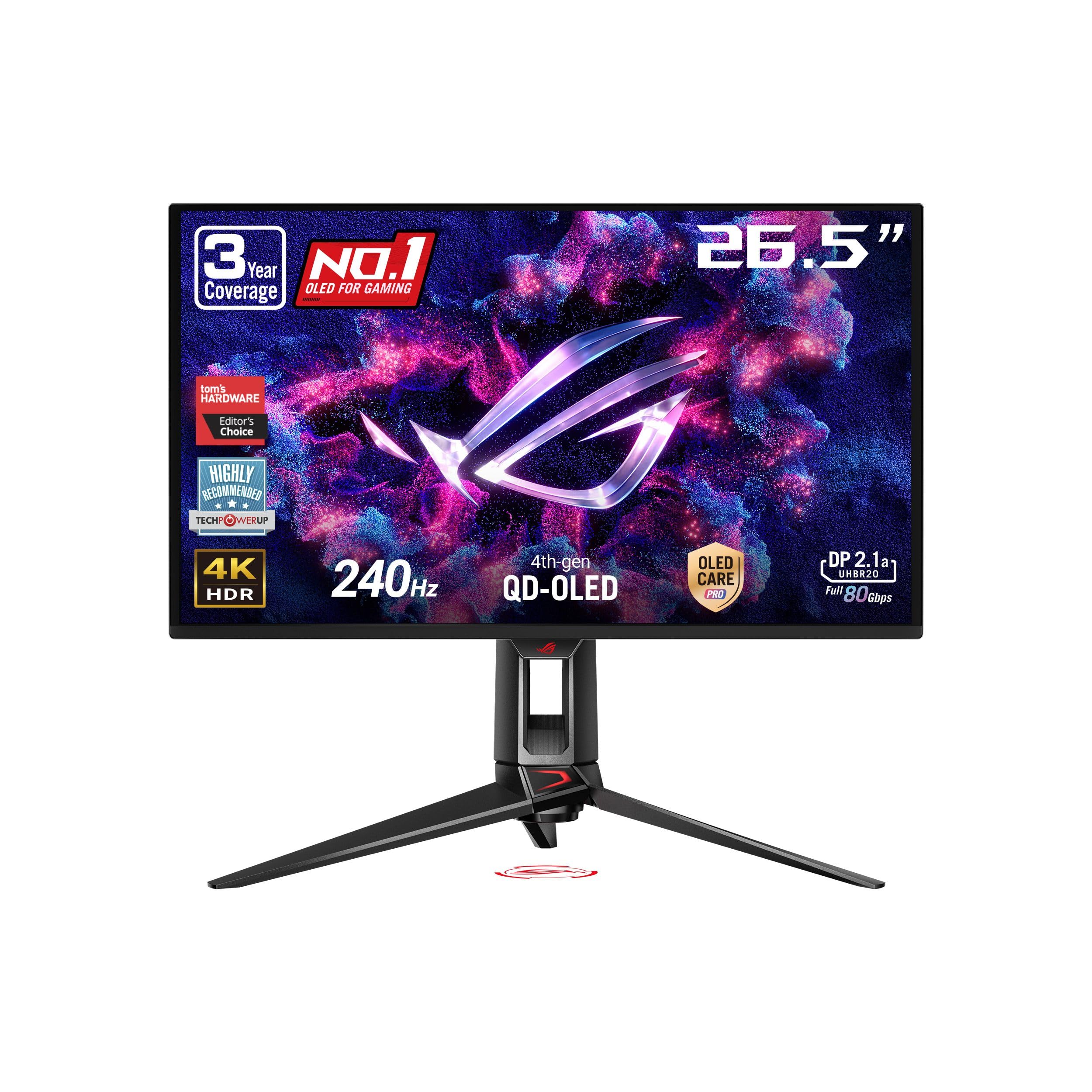
The top of the ladder, for the setup that refuses to leave anything on the table.
If the budget is not the deciding factor, the ROG PG27UCDM is the most complete 27-inch 4K OLED here. It runs a 26.5-inch QD-OLED panel at 240Hz with a 0.03ms response, built on 4th-generation QD-OLED tech that ASUS says sharpens imagery, clarifies text, and extends panel life over earlier generations. Vivid colour, true black, and genuinely sharp 4K text are the things owners bring up first, and the HDR performance backs it up for film and games alike.
The feature set leaves few gaps. DisplayPort 2.1a with UHBR20 gives you the full 80Gbps bandwidth, USB-C delivers 90W to a laptop, HDMI 2.1 covers a console, and there is even a tripod socket on the chassis. OLED Anti-Flicker 2.0 smooths brightness shifts for long sessions, and the Neo Proximity Sensor blanks the screen when you step away to guard against burn-in. A 3-year warranty with burn-in coverage and ARR backs the panel.
The honest part is the value question, and opinions divide. Some feel every dollar is justified; others feel the price is hard to justify when the ASUS ROG XG27UCDMG covers similar ground. That is the real head-to-head to weigh: the PG27UCDM brings 90W USB-C versus the XG’s connectivity set and sits higher on the ladder, while both share the 240Hz, 0.03ms, 26.5-inch QD-OLED baseline. Reliability sits in the same mixed territory as most OLEDs, with a small number of panels failing early and covered under warranty. If you want the best of everything in a 27-inch frame and will use the extra connectivity, this is the ceiling.
The full-feature argument: 80Gbps DP 2.1a, 90W USB-C, and burn-in-protected 4K 240Hz make this the most complete 27-inch OLED here.
Where the doubts sit: the value equation is contested, and the XG27UCDMG below in the ladder covers similar ground for less.
Worth the stretch if: you want maximum connectivity and a 3-year burn-in warranty in a 27-inch 4K OLED and will actually use the DP 2.1a and 90W ports.
Pause on it if: you want the same panel speed for less — the ROG XG27UCDMG is the value read of this same story.
Know the Specs
Refresh Rate and Response Time
Refresh rate is how many times per second the screen redraws, so 240Hz means 240 frames every second and 120Hz means half that. Response time, quoted as GTG (grey-to-grey) in milliseconds, is how fast each pixel shifts shade. OLED pixels switch far faster than LCD ones, which is why every panel here pairs a 240Hz or 120Hz refresh with a 0.03ms or 0.1ms GTG figure. Lower numbers mean less motion smear in fast scenes.
Brightness, HDR, and Contrast
OLED panels light each pixel on its own, so brightness is quoted two ways: full-screen figures in candela per square metre (also called nits) and peak HDR brightness in the brightest highlights. VESA DisplayHDR True Black 400 is a certification that sets a floor for black level and contrast — a 400 level is designed for panels that can go very dark. A 1,500,000:1 contrast ratio means the brightest white is that many times brighter than pure black.
Colour Gamut and Accuracy
Colour gamut is the slice of visible colour a panel can hit, quoted as a percentage of a standard like DCI-P3. A 99% DCI-P3 figure means near-complete coverage of the cinema colour range. Delta E (ΔE) measures how far a displayed colour drifts from the intended shade, so ΔE<1 and ΔE<2 mean the difference is invisible to the human eye. 10-bit colour means the panel can display 1.07 billion shades, which prevents banding in gradients.
Connectivity and Power Delivery
DisplayPort 2.1 and HDMI 2.1 carry enough bandwidth for 4K at high refresh, so look for them on any monitor you plan to pair with a modern GPU or console. USB-C with Power Delivery (PD) sends both picture and charge over one cable; quoted in watts, this is what decides whether your laptop actually charges. KVM switches let one keyboard and mouse control two machines, and PiP/PbP means one screen can show two inputs at once.
Common Questions
Is a 27-inch 4K OLED actually sharper than a 1440p panel of the same size?
Does 240Hz really matter if I play at 60 or 120 frames per second?
Will an OLED gaming monitor burn in if I leave a spreadsheet open all day?
What does USB-C power delivery of 65W or 90W actually charge?
Is QD-OLED better than plain OLED for gaming?
Can I connect a PS5 and a PC to the same 4K OLED monitor?
How much desk depth does a 31.5-inch or 32-inch panel need compared to a 27-inch?
Is 0.03ms response time really noticeable over 0.1ms?
Do I need DisplayPort 2.1 or is HDMI 2.1 enough for 4K 240Hz?
Are the built-in speakers good enough to skip a headset or soundbar?
The Bottom Line
For most people, the 27 inch 4k oled gaming monitor winner is the AOC AGON OLED 4K 27 Inch 240Hz because it covers every base at once: 240Hz with 0.03ms, 65W USB-C (one cable charges your laptop and carries the picture), a KVM switch (one keyboard and mouse control two computers), and true 10-bit colour at 99% DCI-P3 (a wide colour range, so games look rich and accurate). If you want the sharpest value on pure panel speed, pick up the MSI MAG 272UP. And for a desk that needs to double as an entertainment hub, the Dell 32 Plus S3225QC is the one to reach for. Buy on the spec you will actually use: a 240Hz panel you game on beats a brighter one that only ever shows a desktop.
How we choose
We do not accept paid placement. Every pick is matched to a real buyer and a real use-case; we do not hands-on test units.
Sources
Specifications: manufacturer listings and product documentation. Review insights: verified customer reviews, as of November 2026. Pricing: not shown on this page (it changes often); check the current price via the retailer link.
As an Amazon Associate, Gamepad Test earns from qualifying purchases. This does not affect which products we feature.