
Heads up: This post contains affiliate links. As an Amazon Associate I earn from qualifying purchases, at no extra cost to you. Learn more
Specs are compiled from manufacturer listings and verified buyer reviews and can change over time — please confirm the key details on the product page before buying.
Your graphics card can push 4K frames at high speed, and the panel in front of you is the only thing standing between that power and your eyes. One honest note before you scroll: this list matches native 4K resolution (2160p, a true 4K panel, not a 1080p or 1440p screen that merely accepts a 4K signal) and a 144 Hz refresh rate or higher (the panel redraws the image 144 times a second or faster). So not every pick here hits the exact number you typed into the search bar — the nearest same-type screen does the same job, and you will always know which spec each one actually carries.
This guide is built by comparing the manufacturers’ published specifications and the patterns across verified customer reviews, so you get each pick’s real strengths and trade-offs instead of marketing spin.
The short answer: a fast IPS panel gets you the resolution and speed for sensible money, while an OLED panel is what makes dark scenes and motion look genuinely different. Below you will find the honest trade-offs behind every 4k 144 hz gaming monitor worth shortlisting.
Top Picks
How To Choose The Best 4K 144 Hz Gaming Monitor
The mistake most first-time buyers make is chasing one big number and ignoring the panel underneath it. A screen can say 4K and still feel slow, or hit a huge refresh rate and look washed out. Four things decide whether you will be happy two years from now.
Panel type decides how motion and shadows look
An IPS panel (a fast, colour-accurate LCD) gives you high refresh rates and wide viewing angles at a friendly price. An OLED panel (each pixel makes its own light and can switch fully off) gives you near-instant pixel changes and genuinely black blacks. The catch with OLED is peak brightness and long-term care, which is why the brighter OLEDs cost more.
Response time in milliseconds is not the same as refresh rate
Refresh rate is how many times per second the screen redraws — 165 Hz means 165 times. Response time is how fast one pixel changes colour. A 1ms panel can still smear if the pixel transition is slow, so read the response figure alongside the refresh figure, never instead of it.
Check the ports against what you actually own
A PlayStation 5 or Xbox Series X wants HDMI 2.1 to run 4K at high frame rates. A laptop wants USB-C, ideally with power delivery so one cable charges it and feeds the picture. If you plan to run a PC and a console on one desk, a built-in KVM switch (which lets one keyboard and mouse control two machines) saves you a lot of cable swapping.
Decide if you want curve or flat before you fall in love with a spec sheet
A curved panel wraps the image around your view and pulls you into racing and flight games. A flat panel keeps straight lines straight, which matters if you also do design or text work on the same screen. Neither is better — they suit different desks and different eyes.
Side-by-Side Comparison
| Model | Best For | Refresh Rate | Panel Type | Response Time | Amazon |
|---|---|---|---|---|---|
| KTC 32 Inch H32P22P★ Best Overall | Value-first 4K entry | 165Hz | Fast IPS | 1ms | Amazon |
| Samsung 37” Odyssey G7 (G75F)Big Screen Pick | Big curved console play | 165Hz | VA | 1ms (GtG) | Amazon |
| Acer Predator X32 XBrightest HDR | Bright HDR OLED | 240Hz | QD-OLED | 0.03ms (GtG) | Amazon |
| LG 32GX850A-B UltraGear | Glossy OLED clarity | 165Hz (330Hz FHD) | OLED | 0.03ms (GtG) | Amazon |
| MSI MPG 321URXW | Colour-accurate work and play | 240Hz | QD-OLED | 0.03ms (GtG) | Amazon |
| ASUS ROG PG32UCDP | Dual-mode OLED flexibility | 240Hz (480Hz FHD) | WOLED | 0.03ms | Amazon |
| LG 32GX870A-B UltraGear | Fastest dual-mode motion | 240Hz (480Hz FHD) | OLED | 0.03ms (GtG) | Amazon |
| ASUS ROG PG27UCDM | Dense 27-inch desktop | 240Hz | QD-OLED | 0.03ms | Amazon |
| MSI MPG 322UR QD-OLED X24 | Deep-black tandem panel | 240Hz | QD-OLED (tandem) | 0.03ms | Amazon |
| Samsung Odyssey Neo G8 (G85NB) | Peak brightness Mini-LED | 240Hz | VA Mini-LED | 1ms (GtG) | Amazon |
Detailed Reviews
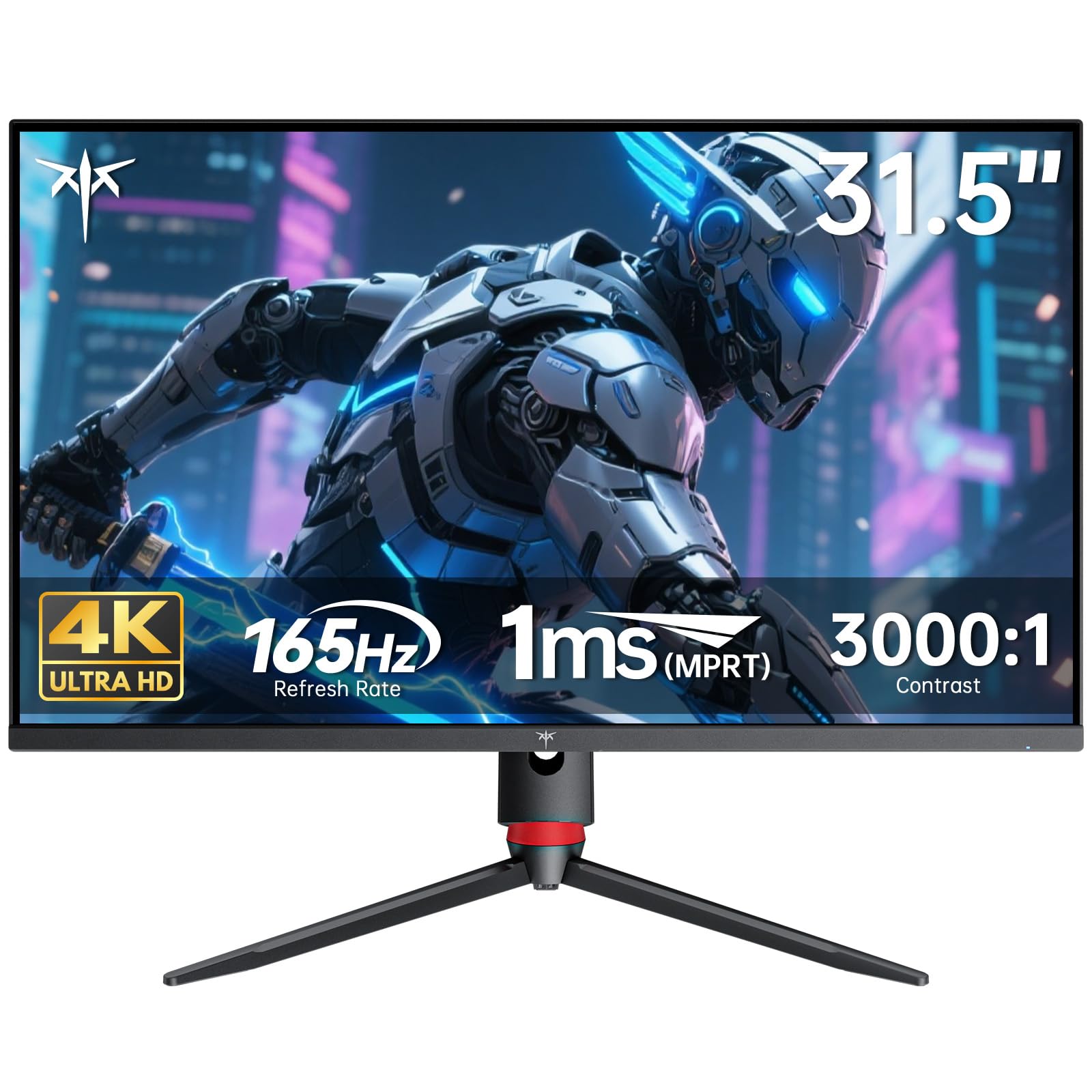
1. KTC H32P22P 32 Inch 4K Gaming Monitor
Our pick — 4.5+★ from 2,500+ verified ratings; the strongest balance of quality and price.
A 32-inch fast IPS panel that delivers native 4K at 165Hz for well under OLED money.
A 32-inch screen at 3840 x 2160 fits a desk well — big enough that you see detail instead of pixels, small enough that you are not turning your head to read a health bar. The KTC runs that native 4K resolution at 165Hz, so the panel redraws the picture 165 times every second. Add a 1ms response time (how fast a pixel changes colour), and close-range firefights stay readable instead of smearing into a blur.
What makes it the pick for most people is the balance. The fast IPS panel keeps colours accurate across 121% of the sRGB colour gamut, so a red enemy outline is the red the developer chose. Contrast sits at 3000:1 and brightness at 300 cd/m², which is enough for a lit room without washing out. Its 1.07 billion colour count keeps gradients smooth in skies and smoke. You get HDMI 2.1 and DisplayPort 1.4 for a current console or a modern graphics card, plus 100 x 100mm wall-mount support if you would rather clamp it to an arm.
The honest catch: this is an IPS LCD, so blacks read as dark grey rather than true black once the room lights go down. If you only play at night in a dark room, an OLED pick further down will look noticeably different. And it ships with a three-year warranty, which is rare at this price — worth remembering when you compare specs against pricier screens.
Where the KTC delivers
- Native 3840 x 2160 at 165Hz for crisp detail and fluid motion on one panel.
- 121% sRGB coverage so colours stay accurate instead of over-saturated.
- 3000:1 contrast with 300 cd/m² brightness handles a normally lit room well.
- Three-year warranty and both HDMI 2.1 and DisplayPort 1.4 on board.
Worth knowing before you buy
- LCD blacks go grey in a dark room — that is the panel type, not a defect.
- 300 cd/m² brightness is fine for a desk but not a sunlit window wall.
Buy it if: you want true 4K and 165Hz without paying OLED prices, and your desk has normal indoor lighting.
Choose OLED instead if: you play exclusively in a dark room and deep black levels are the whole point for you.
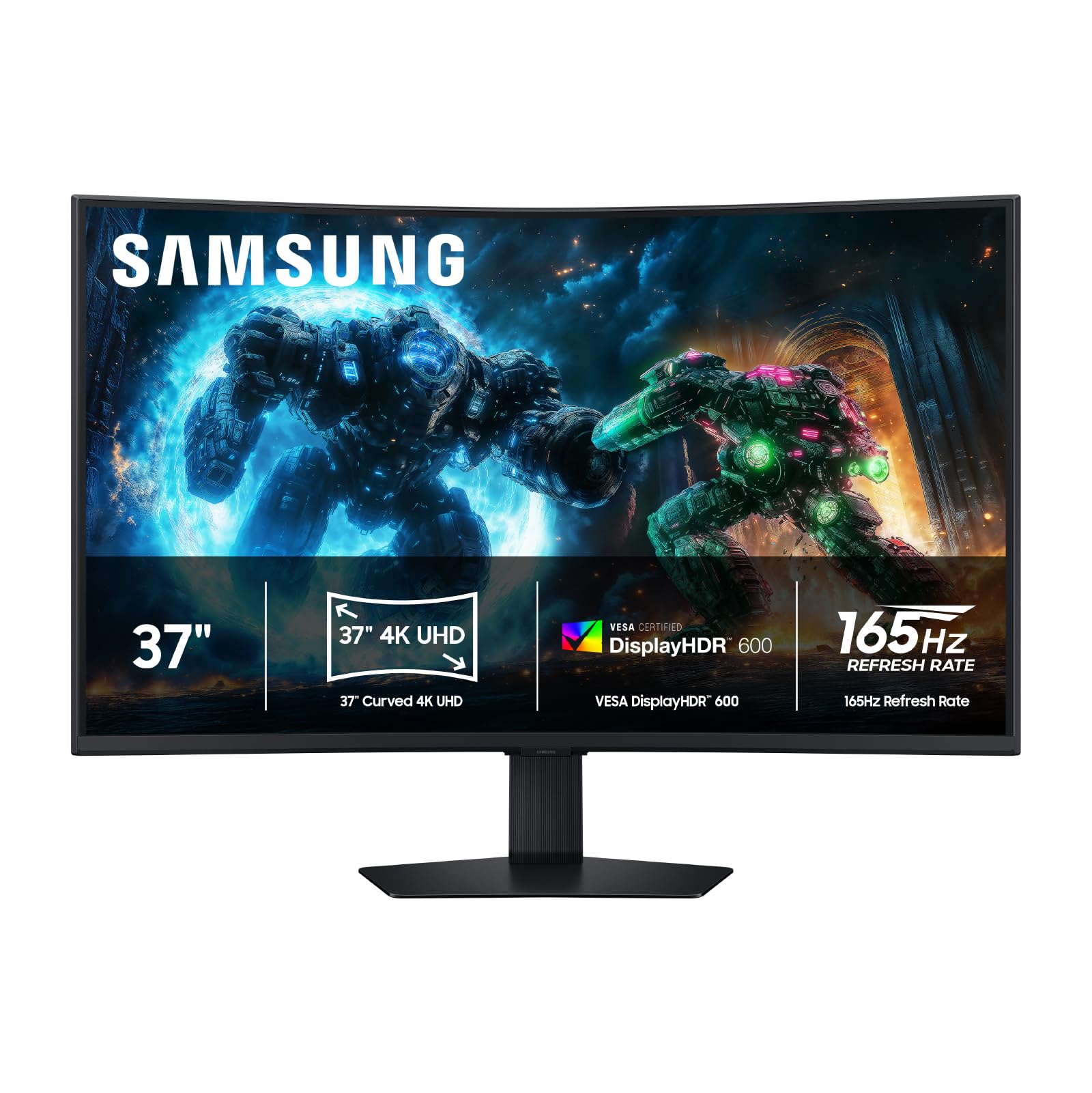
2. Samsung Odyssey G7 G75F 4K Gaming Monitor
Thirty-seven curved inches that fill your vision far more than any 32-inch flat panel can.
If you sit back with a controller rather than hunched over a mouse, this is the one shaped for you. The 1000R curvature — a tight arc that mirrors the curve of the human eye — pulls the edges of the picture toward you, so a racing cockpit or a third-person world wraps around your view. At 37 inches it is physically the largest panel on this list, and the 4K resolution at 120Hz on PS5 is what owners keep coming back to.
VESA DisplayHDR 600 is the headline on the brightness side, giving deeper blacks and brighter whites in dark scenes than a basic HDR badge would. The 165Hz refresh rate and 1ms GtG response time (GtG means grey-to-grey, the standard way pixel speed is measured) keep console and PC play smooth. FreeSync Premium Pro handles the screen-tearing problem, and the VESA adapter and HDMI and DisplayPort cables come in the box. Height and swivel adjustment let you line it up properly at a desk or a lounge chair.
The one caution: a few units arrive with display quirks such as the panel refusing to pick up a DisplayPort signal. Samsung’s own buyers describe that as the exception rather than the rule, but it is worth testing every port in your first week while returns are easy. Also note that the VA panel is not as fast as the OLED screens here, so a competitive shooter player may feel the difference.
The case for the G7: a 37-inch curved panel with HDR 600 (a brightness and contrast rating for highlights), 165Hz and a 1ms response, sold with cables included — the size is the feature, and nothing else on this list feels this enveloping with a controller in your hands.
The trade-off: the VA panel cannot match the 0.03ms OLEDs here in fast-twitch shooters, and the occasional DisplayPort detection issue means you should verify every input early.
Made for controller players: anyone who wants the biggest, most wrapping picture and mostly plays console.
Not the first choice: a competitive FPS player who needs the absolute lowest pixel transition.
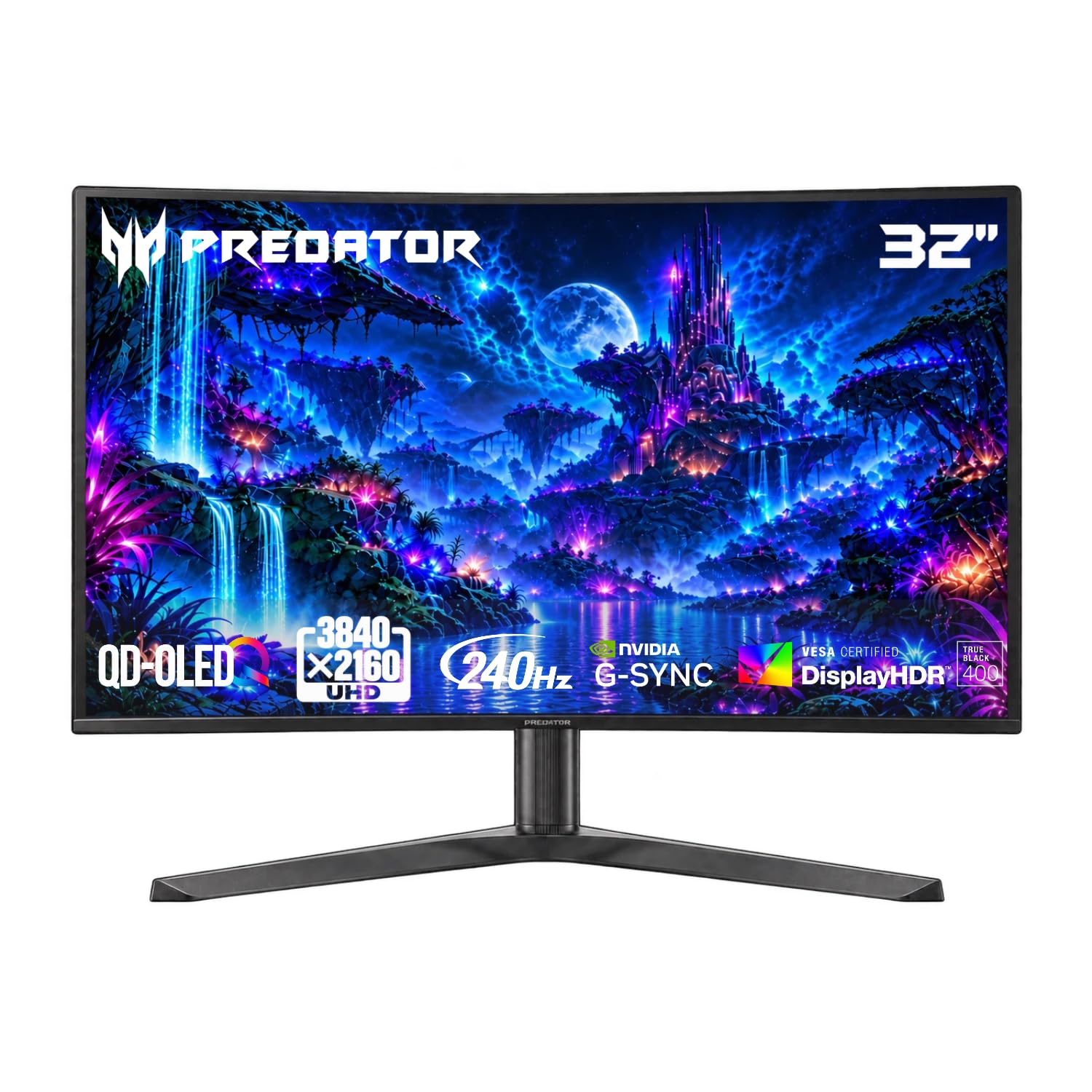
3. Acer Predator X32 X Gaming Monitor
A 240Hz OLED that hits 1000 cd/m², so HDR highlights actually punch instead of fading.
Here is the number that separates it from the LG OLED below: 1000 cd/m² peak brightness versus 275 cd/m². That gap matters the moment a game throws a muzzle flash or a sunset at you, because bright things look genuinely bright rather than merely white. The 4K UHD quantum dot OLED panel delivers true 10-bit colour across 99% of the DCI-P3 gamut, and VESA DisplayHDR True Black 400 certification backs the deep blacks with a minimum 0.0005 nits floor.
Speed is where it leads the list outright. The 0.03ms GtG response time is 33 times faster than the 1ms panel on the Samsung G75F above — in practice that means ghosting trails behind moving objects simply do not appear. Add a 240Hz refresh rate, FreeSync Premium, and a 1700R curve at 16:9, and you get a wrap-around cockpit view that stays sharp. Built-in speakers and a tilt, swivel and height stand round out the package, along with DisplayPort, HDMI and USB-C inputs.
The thing to weigh is that nobody seems to agree on how bright it looks in everyday use. Some find the picture phenomenal and love the adjustable settings; others find it dark from the start. Expect to spend time in the menu with HDR settings before it looks its best. Also note the panel is curved, so straight-line design work will bow slightly.
What wins people over: the image quality — 1000 cd/m² brightness on a QD-OLED with 0.03ms pixel speed is a combination nothing else here matches at this size.
The reality check: brightness impressions vary widely, so budget an evening of tuning HDR before you judge the picture.
Reach for it if: you want bright HDR highlights and a curved, wrap-around view from a 240Hz OLED (a panel whose pixels light up on their own for deep blacks).
Look elsewhere if: you want a set-and-go calibration straight out of the menu with zero tuning.
4. LG 32GX850A-B UltraGear Gaming Monitor
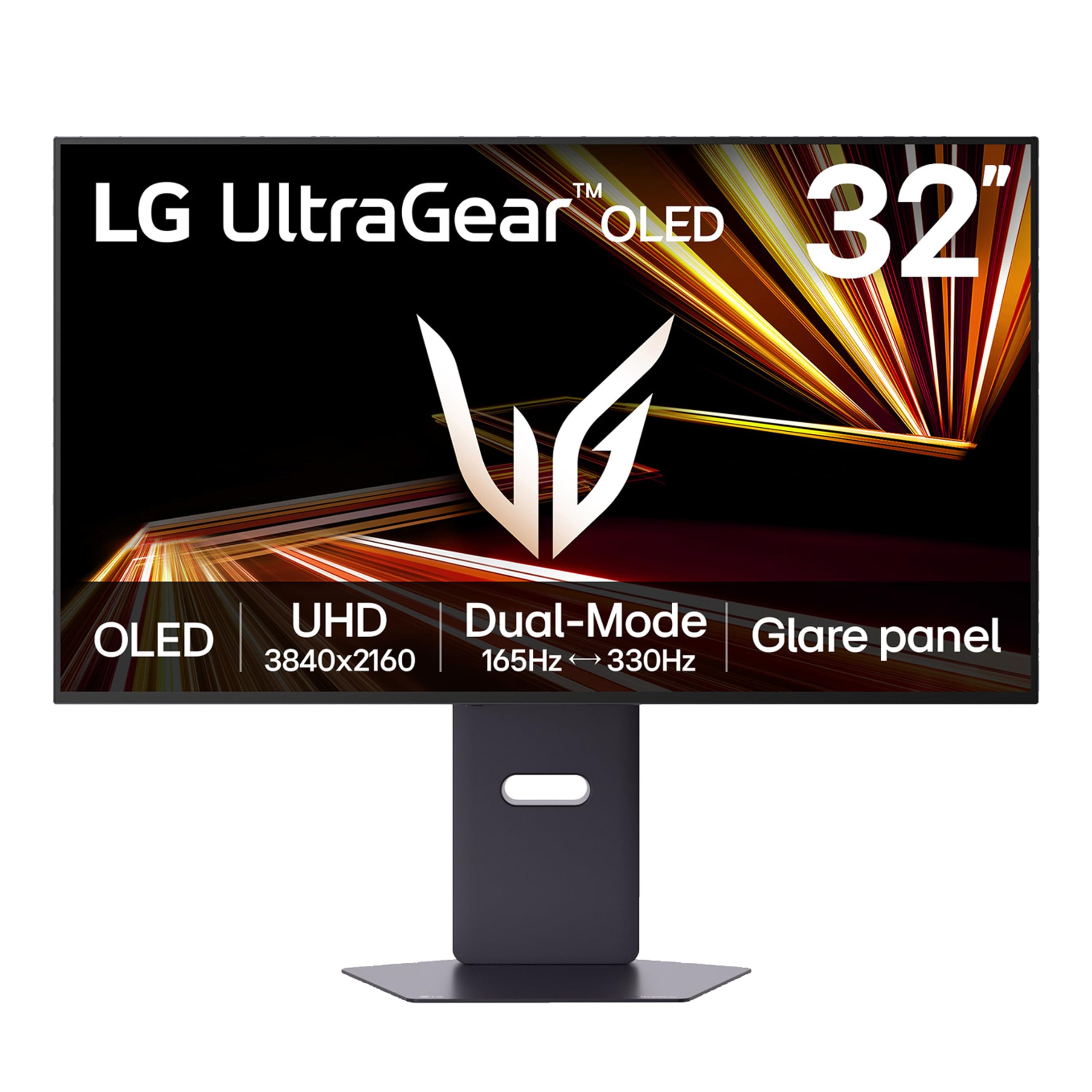
Glossy OLED at 1,500,000:1 contrast — the panel that makes LCD screens look flat by comparison.
The KTC above sits at 3000:1. This LG sits at 1,500,000:1. That is the entire story of an OLED in one comparison, and it is why a dark cave scene looks like a cave instead of a grey room. The glossy finish on the 32-inch 4K UHD panel adds a glassy sheen to highlights, and Micro Lens Array+ technology means the typical 275 nits goes further than the number suggests. DCI-P3 coverage reaches 98.5%, and VESA DisplayHDR True Black 400 certification confirms the deep blacks.
Speed is OLED-grade: 0.03ms GtG response time, up to 165Hz in 4K, and a dual mode that flips to Full HD at up to 330Hz with a hotkey for fast shooters. NVIDIA validated it as G-SYNC Compatible and it carries AMD FreeSync Premium Pro, so screen tearing stays away on either graphics brand. Three UL certifications cover anti-glare, flicker-free, and low blue light — useful if you sit at this screen through a long evening.
The genuine drawback is glare direction: a glossy panel turns a window or lamp behind you into a visible reflection on the screen. A glossy panel makes colours pop, but a window or lamp behind you lands on the screen as a visible reflection, and the 275-nit figure is modest next to the Acer’s 1000 cd/m². If your desk faces a bright window, plan a shade or a matte alternative. For everyone else, this is the most cinematic-looking screen in the mid-range group.
Why it ranks so high: display quality carries it — a glossy 4K OLED at 165Hz, 0.03ms and 1,500,000:1 contrast is a lot of picture for the middle of this list.
A fair caveat: brightness tops out around 275 nits and the glossy coat mirrors light sources, so placement matters.
Suits you if: you want OLED depth and glossy punch at 165Hz and can control the light in your room.
Think twice if: your monitor faces a window — you will be fighting reflections.
5. MSI MPG 321URXW QD-OLED 31.5 Inch 4K UHD Gaming Monitor

A 240Hz QD-OLED with Delta E ≤2 colour — a gaming screen that also survives a design review.
Delta E ≤2 is the number to lock in here. It measures how far each colour drifts from the true reference value, and at ≤2 the drift is small enough that you will not notice it against a printed proof. That matters if you edit photos or grade video on the same screen you game on. The 31.5-inch Quantum Dot OLED panel covers 99% of DCI-P3 across 1.07 billion colours at 10-bit depth, paired with a 1,500,000:1 native contrast ratio and VESA DisplayHDR True Black 400 up to 1000 nits peak.
Performance is the other reason it sits high. A 240Hz refresh rate with 0.03ms GtG response time carries a VESA ClearMR 13000 rating, which quantifies how little motion blur you get in fast movement. The graphene heatsink runs fanless to protect the panel, and MSI’s OLED Care 2.0 tools plus an AI-assisted crosshair and console modes cover the practical side. There is a KVM 1.0 switch and a 4-way adjustable stand, and the white finish is a deliberate change of pace from all the black screens here.
The honest wrinkle is stability: a subset of buyers report the display powering off after roughly ten minutes. The picture and calibration earn near-universal praise, but a subset of owners mention the display powering off after roughly ten minutes, which points to a specific unit or setting issue rather than the panel’s design. Keep your receipt and test a long session early. Also note the brightness figure of 1000 nits is peak, not sustained — dark-room HDR is where it shines.
The calibrated difference: quality and colour accuracy are what people notice first — a professionally-graded image without a second monitor on the desk.
Test it properly: run a full gaming session in your first week to rule out the power-off behaviour some units show.
For the hybrid desk: a gamer who also does colour-sensitive photo or video work and wants one screen for both.
Only if you want pure gaming: the matte simplicity of a cheaper IPS panel may serve you just as well.
6. ASUS ROG PG32UCDP 32 Inch 4K 240Hz OLED Gaming Monitor
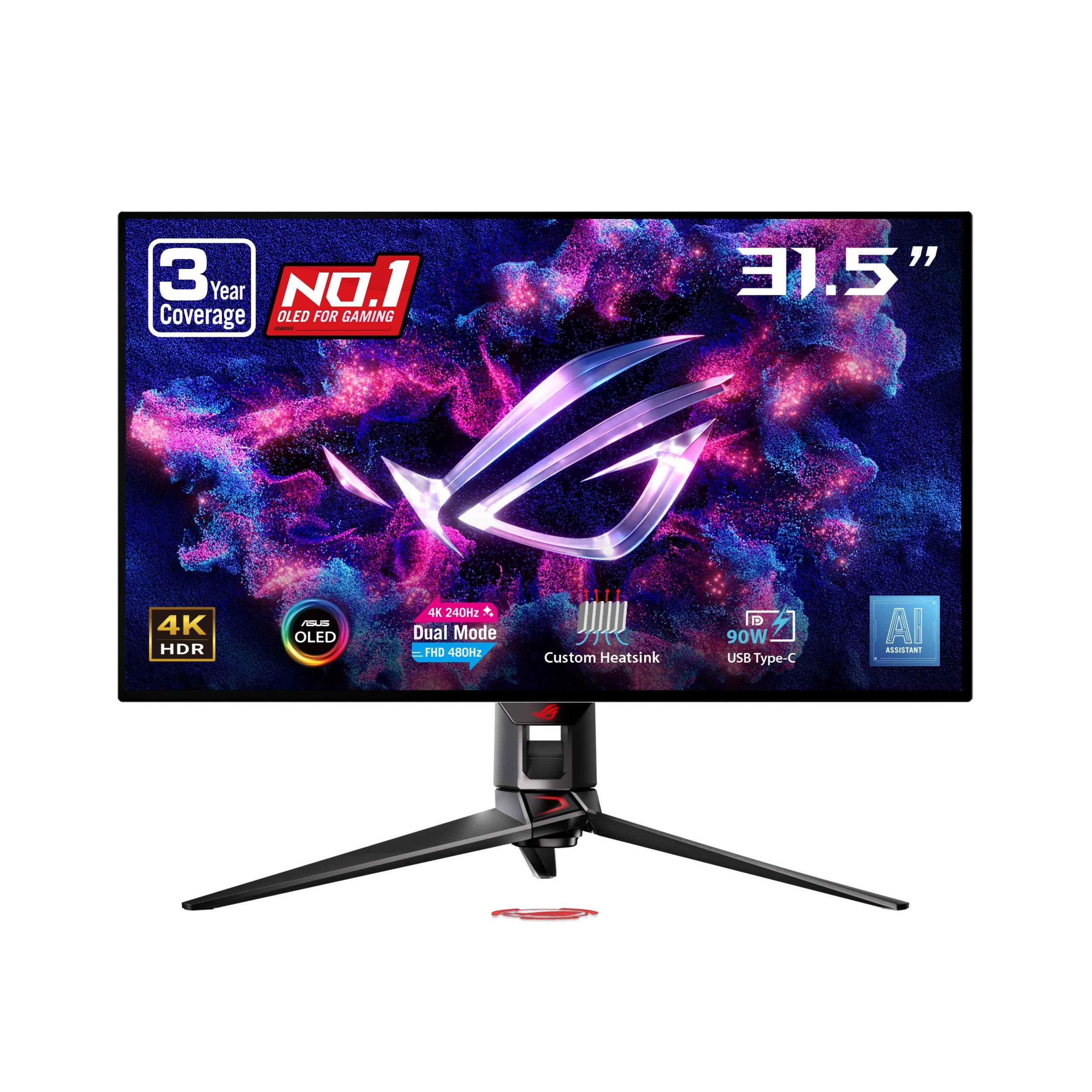
One button flips this WOLED from 4K at 240Hz to Full HD at a blistering 480Hz.
Dual mode is the reason to care here. Story-driven games run at 4K and 240Hz on the 32-inch WOLED panel; hit the hotkey and it drops to Full HD at 480Hz, which is the kind of speed competitive shooters are built around. The panel covers 99% DCI-P3 with true 10-bit colour, and a custom heatsink handles passive cooling to reduce burn-in risk.
ROG has packed in the software side too. OLED Anti-Flicker helps steady the image when frame rates wobble during a long session, and DisplayWidget Center puts OLED Care and picture settings one mouse-click away. Dynamic AI Crosshair, AI Sniper and AI Visual adjust the on-screen aids to what you are playing. A uniform brightness option keeps luminance consistent across the panel instead of dipping in bright scenes. Around the back you get USB-C with 90W power delivery (enough to charge a laptop over the same cable) and G-SYNC Compatible support, with DisplayPort, HDMI and USB-C cables in the box.
The downside is durability confidence. Display quality is what people praise most — excellent colour and contrast are the recurring theme — but a meaningful group of customers note panels failing or flickering within the first days or weeks. ASUS backs it with a three-year warranty that includes burn-in coverage, which softens the risk considerably. Still, buy this one from a seller with an easy return window and test it hard early.
What it brings to the desk
- Dual mode: 4K at 240Hz or Full HD at 480Hz from one panel.
- 99% DCI-P3 with true 10-bit colour and a passive heatsink for cooling.
- USB-C with 90W power delivery clears a laptop cable from your desk.
- Three-year warranty with burn-in coverage included.
The fine print
- Some units arrive faulty or flicker early — test yours thoroughly in the return window.
- Full HD at 480Hz trades resolution for speed, so it is not a free upgrade.
Built for the switcher: a player who wants cinematic 4K one round and 480Hz competition the next, with laptop charging handled by one USB-C cable.
Second thoughts if: you would rather not gamble on early panel reliability at this tier.
7. LG 32GX870A-B UltraGear Gaming Monitor
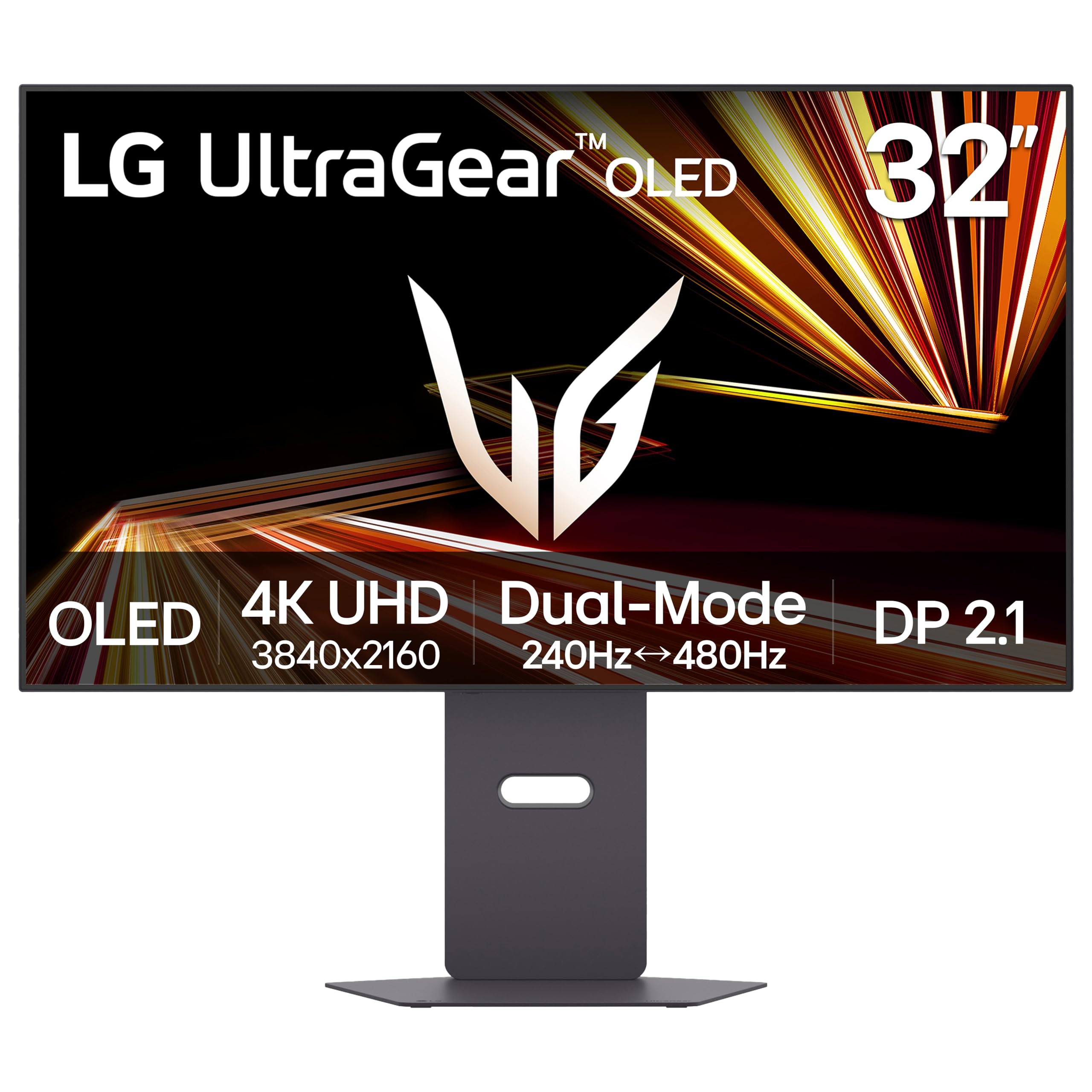
LG’s brightest OLED to date, with a 480Hz mode hidden behind one hotkey.
Peak brightness of up to 1300 nits is the claim that sets this apart from its glossy sibling, the 32GX850A-B, which runs a typical 275 nits. LG credits Micro Lens Array+ for the lift, and the VESA Certified Dual Mode lets the screen switch from 4K at 240Hz to Full HD at 480Hz on demand. The 0.03ms GtG response time means almost no ghosting behind fast objects, and 1,500,000:1 contrast gives you real black.
Picture quality is not the only draw. The Switch app splits the screen into up to six sections, drops video calls in from a hotkey, and switches between your PC and the built-in webOS streaming platform without a second device. Anti-glare coating cuts reflections on your desk, and the built-in speakers plus the 4-pole headphone jack with DTS Headphone:X give you audio options without extra boxes. The stand tilts, swivels, pivots and adjusts in height, and three cables plus a USB-C cable come in the box.
The honest note: the panel is covered by a two-year limited warranty, one year short of the three-year cover ASUS and Samsung give their OLED screens. Brightness feedback is also split — some find the HDR highlights excellent, others say general brightness is lower than the spec implies.
The draw: display quality stories centre on a sharp 4K UHD image at 240Hz, and the dual-mode jump to 480Hz is a genuine second use for the panel.
Fair warning: two years of coverage is shorter than rivals, and brightness impressions vary depending on the HDR content.
Worth it for: a single-desk setup where you want gaming, streaming and split-screen productivity on one OLED.
Rather skip if: the longest possible warranty is your deciding factor.
8. ASUS ROG PG27UCDM Gaming Monitor
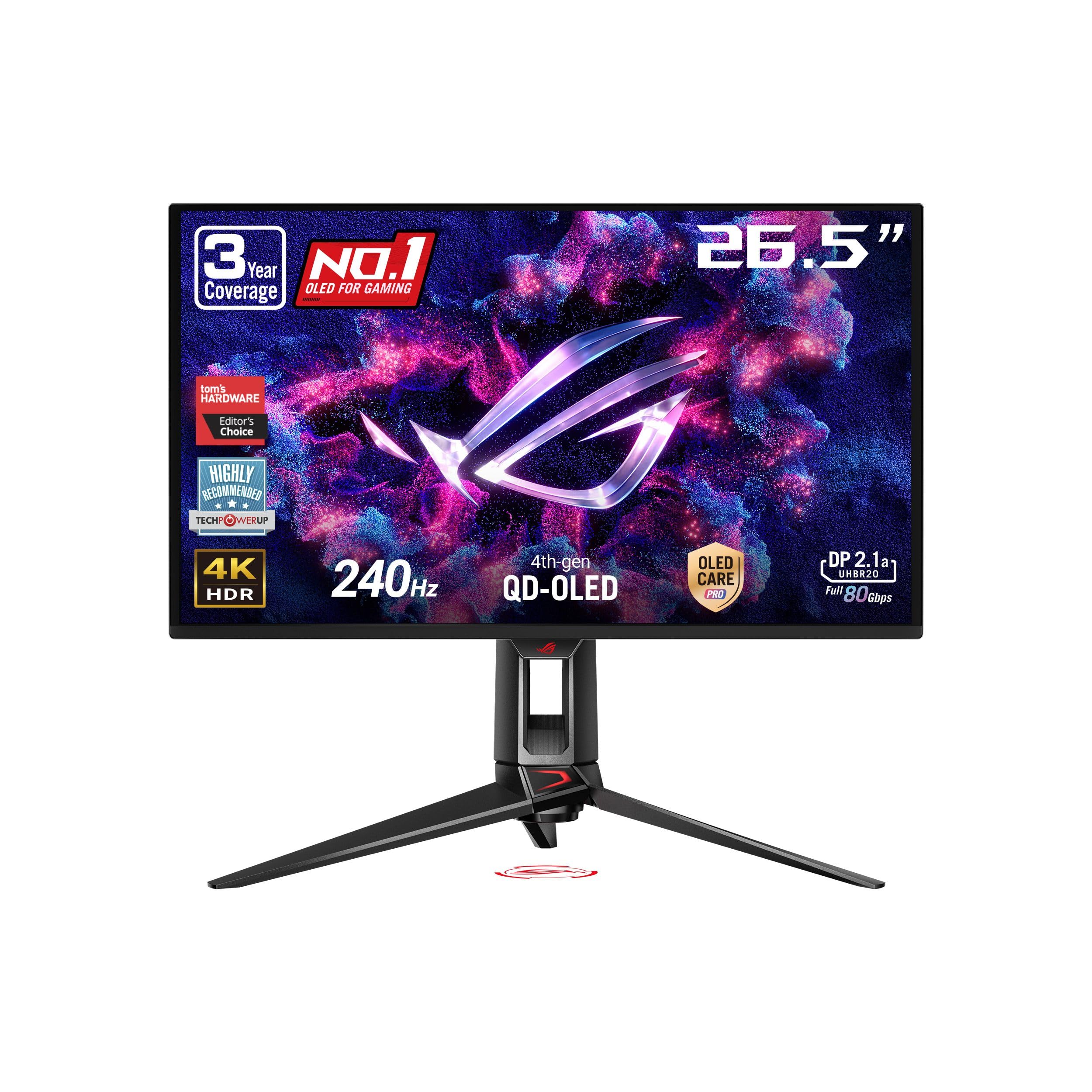
The 4K OLED for small desks — 26.5 inches, 240Hz, and barely any room wasted.
If your desk is narrow or you sit close to the glass, 27 inches at 3840 x 2160 is the highest-detail combination here. The 4K QD-OLED panel runs 240Hz with 0.03ms response, and ASUS’s 4th-gen QD-OLED builds in the sharper text rendering that earlier OLED screens struggled with. OLED Anti-Flicker 2.0 uses a new luminance compensation algorithm that the maker claims reduces flicker by 20% versus previous-gen panels.
Burn-in care is the standout feature. OLED Care Pro uses a Neo Proximity Sensor to detect when you step away and switch to a black screen, which lowers the long-term burn-in risk on a static desktop. Connectivity is generous for the size: DisplayPort 2.1a with UHBR20 at full 80Gbps bandwidth, HDMI 2.1, USB-C with 90W power delivery, and even a tripod socket for mounting. A three-year warranty with burn-in coverage is included, and there is a three-month Adobe Creative Cloud subscription in the box.
Reliability is the honest caveat. On monitor quality and image sharpness the screen earns strong praise, but a group of reviewers point out failures early in ownership. Value feedback is splintered too — some consider it a justified purchase, others feel it barely justifies the price. The 240Hz OLED experience is real, but buy with a return window in hand and register the warranty.
Where it shines: monitor quality is the strongest signal — sharp 4K text plus vivid colour and true black, and the proximity sensor is a clever burn-in guard.
What you accept: early reliability reports exist and the value calculation divides opinion at this tier.
Pick it when: desk space is tight but you still want 4K detail with the 240Hz OLED feel.
Better to avoid if: you want the largest picture or the longest reliability record.
9. MSI MPG 322UR QD-OLED X24 32 Inch 4K UHD Gaming Monitor
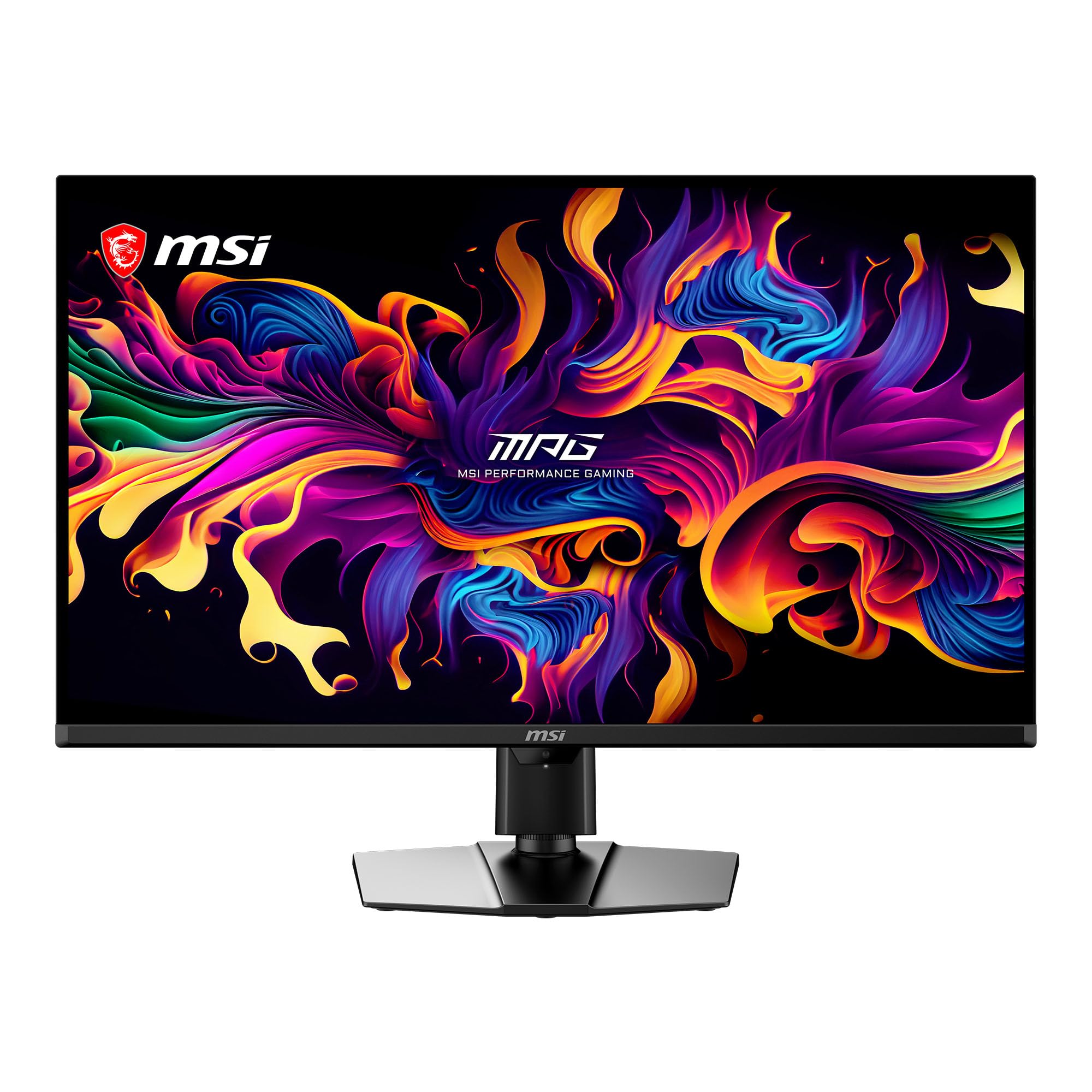
A five-layer tandem OLED built for deeper blacks and a surface that resists scratches.
This panel carries the newest tech on the list. It uses a five-layer tandem OLED (stacked light layers) with EL Gen 3 technology, which the maker lists at up to 30% light efficiency. On top sits a DarkArmor Film that MSI says delivers 40% deeper blacks and a screen surface 2.5 times more scratch-resistant than a standard OLED — those are manufacturer figures, not a lab test, but the anti-scratch layer is the practical upgrade for anyone who wipes a screen down often.
The 3840 x 2160 panel runs at 240Hz with 0.03ms response, covers the DCI-P3 gamut, and carries VESA DisplayHDR True Black 500 certification for its HDR contrast. You also get HDR Curve Customization, which lets you tune the brightness response to taste, plus DarkArmor’s anti-reflection coating. A KVM switch, DisplayPort 2.1a and USB-C with 98W power delivery complete the connectivity set.
Two things to keep in mind. First, high-end quality feedback is near-perfect but the review base is thin, so the long record is not yet written. Second, this is the priciest QD-OLED here — if a calibrated second monitor and a top-tier panel are not both priorities, you can save by choosing a cheaper OLED without the tandem layer.
The gamer’s nod: quality is the strongest note — the 4K resolution looks unbelievably sharp and the KVM switch gets called out as genuinely useful.
Watch the value: a few owners feel the price is hard to justify against older QD-OLED panels.
Ideal for: a two-machine desk where one QD-OLED handles PC and console with the KVM built in.
Skip if: you would rather save by choosing an older QD-OLED without the tandem layer.
10. Samsung Odyssey Neo G8 G85NB Gaming Monitor

2000-nit peak brightness from Quantum Mini-LED, in a 1000R curve that fills the view.
This is the brightness counterpoint to every OLED on the list. Quantum Matrix Technology with Quantum Mini LEDs drives a 2,000 nit peak and a 1,000,000:1 contrast ratio, so sun-scorched desert scenes keep their detail instead of clipping to white. That brightness advantage is real if your room has a lot of daylight. The 1000R curve mirrors the arc of the human eye, and the panel runs 4K at 240Hz with a 1ms GtG response time.
AMD FreeSync Premium Pro keeps the GPU and panel synced to cut choppiness and tearing, and the matte display absorbs light rather than reflecting it, so a lamp or window behind you does not become part of the picture. DisplayPort, HDMI and USB-C are all present, with wall-mount support at 100 x 100mm (the screw-hole spacing on the back). It also carries a genuine milestone tag — the world’s first 4K gaming monitor with a 240Hz refresh rate — and a Best of Innovation award from CES 2022.
The honest trade-off is panel-to-panel consistency: durability reports are the weak spot, with some panels failing in the first months. Monitor quality earns strong praise and the curve wins people over, but durability reports are the weak spot on the record — some panels fail in the first months. Picture feedback is mixed too, with dead pixels called out in a few units. That combination makes this a panel you buy with a long return window and test carefully, not a safe lazy pick.
What the Neo G8 does well
- 2000-nit Quantum Mini-LED peak keeps bright scenes readable in daylight.
- 1000R curve at 32 inches wraps the picture around your view.
- 240Hz with 1ms GtG and FreeSync Premium Pro for smooth motion.
- Matte screen absorbs reflections instead of showing them.
What holds it back
- Durability feedback is the weakest on the list — test early and keep the box.
- A handful of units show dead pixels, so inspect the panel on arrival.
The bright-room answer: a player in a sunlit room who needs 2000 nits and a wrapping 1000R curve more than perfect blacks.
Look elsewhere if: long-term durability confidence is your top requirement.
Know the Specs
Refresh Rate (Hz)
Refresh rate is how many times per second the panel redraws the image. A 165Hz screen redraws 165 times a second, and a 240Hz screen 240 times. Higher rates make fast panning feel smoother and reduce the gap between what your graphics card renders and what you see. It only helps if your GPU and cable can feed frames that fast — HDMI 2.1 or DisplayPort 1.4 and above are what make high rates possible at 4K.
Response Time (ms)
Response time is how long one pixel takes to change from one shade to the next, usually quoted grey-to-grey (GtG). It is measured in milliseconds, so 1ms is faster than 5ms and 0.03ms is far faster than both. A slow pixel response leaves a ghost trail behind moving objects even when the refresh rate is high. OLED panels tend to score lower here because each pixel switches itself rather than relying on a backlight.
Contrast Ratio and HDR Ratings
Contrast ratio is the difference between the brightest white and the deepest black the panel can show. Higher numbers mean darker shadows and richer bright areas. The HDR badges — DisplayHDR True Black 400, 500, or DisplayHDR 600 — are industry certifications that confirm a panel meets a brightness and black-level standard. A True Black rating is what tells you the screen can show genuinely deep blacks rather than dark grey.
USB-C Power Delivery and KVM
USB-C with power delivery lets one cable carrythe picture and charge a laptop at the same time — the wattage figure (90W or 98W on these screens) tells you how much power it can pass through. A KVM switch lets one keyboard and mouse control two connected computers, so a PC and a work laptop can share the same monitor without unplugging anything. If you switch machines often, the KVM is worth more than an extra port.
Common Questions
Is a 165Hz monitor enough if I wanted 144Hz?
Will a 4K 240Hz monitor work with a PlayStation 5 or Xbox Series X?
Do I need DisplayPort 2.1 to run 4K at 240Hz?
Is OLED really better than IPS for gaming?
How do I stop an OLED monitor from getting burn-in?
What is dual mode on a gaming monitor and do I need it?
Can I mount these monitors on an arm or wall bracket?
Does a curved screen distort straight lines for design work?
How much brightness do I actually need for HDR gaming?
What should I check in the first week after a monitor arrives?
The Bottom Line
For most people, the 4k 144 hz gaming monitor to buy is the KTC 32 Inch H32P22P, because it delivers native 3840 x 2160 at 165Hz on a fast IPS panel (a screen type with wide viewing angles) with 121% sRGB colour (a colour range that covers more than the standard sRGB space) and a three-year warranty, without pushing you into OLED territory. If you want the deepest blacks and the cinematic look, reach for the LG 32GX850A-B UltraGear and its 1,500,000:1 contrast ratio (the gap between its brightest white and darkest black). And if a bright room is your reality, the Samsung Odyssey Neo G8 answers with a 2,000 nit peak (a brightness measure) that no OLED here can match.
One final nudge before you click: the KTC carries the highest rating of the picks, with a substantial owner base behind it — exactly the combination you want when a monitor has to last through several graphics card upgrades.
How we choose
We do not accept paid placement. Every pick is matched to a real buyer and a real use-case; we do not hands-on test units.
Sources
Specifications: manufacturer listings and product documentation. Review insights: verified customer reviews, as of November 2026. Pricing: not shown on this page (it changes often); check the current price via the retailer link.
As an Amazon Associate, Gamepad Test earns from qualifying purchases. This does not affect which products we feature.