
Heads up: This post contains affiliate links. As an Amazon Associate I earn from qualifying purchases, at no extra cost to you. Learn more
Specs are compiled from manufacturer listings and verified buyer reviews and can change over time — please confirm the key details on the product page before buying.
You want a real Intel Core i7 without paying flagship money, and the honest answer is that you can — but only if you check one number first: whether the chip is a U-series or an H-series. A U-series i7 sips power and keeps the laptop thin and cool. An H-series i7 works harder on heavy jobs like video editing and still fits an affordable budget. Everything else on the spec sheet follows from that single choice.
This guide is built by comparing the manufacturers’ published specifications and the patterns across verified customer reviews, so you get each pick’s real strengths and trade-offs instead of marketing spin.
Below you’ll find nine Core i7 machines sorted by what they actually do well — from a 15.6-inch workhorse to a 14-inch business build — plus the plain-English spec guide that stops you buying the wrong one. This affordable i7 laptop roundup leans on real owner experience so you can match the machine to your daily workload.
Top Picks

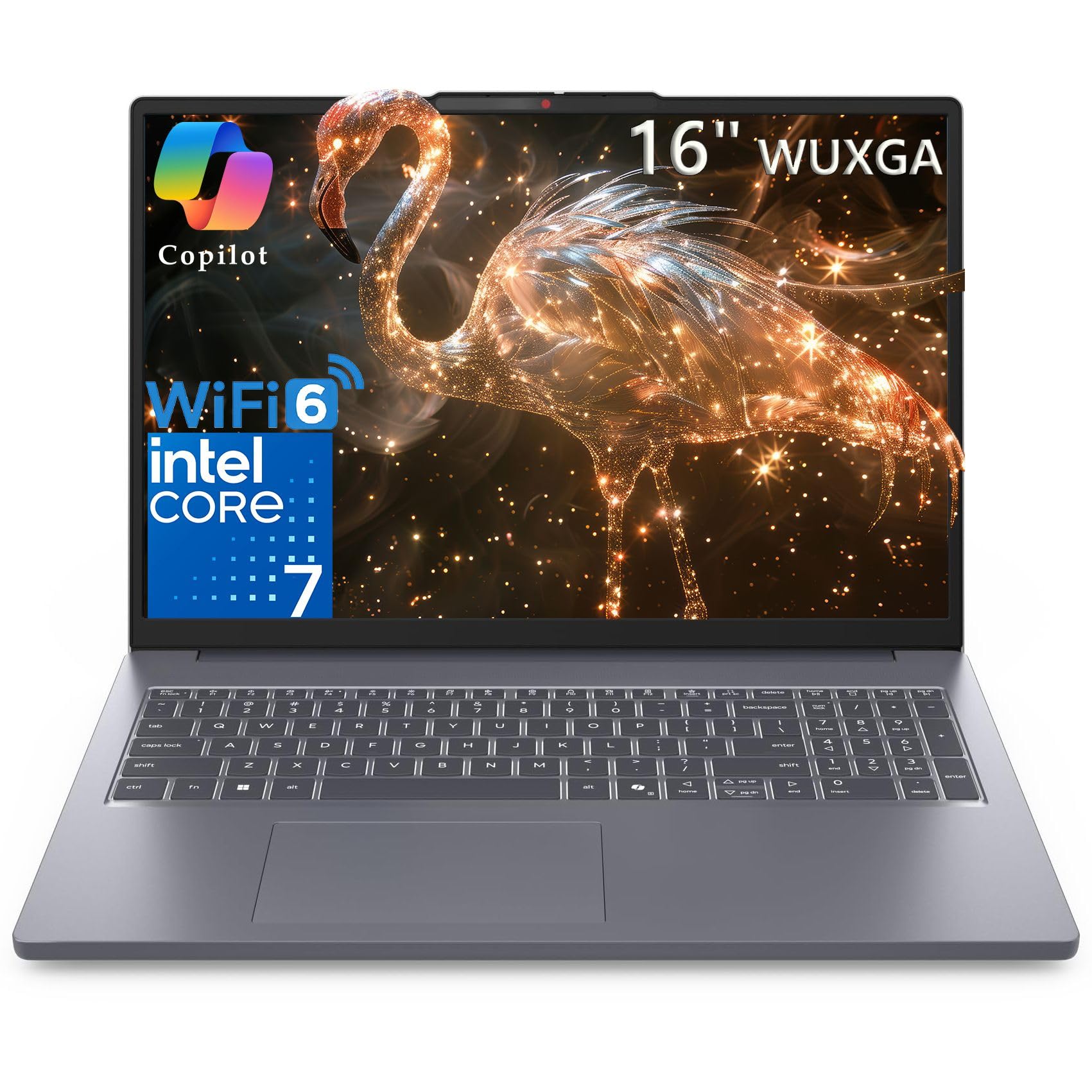

How To Choose The Best Affordable I7 Laptop
An i7 badge on its own tells you almost nothing. The same badge can sit on a 4.7 GHz chip that keeps a 15-inch body cool, or on a 3.9 GHz chip built for longer battery. Knowing which one you need is the whole game.
Check the chip’s last letter before anything else
A model number ending in U is a low-power chip — it runs cool and thin laptops use it. One ending in H draws more power and handles sustained work such as video rendering far better. If your day is spreadsheets, browser tabs and video calls, a U-series chip is plenty. If you edit footage or render 3D scenes, look to the H-series.
RAM decides how many things you can leave open
Memory is the number that keeps a machine feeling new in year three. 8GB DDR4 covers basic tasks and a handful of tabs. 16GB lets you run several programs at once without stutter. 32GB is workstation territory — handy if you edit photos or keep dozens of tabs and apps running at the same time.
Read the screen resolution and panel type
A 1920 x 1080 screen gives you crisp text at normal viewing distance. A 1920 x 1200 panel adds extra vertical height, so documents and web pages show more lines before you scroll. A 2256 x 1504 panel is sharper still, which matters for photo work and reading small type.
Weigh the battery figure against the chip’s power
High-power parts drink more. A machine rated at 6 hours suits desk-bound work with a charger nearby. A lighter model with a U-series chip can stretch further. If you commute or work from cafes, put battery hours near the top of your list.
New versus renewed — what changes for you
Renewed business laptops often give you a stronger chip, more RAM and a better screen for the same money as a new budget model. The trade-off is that you are buying a used machine, so check the listed condition notes and the returns window before you commit.
Side-by-Side Comparison
| Model | Best For | Processor | RAM / Storage | Battery / Screen | Amazon |
|---|---|---|---|---|---|
| Acer Aspire 3 A315-58-74KE★ Best Overall | Everyday work with all-day battery | Intel i7-1165G7, up to 4.7 GHz | 8GB DDR4 / 512GB SSD | Up to 8.5 hours / 15.6″ 1920 x 1080 | Amazon |
| Lenovo V15 16″Also Great | Big-screen work and multitasking | Intel i7-13620H, up to 4.9 GHz | 8GB DDR5 / 512GB SSD | 16″ 1920 x 1200 IPS | Amazon |
| Surface Laptop 5 13.5″Best Display | Sharp, compact touchscreen | Intel i7-1265U, up to 4.8 GHz | 16GB / 512GB SSD | 8 hours / 13.5″ 2256 x 1504 | Amazon |
| Dell Inspiron 15 3530 | Touchscreen productivity with big storage | Intel i7-1355U, up to 5.0 GHz | 16GB / 1TB SSD | 15.6″ 1920 x 1080 touch | Amazon |
| Dell 15 DC15250 | Comfortable daily typing | Intel i7-1355U, up to 5 GHz | 16GB / — | 15.6″ FHD | Amazon |
| Lenovo V14 Gen 4 | Portable business use | Intel i7-13620H, up to 4.9 GHz | 16GB DDR4 / 512GB SSD | 14″ 1920 x 1080 | Amazon |
| CHIFUYOU Gaming Laptop | Budget pick with Office included | Intel Core i7, up to 3.9 GHz | 16GB / 512GB SSD | 6 hours / 15.6″ 1920 x 1080 | Amazon |
Detailed Reviews
1. Acer Aspire 3 A315-58-74KE Slim Laptop
The all-day battery option that keeps an i7 in the frame without the bulk
Battery is the reason to look here. The Aspire 3 is rated for up to 8.5 hours, and that number matters because a laptop you have to plug in every two hours is not really portable. For a student moving between lecture halls or a commuter working on a train, that figure is the difference between finishing your task and hunting for a wall socket.
The 11th Gen Intel Core i7-1165G7 runs up to 4.7 GHz and pairs with Intel Iris Xe graphics — the built-in graphics chip. That combination is fine for spreadsheets, streaming and light photo editing, but it is not a video-rendering machine. The 15.6-inch Full HD screen runs 1920 x 1080 with an IPS panel, a 16:9 shape and narrow bezels, so text stays sharp and the frame stays compact for its size.
Memory is 8GB of DDR4 onboard, and storage is a 512GB PCIe Gen4 SSD. Onboard memory means it is soldered to the board, so plan for 8GB as your long-term ceiling rather than something you upgrade later. Wi-Fi 6 keeps wireless reliable on a busy home network, and Windows 11 Home comes preinstalled. Bluetooth is version 5.1.
Where the money goes: battery hours and a Gen4 SSD rather than a high-power chip. If your work is documents, calls and browser research, this configuration covers it comfortably, and the 1080p screen stays crisp for long reading sessions.
The honest trade-off: 8GB of soldered memory and a 4.7 GHz ceiling put a firm lid on heavy multitasking. Competitors in this list with 16GB and a 5.0 GHz chip — like the Dell Inspiron 15 below — give you more headroom for the same desk.
Best fit for: students and commuters who prize battery hours over raw processing ceiling.
Look elsewhere if: you edit video or run memory-hungry software — the onboard 8GB has no upgrade path.
2. Lenovo V15 16″ Laptop, Intel i7-13620H
Ten cores and a taller 16-inch screen that gives your documents more room to breathe
The headline here is the Intel i7-13620H — a 13th Gen part with 10 cores (6 performance and 4 efficient) running up to 4.9 GHz. Those performance cores handle the heavy lifting; the efficient ones keep background tasks from draining the battery. For you, that means a video export, a giant spreadsheet and a dozen browser tabs can all sit open at once without the machine crawling.
The 16-inch screen runs 1920 x 1200 in a 16:10 shape — that is taller than the standard 16:9 you get on most budget machines. Lenovo states that shape gives 11% more vertical space, so spreadsheets show more rows and documents show more lines before you scroll. It is an IPS panel rated at 300 nits, so it stays readable in a bright room and holds its colours when you glance from an angle.
Memory is 8GB of DDR5-4800, which Lenovo states moves data up to 50% faster than DDR4. Storage is a 512GB PCIe 4.0×4 NVMe SSD, so booting and opening apps is quick. Ports cover 2x USB-A 3.2 Gen 1, a USB-C with Power Delivery 3.0 and DisplayPort 1.2, HDMI 1.4 and a headphone/mic combo jack. The body is 3.70 lbs and 0.67–0.70 inches thin, so it slides into a backpack without a fight.
Where this V15 earns its keep
- Ten-core i7-13620H at up to 4.9 GHz handles sustained editing and multitasking
- 1920 x 1200 IPS panel adds 11% more vertical space than a 16:9 screen
- DDR5-4800 memory and a PCIe 4.0×4 SSD keep startup and app loads brisk
- Privacy shutter on the 720p camera and Wi-Fi 6 round out the package
What to weigh before buying
- 8GB RAM is the tight spot — heavy multitaskers will feel it sooner than 16GB owners
- At 3.70 lbs it is a desk-first machine, not a featherweight commuter
Reach for this if: you want the most processor muscle in this roundup and a taller screen for long document sessions.
Think twice if: you routinely keep thirty tabs and three apps open — the 8GB of memory will be your bottleneck, not the chip.
3. Microsoft Surface Laptop 5 13.5″ Touchscreen (Renewed)
A 13.5-inch touchscreen at 2256 x 1504 — the sharpest panel in this entire list
Start with the screen, because it is the reason to consider this one. The 13.5-inch panel runs 2256 x 1504 — sharper than the Acer Aspire 3’s 1920 x 1080, and a real step up for photo work and small type. It is also a touchscreen, so you can scroll and tap without reaching for the trackpad.
The engine is a 12th Gen Intel Core i7-1265U running up to 4.8 GHz, and the machine carries the Intel Evo badge — a certification that covers things like fast wake and battery behaviour. Memory is 16GB and storage is a 512GB SSD, which is a solid pairing for keeping many programs open at once. Microsoft quotes 8 hours of battery run time, so a full working day away from a socket is realistic but not generous.
This is a renewed unit, and that changes how you should read the listing. Some buyers receive a machine that looks and runs like new; the review pages also carry reports of units that failed to boot and of cosmetic scratches. That spread is normal for refurbished stock, so treat the returns window as part of the product and test everything in the first week.
What the panel buys you: a 2256 x 1504 canvas in a 13.5-inch frame — easier on the eyes for long reading and genuinely better for cropping photos than a 1080p screen.
Where it can disappoint: renewed stock is a lottery on condition, and the battery rating trails the 8.5 hours the Acer Aspire 3 claims. Buy it for the screen and the size, not for endurance.
Pick this one when: screen sharpness and a compact 13.5-inch footprint top your list, and you are comfortable with a renewed machine.
Skip the risk if: you need a guaranteed-fresh unit with predictable battery — the refurbished condition is the wildcard here.
4. Dell Precision 3561 15.6″ Mobile Workstation (Renewed)
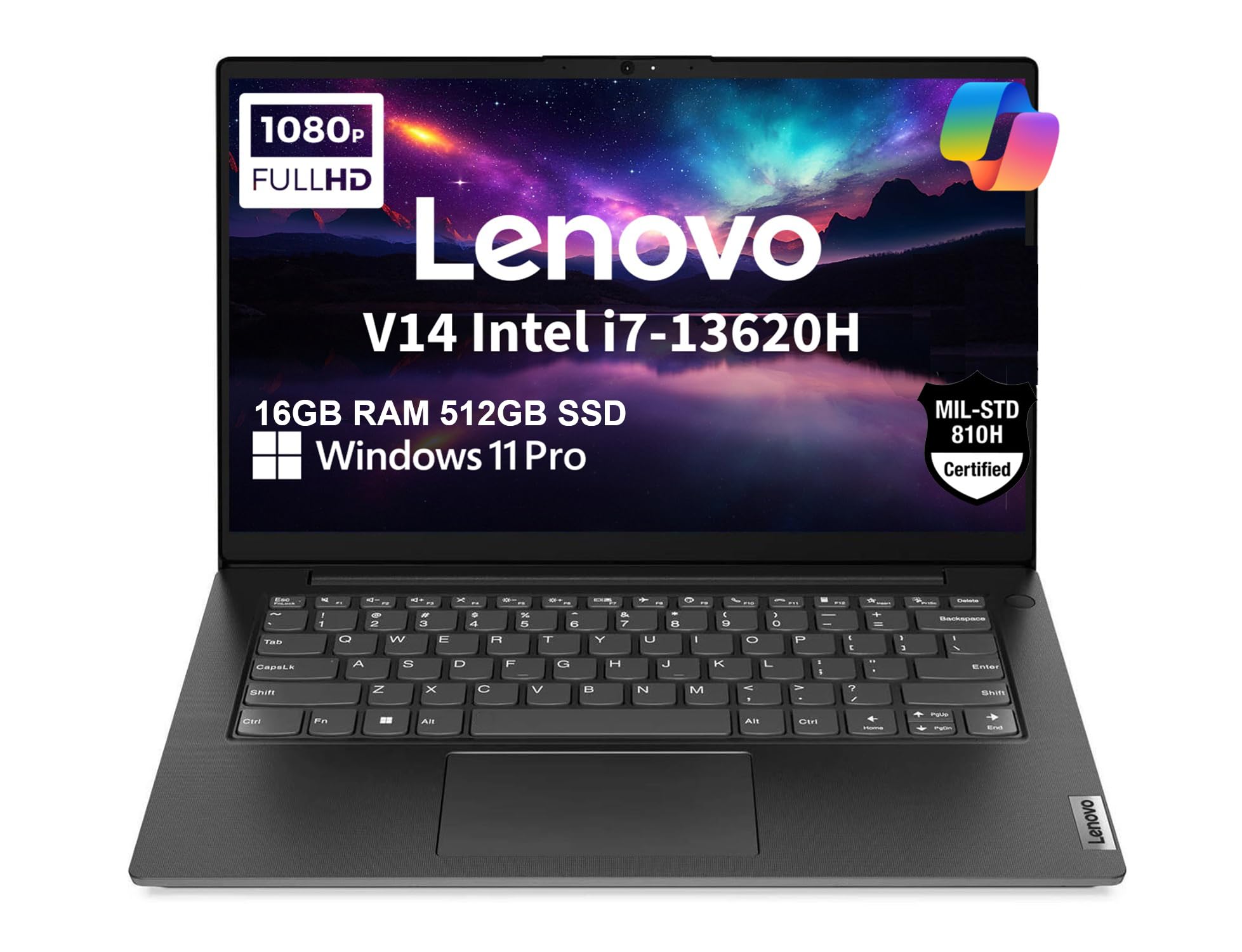
A 3.15-pound business build with ten cores and Windows 11 Pro already installed
Portability is the first thing that lands: 3.15 pounds is light enough to carry between meetings, a campus and a coffee shop without noticing it on your shoulder. Lenovo also states this model is MIL-SPEC tested to 810H, a durability standard covering knocks and rough handling — useful for a laptop that travels in a bag most days.
The processor is the same Intel Core i7-13620H found in the V15 above, a 10-core 13th Gen chip running up to 4.9 GHz. Here it is paired with 16GB of DDR4 RAM rather than 8GB, which gives you noticeably more room for open apps and browser tabs. Storage is a 512GB PCIe NVMe M.2 SSD. The 14-inch screen runs 1920 x 1080 with an anti-glare finish and TÜV Rheinland Low Blue Light certification for less eye strain in long sessions.
You can run two big screens without a dock: HDMI and USB-C can each drive an external monitor up to 4K (3840 x 2160) at 60Hz (smooth refresh rate), so a dual-monitor desk is a realistic setup. Ports include Wi-Fi 6 (faster wireless), Bluetooth 5.2, USB-C 3.2 Gen 1, USB-A 3.2 Gen 1, USB 2.0, HDMI 1.4b, Ethernet and a 720p camera with a privacy shutter (a cover that blocks the lens). Windows 11 Pro comes preinstalled with AI Copilot and BitLocker (drive encryption). Buyers report the weight and size are manageable for daily carry. The recurring complaint is that the 45% NTSC screen (a narrower colour range) looks flat next to a brighter panel, so preview your photos before you trust the colour.
What makes it work: a ten-core H-series chip in a 3.15-pound body, plus 16GB of RAM, Ethernet and dual external-monitor support — a rare combination at this level.
The trade-off to accept: the 45% NTSC display is not a colour-critical panel, so do design or photo work elsewhere if accurate colour is the job.
Go for this if: you want H-series power in a bag-friendly body with a proper office port set.
Pass if: colour accuracy drives your work — this screen is built for documents, not print-ready edits.
5. Dell Inspiron 15 3530, 15.6″ FHD Touchscreen

A full terabyte of storage and a sharper chip ceiling than most budget i7s
Storage is the standout: 1TB of PCIe NVMe M.2 SSD doubles what most machines here offer, which matters if you keep a video library, big photo sets or a stack of project files on the drive itself. The 512GB on the Lenovo V15 above is solid, but a terabyte means less time shuffling files to an external disk.
The processor is a 13th Gen Intel Core i7-1355U — 10 cores, 12 threads, a 12MB Intel Smart Cache, and a base frequency of 1.20 GHz that climbs to 5.0 GHz at maximum turbo. That 5.0 GHz figure puts it ahead of the 4.7 GHz in the Acer Aspire 3 for single-task zip. Memory is 16GB of high-bandwidth RAM, so several applications can stay open at once without slowdown.
The 15.6-inch screen is a Full HD 1920 x 1080 anti-glare LED touchscreen with a narrow border and a WVA panel, so you can tap directly and the display stays readable under overhead lights. Around the sides you get Wi-Fi 6, Bluetooth, USB-A 2.0, USB-A 3.2 Gen 1, USB-C 3.2 Gen 1, HDMI 1.4, an SD card reader, a headphone/mic jack and a 1080P HD webcam with stereo speakers. Windows 11 Pro brings device management and BitLocker encryption for business use.
What wins people over is build quality and dependability — buyers describe it as solid and working exactly as expected. The point to weigh is that this is a U-series chip: great for office work and video calls, but it will not sustain heavy rendering the way the H-series picks on this list do.
The right call for: office and student users who want maximum storage, a touchscreen and a 5.0 GHz chip in one machine.
Keep looking if: you render video for a living — a U-series chip is not built for that load.
6. Dell 15 DC15250 Laptop, FHD, Intel Core i7-1355U
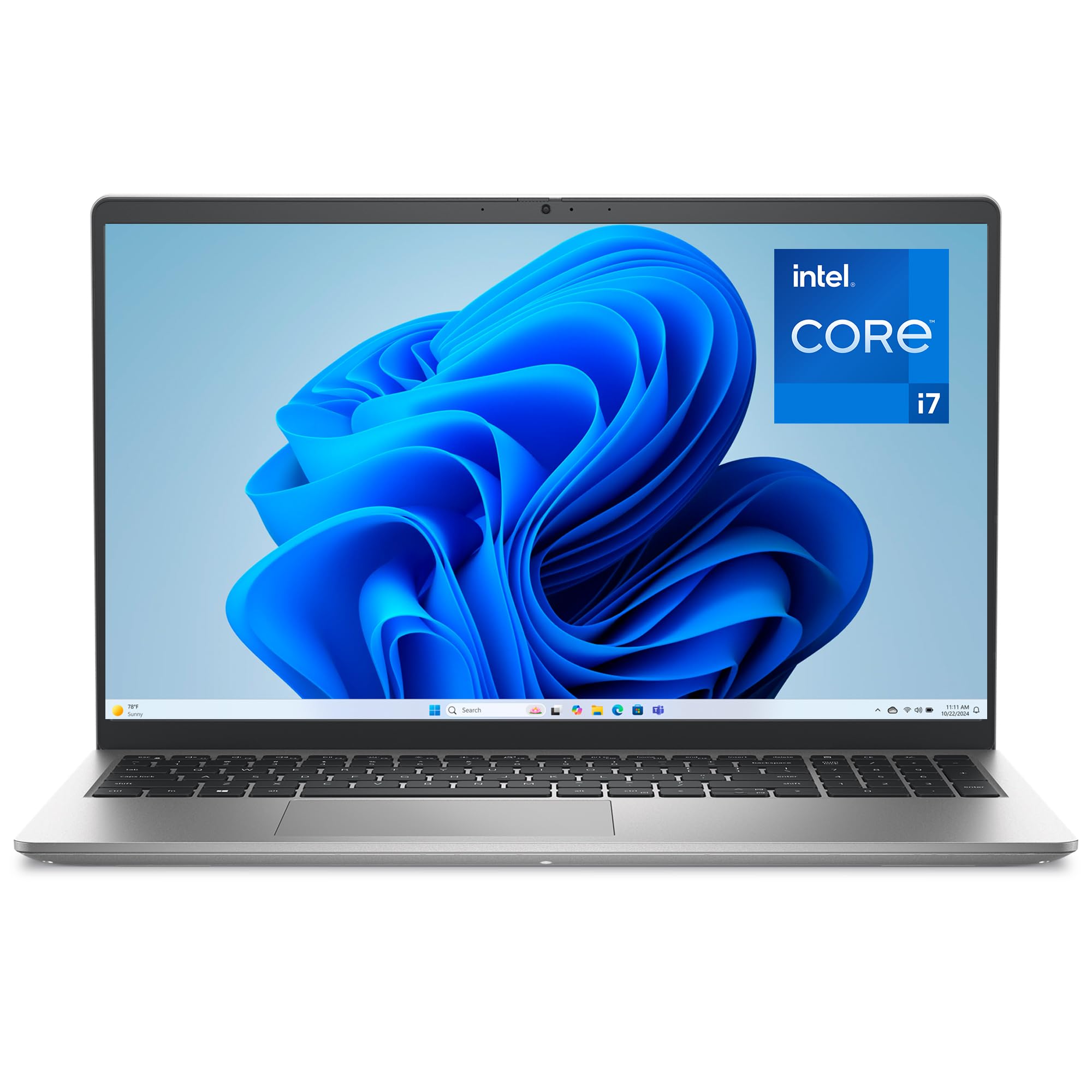
Lifted hinges, a separate number pad and a chip that tops out at 5 GHz
Comfort is the theme with this one. The hinges lift the back of the machine slightly, which tilts the deck into an easier typing angle for your wrists. There is a separate numeric keypad and a calculator hotkey, so anyone punching numbers into spreadsheets all day gets a faster route. Small touches, but they are the reason you would choose this over the near-identical Inspiron.
The 13th Gen Intel Core i7-1355U runs up to 5 GHz with 12MB of cache. It is the same processor family as the Inspiron 15 above, and 16GB of RAM is enough to keep work apps and browser tabs open side by side. The 15.6-inch FHD display uses Dell ComfortView software, which Dell states cuts harmful blue light emissions for longer viewing sessions.
Battery is handled by Express Charge support, which shortens the time you spend tethered to an outlet, and Bluetooth 5.3 is a newer version than the 5.2 you see on several machines here. It ships with a 65W AC adapter. Dell also includes a year of onsite service, meaning a technician comes to your home or office if a covered hardware issue cannot be fixed remotely. Performance is what wins owners over on this model — it simply gets on with the job.
Built around the desk: the lifted-hinge typing angle, separate numeric keypad and 15.6-inch screen make this a machine for people who type for hours, not tap for minutes.
What you give up: there is no fingerprint reader on this configuration, so you will be signing in with a password or PIN.
An easy yes if: you live in spreadsheets and want a comfortable keyboard plus onsite service cover.
Look up the list if: you need biometric sign-in — this one skips the fingerprint reader.
7. CHIFUYOU Gaming Laptop, Windows 11 Pro, 16GB RAM
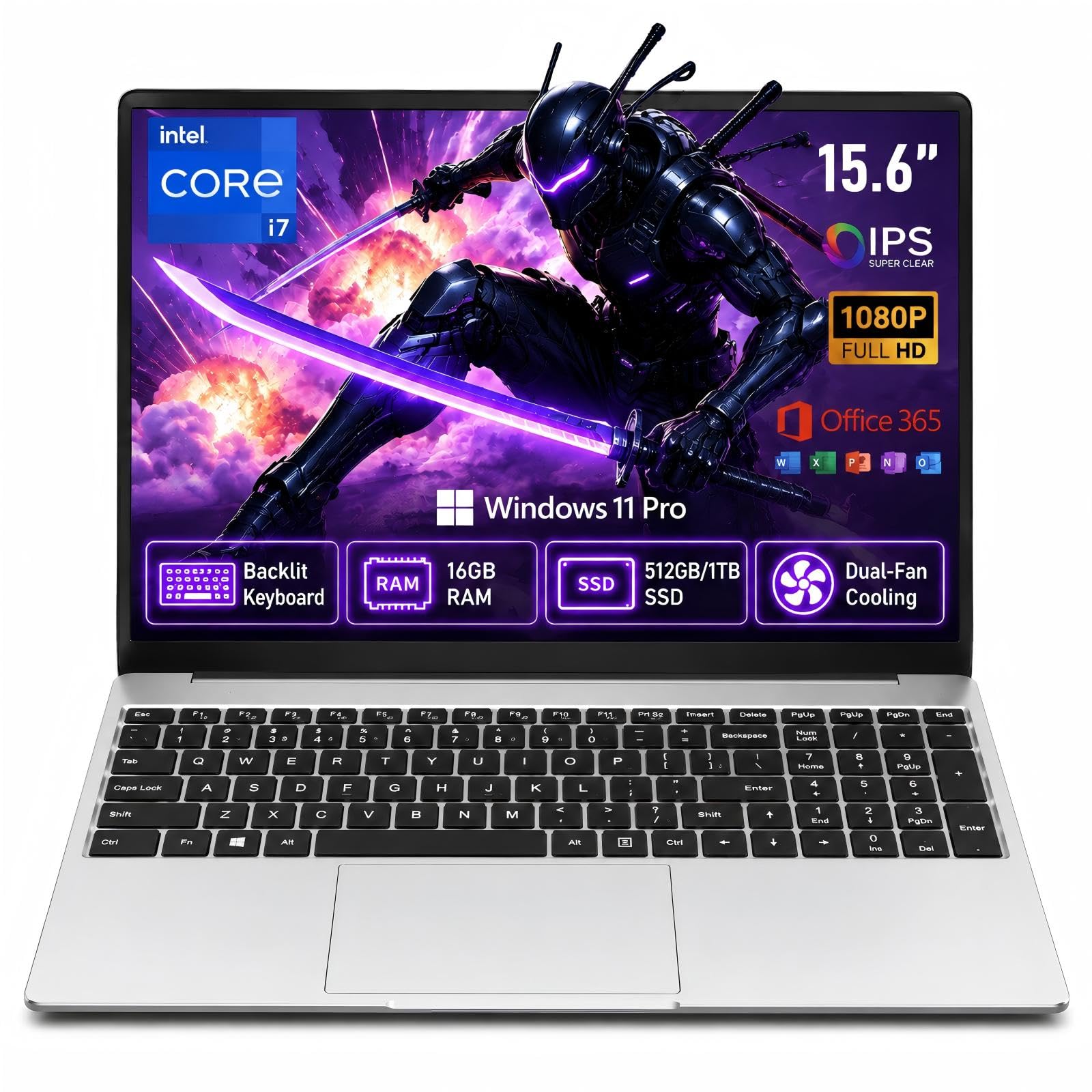
Office bundled in, 16GB of memory on board, and a warranty that runs two years
The practical pitch here is that you can start working the moment it arrives. Windows 11 Pro and Microsoft Office both come installed, so documents, spreadsheets and presentations are ready without buying a suite or setting anything up. That saves both the cost and the fiddly first evening.
The Intel Core i7 chip runs at speeds up to 3.9GHz — the lowest ceiling in this roundup, and well below the 5.0 GHz in the Dell Inspiron 15. Paired with 16GB of RAM and a 512GB SSD, it is built for office work, online classes, streaming and light gaming rather than heavy rendering. The 15.6-inch screen runs 1920 x 1080 Full HD. It weighs 3.5 lbs and measures 0.8 inches thin, so it fits a backpack without complaint.
Late-night typing is easier thanks to a full-size backlit keyboard (keys you can see in the dark), which helps in dim hotel rooms. You also get a 2-Year Warranty with 180-Day Free Return & Replacement support — confidence you rarely see at this end of the market. The 5000mAh (38.5Wh) battery is rated at 6 hours, so expect to charge during a full workday. That is shorter than the 8.5 hours the Acer Aspire 3 claims, but both are honest about their limits. Owners praise the speed and value most. The recurring note is that the ceiling is modest next to the H-series machines above.
The value read: Office included, 16GB of RAM, a backlit keyboard and a two-year warranty — a lot of practical coverage for a budget machine.
The limit to know: 3.9GHz is the lowest processor speed in this group, so it is a workhorse for documents and calls, not for editing or serious gaming.
Worth it for: students and home-office users who want a ready-to-work laptop with software already installed.
The skip case: you need real processing headroom — 3.9GHz will feel the strain on heavy creative work.
Know the Specs
The letter after the i7 number: U or H
An i7 model ending in U is a low-power chip — it runs cooler and lets the laptop stay thin, which is why you see it in 13-inch and 14-inch machines. One ending in H draws more power and holds high speeds for longer. For browsing, email and video calls, a U-series i7 is more than enough. For video editing or 3D work, the H-series is the one that will not throttle halfway through a render.
Processor speed and what the GHz figure means
Speed is listed as a maximum turbo figure — the ceiling the chip reaches when one task needs a burst of power. A 5.0 GHz chip and a 4.7 GHz chip feel similar for everyday work, because both drop to lower speeds to save power. The gap widens in sustained jobs, where a higher ceiling plus more cores keeps things moving. Do not chase the biggest number alone; a 3.9 GHz chip with 16GB of RAM can feel smoother day to day than a faster chip with 8GB.
System memory and why it changes over time
RAM is your short-term workspace. 8GB covers web browsing and documents with room to spare. 16GB handles several programs at once without stutter. 32GB is for editors and power users who keep many apps and tabs live. What matters is whether the memory is soldered to the board — if it is, as with the Acer Aspire 3, you are locked to what you bought, so pick that figure carefully up front.
SSD storage and PCIe generations
An SSD is flash storage with no moving parts, so it boots and loads apps far faster than an old spinning drive. The PCIe generation — Gen4 or 4.0×4 — describes the data lane speed, so a higher generation moves files faster. For you, that mostly shows up as a quicker start-up and snappier opening of big files. Capacity matters just as much: 512GB suits most people, and 1TB gives breathing room for photos and video.
Common Questions
Is a U-series i7 fast enough for video calls and office work?
What is the real difference between an i7-1355U and an i7-13620H?
Will 8GB of RAM be enough if I keep lots of browser tabs open?
Is a renewed i7 laptop a safe buy?
How much battery life should I expect from a budget i7 laptop?
Do I need a dedicated graphics card for photo or video editing?
Is a 1920 x 1200 screen better than 1920 x 1080?
Can I upgrade the RAM or storage later?
What is Thunderbolt 4 and do I need it?
Does Windows 11 Pro matter over Windows 11 Home?
The Bottom Line
The Lenovo V15 16″ earns the top spot with a 10-core i7-13620H reaching 4.9 GHz, a taller 1920 x 1200 IPS screen (wide viewing angles), and DDR5 memory (faster RAM). That mix of a 10-core H-series chip, a taller 16:10 panel and DDR5 memory is what puts it first here.
If battery hours matter more than raw processor ceiling, the Acer Aspire 3 is the one to reach for with its up-to-8.5-hour rating in a thin 15.6-inch body.
And for creative work needing serious memory, the Dell Precision 3561 brings 32GB of DDR4 and a dedicated NVIDIA Quadro T600 to the table. Whichever you choose, check the chip letter, the RAM figure and the battery rating first — those three numbers decide how the machine will feel in year two, long after the unboxing shine wears off.
How we choose
We do not accept paid placement. Every pick is matched to a real buyer and a real use-case; we do not hands-on test units.
Sources
Specifications: manufacturer listings and product documentation. Review insights: verified customer reviews, as of November 2026. Pricing: not shown on this page (it changes often); check the current price via the retailer link.
As an Amazon Associate, Gamepad Test earns from qualifying purchases. This does not affect which products we feature.