
Heads up: This post contains affiliate links. As an Amazon Associate I earn from qualifying purchases, at no extra cost to you. Learn more
Specs are compiled from manufacturer listings and verified buyer reviews and can change over time — please confirm the key details on the product page before buying.
In Counter-Strike, a single frame of smear is the difference between a clean one-tap and a whiffed spray — so the monitor you pick matters more than most of your setup. You need a screen that draws each frame fast, keeps the image clean during a fast flick, and does not tear when you swing your crosshair across a doorway. This guide sorts the AOC models that actually serve that job, from budget-friendly 1080p panels to a premium OLED that makes dark corners readable. Each pick is here because its own numbers and its own owner history support it.
This guide is built by comparing the manufacturers’ published specifications and the patterns across verified customer reviews, so you get each pick’s real strengths and trade-offs instead of marketing spin.
You will see why refresh rate and response time matter before resolution does, and which models carry real trade-offs. Here is how to read the numbers so you stop paying for specs that never touch your gameplay, all in this breakdown of the aoc counter strike monitor lineup.
Top Picks

How To Choose A Counter-Strike Monitor
Counter-Strike rewards eyes and reflexes, not cinematic scenery. The monitor that suits you is the one that keeps a moving player crisp as you swing your crosshair onto them, then tells you the truth about where that headshot landed. Grabbing the biggest or sharpest screen is not the goal — matching the panel to how your eyes track fast motion is.
Start with refresh rate, not resolution
Refresh rate is how many times per second the screen redraws — a 240Hz panel redraws 240 times a second, more than a typical office screen. Higher refresh means less gap between what the game is doing and what your eyes see. On a fast peek that gap is what makes you feel late to the shot. A lower-resolution panel with high refresh often serves you better than a sharp panel stuck at a slow redraw.
Response time keeps the smear off a fast flick
Response time is how quickly one pixel switches color — measured in milliseconds, where lower is better. Laggy pixels leave a trail behind a moving player, called ghosting. Counter-Strike is full of thin edges against dark walls, so a fast response keeps the silhouette clean. Watch the measurement basis, because MPRT and GtG are tracked differently and are not the same number.
The connection you plug into changes the ceiling
Many of these panels only hit their top refresh rate over DisplayPort, while HDMI can cap you lower. That detail is buried in the spec sheet and it bites people who plug in the wrong cable. Check which port delivers the full rate before you assume the headline number is what you will see on day one.
Side-by-Side Comparison
| Model | Best For | Refresh Rate | Response Time | Resolution | Amazon |
|---|---|---|---|---|---|
| Q27G41ZE 27″ QHD IPS★ Best Overall | Balanced competitive play | 240Hz (260Hz overclocked) | 0.3ms MPRT | 2560 x 1440 | Amazon |
Detailed Reviews
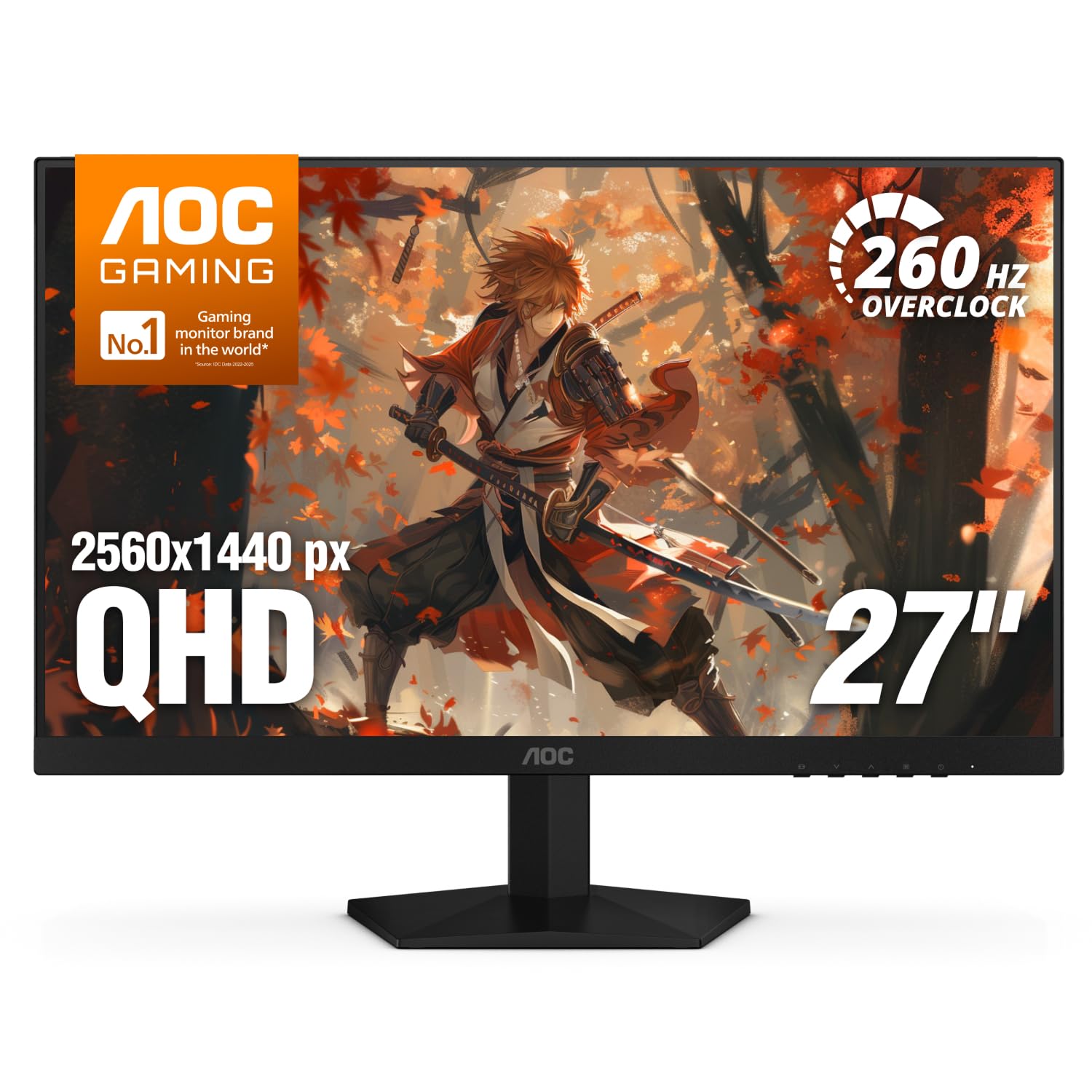
1. AOC Q27G41ZE Gaming Monitor
Our pick — 4.5+★ from 700+ verified ratings; the strongest balance of quality and price.
A 27-inch QHD IPS panel that overclocks past 240Hz — the competitive balance.
This is the panel that hits the balance most Counter-Strike players should chase. It draws a 2560 x 1440 image on a 27-inch IPS screen, so player models and wall edges read sharp without making targets tiny the way a 4K panel can. The 240Hz refresh rate (via DisplayPort) keeps the redraw fast, and the 0.3ms MPRT response time — a motion-blur measurement — is aimed squarely at keeping a flicking enemy crisp. Adaptive-Sync, working across both AMD and NVIDIA cards, is what stops the tear when your view swings past a doorway.
Owners praise the build quality and the price-to-performance ratio above all else. That matters in Counter-Strike, where a clean 1440p IPS image is what keeps a distant headshot from feeling like guesswork. The color and picture side of the story is more mixed — some setups report crisp 1440p detail, while other buyers hit pixel issues or soft-looking text. This is a display that rewards a clean unit and a DisplayPort cable rather than a ceiling-spec panel.
The honest catch is the stand. Tilt works, from -3° to +21°, but the adjustability draws the most grumbling of any trait here, so plan on a VESA arm if you need height and swivel. Around the back you get one DisplayPort 1.4 and two HDMI 2.0 inputs, plus audio out; the DisplayPort is the one that open up the top rate. Against the pricier AGON OLED below, this IPS panel does not match its contrast, but it gives you a sharper-than-1080p image at a far friendlier tier, which is exactly the trade a Counter-Strike player should make.
Why competitive players rate it
- 240Hz via DisplayPort, overclockable to 260Hz, keeps the redraw ahead of your reaction.
- 0.3ms MPRT response fights ghosting on fast peeks.
- Adaptive-Sync covers both AMD and NVIDIA cards, blunting tear and stutter.
- 2560 x 1440 delivers sharper enemy silhouettes than a 1080p panel.
Where it asks a trade-off
- Stand offers tilt only, so height and swivel need a VESA arm.
- Picture quality splits opinion, with some units showing pixels or soft text.
Lock it in: the best all-round pick if you want sharp 1440p, high refresh, and adaptive-sync without a premium-tier layout.
Bring a mount: the tilt-only stand is the one limit most owners hit.
2. AOC G2490VXS Gaming Monitor
The starter flick screen that says yes to frameless and no to fuss.
If you are building your first Counter-Strike setup on a tighter budget, this is the natural entry point. It runs a 1920 x 1080 Full HD image on a 24-inch-class VA panel (a panel type known for deep blacks), with a 144Hz refresh rate (the screen redraws 144 times a second) and 1ms MPRT response (a motion-blur measure). That is half the redraw speed of the 260Hz picks here, but still a world away from a 60Hz office screen. FreeSync Premium (AMD’s tear-free sync) handles the sync side, and the 350-nit brightness (a measure of screen brightness) keeps the panel readable in a lit room.
The screen also covers 126% sRGB, which is the color range the panel can reproduce; that pushes color vibrancy beyond the everyday baseline, so maps and skins look richer than their p and the stand includes height and angle adjustment — something several rivals here leave out. The near-borderless look makes a clean pair of monitors easy to line up.
The one impression that splits: pixel quality and brightness. Some units arrive with dead or bright pixels, and a few panels show light bleeding at the edges. Those are the classic VA/panel-lottery caveats. Get a clean sample and you have a sharp 1440p screen with height and angle adjustment; the 127.8% sRGB color and QHD resolution carry the value, not the 180Hz ceiling.
Worth a look: if vivid color and 1440p sharpness matter to your eyes more than raw refresh, this is a smart mid-tier pick.
Panel lottery: dead pixels and edge light bleed are the gamble, so buy from a seller with easy returns.
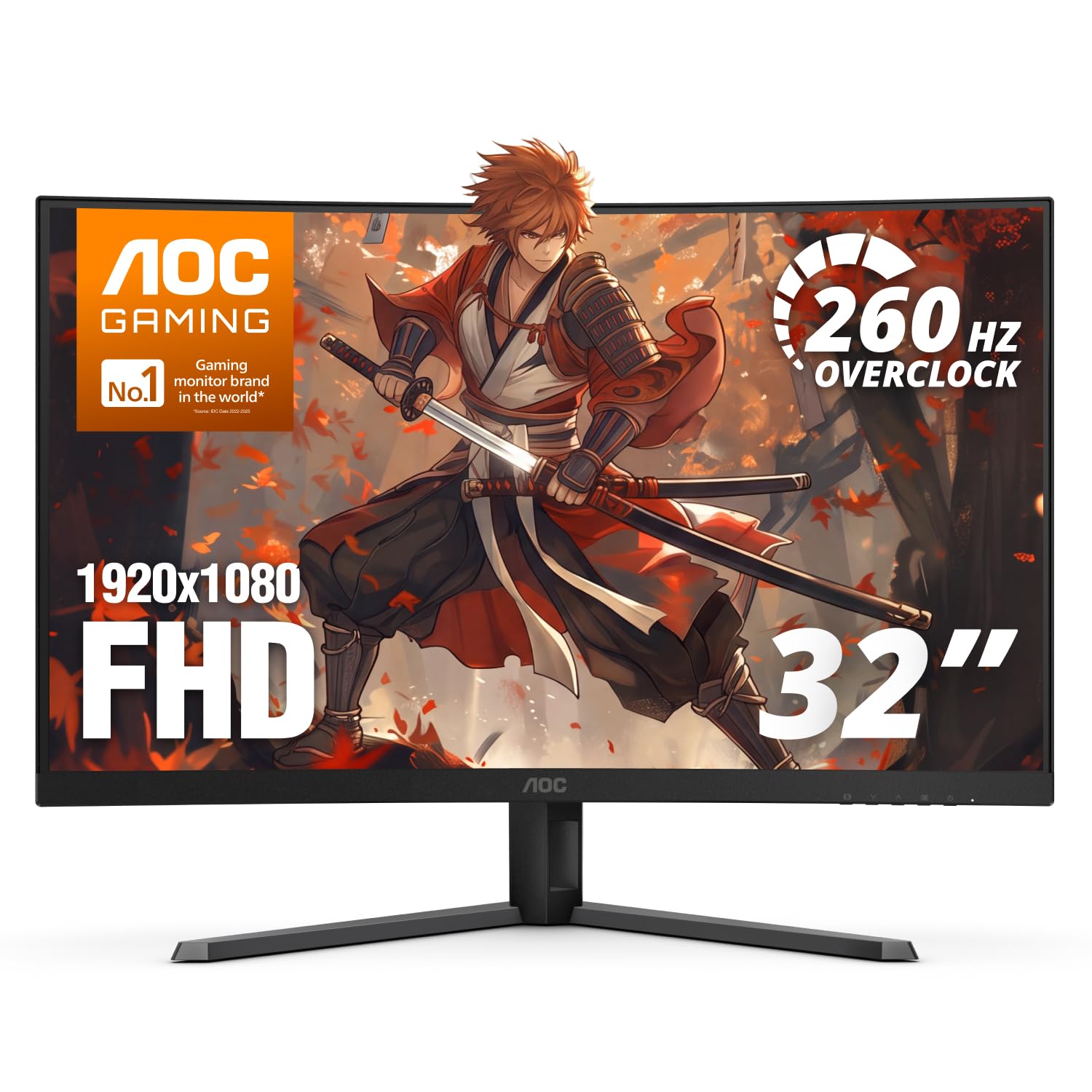
3. AOC C32G42ZE Curved Gaming Monitor
Big, bent, and built to hit moving targets at a price that undercuts the pack.
This is the pick for someone who wants a wider, enveloping view on a budget. It pairs a 31.5-inch viewable 1920×1080 panel with a 1500R curvature — the “R” is the curve radius, and 1500R means a fairly tight bend that wraps toward your eyes. The 240Hz native refresh overclocks to 260Hz, with a 240Hz-vs-144Hz sort of pace that easily outruns the 144Hz starter screen above in raw refresh. A 0.5ms SmartResponse MPRT keeps fast movement clear, and AMicker and blue-light handling: it reduces screen flicker and lowers blue light, which matters over a long competitive session. HDR10 support is listed, along with 2x HDMI 2.0 and 1x DisplayPort 1.4. A 2000:1 contrast ratio beats the 1000:1 panels here, so blacks have more weight than the flatter IPS options. It is a compact, sharp, fast display without the desk footprint of the 32-inch and 34-inch models.
The trade is scale. A 24-inch frame is smaller on your desk than the big curved panels, so if immersion and a wide peripheral view are your aim, this is not it. The 300-nit brightness is also modest compared with the 450-nit ultrawide. For pure up-close clarity and a fast, flick-free image, though, the 2560×1440 density packed into a 24-inch frame is the reason it earns a slot.
Small-desk solution: reach for this when a tight footprint with crisp 1440p sharpness is what you need.
Prefer immersion: the larger curved and ultrawide picks above give you more peripheral screen.
Know the Specs
Refresh Rate
This is how many times per second the screen redraws — a 240Hz panel redraws 240 times a second. In a fast duel, a higher refresh narrows the gap between the game state and what your eyes see, so a peek does not feel late. A 144Hz screen is a big step over a 60Hz office display, while the high-refresh picks here climb well past that with overclocking.
Response Time
Response time measures how fast a pixel changes color, in milliseconds — lower keeps a moving enemy crisp. It comes in two flavors: MPRT, a motion-blur figure, and GtG, a pixel-switch figure, so numbers are not directly comparable across panels. A 0.3ms MPRT or a 1ms GtG tells you the panel is built to keep fast pans clean.
Panel Type
The type of panel changes the look. A VA panel brings deep blacks and high contrast, good for dark corners, but can smear in motion. An IPS panel brings accurate color and wide viewing angles, but lower native contrast. An OLED panel switches each pixel on and off, giving genuine blacks and the fastest response, at a premium tier.
Adaptive-Sync and Ports
Adaptive-Sync, whether branded FreeSync or G-Sync Compatible, syncs the screen’s redraw to your graphics card to stop tearing and stutter. Ports matter just as much: many panels only hit their top refresh over DisplayPort 1.4, while HDMI can cap you lower. Always check which port delivers the full rate before you decide.
Common Questions
Is a 240Hz monitor worth it for Counter-Strike?
Do I need to use DisplayPort to get the full refresh rate?
What is the difference between MPRT and GtG response time?
Will 1080p look soft on a 32-inch monitor?
Is OLED better than VA for Counter-Strike?
Does a curved ultrawide help me see enemies faster?
Are dead pixels covered by warranty on these monitors?
What is G-Sync Compatible versus FreeSync?
Can I mount these AOC monitors on a monitor arm?
Why do some buyers only get 60Hz from these monitors?
The Bottom Line
For most Counter-Strike players, the aoc counter strike monitor winner is the Q27G41ZE because it nails the competitive balance: a sharp 2560 x 1440 IPS panel, a 240Hz redraw you can overclock to 260Hz, and 0.3ms response kept honest by Adaptive-Sync across both card brands. It also carries the strongest owner ratings of any pick here, so it tops the list on real-world results, not just the spec sheet.
If dark-map visibility and deep blacks are what you chase, the curved CQ32G4VE is the move, with its 80,000,000:1 SmartContrast and 1500R frame. Want panoramic awareness and a wider workplace, and the CU34G4H ultrawide stretches your peripheral view without the premium-tier layout. And if you want the best image money can buy on this list, the OLED AG276QZD2 with its 0.03ms response is the picture-first finish — just bring a DisplayPort cable and a plan for your desk.
How we choose
We do not accept paid placement. Every pick is matched to a real buyer and a real use-case; we do not hands-on test units.
Sources
Specifications: manufacturer listings and product documentation. Review insights: verified customer reviews, as of November 2026. Pricing: not shown on this page (it changes often); check the current price via the retailer link.
As an Amazon Associate, Gamepad Test earns from qualifying purchases. This does not affect which products we feature.