
Heads up: This post contains affiliate links. As an Amazon Associate I earn from qualifying purchases, at no extra cost to you. Learn more
Specs are compiled from manufacturer listings and verified buyer reviews and can change over time — please confirm the key details on the product page before buying.
Most people buying a gaming monitor are told to chase 4K, then handed a panel that stutters in a firefight. Here is the honest short version: match the panel to the games you actually play, and buy the fastest refresh rate your graphics card can feed. Everything below sits in the mid-range and premium tiers, and every pick clears the gaming bar of a high refresh rate.
This guide is built by comparing the manufacturers’ published specifications and the patterns across verified customer reviews, so you get each pick’s real strengths and trade-offs instead of marketing spin.
A quick note before you scroll: every pick here is a gaming monitor under $600, and where an exact size or spec match wasn’t available, the closest same-type panel that serves the same purpose made the cut. Below you will find the gaming monitors for under $600 that actually earn their place on a desk.
Top Picks

How To Choose The Best Gaming Monitors for Under $600
Four numbers decide whether a gaming monitor feels fast or frustrating: refresh rate, response time, resolution and panel type. Get those four right for your games and the rest is detail.
Refresh rate first, resolution second
Refresh rate is how many times per second the screen redraws, measured in Hz. A 200Hz panel redraws 200 times a second, so a target crossing your screen moves in smaller steps and you track it more easily. High-refresh panels here range from 160Hz up to 300Hz.
Resolution is the pixel count, and it costs you frames. A 4K panel at 3840 x 2160 has far more pixels to push than a 2560 x 1440 one, so your graphics card works harder for every frame. If you play competitive shooters, a fast 1440p panel usually beats a slow 4K one.
Panel type decides the look
IPS gives you accurate colour and wide viewing angles, which is why so many mid-range picks use it. VA panels push deeper blacks and higher contrast but can smear in fast motion. QD-OLED and MiniLED add per-pixel or zoned light control, so dark scenes stop looking grey.
Curved ultrawide panels (21:9) add horizontal space, which is useful for racing and open-world games. The catch is desk depth: a 34-inch ultrawide takes up real estate, so measure before you commit.
Adaptive Sync and ports
Adaptive Sync matches the screen’s refresh to your graphics card’s output, which kills tearing and stutter. FreeSync is AMD’s version and G-SYNC is NVIDIA’s; many monitors support both. Check the port too — some panels hit their top refresh rate only over DisplayPort.
Side-by-Side Comparison
| Model | Best For | Refresh Rate | Resolution | Panel Type | Amazon |
|---|---|---|---|---|---|
| AOC CU34G4H★ Best Overall | Ultrawide on a budget | 200Hz | 3440 x 1440 | VA curved | Amazon |
| Acer Nitro VG270K V4Sharpest Detail | Sharp 4K detail | 160Hz (320Hz at 1080p) | 3840 x 2160 | IPS | Amazon |
| ASUS TUF VG27AQM5AFastest Refresh | Competitive 1440p speed | 300Hz | 2560 x 1440 | Fast IPS | Amazon |
| Acer Predator X27U W1 | OLED contrast | 240Hz | 2560 x 1440 | QD-OLED | Amazon |
| LG 27G810A-B | Dual-mode 4K / 360Hz | 180Hz (360Hz at 1080p) | 3840 x 2160 | IPS | Amazon |
| Alienware AW3425DWM | Ultrawide work and play | 180Hz | 3440 x 1440 | VA curved | Amazon |
| LG 34G630A-B | Ultrawide 240Hz | 240Hz | 3440 x 1440 | VA curved | Amazon |
| Samsung Odyssey OLED G6 | QD-OLED colours | 240Hz | 2560 x 1440 | QD-OLED | Amazon |
| ASUS ROG XG27UCG | 4K plus USB-C | 160Hz (320Hz at 1080p) | 3840 x 2160 | Fast IPS | Amazon |
| Samsung Odyssey G7 G75F | Big curved 4K | 165Hz | 3840 x 2160 | VA curved | Amazon |
| KTC M27P6S | MiniLED brightness | 160Hz (320Hz at 1080p) | 3840 x 2160 | MiniLED | Amazon |
Detailed Reviews
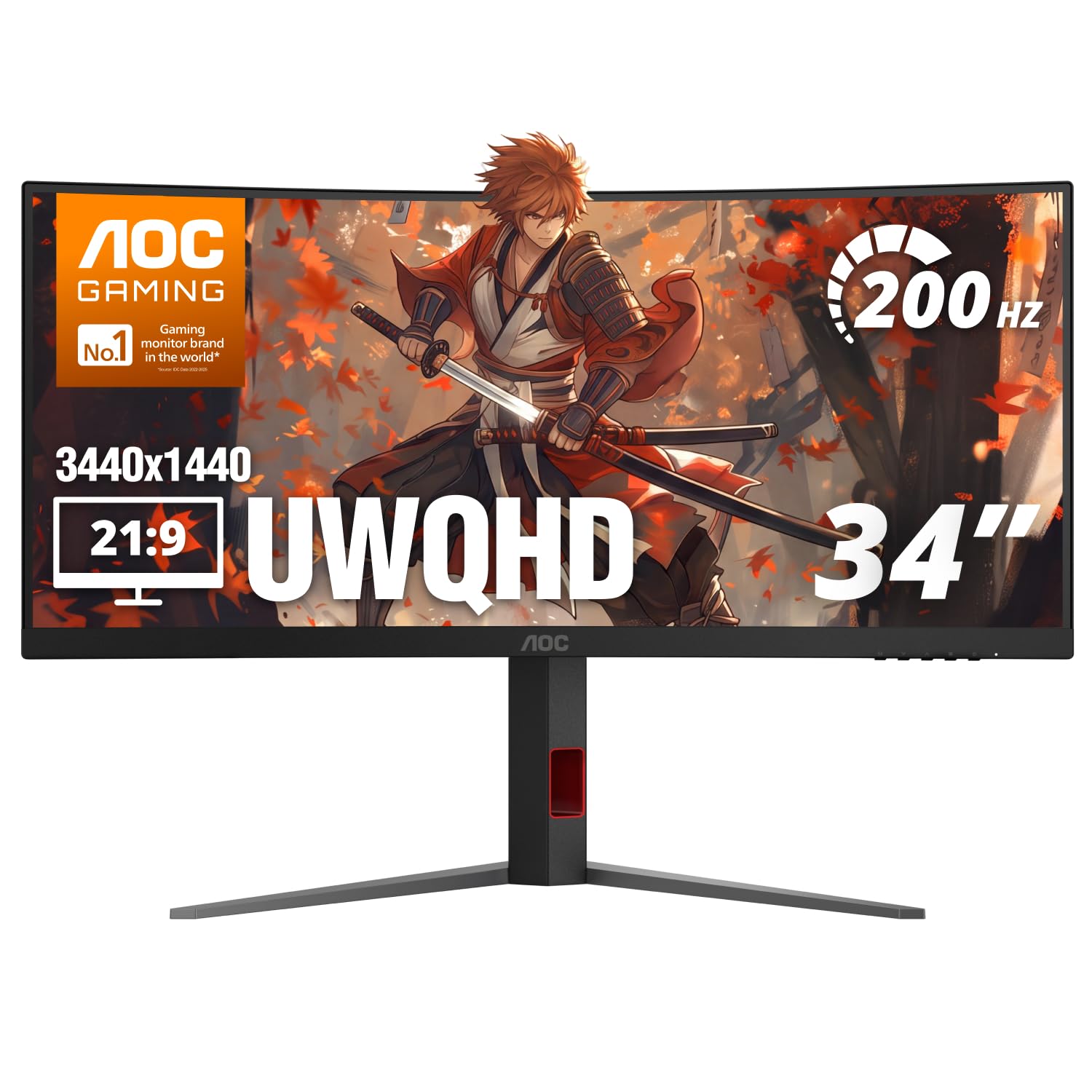
1. AOC CU34G4H 34 Inch Curved Ultrawide
A panoramic 34-inch curve that wraps your whole field of view and still leaves room for chat windows.
The 3440 x 1440 WQHD resolution spread across a 21:9 aspect ratio is the headline: you get roughly a third more horizontal space than a standard 16:9 panel, so a racing game shows the apex earlier and a shooter shows the flank you would otherwise miss. The 1500R curve bends the edges toward your eyes so the corners stay in view.
Speed comes from a 200Hz refresh rate over DisplayPort 1.4, paired with a 0.3ms MPRT response time. MPRT measures how long a pixel holds its image, so a lower number means less smeared motion behind a moving target. Adaptive-Sync and HDR Ready round out the picture side, and the stand gives you height, tilt and swivel adjustment.
What wins people over here is build quality — the most-praised trait on this panel — followed closely by value, and the crowd favourite verdict lands at 4.5+ stars. The honest catch is the VA panel: deep blacks and strong contrast, but motion handling is a step behind the fast IPS and QD-OLED picks below. The 100Hz HDMI 2.0 ceiling is also worth knowing if you plan to run it from a console.
Why this one takes the crown
- 3440 x 1440 on a 21:9 curved panel gives a wider view than any 16:9 pick here
- 200Hz over DisplayPort 1.4 with a 0.3ms MPRT rating for clean fast motion
- Height, tilt and swivel adjustment plus VESA mounting support
- The most-praised trait on this monitor is outright build quality
Where it asks something of you
- VA panel smears slightly compared with the fast IPS and OLED picks
- HDMI 2.0 caps you at 100Hz, so treat DisplayPort as the default
- A 34-inch curve needs desk depth to sit at a comfortable distance
Reach for this if: you want the widest view in the mid-range and play a mix of racing, open-world and shooters on PC.
Think twice if: you play console games at high refresh — the HDMI 2.0 port tops out at 100Hz.
2. Acer Nitro VG270K V4 27 Inch 4K IPS
Pixel density is the quiet flex here: 3840 x 2160 crammed into 27 inches.
At 3840 x 2160 against the ASUS TUF’s 2560 x 1440, this Nitro carries half again as many pixels across the same screen size, and you see it in fine texture detail and small text. The DFR system lets you trade resolution for speed: 160Hz at full 4K, or 320Hz when you drop to 1920 x 1080.
The panel is IPS with a 16:9 aspect ratio and a zero-frame design, so multi-monitor setups sit nearly flush. Colour coverage reaches DCI-P3 90% with HDR 10 support, and the 0.5ms gray-to-gray response time keeps fast transitions clean. Compare that to the Predator’s 0.03ms and the OLED wins the motion race clearly.
Screen quality is the aspect that earns the most praise on this monitor, and the complaints that come up are about brightness and long-term durability rather than the picture itself. The 1000:1 contrast ratio is the trade-off — dark scenes look grey next to a VA or OLED panel.
What the numbers buy you: 4K at 160Hz covers desktop work and single-player games beautifully, and the 320Hz DFR mode gives competitive players an escape hatch.
The honest trade-off: brightness is the weakest point on this panel, and the 1000:1 contrast means HDR content never gets truly black.
Pick it for: a desk that does spreadsheets by day and story-driven games by night, where sharp text matters as much as frame rate.
Leave it for: dark-room horror players who want OLED-grade blacks.
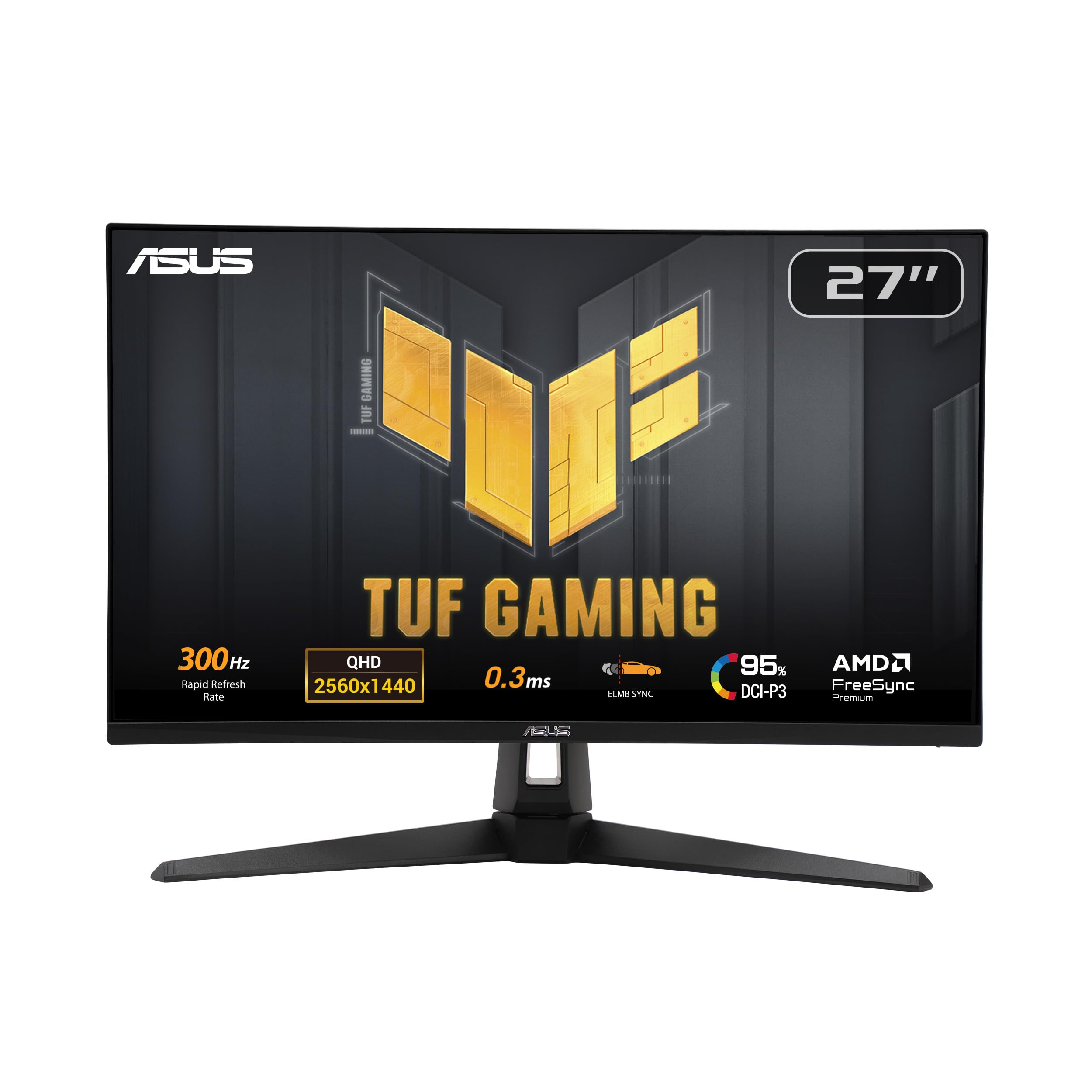
3. ASUS TUF VG27AQM5A 27 Inch 1440p 300Hz
300Hz — the highest refresh rate in this group, and it changes how you track a moving target.
That 300Hz figure beats the Acer Nitro’s 160Hz, and the gap is the point: a target crosses the screen in far smaller steps, so tracking feels glued to your mouse. Fast IPS carries a 0.3ms gray-to-gray response time, which is the same figure as the Predator OLED and keeps ghosting minimal.
The 2560 x 1440 resolution is the sensible middle. It is far easier to drive than 4K, and it still looks sharp across 27 inches. The 1300:1 contrast ratio edges out the Nitro’s 1000:1, and DCI-P3 95% means colours land accurately without fiddling. ELMB Sync lets you run motion-blur reduction and variable refresh together, which most panels force you to choose between.
The trait that earns the most praise here is overall quality, and the 1440p resolution paired with 300Hz is exactly what people call out. Two things to weigh honestly: dead pixels show up often enough to be the most-discussed complaint, and brightness reads darker than some expect in a bright room. Check the return window when it arrives.
What sets the pace
- 300Hz is the highest refresh rate on this list
- 0.3ms gray-to-gray response time for clean fast motion
- ELMB Sync runs blur reduction and variable refresh at once
- 1300:1 contrast beats the Nitro’s 1000:1
Worth knowing before checkout
- Dead pixels and stuck pixels come up most often in feedback
- Brightness is a touch lower than some buyers expect
- 1440p is the ceiling — no 4K mode here
The competitive pick: if your games are shooters and your graphics card can feed 300 frames, this is the fastest panel in the roundup.
Small print: order it with a flexible return window so you can check for dead pixels.
4. Acer Predator X27U W1 QD-OLED 240Hz
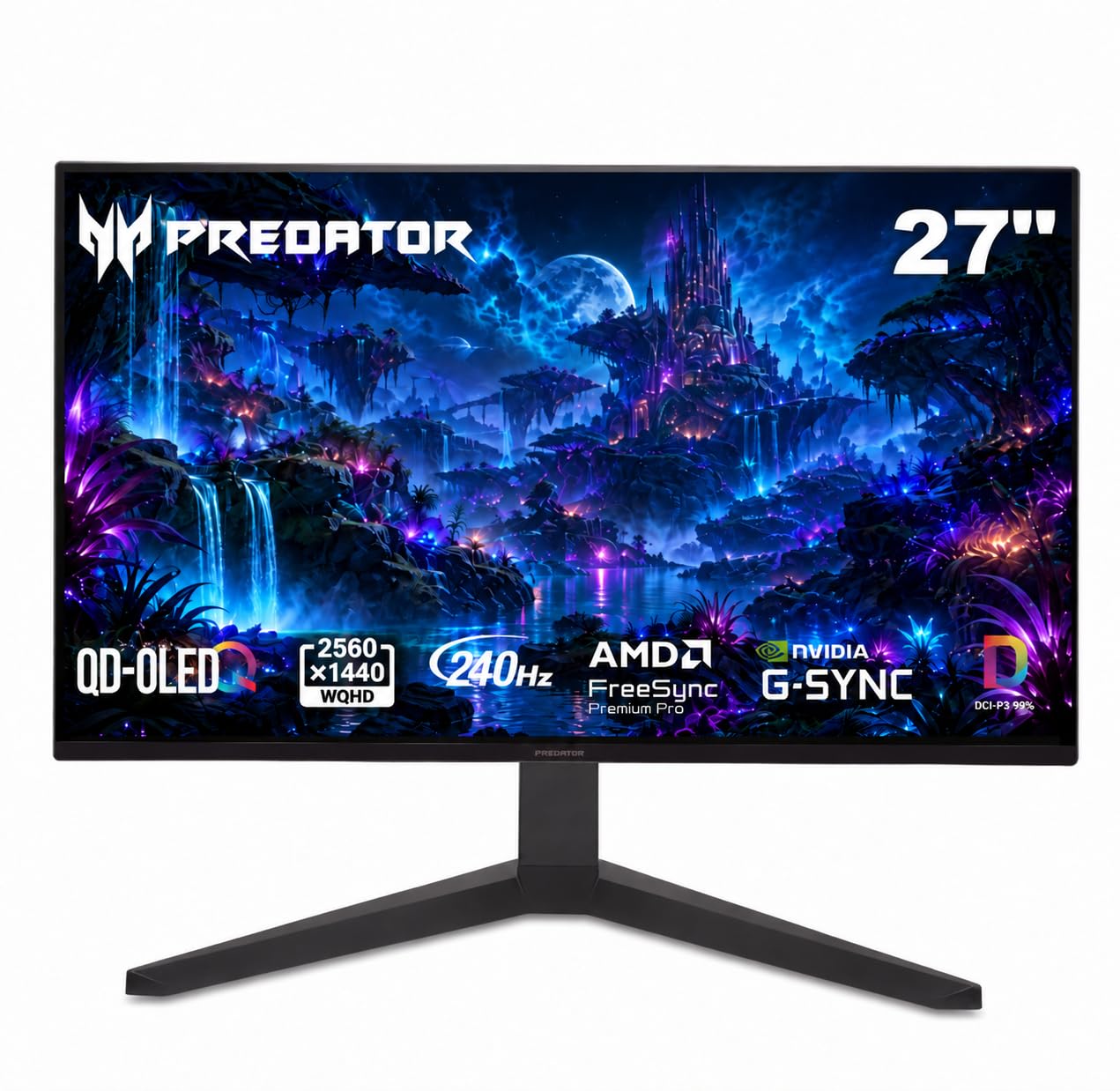
Quantum dot OLED at 0.03ms — the fastest response time on this entire list.
Response time is how quickly a pixel changes colour, and 0.03ms is effectively instant. Against the Nitro’s 0.5ms, that is a 16.7x gap, and you feel it as near-zero ghosting in a pan. The 240Hz refresh rate pairs with a 10-bit quantum dot OLED panel at 2560 x 1440, giving true blacks because each pixel switches itself off.
Colour is a cut above: DCI-P3 99% coverage, Delta E under 2, and HDR10 support. That means greens and reds stay accurate rather than oversaturated, which matters if you also edit photos on this screen. At 26.5 inches the panel sits inside a normal field of view, and image-retention refresh cycles the pixels to help stop static images sticking.
Screen quality is what buyers celebrate here, and value comes next — an OLED at this tier is a genuine event. Two trade-offs to size honestly: the panel is not the brightest in a sunlit room, and OLED still asks you to vary static content so toolbars do not burn in. Neither matters much in a room with normal lighting.
The motion story: 0.03ms gray-to-gray and 240Hz combine into the cleanest motion on the list — the Quantom dot OLED does what LCD cannot.
What to plan for: brightness is mid-tier, and burn-in care is part of OLED ownership, so rotate your desktop background.
For you if: contrast and colour accuracy matter more than raw peak brightness — think single-player games and photo work.
Better elsewhere if: your desk sits in direct afternoon sun all day.
5. LG 27G810A-B UltraGear 4K 180Hz
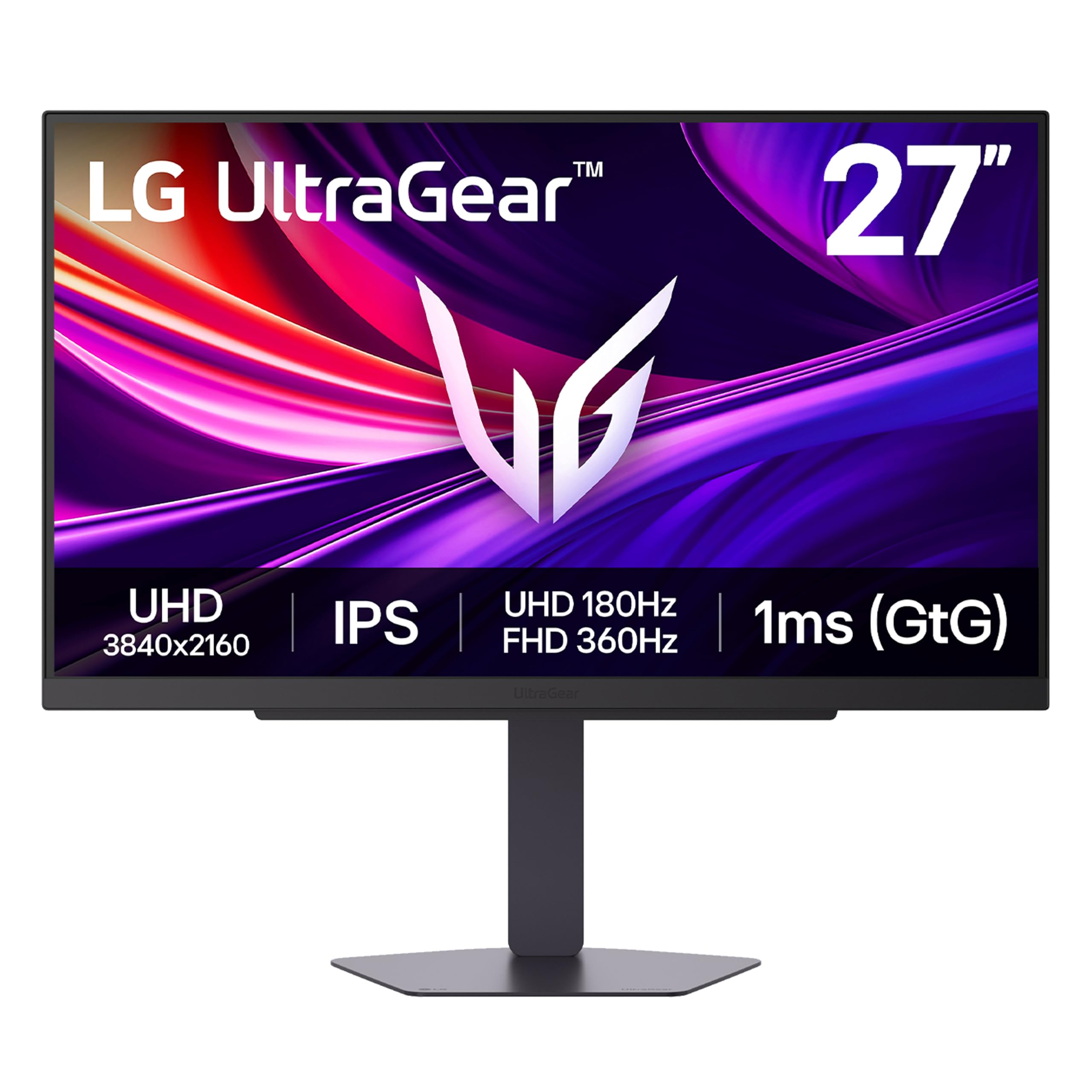
One hotkey flips between a 4K canvas and a 360Hz speed demon.
Dual Mode is the reason to buy this. Run 4K at 180Hz for a story game, then press the hotkey for Full HD at 360Hz when you switch to a shooter. No other panel on this list gives you 360Hz anywhere, and it beats the TUF’s fixed 300Hz when you want maximum frames.
The 27-inch IPS panel holds up to 95% DCI-P3 with VESA DisplayHDR 400 brightness at 400 candela per square metre. A 1ms gray-to-gray response keeps motion tight, and both AMD FreeSync Premium and NVIDIA G-SYNC compatibility are supported. Dynamic Action Sync cuts input lag, and Black Stabilizer lifts shadow detail so you spot threats in dark corners.
Monitor quality is what buyers rate highest, with the refresh rate close behind — the dual-mode trick lands. The honest catches: colours read a little dull compared with the OLED picks, and response time draws mixed reports in certain titles. The full adjustment set — height, tilt, swivel and pivot — is welcome at this tier.
The dual-mode advantage
- Switch between 4K at 180Hz and Full HD at 360Hz with one hotkey
- G-SYNC compatible and FreeSync Premium, so either card works
- DisplayHDR 400 and 95% DCI-P3 colour coverage
- Full height, tilt, swivel and pivot adjustment
The fine print
- Colours do not pop as hard as the QD-OLED panels
- Response time draws mixed feedback in specific games
- You only reach 360Hz by dropping to 1080p
Best fit: players who jump between cinematic single-player and twitchy multiplayer on the same desk.
Look elsewhere if: accurate, vivid colour is your top priority.
6. Alienware AW3425DWM 34 Inch Curved Ultrawide

A 34-inch ultrawide that handles your workday and your raids without breaking stride.
3440 x 1440 across a 21:9 panel with a 1500R curve is the shape of it. That extra horizontal space means a spreadsheet sits beside your inbox and a guide sits beside your game, no alt-tabbing. The 180Hz refresh rate with 1ms gray-to-gray keeps gameplay fluid, and AMD FreeSync Premium plus VESA Adaptive Sync cover both card brands.
Colour coverage reaches DCI-P3 95% with VESA DisplayHDR 400 certification, and the 3000:1 contrast ratio gives deeper blacks than the IPS panels around it. There is a dedicated console mode and a hardware-based low blue light solution that keeps colour intact while cutting the fatiguing blue end of the spectrum.
Quality leads the praise on this panel by a wide margin, and picture quality is right behind it — the phrase that keeps coming back is that it exceeds expectations for both gaming and work. The size divide is the one honest split: plenty love the wide view, while others find it bigger and wider than they pictured. Measure your desk depth before you commit to a 34-inch curve.
Why it takes the all-rounder tag: 3440 x 1440 plus 180Hz plus HDR 400 covers spreadsheets, streams and games in one footprint.
The measure-twice note: a 34-inch 1500R curve is a lot of screen — sit too close and you will be turning your head.
Your pick if: you want one monitor for a home office and a gaming rig, and you have the desk width for it.
Not your pick if: you sit close to the screen or prefer a compact 27-inch setup.
7. LG 34G630A-B UltraGear WQHD 240Hz
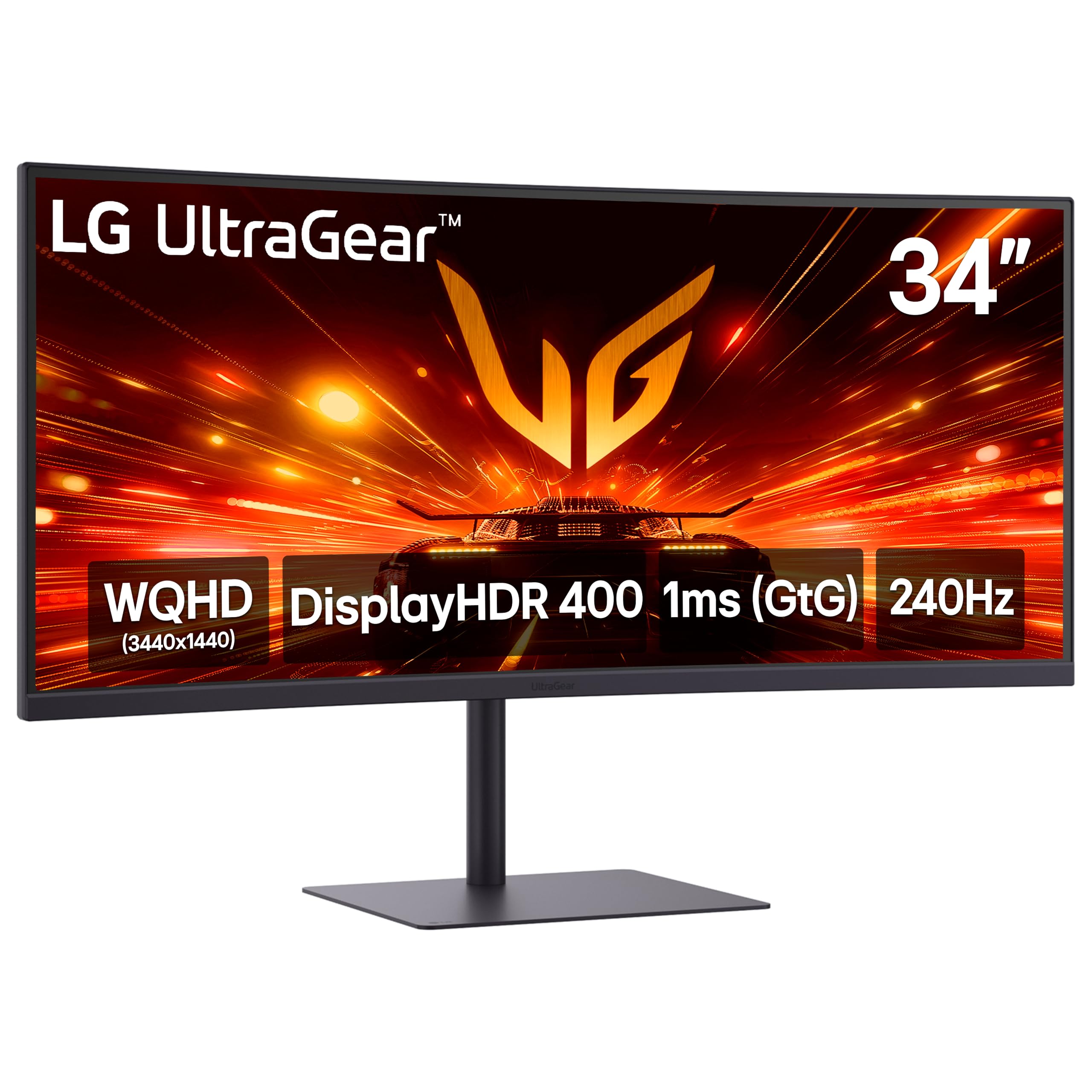
The only 34-inch ultrawide here that pushes 240Hz — and the only one with USB-C.
That 240Hz figure beats both the AOC and the Alienware ultrawides at 200Hz and 180Hz, and the 1ms gray-to-gray response time keeps motion clean at that speed. The 3440 x 1440 WQHD panel spreads across 21:9, so overlays, chat and guides sit in the frame while you play.
USB-C with 15W power delivery handles both display and data down one cable, which cleans up a laptop dock in a single move. Colour reaches 95% DCI-P3 with VESA DisplayHDR 400, FreeSync Premium handles sync, and Dynamic Action Sync, Black Stabilizer and a crosshair overlay cover the competitive extras. The compact base frees desk space, and height, tilt and swivel adjust.
Screen quality is the trait people celebrate most here, and the resolution-plus-refresh combo gets the credit. The candour part: the built-in speakers sound thin, and height adjustment runs short for some sit-stand setups. Screen brightness at 300 candela per square metre is on the lower side too.
What makes it different: 240Hz on a 21:9 WQHD panel is unusual at this tier, and USB-C with 15W means a laptop plugs in once.
Set expectations on: the speakers are weak and the stand does not lift far — plan for external audio and a monitor riser if needed.
Made for: a laptop-based setup that wants ultrawide width, high refresh and one cable to rule them all.
Heads up if: you rely on built-in audio or need a tall stand lift.
8. Samsung Odyssey OLED G6 (G61SH) QD-OLED
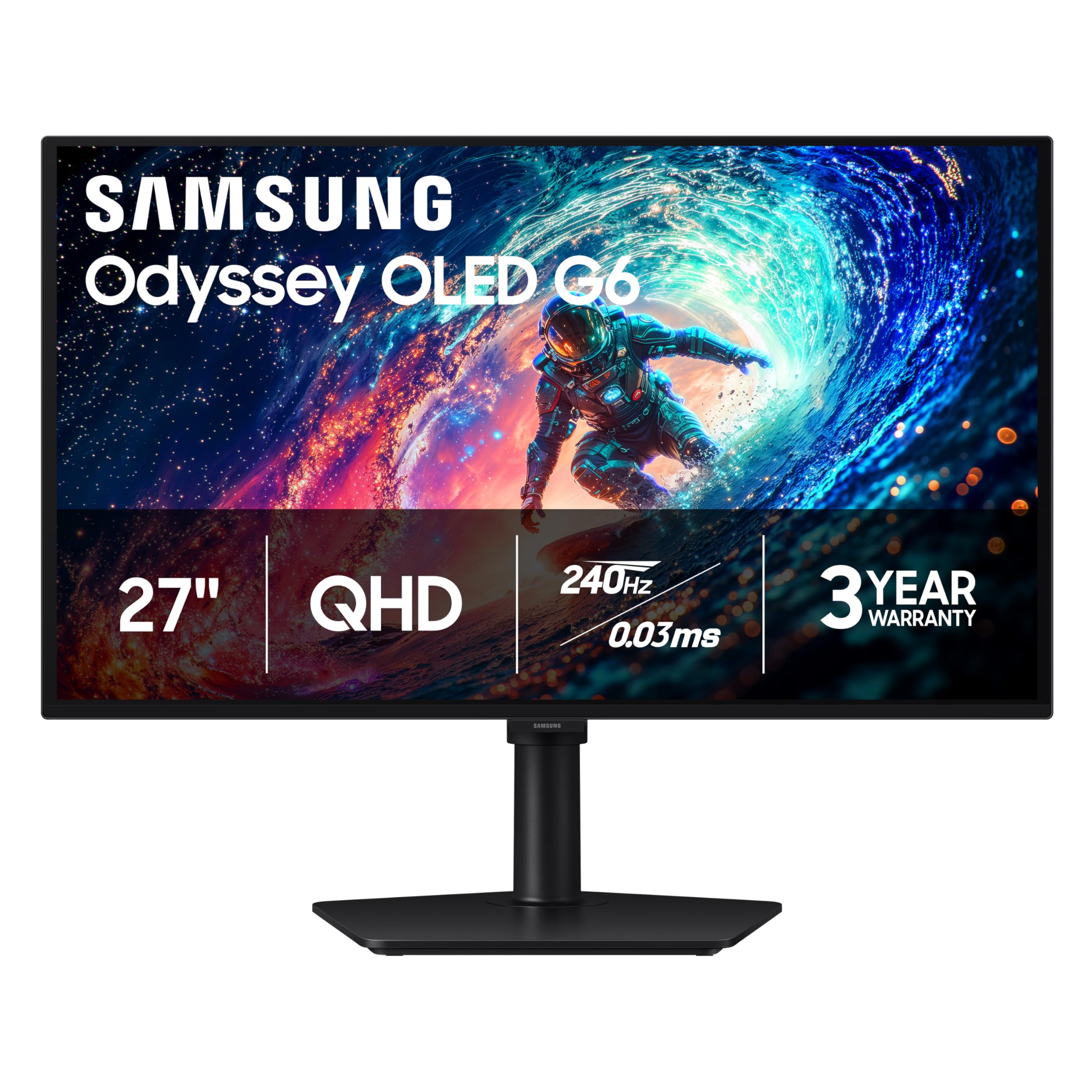
A Pantone Validated QD-OLED that reproduces 2100+ lifelike colours and 110+ skin tone shades.
On a QD-OLED panel, black is real black because each pixel switches itself off, and the contrast ratio is printed as 1,000,000:1. Add HDR10 and the result is deep shadows with bright highlights in the same frame. The 240Hz refresh rate pairs with a 0.03ms response time, so fast motion barely smears.
Colour is the standout: a Pantone Validated screen with a 0.99 colour gamut figure means skin tones and logos render faithfully, not just vividly. Glare Free technology cuts reflections from a window or lamp, and OLED Safeguard uses a thermal modulation system to help prevent burn-in. The height-adjustable stand pivots, tilts and swivels.
Quality and colour draw the loudest praise on this panel, and the impression that it beats the OLED competition at its tier keeps surfacing. The nuance worth knowing: text clarity is only rated about 4 out of 5, and some notice text fringing on fine type. Gamers will not notice; anyone reading small text all day should.
Where it shines
- QD-OLED panel with a 1,000,000:1 contrast ratio
- Pantone Validated with a 0.99 colour gamut
- 240Hz with 0.03ms response time
- Glare Free coating plus OLED Safeguard burn-in care
Cutting the hype
- Text clarity is rated around four out of five, with some fringing on fine type
- Some report the screen cycling on and off unexpectedly
- QD-OLED brightness trails LCD panels in a very bright room
Grab this one for: vivid, accurate colour on games and creative work where true blacks matter.
Second-guess it if: your day job is nine hours of small-text documents.
9. ASUS ROG XG27UCG 27 Inch 4K 160Hz USB-C

4K sharpness at 160Hz, and a USB-C cable that doubles as your dock connection.
Dual Mode gives you 3840 x 2160 at 160Hz, or Full HD at 320Hz when you would rather have frames than pixels. That 320Hz ceiling matches the Nitro’s DFR mode, so neither has the speed edge. Where this ROG wins is connectivity: USB-C, DisplayPort and HDMI together handle a laptop and a desktop without a switch box.
Fast IPS with a 1ms gray-to-gray response time keeps motion crisp, and ELMB Sync runs blur reduction alongside variable refresh. Colour reaches 95% DCI-P3 with advanced gray-scale tracking for smoother gradations, so skies and gradients stop banding. Brightness sits at 400 candela per square metre, and G-SYNC Compatible sync keeps frames in step.
The picture quality earns the most praise on this monitor, and 4K sharpness plus colour gets the credit. Two honest notes: the monitor draws mixed reports for turning off intermittently, and IPS glow in dark scenes comes up among brightness feedback. A three-year warranty with advanced replacement softens the first risk.
The case for it: 4K at 160Hz plus USB-C plus a three-year advanced-replacement warranty is a tidy premium package.
The caveat: IPS glow is the nature of the panel, and intermittent shutdowns appear in enough feedback to warrant saving your return paperwork.
Built for: a single-cable laptop-to-desktop workflow that also wants crisp 4K gaming.
Skip the shortlist if: you cannot tolerate any backlight bleed.
10. Samsung Odyssey G7 (G75F) 37 Inch 4K Curved
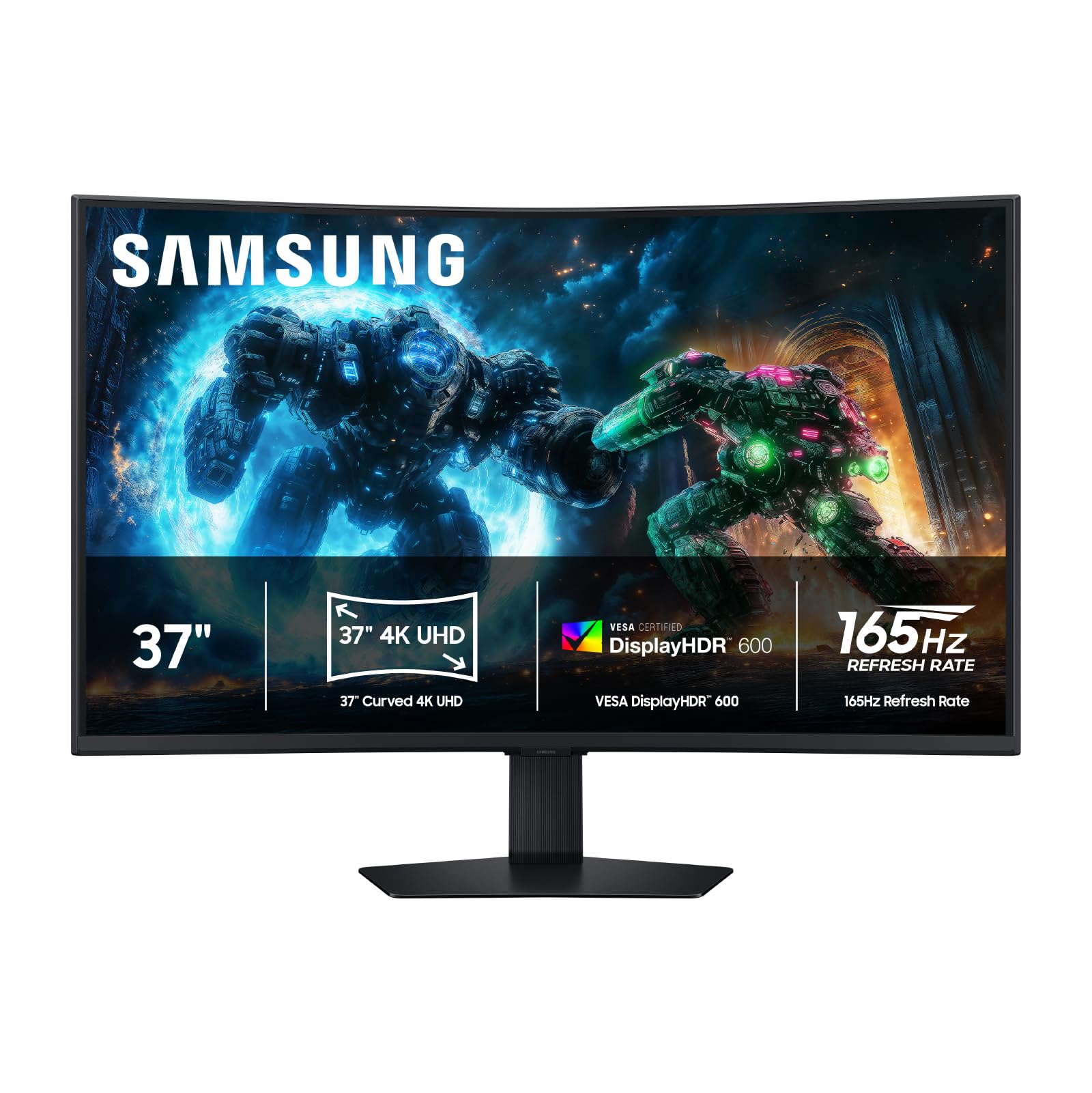
The largest screen on the list, wrapped in a 1000R curve that fills your peripheral vision.
37 inches is the number that separates this from every other pick here. A 1000R curve is tighter than the 1500R panels around it, which wraps the 4K image around your view for immersion. At 3840 x 2160 with a 165Hz refresh rate and 1ms gray-to-gray response, it covers speed and clarity together.
VESA DisplayHDR 600 is the brightness story — deeper blacks and brighter whites than HDR 400 panels, which shows in night scenes. The VA panel prints a 3000:1 contrast ratio for genuinely dark shadows, and FreeSync Premium Pro adds sync. It is a natural match for a PS5 at 120Hz.
Monitor quality is the trait buyers love most here, and the size and curve get singled out for immersion. Two honest splits: some want a brighter display overall, and a handful report a screen that will not switch on or a Display Port signal that drops. Neither is common, but test it the day it arrives.
The immersion argument
- 37 inches with a tight 1000R curve fills your peripheral view
- 4K at 165Hz with a 1ms gray-to-gray response
- DisplayHDR 600 and a 3000:1 contrast ratio for deep blacks
- FreeSync Premium Pro, and a natural PS5 match at 120Hz
The practical side
- Needs serious desk depth at 37 inches
- Brightness draws mixed feedback in bright rooms
- A few report signal-detection quirks on DisplayPort
Suits you if: you want the biggest, most wrap-around 4K picture here and mostly play console or controller games.
Pass it over if: your desk is shallow or you sit arm’s length from the screen.
11. KTC M27P6S 27 Inch 4K MiniLED Dual Mode
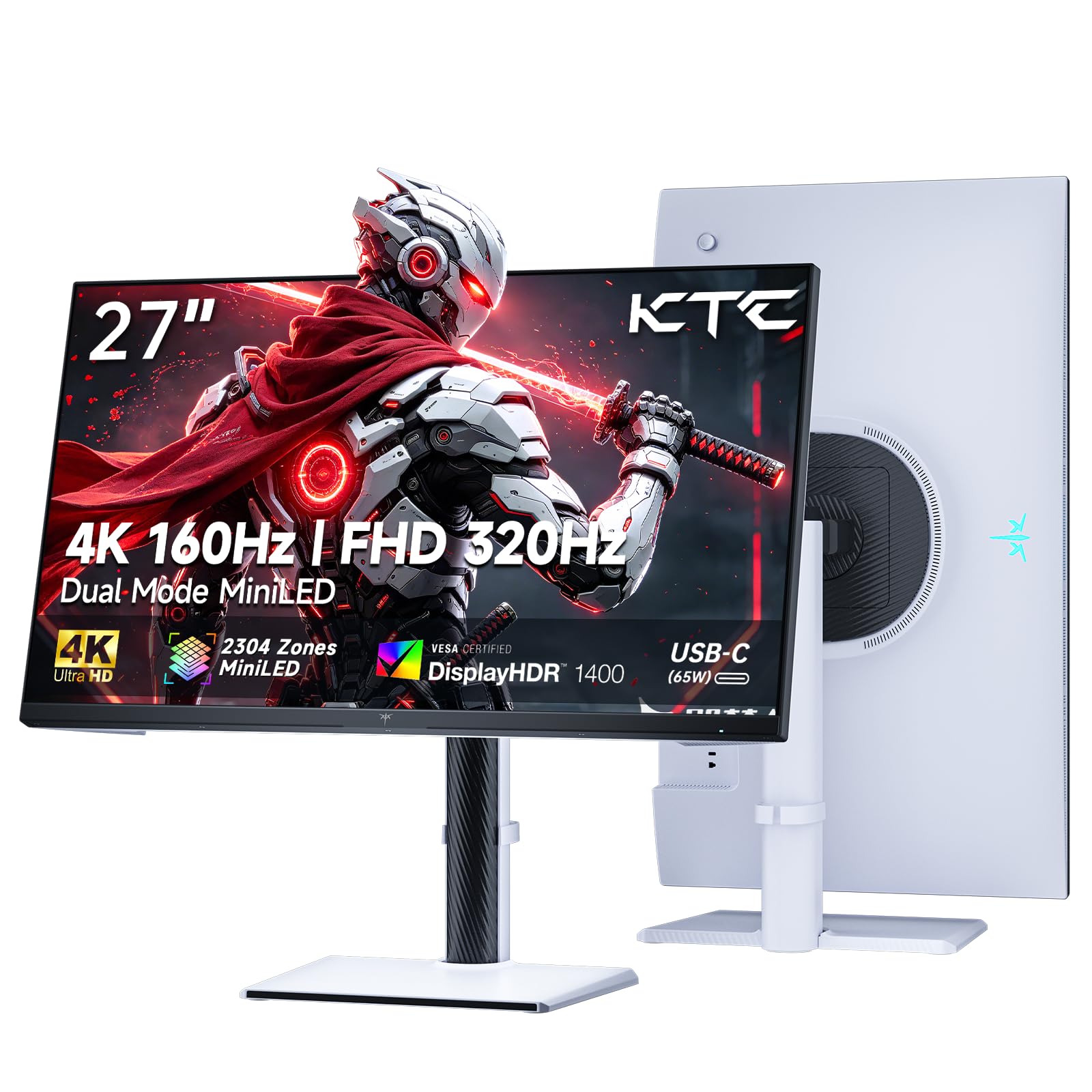
2304 dimming zones behind a 4K panel that hits HDR1400 peak brightness.
MiniLED splits the backlight into 2304 separate zones, so dark patches of a scene can dim while bright highlights stay blazing. That is what HDR1400 peak brightness and the 1000000:1 HDR contrast ratio buy you: cinematic range instead of washed-out grey. The Obsidian Black anti-glare panel keeps reflections down even in a bright room.
Dual Mode flips between UHD 4K at 160Hz and FHD at 320Hz, with Adaptive Sync and a 1ms MPRT response for tear-free play. HDMI 2.1 ports at FRL 48Gbps carry the full bandwidth next-gen consoles want, and there is a 65W Type-C port for a laptop. Colour coverage reaches 150% sRGB with Delta E under 2 for accurate editing.
The stand is unusually generous: height adjustment of 130±5mm, pivot of ±90 degrees, swivel of ±45 degrees, and tilt from -5 to 20 degrees, plus VESA 100 x 100 mounting. Given the panel’s brightness, plan for a bright room rather than a pitch-black one — MiniLED bloom around bright objects is the nature of zone dimming. This is the top-tier pick here, so weigh the spend against the HDR gain.
Standout spec: 2304 dimming zones and HDR1400 peak brightness are figures no other panel on this list matches.
Worth the jump: if HDR gaming and photo editing are your priorities, the brightness and colour accuracy justify the premium tier.
The top-tier call: choose this if you want the brightest, most HDR-capable 4K panel in the roundup and edit photos on the side.
Modest caution: zone dimming can show mild halo bloom around bright objects on a dark field.
Know the Specs
Refresh Rate (Hz)
This is how many times per second the screen redraws its image. Higher numbers mean a moving target appears in smaller steps, so tracking feels smoother. The panels here start at 160Hz and climb to 300Hz, and dual-mode panels add a higher figure at reduced resolution.
Response Time (ms)
This measures how fast one pixel shifts from one colour to the next. A low number means less ghosting trailing behind fast objects. OLED panels tend to post figures like 0.03ms, while IPS panels sit around 0.3ms to 1ms, and VA panels are the slowest of the three.
Panel Type
IPS gives accurate colour and wide viewing angles. VA pushes contrast and deep blacks but can smear in fast motion. QD-OLED and MiniLED add per-pixel or zoned light control for true blacks. Pick the panel type that matches your games: IPS for colour and viewing angles, VA for contrast, OLED or MiniLED for true blacks.
Adaptive Sync
FreeSync is AMD’s tear-free tech and G-SYNC is NVIDIA’s; many panels support both. Adaptive Sync matches the refresh rate to your card’s output, so frames arrive in step and the image never rips. Check the port too — some panels only hit their top refresh over DisplayPort.
Common Questions
Is 4K or 1440p better for a gaming monitor under this budget?
Do I need a DisplayPort cable to hit the advertised refresh rate?
What is dual mode on a gaming monitor and do I need it?
Is a curved ultrawide harder to get used to than a flat screen?
Is QD-OLED worth it over a standard IPS panel for gaming?
Will a 27-inch 4K monitor make text too small to read?
Do I need G-SYNC or is FreeSync enough?
How much desk space does a 34-inch ultrawide need?
Can a gaming monitor under this budget handle a PS5 or Xbox at 120Hz?
What is HDR and does it make a real difference on these monitors?
Should I worry about dead pixels on a new gaming monitor?
Is MiniLED better than OLED for a bright room?
The Bottom Line
For most people hunting gaming monitors for under $600, the winner is the AOC CU34G4H because it hands you a 3440 x 1440 curved 21:9 panel at 200Hz and still earns 4.5+ stars from the crowd. If refresh rate is your religion, the ASUS TUF VG27AQM5A leads the pack at 300Hz with a 0.3ms response. And for true-black OLED contrast, the Acer Predator X27U W1 at 0.03ms is the one to reach for.
Match the panel to your games and your card, measure your desk before you go ultrawide or 37-inch, and confirm the DisplayPort or HDMI version that carries your refresh ceiling. That is the whole decision; the rest is detail.
How we choose
We do not accept paid placement. Every pick is matched to a real buyer and a real use-case; we do not hands-on test units.
Sources
Specifications: manufacturer listings and product documentation. Review insights: verified customer reviews, as of November 2026. Pricing: not shown on this page (it changes often); check the current price via the retailer link.
As an Amazon Associate, Gamepad Test earns from qualifying purchases. This does not affect which products we feature.