
Heads up: This post contains affiliate links. As an Amazon Associate I earn from qualifying purchases, at no extra cost to you. Learn more
Specs are compiled from manufacturer listings and verified buyer reviews and can change over time — please confirm the key details on the product page before buying.
Most old Mac game discs on Amazon simply will not open on a modern Apple Silicon Mac, and that single fact decides your purchase before graphics or story ever matter. The picks below are the Mac-compatible titles real buyers keep coming back to, sorted by what each one actually asks of your machine and your patience. Note that a few of these are legacy discs built for older Mac hardware, so check your own machine before you commit.
This guide is built by comparing the manufacturers’ published specifications and the patterns across verified customer reviews, so you get each pick’s real strengths and trade-offs instead of marketing spin.
Some titles here are spooky point-and-click mysteries, some are sprawling strategy epics, and one is a full flight simulator on a USB stick. Every entry was checked against its own listing before it earned a spot among these Macintosh Computer Games.
Top Picks

How To Choose The Best Macintosh Computer Games
Before you look at a single game, check the platform line on the listing. A disc that says Mac is not the same as a disc that says PC/Mac, and a modern Apple Silicon machine can refuse either one if the game was written for older hardware. That is the first filter, and it saves more refunds than any review ever will.
Read the platform label before anything else
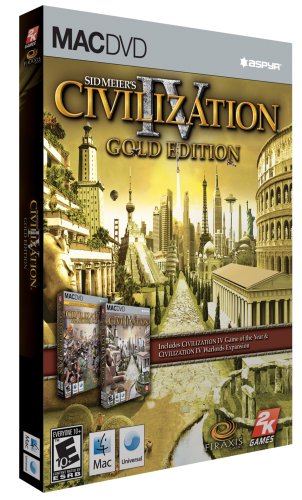
A Mac-only release such as Civilization 4: Gold Edition lists Mac as its computer platform directly. A hybrid listing like Blue’s Birthday Adventure is sold as a Windows 95/98 and Macintosh CD-ROM, which tells you it was pressed for machines of that era. Neither label guarantees a smooth launch on a current laptop, so treat the platform field as a starting point rather than a promise.
Decide if you want a disc or a download
Physical media has real advantages: a disc installs without a store account, and a USB stick like the FlightGear package arrives ready to plug in. Digital codes, on the other hand, tie you to the publisher’s launcher and often cannot be returned once redeemed. If you like to resell or lend a game, the disc still wins.
Match the game’s pace to the session you actually have
A hidden-object mystery fits a quiet evening, while a turn-based strategy game eats whole weekends. A professional flight simulator demands a joystick and a manual open on your lap. Be honest about how long you sit down to play, because complexity is the single biggest reason people abandon a simulator before their first takeoff.
Side-by-Side Comparison
| Model | Best For | Platform | Players | Age Rating | Amazon |
|---|---|---|---|---|---|
| Nancy Drew: Ghost of Thornton Hall★ Best Overall | Spooky mystery nights | PC (Mac-capable) | Single Player | Everyone | Amazon |
| Civilization 4: Gold Edition – MacStrategy Classic | Turn-based empire building | Mac | 1 | Everyone 10+ | Amazon |
| Blue’s Birthday Adventure | Young children’s first game | PC/Mac | — | Early Childhood | Amazon |
| Call of Duty 2 – Mac | WWII shooter fans | Mac | — | Teen | Amazon |
| FlightGear Flight Simulator 2026 X on USB | Serious flight simmers | Windows 11/10 & macOS 11+ | 1 | — | Amazon |
| NEW Sims 3 PC WIN/MAC | Life-sim sandbox play | PC/Mac | — | Teen | Amazon |
| Civilization VI: Rise and Fall [Mac] | Existing Civ VI owners | Mac (download) | — | Everyone 10+ | Amazon |
Detailed Reviews
1. Nancy Drew: Ghost of Thornton Hall – PC/Mac
Our pick — 4.0+★ from 200+ verified ratings; the strongest balance of quality and price.
A haunted-house mystery that earns its scares without a single jump-scare gimmick
If you want a Mac game that leans into atmosphere rather than reflexes, this is the one the crowd keeps pointing at. The draw is a genuinely unsettling old house, and creeping through it to untangle two mysteries at once is the reason people finish it in one long sitting. You are solving what happened to Jessalyn Thornton while also chasing down the truth about a family ghost, and the two threads pull you through crypts, graveyards, moving statues, sliding panels and secret passages.
The structure is classic single-player adventure: you poke around, you examine things, and you dig up old secrets and new motives among the Thornton friends and family. Puzzles are where opinion splits. Some find them challenging and satisfying; others wish they dug deeper, so go in expecting fair brain-teasers rather than brutal logic. What wins people over most is the game as a whole — the consensus is that this sits among the strongest entries in the whole series, with the house itself doing the heavy lifting on dread.
The honest catch is compatibility on modern hardware. The listing carries a PC platform tag even though it is sold for both, and a slice of players hit freezes or a game that refused to start at all. Check your machine before you buy, because a brilliant ghost story cannot help you if the installer never opens. Achievements are tracked on the in-game trophy menu, so completionists have something to chase after the credits.
What earns the top spot
- Genuinely creepy house setting that owners call one of the scariest in the series
- Two intertwined mysteries keep the point-and-click loop moving
- Rated Everyone, so it works as a shared evening game
- Trophy menu gives you concrete milestones to hunt
Before you switch to single-player mode
- Puzzle depth divides people — some find them light
- A minority of Macs freeze or refuse to launch the game
- Story quality draws mixed reactions across the series faithful
Reach for this if: you want a spooky single-player mystery you can finish over a weekend.
Look elsewhere if: your Mac is new enough that legacy disc installs have failed you before.
2. Civilization 4: Gold Edition – Mac
The Mac-native empire builder that asks for a whole weekend and gives back a millennium
Here is the rare listing that names Mac directly in its platform field, which is exactly what a Mac owner hunting for a genuine strategy title wants to see. You start at the dawn of man and guide one civilization through the space age, choosing between new technologies, diplomacy, or outright war at every turn. The pitch is simple — rule through time and build a legacy — and the streamlined pace is designed to keep a long campaign from dragging.
This one is physically modest, a disc at 4 ounces packed into a 7.5 x 5.3 x 0.6 inch case, so it drops into a shelf beside your other DVDs without a fight. It is a single-player game, rated Everyone 10+, and it plays strictly one to one player. If your idea of a Mac game is a long, quiet campaign you return to for weeks, the format fits.
Be clear-eyed about what this edition is. This is an historic Mac release, and the buyer reaction is honestly split — some call it phenomenal while others come away disappointed. The same split runs through gameplay, which some find fun and others find repetitive, and compatibility is the real wildcard, with reports both of it running beautifully on a Mac and of it not running at all. Treat it as a focused campaign pick rather than a guaranteed modern install.
The campaign case: a true Mac platform label plus a from-dawn-to-space framing makes this the most straightforward strategy disc on the list for an older Mac library.
The honest caveat: compatibility is the thing that sinks it for some buyers, so confirm your hardware generation first.
Best paired with: an older Mac you know can run legacy discs and a free afternoon to sink into one more turn.
Think twice if: repetition grates on you or your machine is a recent model with no disc drive.
3. Blue’s Birthday Adventure – PC/Mac
The one the smallest players actually finish, wrapped in party favors and puppy clues
Steve, Tickety, and Slippery need a helper to get Blue’s birthday party ready, and that helper is your child. You make a personalized card, pick a special present, roam the house and yard, and solve new Blue’s Clues to work out which party favor Blue wants to hand out and what she wants to eat. It is built for the Early Childhood rating, and the activities lean on counting, colors, shapes, patterns, sorting and matching, plus the kind of deduction that makes a preschooler feel clever.
The gameplay is the clear strength here. Children take to it quickly, and the game gets enthusiastic recommendations, which is the reaction you want from a disc aimed at a small kid with a short attention span. It lists both PC and Macintosh CD-ROM on the box, so it was pressed for machines of that era rather than today’s laptops.
That is the trade-off worth saying plainly: this is a Windows 95/98 and Macintosh-era release, so a modern Mac without a disc drive will not run it at all. It is also a light, gentle experience, so a child who has already outgrown early-learning games will burn through it fast. For the right preschooler on the right older machine, though, it is a very easy win.
Pick this for: a four-to-six-year-old and an older Mac or PC that still reads CD-ROMs.
Skip the party if: you have no disc drive, since this one cannot be installed any other way.
4. Call of Duty 2 – Mac

Three interwoven WWII campaigns and aggressive AI that shoots back with real intent
The pace is the point here. You fight alongside the Russians, the British, and the Americans against the Germans across three interwoven campaigns, and medium difficulty keeps the scenarios tense without turning them into a grind. The AI earns its reputation — enemies are wily and aggressive, while your supporting soldiers are balanced enough to genuinely help. Multiplayer covers standard deathmatch, team deathmatch, capture-the-flag, and search-and-destroy, plus a “headquarters” mode for something different.
On the tech side it auto-detects widescreen ratios, which means a modern 16:9 display does not get stretched or letterboxed, and it packs performance-tweaking functions so you can dial the game toward smooth rather than pretty. For scale, this disc weighs 5.6 ounces in a 7.5 x 5.4 x 1.3 inch case — a full-size box compared with the 4.21 x 4.06 x 0.43 inch USB stick that holds the FlightGear simulator. That is the difference between a physical relic and a thumb-drive install, and worth knowing if shelf space or shipping matters to you.
Two honest caveats. Performance is mixed, with frequent crashes reported by some players alongside reports of it working fine, and the graphics draw more criticism than praise at this point in time. If you are chasing crisp visuals, this is not the title for you — it is a shooter whose appeal rests on the firefights, not the pixels.
The firefight read: what people enjoy most is simply the gameplay, and the value for a boxed WWII shooter is hard to argue with.
Eye-level warning: older visuals and occasional crashes are part of the deal, so set expectations for a period piece.
Load it up for: classic WWII firefights and multiplayer modes on a Mac you know handles older shooters.
Pass if: visual fidelity is high on your list or you need a game that never stutters.
5. FlightGear Flight Simulator 2026 X on USB
Twenty-thousand airports on one thumb drive, if your rig can actually lift it
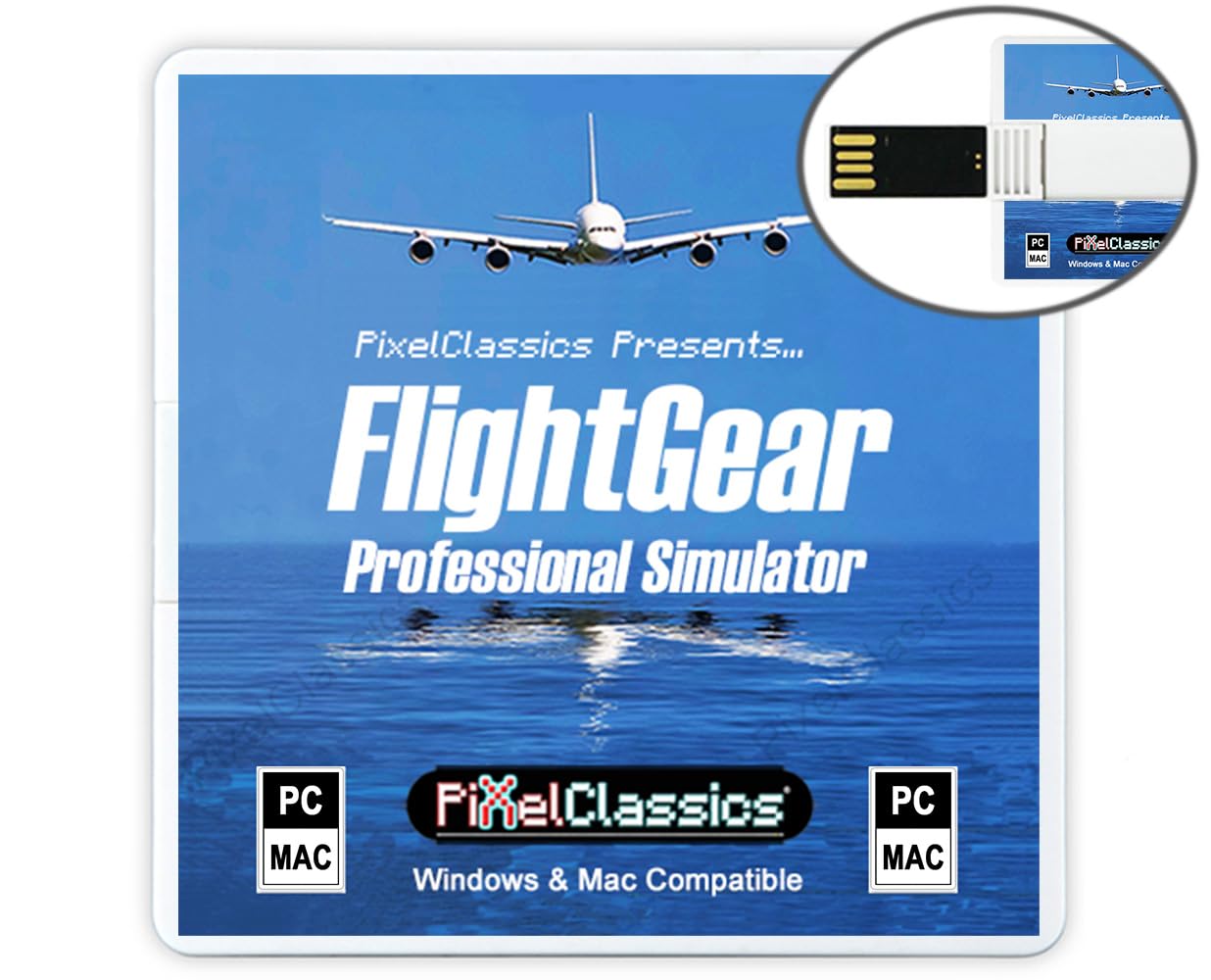
You get a huge world to fly: 600 aircraft, from lightweight planes to commercial jumbo jets, military aircraft, helicopters, and even airships. Those fly into 20,000 real airports worldwide, day or night. You can add 1000+ aircraft liveries (paint schemes) as free downloads, and you get future updates of the simulator too. It runs on Microsoft Windows 11 and 10 as well as macOS 11 to latest. It ships as a USB stick rather than a disc, at just 0.352 ounces — light enough that shipping it costs almost nothing and it slips into any bag.
The recommended system specs are where you need to pay attention. It wants a quad-core CPU, 6GB of RAM, a GPU with 2048MB of VRAM, and 5GB of drive space minimum, plus an internet connection. The maker warns that a compatible OS alone isn’t enough — the rest of the machine must meet the quad-core, 6GB RAM, and 2048MB VRAM specs too. Extras include an easy PixelClassics installation menu, an installation guide, a first flight guide, a 200+ page user manual, and email support, and the maker states the USBs are checked and scanned 100% virus-free.
Now the hard truth: this is a professional simulator, not an arcade game, and the reviews reflect that gap. Buyers report it will not run on many computers, find it complex and frustrating, and criticise the documentation as unclear, with the joystick setup splitting opinion between easy and confusing. The machine demands are real and steep. If you meet the specs and want genuine flight depth, it delivers; if you expect to take off in five minutes, it will fight you.
For the cockpit obsessive: someone with a quad-core rig and a joystick who wants 20,000 airports to practice in.
Wrong turn if: you want pick-up-and-play arcade flying or your RAM sits under 6GB.
6. NEW Sims 3 PC WIN/MAC (Videogame Software)

The household sandbox people still sink hundreds of hours into
For a game built around raising families, remodeling houses, and generally running small simulated lives, The Sims 3 remains the version a lot of Mac owners want on a disc. The listing is spare on extras — the disc fits a 7.4 x 5.3 x 0.6 inch case at 4.8 ounces — so the pitch is the sandbox itself, not a padded description. Rated Teen, it ships as a DVD-ROM that carries both Windows and Mac support on the box.
What people like most is straightforward: the game does what it says. Buyers describe it as exactly as described and rate the experience accordingly, and the gameplay itself draws enthusiastic, fun-to-play feedback. The software is also widely seen as a solid purchase, which is why it has hung around this long as a boxed copy.
The one honest wrinkle is reliability. Some players report it works perfectly, while others run into crashes and the occasional unplayable install, so save often and expect the odd hiccup on older hardware. Because it is a DVD-ROM, you need a drive, and because it is 2011-era software, a modern Mac may need workarounds before it will install.
Why it sticks around: a proven household sandbox on a physical disc that works with the drive you already own.
Save-file reality: crashes happen for a share of players, so back up your towns.
Worth grabbing for: anyone who wants an offline life sim with zero subscription strings.
Hold off if: your Mac has no optical drive or you need rock-solid stability from minute one.
7. Sid Meier’s Civilization VI: Rise and Fall [Mac]

Eight new civilizations and nine new leaders, but only if you already own the base game
Do not buy this one first. Rise and Fall is an expansion, and it explicitly requires the base game, Sid Meier’s Civilization VI, to play at all. If you already own Civ VI on Mac, this adds eight new civilizations and nine new leaders to the roster, which is the whole reason to pick it up. It arrives as an online game code rather than a disc, so there is nothing to lose in a drawer.
Two practical warnings come with the download format. This is a software download tied to your order, and the listing states plainly that the product is non-returnable and non-refundable, so confirm your base game is installed and working before you redeem. There is nothing to weigh, nothing to ship, and no case to store.
If you already play Civ VI, you get more factions and more leaders to build around, so the game stays fresh for longer — which is what expansion content is meant to do. If you have not started Civ VI on Mac yet, this is the wrong first purchase. Grab the base game, learn its systems, then come back for the extra leaders once you have a favorite victory path.
The expansion read: more civilizations and more leaders for an existing Civ VI install, delivered as a code.
The non-returnable reality: once redeemed, the code is yours, so verify your base game first.
Buy it when: you already own and play Civ VI on a Mac and want new leaders to explore.
Not yet if: Civ VI is not installed, because this code adds nothing without it.
Know the Specs
Platform label
This is the line that tells you which operating systems a game was written for, and it should be your first check. A Mac-only listing names Mac directly, a hybrid listing says PC/Mac, and a Windows-only game will not install on your Apple machine at all. Legacy Mac titles were built for older hardware, so even a Mac label is a starting point rather than a guarantee on a current laptop.
System requirements
System requirements are the minimum specs your computer must meet before a simulator or complex game will run. They cover CPU cores (the processor’s working units), RAM, VRAM, and free drive space, plus an internet connection if the game needs one. RAM is short-term memory, and VRAM is the memory your graphics chip holds. Fall short on either and the game usually stutters or refuses to launch. Check your machine before you order, not after.
Disc versus download
A DVD-ROM or CD-ROM installs from a physical disc, which needs a drive and is easy to resell later. A software download or online game code redeems through the publisher and often cannot be returned, but it needs no hardware. USB-stick releases sit in between: they plug into a standard port and install from the drive itself, with no disc drive needed.
Age rating
The rating on the box tells you who the content is built for, such as Everyone, Everyone 10+, Teen, or Early Childhood. It is a quick filter for buying for a child, and it signals the general intensity of the game’s puzzles, combat, or themes. For a family purchase, check it before anything else.
Common Questions
Will these Mac games run on my current Apple Silicon Mac?
Do I need the base game to play Civilization VI: Rise and Fall?
What specs does the FlightGear simulator need?
Is the FlightGear simulator beginner-friendly?
Can I use a USB flight simulator stick without a disc drive?
Are the Sims 3 and Civilization discs returnable if they will not install?
Is Blue’s Birthday Adventure a good first game for a preschooler?
Which of these is the scariest game on the list?
Do these games need an internet connection to play?
Why do Mac game discs sometimes crash or fail to launch?
The Bottom Line
For most people hunting for Macintosh Computer Games, the winner is Nancy Drew: Ghost of Thornton Hall. It gives you a genuinely spooky single-player mystery that owners finish and recommend, and it sits at the top for atmosphere and game quality alike. If you love empire building and have an older Mac, the Civilization 4: Gold Edition is the Mac-native strategy disc to grab. And if your machine meets the specs and you have a joystick to match, the FlightGear Flight Simulator 2026 X on USB turns a thumb drive into 20,000 airports — just read the requirements first.
How we choose
We do not accept paid placement. Every pick is matched to a real buyer and a real use-case; we do not hands-on test units.
Sources
Specifications: manufacturer listings and product documentation. Review insights: verified customer reviews, as of November 2026. Pricing: not shown on this page (it changes often); check the current price via the retailer link.
As an Amazon Associate, Gamepad Test earns from qualifying purchases. This does not affect which products we feature.