
Specs are compiled from manufacturer listings and verified buyer reviews and can change over time — please confirm the key details on the product page before buying.
A TV used as a desktop monitor is judged by different rules than one used for movie night. The panel has to hold a stable high refresh rate with a PC attached, keep text sharp at close range, and resist the input lag that makes a mouse feel like it is dragging through mud. This list only covers sets that are genuinely 4K and genuinely built for 120Hz or faster gaming, so every pick here clears the basic bar. One honest note before you scroll: this roundup uses flexible matching on the refresh-rate and size spec, so not every pick is the exact number you typed into the search bar. The nearest same-type screen that serves the same purpose earns the spot instead.
This guide is built by comparing the manufacturers’ published specifications and the patterns across verified customer reviews, so you get each pick’s real strengths and trade-offs instead of marketing spin.
Desktop use punishes weak motion handling and dull screens far more than couch viewing ever will. Below you will find the full breakdown of the best TV for Computer Monitor and Gaming, ranked by what actually holds up when a keyboard is in front of it.
Top Picks
How To Choose The Best TV for Computer Monitor and Gaming
A big screen sitting two feet from your face shows every flaw. The panel’s native refresh rate, its handling of static desktop elements, and its port lineup decide whether the setup feels like a premium monitor or a compromise you tolerate. Settle these three things before you compare anything else.
Native refresh rate versus the marketing number
A native refresh rate is how many times per second the panel itself redraws, measured in hertz. A set quoted at 120Hz or 144Hz natively is doing that work for real, so a fast mouse sweep or a racing game stays fluid. Watch for a second, bigger figure stamped on the box like “Motion Rate 480” — that is a processing figure, not the panel’s own speed. For desktop work, trust the native number every time.
VRR, ALLM, and why a PC cares
Variable Refresh Rate (VRR) lets the screen match its redraw speed to the frame rate your graphics card or console is pushing, which kills the tearing and stutter you see when the two drift apart. Auto Low Latency Mode (ALLM) flips the TV into its low-lag game picture the moment a console or PC handshake is detected. Both are worth confirming in the spec list, because a gorgeous panel with no VRR still stutters when your frame rate wobbles.
Panel type: what changes at desk distance
OLED panels light every pixel on their own, so black areas switch off completely and text edges stay clean. Mini-LED panels use dense clusters of small LEDs behind the screen with local dimming zones that can brighten or darken in patches. Mini-LED tends to punch harder in a bright room, while OLED wins the dark-room contrast battle. Neither is wrong — pick by the light in your room.
Side-by-Side Comparison
| Model | Best For | Native Refresh | Panel Type | Screen Size | Amazon |
|---|---|---|---|---|---|
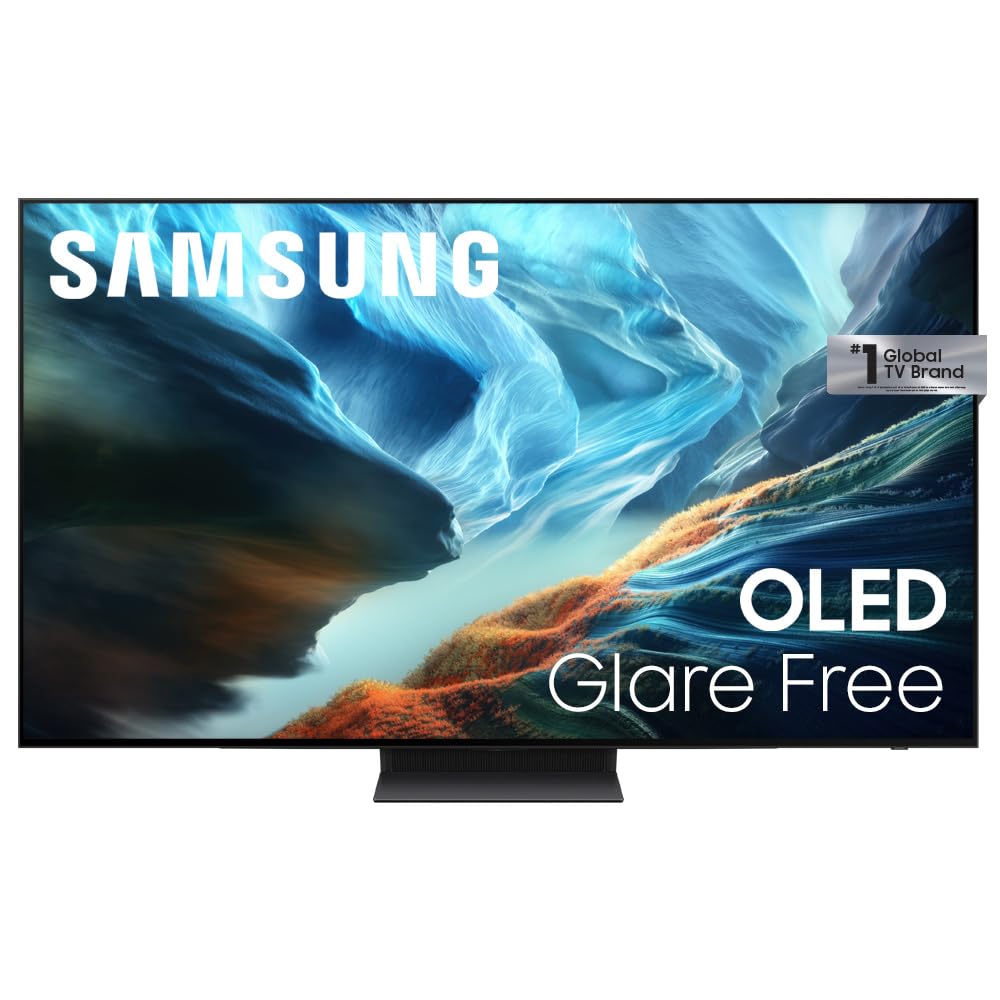
| Samsung 42-Inch S90H OLED★ Best Overall | Compact desktop OLED | 165Hz | OLED | 42 inches | Amazon |
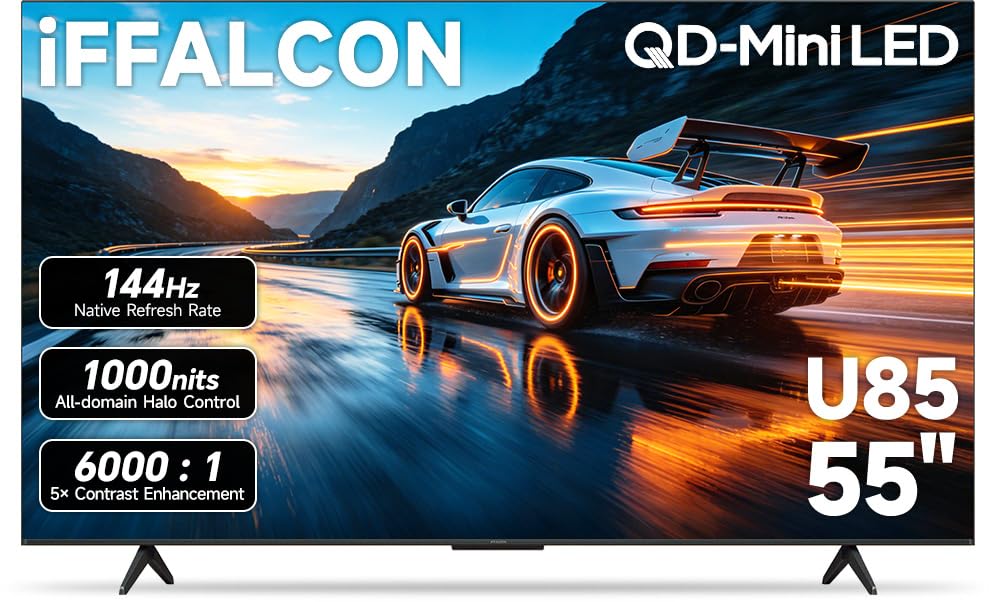
| iFFALCON 55U85 MiniLEDBest Value | Multi-device desk setups | 144Hz | Mini-LED | 55 inches | Amazon |
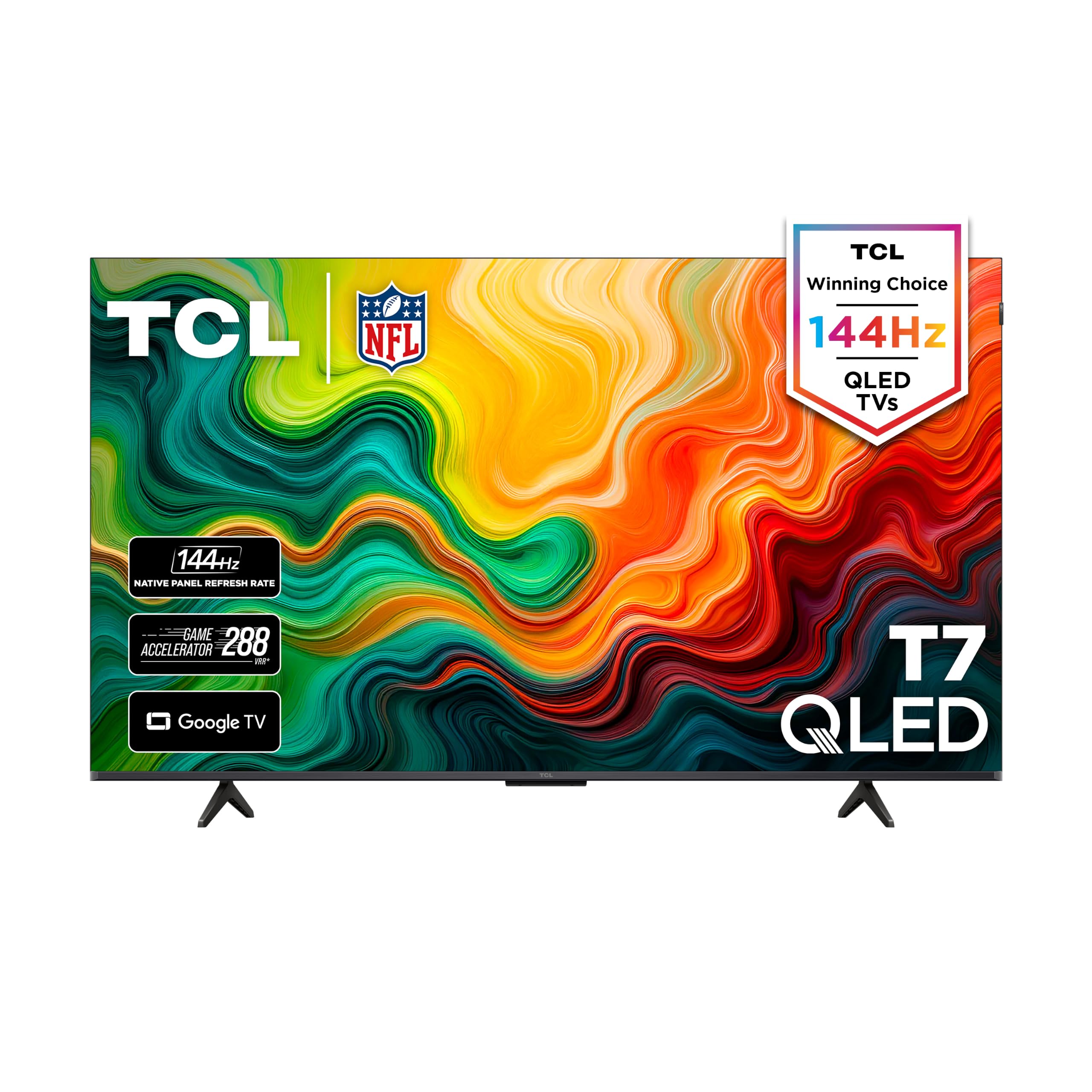
| TCL 55-Inch T7 QLEDEveryday Pick | Everyday PC and streaming | 120Hz | QLED | 55 inches | Amazon |
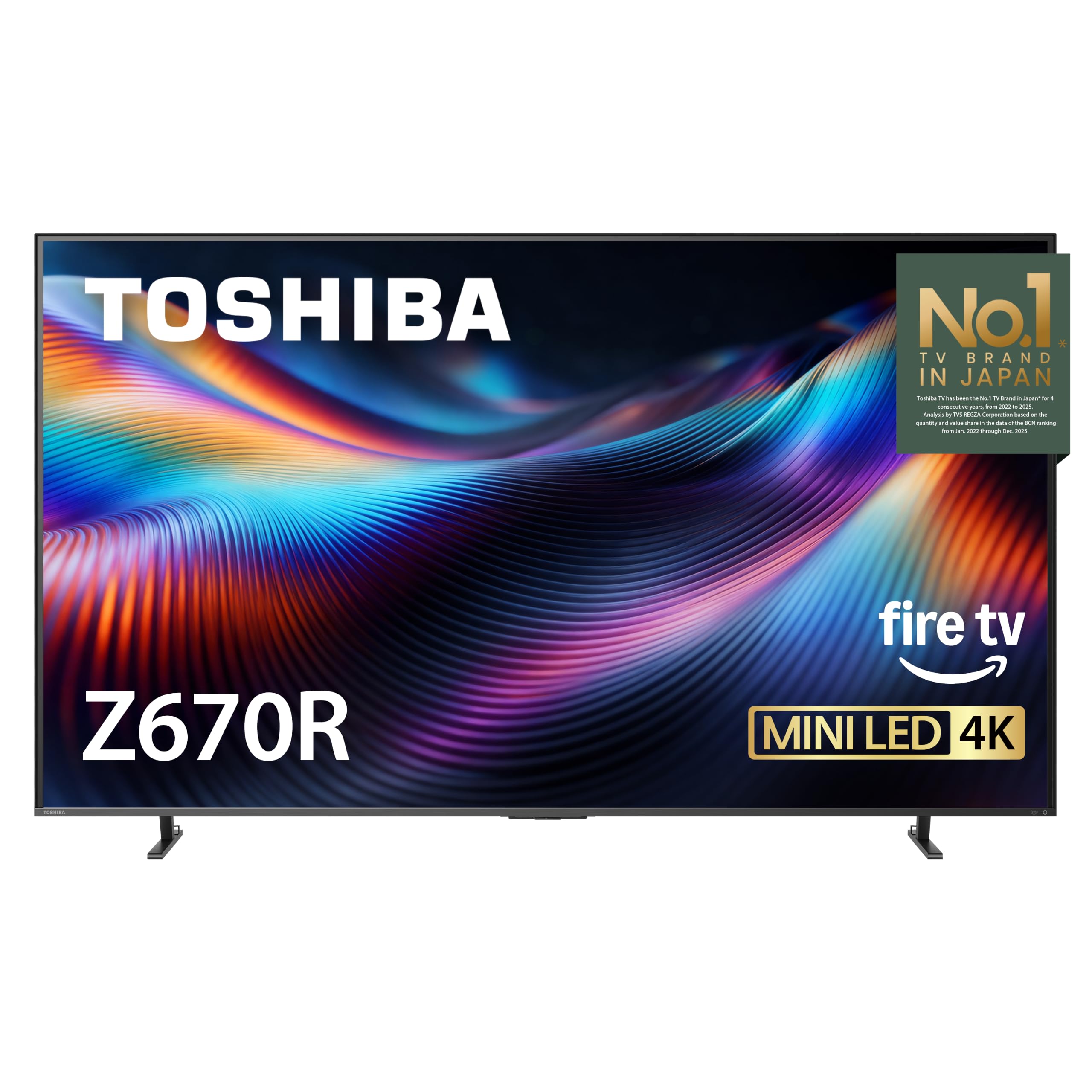
| Toshiba 55Z670R Mini-LED | Bright-room console gaming | 144Hz | Mini-LED | 55 inches | Amazon |
| Amazon Ember 55″ Mini-LED | Alexa-led living room | 144Hz gaming mode | QLED Mini-LED | 55 inches | Amazon |
| Hisense 55U7SF | Premium console and PC mix | 165Hz | Mini-LED | 55 inches | Amazon |
| TCL 55QM7L SQD-Mini LED | Color-accurate creator desk | 144Hz | Mini-LED | 55 inches | Amazon |
| Hisense 55U8QG | Peak brightness gaming | 165Hz | Mini-LED | 55 inches | Amazon |
| Sony 55″ BRAVIA XR8B | PS5-first OLED setup | — | OLED | 55 inches | Amazon |
Detailed Reviews
1. Samsung 42-Inch Class S90H Series OLED
Our pick — 4.5+★ from 300+ verified ratings; the strongest balance of quality and price.
At 42 inches, this OLED is the one that fits a real desk without forcing you to sit across the room.
The screen you sit closest to all day is the one where a 165Hz native panel earns its keep. Motion Xcelerator 165Hz is the number that decides whether a quick camera flick in a shooter stays readable or smears into a blur. It also carries NVIDIA G-SYNC and AMD FreeSync Premium Pro, the two adaptive-sync standards that keep the picture matched to whatever frame rate your graphics card is pushing. Hook up a gaming PC and the tearing you get on a fixed 60Hz panel simply does not appear.
Its Glare Free treatment is the detail that matters at a window-facing desk. Reflected light on a monitor is a constant irritation, and the anti-glare layer here is the aspect owners single out most after the picture itself. The NQ4 AI Gen3 Processor, which runs 128 neural networks to sharpen and upscale everything to 4K, means older 1080p footage and lower-res game streams still land sharp. That upscaling matters more on a monitor than a couch TV, because a soft 1080p image is obvious when it is two feet away.
Now the honest part, and it is the one spec worth weighing before you commit. A slice of buyers report the set performing well at first and then failing inside the first week, so treating the warranty paperwork as part of the purchase is the sensible move. At 42 inches this is also the smallest screen on the list, which is exactly why it tops it for desktop use — the others push you further back.
Why it earns the top spot
- 165Hz native refresh with G-SYNC and FreeSync Premium Pro — the fastest panel here alongside the Hisense U7, and it beats the TCL 50F8D’s 120Hz outright
- Glare Free screen keeps reflections off a window-facing desk
- 4K AI upscaling sharpens lower-res game streams and old footage
- 42-inch size actually fits a desktop setup
What to weigh first
- A small share of units report early performance failures — register the warranty
- Smallest screen here, so it is a poor fit for couch viewing across a big room
The short answer: buy this if your setup is a desk, a keyboard, and a chair pulled close to the screen.
Think twice if: you want one screen to serve a sofa twenty feet back — that calls for a 55-inch model.
2. TCL 50-Inch F8D Series 144Hz 4K QLED Fire TV
Four HDMI 2.1 ports turn one screen into a switchboard for a console, a PC, and a soundbar at once.
If your desk has a PS5, a gaming PC, and a streaming box all competing for a slot, this is the pick built for that mess. It runs four HDMI 2.1 inputs: two handle 4K at 144Hz for next-gen consoles and PCs, and two more cover 4K at 60Hz for streaming players or a Blu-ray deck. The native 144Hz panel works with Variable Refresh Rate across 4K at 48 to 144Hz, extending up to 240Hz, so a fast panel and a slow console can share the same screen without fighting over settings.
Mini-LED backlighting with up to 1000 nits of HDR brightness and a 6,000:1 contrast ratio is what makes a bright room bearable, and the local dimming keeps dark scenes from going gray and murky. The quality of the build is the thing that wins buyers over — it is the most-discussed strength in the reviews by a wide margin, well ahead of picture and value. Dolby Vision IQ reads the room’s light and adjusts on its own, while Dolby Vision Gaming drops console owners into the right mode with zero setup.
Its unusual extra is hotel mode, an IR blaster, and IP control built in — features almost no consumer TV in this class carries. That makes it the natural fit for an Airbnb property, a small office conference screen, or a fitness room where someone else might grab the remote. The audio side runs a 2.1-channel 50W setup with Dolby Atmos passthrough and eARC on HDMI 4 for a lossless soundbar upgrade down the road.
Where it makes sense: a shared screen with several devices and several rooms to serve, where the port count does more work than any single spec.
One caution: that commercial-hotel feature set is wasted on a single-user bedroom, and you are paying for it either way.
Fits best: multi-device desks and rental properties that need remote display management.
Skip the premium if: a single console and one PC are all you will ever connect — a two-port set does the same job.
3. TCL 55 Inch T7 Series 4K 120Hz QLED Google TV
The safe middle of the road: 120Hz QLED, Google TV, and enough ports for a console and a PC.
The 120Hz panel with a 240Hz Variable Gaming Refresh Rate spec is the core of what this set does, keeping action-heavy games and live sports free of motion blur. Motion Rate 480 with MEMC frame insertion is the processor smoothing fast-moving objects frame to frame, which helps when a PC pumps out gameplay with quick pans. The TCL AIPQ Pro Processor handles color, contrast, and clarity on the fly, so you are not fiddling with picture menus mid-session.
A 55-inch screen is the size that makes the monitor-to-TV jump feel worth it, though it means sitting back a little further than a 42-inch desk panel demands. The screen quality here is the strongest thing about it, and picture alongside value are what buyers consistently single out as the reasons it earns a spot. Connectivity is where it flexes for gaming — several note it works well as a gaming monitor over HDMI, and four inputs including one with eARC keep a console, PC, and soundbar connected together.
The reliability story is a mixed bag, with a meaningful share reporting the set stops working entirely while others run it for years without complaint. HDR PRO+ with Dolby Vision, HDR10+, HDR10, and HLG is all present, and Dolby Atmos audio gives movies some spatial depth. Voice control through Alexa, Google Assistant, and Apple HomeKit is handy for a hands-free living-room setup.
The honest read: a balanced 120Hz QLED that handles a PC and a console without complaint, priced to leave room for a soundbar.
The catch: reliability is the one split verdict in an otherwise steady package — buy where returns are easy.
Go with this: for a first 55-inch gaming screen that balances panel speed, ports, and streaming apps.
Pass if: you have been burned by a flaky TV before and want only the brand with the fewest failure reports.
4. Toshiba 55″ Z670R Series Mini-LED 4K Fire TV
A sunlit room is where this one makes its case, and the contrast is what sells it.
Mini LEDs with Full Array Local Dimming are the reason a bright room does not wash this picture out. Precision-controlled zones push deeper blacks while keeping highlights bright and color accurate, so shadows and bright areas stay distinct in the same scene. Add native 144Hz with AMD FreeSync Premium, Variable Refresh Rate at 144Hz, and ALLM, and the gaming side is covered for next-gen consoles and a desktop PC alike.
The REGZA Engine ZRi Gen3 handles AI picture and sound processing, tuned scene by scene, and it shows in the streaming performance — apps run without lag and games feel smoother, which is the aspect owners praise in the reviews. QLED color puts over a billion shades on screen for a more lifelike, less plastic image. The HDR suite includes Dolby Vision IQ, HDR10+, HDR10+ Adaptive, and HLG, so content from any source lands correctly.
The audio side uses REGZA Power Audio Pro with a dedicated bass woofer, so action scenes have weight without an immediate soundbar. Reliability is the split here: some run flawlessly while a smaller group report failure within the first month. It is a genuine trade-off in the mini-LED bracket, and a warranty is your safety net. The minimalist Japanese-inspired design is a nice bonus for a living room that doubles as a gaming station.
Built for: a bright lounge with a console under the TV and a PC on the same desk.
Less ideal if: you already know the room is dark and controlled — an OLED rewards that environment more.
5. Amazon Ember 55″ Mini-LED Series Fire TV
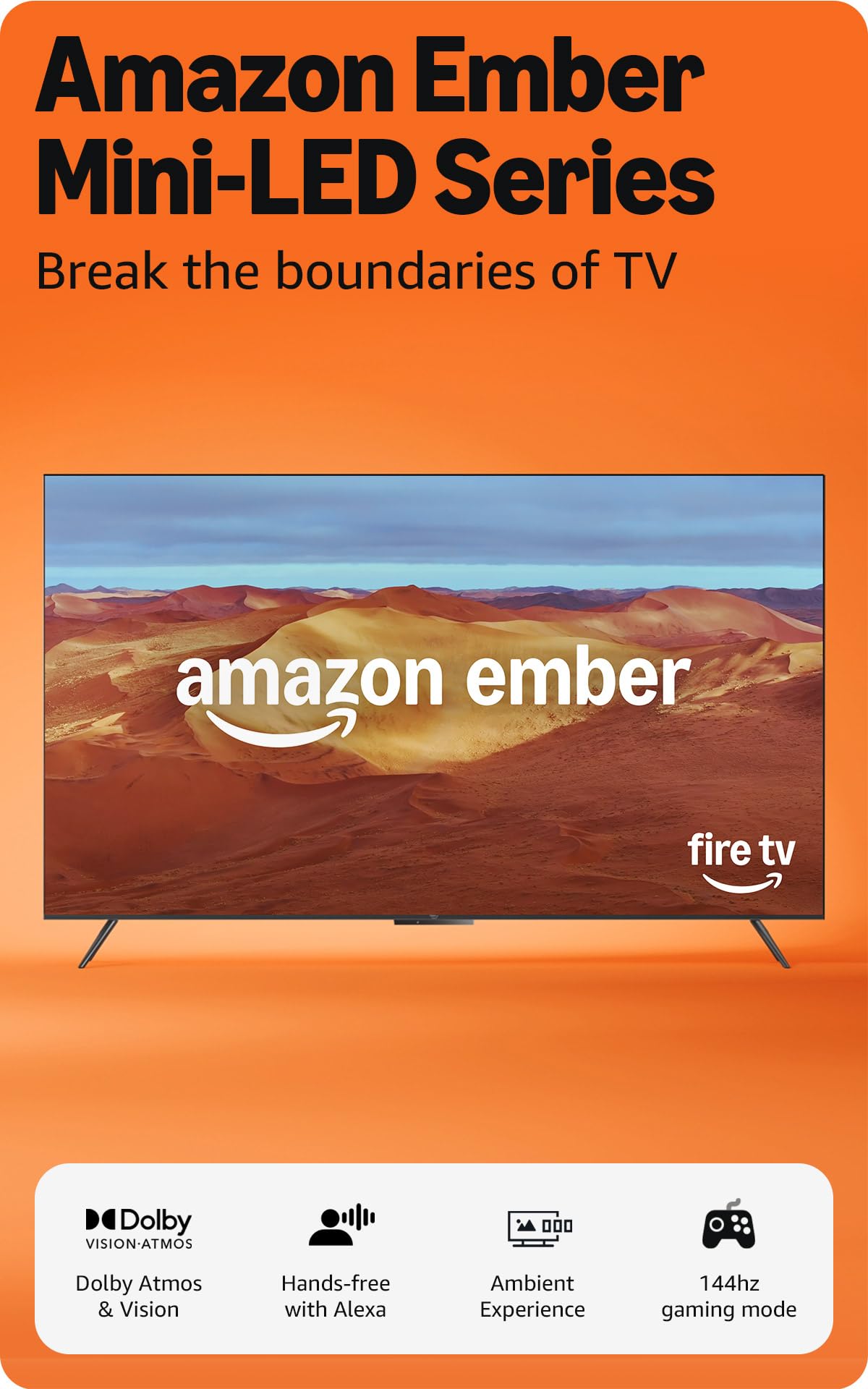
The most voice-driven, sensor-heavy TV here — and the most honest about what that costs you.
A 4K QLED mini-LED panel with over a billion colors, Dolby Vision IQ, HDR10+ Adaptive, and up to 1,400 nits of peak brightness is a genuinely bright, punchy picture. The 512 dimming zones carry the contrast work, so depth holds up even in small areas of the screen. Gaming runs a 144Hz mode certified with AMD FreeSync Premium Pro, keeping transitions smooth and motion fluid during fast play.
The smart side is where it separates itself. Alexa+ handles natural voice search across apps, the Fire TV interface is intuitive enough that buyers call setup the easiest part, and a switch electronically disconnects the microphones for privacy. Redesigned sensors wake the display when you walk in — useful if you want artwork on the wall between sessions and a fast jump into a game.
Responsiveness is the recurring weakness, with the interface and some streaming apps drawing a slow, laggy reputation — not what you want on a monitor meant for snappy desktop work. Reliability also splits, with some reporting frequent restarts. The picture quality is what holds the package together; the smart hub features are the differentiator you have to actually want.
Why it stands out: 512 dimming zones and up to 1,400 nits give a bright, contrasty picture, and Alexa+ control is deeper than most Fire TVs offer.
What holds it back: the interface can feel sluggish, which matters more on a desktop than on a couch.
Choose it: if you are already deep into the Alexa ecosystem and want the TV to be its center.
Look past it: if you need a snappy desktop monitor above all — the slow interface shows up the moment you use it like a PC.
6. Hisense 55″ U7 Series Mini-LED Fire TV
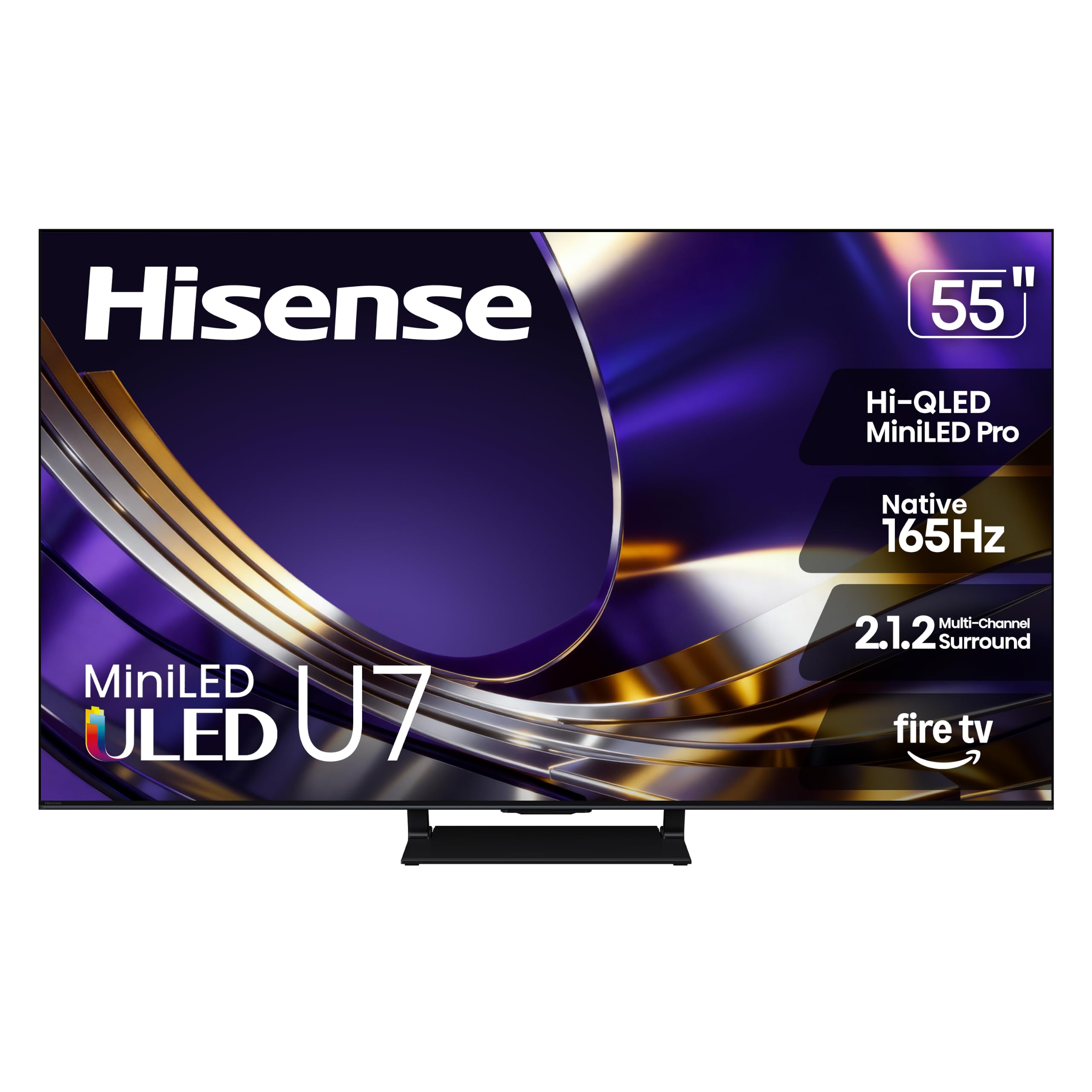
The fastest panel in this roundup, and the one that punches brightness hardest in a bright room.
Native 165Hz is the headline, and it matches the Samsung S90H for raw speed while adding far more brightness headroom. Up to 3000 local dimming zones and up to 3000 nits of peak brightness put this set in a different league for punch on a sunlit desk — you will see the difference the moment a bright scene plays with the blinds open. Hi-QLED MiniLED Pro with thousands of backlights holds true blacks and vivid highlights in the same frame.
The 2.1.2-channel audio tuned by Devialet is loud enough that reviews routinely note it fills a room around volume 8 to 12 without any soundbar attached. The anti-reflection dual-layer screen treatment is a step beyond standard single-layer designs, keeping the picture clear when light is bouncing off it all afternoon. Hi-View AI Engine Pro keeps color, contrast, and detail adjusted automatically so you are not digging through menus before each game.
Reliability is the one spot to weigh — a portion of units are reported to stop working, while the rest run without bother. For the panel quality on offer here, that is the trade you are weighing against a longer warranty or an easier return. If brightness and raw speed are the two things you care about most in a bright gaming room, this earns the money.
Its strongest case
- 165Hz native panel — the joint-fastest here, tied with the Samsung S90H
- Up to 3000 nits and up to 3000 local dimming zones for brutal brightness and contrast
- 2.1.2 Devialet-tuned audio loud enough to skip the soundbar
- Dual-layer anti-reflection treatment handles bright rooms well
What to know before buying
- A share of units are reported to stop working — buy where you can return quickly
- That brightness is overkill for a dim, controlled room
The right call: a bright, high-traffic room where a desktop PC and a console both need a fast, luminous screen.
Wrong call: a dark home theater, where that peak brightness has nothing to prove.
7. TCL 55 Inch QM7L Series SQD-Mini LED Google TV
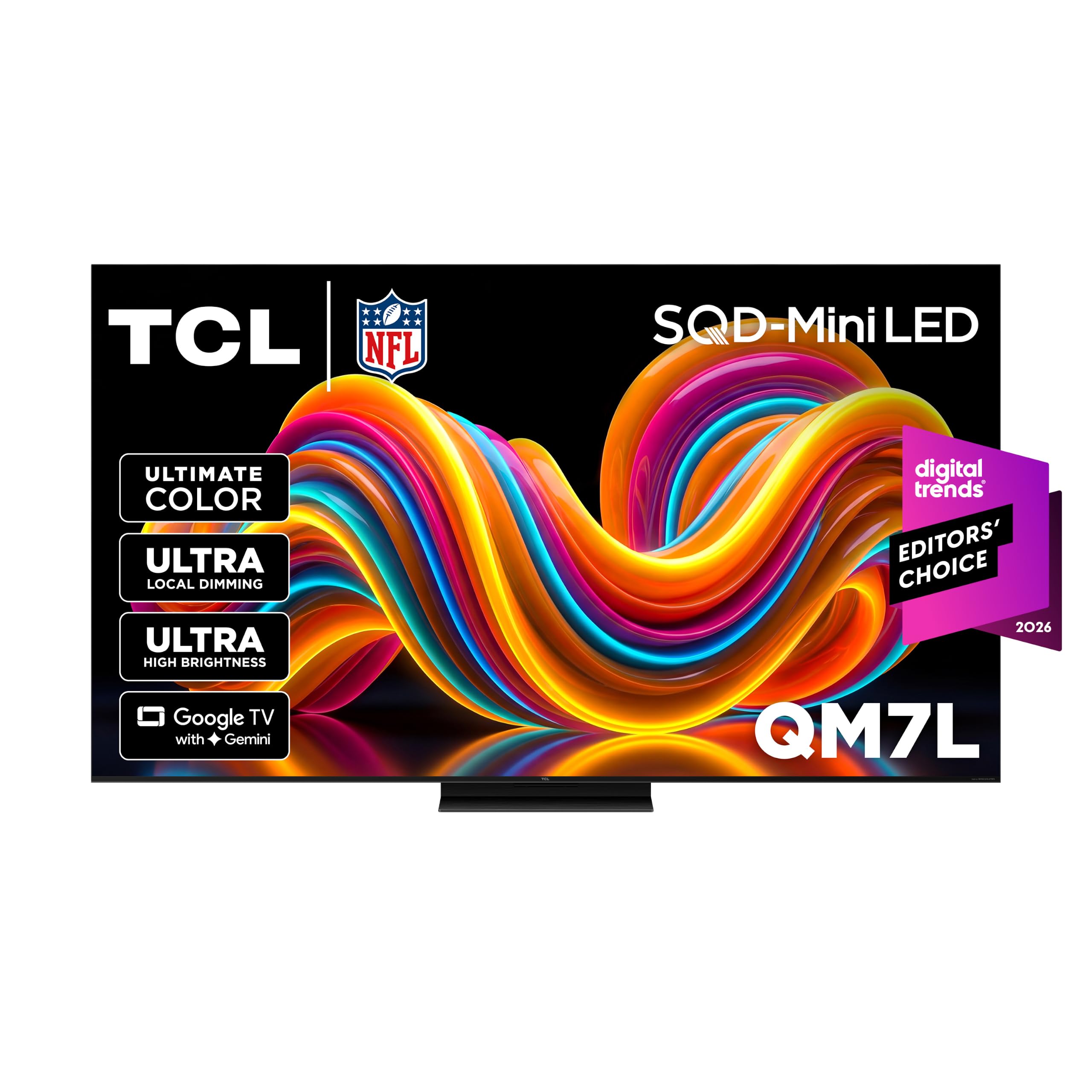
Fine 5-nanometer color particles and 2,100+ dimming zones make this the pick for anyone who edits on screen.
Color accuracy is the star here. TCL’s Ultra Color Filter uses fine 5-nanometer particles versus standard 60-nanometer ones, which tightens color precision pixel to pixel — meaningful if you touch up photos or color-grade footage on the same screen you game on. Up to 2,100+ precisely controlled local dimming zones keep black areas truly black while bright objects stay crisp at the edges. The HVA 2.0 Pro Panel’s anti-reflective surface helps in a room you cannot dim.
A 144Hz native panel with Game Accelerator 288 VRR, a Game Bar, and AMD FreeSync Premium Pro rounds out the gaming side, keeping motion smooth and latency low for a fast desktop PC. The AIPQ Pro Processor manages clarity, contrast, color, motion, upscaling, and backlighting dynamically based on the signal coming in. Google TV with Gemini turns the remote into a voice assistant when you would rather talk than type.
Audio by Bang & Olufsen with an optional wireless subwoofer and satellite speakers is a higher-grade sound path than most built-in systems, so you can build a home theater around it. The appearance draws its own praise — the bezel-less frame disappears on a desk. For a screen that has to do creative work and gaming equally well, this is the balanced choice.
Why it earns its spot: the finest color handling on this list, backed by 2,100+ dimming zones and an anti-reflective panel.
The catch: it is slower on raw refresh than the 165Hz picks — a 144Hz native ceiling for a color-first buyer who games second.
Pick it for: a desk where photo or video work sits beside gaming, and color honesty is a priority.
Choose differently if: you only game and want every last hertz — the 165Hz sets win that race.
8. Hisense 55″ U8 Series ULED Mini-LED Google TV
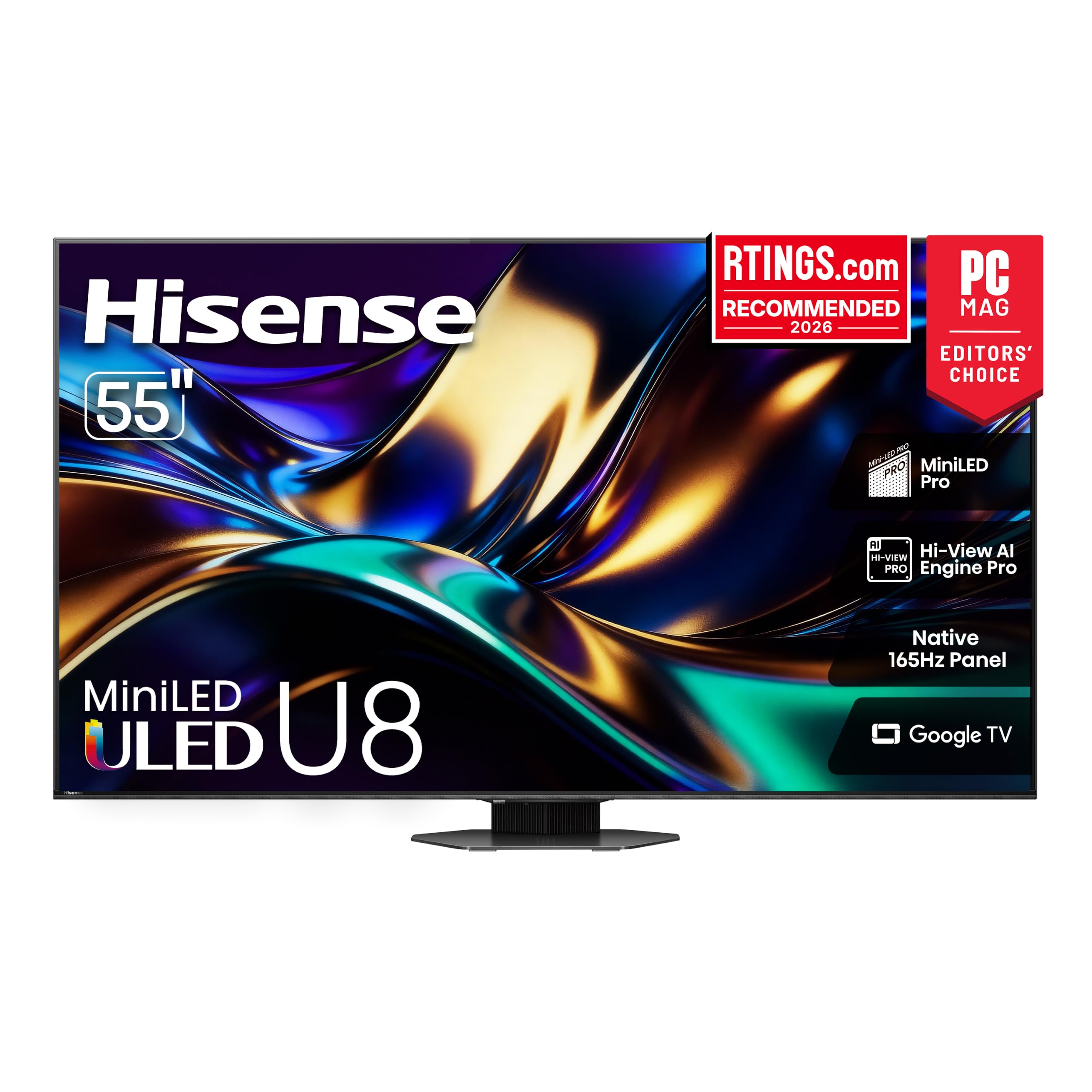
Up to 5000 nits and up to 5600 dimming zones is the spec sheet of a screen built to overpower daylight.
Up to 5000 nits of peak brightness and up to 5600 local dimming zones is the sort of lighting control that makes shadows in a game or a sports broadcast genuinely readable. Full Array Local Dimming keeps deeper shadows and brighter highlights in the same frame with halos virtually eliminated. The native 165Hz panel with a 48Hz to 165Hz Variable Refresh Rate, AMD FreeSync Premium Pro, ALLM, and low-latency MEMC hits every spec a competitive gamer would check off.
The 4.1.2-channel Dolby Atmos setup — left and right mains, surrounds, a built-in subwoofer, and two up-firing speakers — puts sound above and around you, which is a different feel from a basic stereo pair. An Enhanced Game Bar lets you adjust game settings in real time from the remote. Pantone-validated QLED color keeps hues exact, so grass and skin tones read true instead of oversaturated.
Performance is the one split verdict, with a portion of owners reporting the set periodically quits or refuses to power on. That is a real risk to weigh against the brightness and gaming feature set on offer. Anti-Reflection Pro is folded into the liquid crystal layer to kill glare, which is what you want if daylight hits the screen all afternoon.
What it brings to the desk
- Up to 5000 nits peak and up to 5600 local dimming zones — the brightest panel in this roundup
- Native 165Hz with VRR, FreeSync Premium Pro, ALLM, and Game Booster 288
- 4.1.2-channel Dolby Atmos with a built-in subwoofer and up-firing speakers
- Anti-Reflection Pro layer keeps daytime glare off the screen
What to factor in
- Performance is a split story — a portion report periodic shutdowns or refuse-to-power issues
- That peak brightness is far more than a dark room needs
For the buyer who: wants the loudest, brightest, most feature-packed gaming screen and will accept some reliability risk.
Not for you if: a controlled dark room and a single HDMI cable are all you need — a simpler set wastes less of that brightness.
9. Sony 55 Inch BRAVIA XR8B OLED Google TV

Over 8 million self-lit pixels switch off completely, so black scenes on a desk stay truly black.
Pure black OLED contrast comes from over 8 million self-lit pixels controlled individually, and the XR Processor sharpens color, contrast, and clarity in real time. On a desktop where dark mode is the default, that self-lighting means no backlight bleed and no gray glow behind text. XR OLED Motion handles blur-free action for fast sports and games, and XR Clear Image upscales HD content to bring back lost detail.
The PlayStation 5 connection is where this set separates itself. Auto HDR Tone Mapping and Auto Genre Picture Mode are exclusive PS5 features that tune the picture the moment you switch between gaming and streaming — a first-party edge the other picks on this list simply do not have. Google TV pulls all your apps into one screen with Google Assistant voice search, and AirPlay 2 plus Google Cast let a phone throw content up with a tap.
Studio calibrated picture modes tuned for Netflix and Prime Video get you close to the creator’s intent, and Dolby Vision, Atmos, IMAX Enhanced, and DTS:X support the movie side. Brightness splits the room here — some find the panel bright enough for daytime, others want more for a sun-drenched space. Reliability, the concern in this bracket, sees some owners mention random shutdowns and reboots, so buying with a solid return window is the wise move.
The PS5 tie-in: Auto HDR Tone Mapping and Auto Genre Picture Mode are the honest reason a console owner pays OLED money here.
The trade-off: brightness is a split view, and this is a darker-room screen than the mini-LED picks above.
Reach for this: if the PS5 is your main rig and dark-room contrast matters more than raw nits.
Leave it if: your setup sits in strong daylight — a mini-LED out-shines this here.
Know the Specs
What “native refresh rate” actually means
Native refresh rate is how many times per second the panel itself redraws, measured in hertz (Hz). A native 120Hz or 144Hz panel is genuinely doing that work, which keeps a fast mouse sweep and a racing game fluid. The big “Motion Rate” or “Motion Xcelerator” number printed next to it is processor smoothing, not the panel’s own speed — useful for broadcast motion, but not the number to trust for desktop gaming. Look for the native figure.
OLED vs Mini-LED for a desk screen
OLED pixels light themselves, so black areas switch fully off and text edges stay clean — the pure black contrast comes straight from that. Mini-LED panels light a whole screen from behind with dense clusters of tiny LEDs and local dimming zones, brightening or darkening in patches. Mini-LED tends to push harder brightness in a bright room; OLED wins the contrast battle in a dark one. Pick by the daylight in your room.
HDMI 2.1 and VRR in plain terms
HDMI 2.1 is the port standard that lets a console or PC push 4K at high frame rates over one cable. Variable Refresh Rate (VRR) lets the screen match its redraw speed to the frame rate coming in, which removes the tearing you see when the two drift apart. Auto Low Latency Mode (ALLM) flips the set into its low-lag game picture automatically when it detects a console or PC. Confirm both if gaming is the point.
HDR formats and what they do for you
HDR, short for high dynamic range, is the layer that widens the gap between the darkest and brightest parts of a picture. Dolby Vision IQ, HDR10+, HDR10, and HLG are different versions that games, consoles, and streaming apps send in. Dolby Vision IQ reads your room’s light and adjusts automatically, so you are not re-tuning the picture every time the sun moves. More formats supported means fewer scenes that look flat.
Common Questions
Can I use a 4K TV as my main computer monitor?
Is a 144Hz TV good enough for PC gaming, or do I need 165Hz?
What does VRR do on a TV, and why does it matter for a PC?
Should I pick OLED or Mini-LED for a monitor and gaming setup?
Why does HDMI 2.1 matter for a PS5 or Xbox on a TV?
How do I stop reflections washing out a TV used as a monitor?
Will a large 55-inch TV work on a normal desk?
Is a 60Hz TV usable as a monitor or should I only buy 120Hz?
Do I need a soundbar, or are these TVs loud enough?
What HDR formats should a gaming TV support?
How long should a TV used daily as a monitor last?
Can I connect a laptop to these TVs for work and gaming?
The Bottom Line
For most desk setups, the tv for computer monitor and gaming winner is the Samsung 42-Inch S90H OLED, because its 165Hz native panel, G-SYNC and FreeSync Premium Pro support, and Glare Free screen handle a keyboard-and-mouse setup better than anything else here. If you want to pair a bright mini-LED panel with a big brightness headroom, the Hisense U7 matches the Samsung for raw speed while pushing far more nits. And for a PS5-first dark-room setup where pure black contrast matters more than daylight punch, reach for the Sony BRAVIA XR8B with its Auto HDR Tone Mapping and Auto Genre Picture Mode.
The Samsung S90H is the crowd favorite here at 4.5+ stars across 300+ ratings, and its 42-inch panel is the reason it fits a real desktop where the 55-inch picks do not. Match the panel to your room’s light and the size to your desk, and the right pick is obvious.
How we choose
We do not accept paid placement. Every pick is matched to a real buyer and a real use-case; we do not hands-on test units.
Sources
Specifications: manufacturer listings and product documentation. Review insights: verified customer reviews, as of November 2026. Pricing: not shown on this page (it changes often); check the current price via the retailer link.
As an Amazon Associate, Gamepad Test earns from qualifying purchases. This does not affect which products we feature.