
Heads up: This post contains affiliate links. As an Amazon Associate I earn from qualifying purchases, at no extra cost to you. Learn more
Specs are compiled from manufacturer listings and verified buyer reviews and can change over time — please confirm the key details on the product page before buying.
Here is the short answer: buy an OLED if you want the deepest blacks and the fastest pixel response, and buy a fast IPS panel if you want a bright, crisp desktop monitor that never asks you to worry about burn-in. Every pick below is a 2560 x 1440 panel (1440p, the resolution between 1080p and 4K) that refreshes at 120Hz or much faster, so your mouse cursor and camera pans feel smooth instead of smeary. One note before we start: this list uses flexible matching for the 120Hz-or-higher spec, so some picks refresh well above 120Hz and not every one is the exact number you typed into the search bar. Each pick’s actual refresh rate is listed in the table below, so you know exactly what you’re getting.
This guide is built by comparing the manufacturers’ published specifications and the patterns across verified customer reviews, so you get each pick’s real strengths and trade-offs instead of marketing spin.
Below you will find nine panels sorted by what they actually do well, from budget-friendly curved VA screens to 360Hz OLED monsters, plus a plain-English breakdown of contrast, response time, and adaptive sync. If you want the fastest pixel response your money can buy in this class, this guide to the best 1440p 120Hz gaming monitor lays out exactly which panel earns that title.
Top Picks
How To Choose The Best 1440p 120Hz Gaming Monitor
Picking a 1440p gaming panel depends on four things: the panel technology, the refresh rate (how many times per second the screen redraws), the response time (how fast a pixel changes color), and whether your graphics card can push enough frames. Nail those four and the rest is fine-tuning.
Panel type decides your blacks and your brightness
An OLED panel lights each pixel on its own, so black is genuinely black — the Samsung Odyssey OLED G6 quotes a 1,000,000:1 contrast ratio, while the Acer Nitro XV272U’s IPS panel quotes 1,000:1. That contrast gap is why dark-game scenes look so different between them. The trade-off is that OLED can suffer image retention, so makers add safeguards like Samsung’s OLED Safeguard thermal system and ASUS’s heatsink and OLED Care functions. An IPS panel like the LG 27GR83Q-B stays bright and never burns in, but its blacks are grey by comparison and you may notice glow at the edges in a dark room. VA panels sit between the two — the Pixio PXC278 quotes a 5000:1 contrast ratio, which is deeper than IPS without the burn-in question.
Refresh rate above 120Hz — how much you actually feel it
120Hz means the screen redraws 120 times a second. Going higher mostly helps in fast games, where more frames mean a smoother pan and a quicker read on a moving target. The Pixio runs 180Hz, the Acer Nitro and LG run 240Hz over DisplayPort, and the Alienware pushes 360Hz. Only buy the higher number if your graphics card can actually feed it — a 240Hz panel fed 90 frames per second gives you no advantage over a 120Hz one.
Response time is the spec that kills motion blur
Response time is how fast one pixel changes color, measured in milliseconds (ms) — lower is sharper in motion. OLED panels here quote 0.03ms, while the fastest IPS panels quote 1ms grey-to-grey. In plain terms, the OLED screens leave cleaner trails behind a fast-moving object, and the IPS screens can show a faint ghost behind it.
Adaptive sync keeps the picture from tearing
Adaptive sync matches the monitor’s refresh to your graphics card’s frame rate so the image does not split or stutter. AMD cards pair with FreeSync, NVIDIA cards pair with G-SYNC Compatible, and several panels here do both. Check that your card and the monitor speak the same language before you buy.
Side-by-Side Comparison
| Model | Best For | Panel | Refresh Rate | Response Time | Amazon |
|---|---|---|---|---|---|
| Samsung 27″ Odyssey OLED G6 (G61SH)★ Best Overall | Best overall | QD-OLED | 240Hz | 0.03ms | Amazon |
| Pixio PXC278 Wave WhiteCurved Immersion | Curved immersion | Fast VA, 1650R curve | 180Hz | 1ms GTG | Amazon |
| ASUS TUF Gaming VG27AQL5AFast IPS Value | Fast IPS value | Fast IPS | 210Hz (OC) | 0.3ms GTG | Amazon |
| Acer Nitro XV272U W2bmiiprx | High refresh on a budget | IPS | 240Hz (DP) / 144Hz (HDMI) | 1ms GTG | Amazon |
| LG 27GR83Q-B UltraGear | Console and PC dual use | IPS | 240Hz | 1ms GTG | Amazon |
| Acer Predator X27U W1 | Value OLED | QD-OLED | 240Hz | 0.03ms GTG | Amazon |
| AOC AGON Pro AG276QZD2 | Competitive OLED | QD-OLED | 240Hz | 0.03ms | Amazon |
| ASUS ROG XG27AQDMG | Glossy OLED shine | WOLED, glossy | 240Hz | 0.03ms | Amazon |
| Alienware AW2725DF | Fastest refresh | QD-OLED | 360Hz | 0.03ms GTG | Amazon |
Detailed Reviews
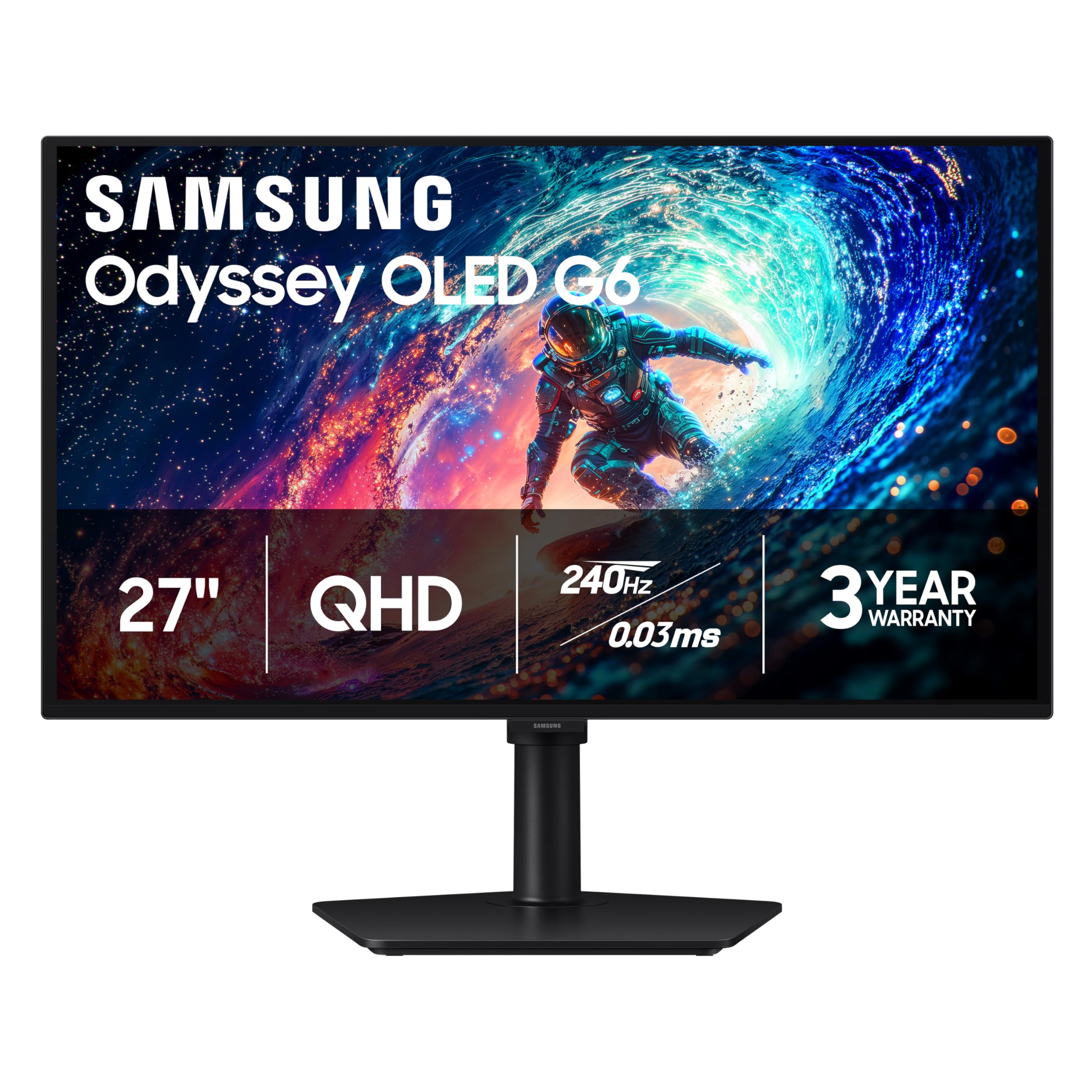
1. Samsung 27″ Odyssey OLED G6 (G61SH)
Our pick — 4.5+★ from 450+ verified ratings; the strongest balance of quality and price.
A quantum-dot OLED at 240Hz that makes everything else on this list look grey by comparison.
The number that changes your games is 1,000,000:1 — the contrast ratio on this QD-OLED panel. Contrast ratio is the gap between the brightest white and the darkest black, and at a million to one the dark parts of a scene simply switch off. The Acer Nitro down the list quotes 1,000:1 on its IPS panel, so when you step into a basement corridor in a horror game here, the shadows are actually black and the highlights pop against them. That is the single biggest reason this one tops the list.
Speed matches the looks. You get a 240Hz refresh rate and a 0.03ms response time, so each pixel flips in a fraction of the time the LG’s 1ms IPS pixel takes — 0.03ms against 1ms, so a fast-turning camera leaves almost no trail behind it. AMD FreeSync Premium (a sync standard that stops screen tearing) handles the tear-free work, and Samsung’s OLED Safeguard uses a thermal modulation system to help limit burn-in (permanent image ghosting on OLED screens). Add a Pantone Validated screen rated for 2100+ colors and 110+ skin tone shades, and color grading shoulders their way into games too.
What wins people over is the overall quality of the panel, and the colors get close behind it in the praise. The recurring honest gripe is text clarity — some buyers peg it at 4/5, so if you spend more hours in spreadsheets than in shooters, an IPS panel will look sharper on small type. A minority also notice the screen flickering or cycling on and off, and flicker is the one thing worth watching for in your first week while the return window is open. The height-adjustable stand pivots, tilts, and swivels, so you can get the panel where you want it without buying a mount. The crowd consensus here is strong — 4.5+ stars driven by 450+ owners.
Why this one sits at the top
- 1,000,000:1 contrast lights every dark scene properly black
- 0.03ms response time leaves a 1ms IPS panel visibly behind in motion
- 240Hz with FreeSync Premium keeps pans tear-free
- Pantone Validated with 2100+ colors and 110+ skin tone shades
Where it asks something of you
- Small text is a notch softer than a sharp IPS panel
- Some units flicker or power-cycle — test it inside the return window
- OLED means keeping burn-in safeguards on your radar
Buy this if: you want the deepest blacks and fastest pixels on the list and mostly play games or watch video.
Think again if: your day is mostly documents and code, where that 4/5 text clarity will nag at you.
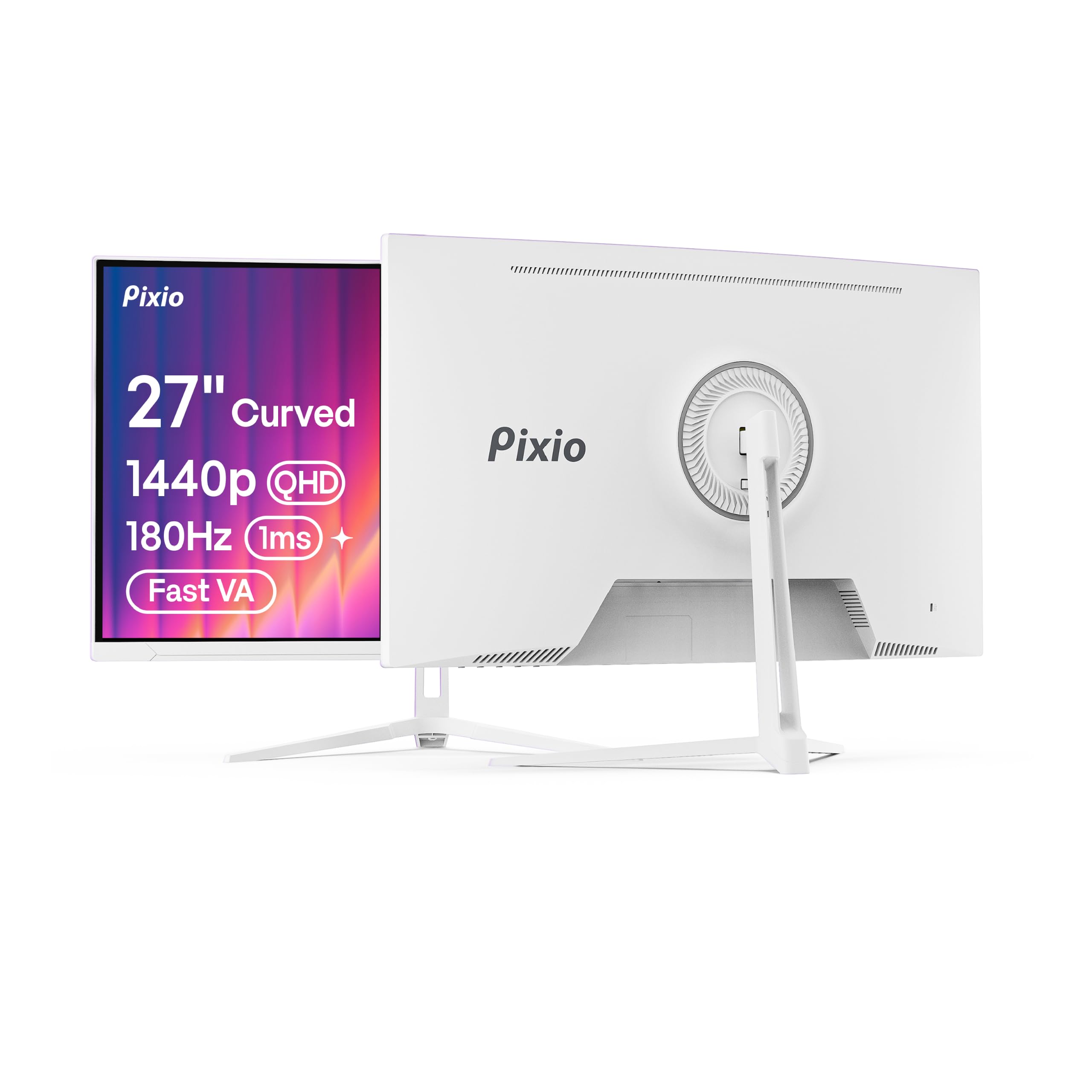
2. Pixio PXC278 Wave White
A white curved VA panel that wraps the action around you and costs less than most flat rivals.
That 1650R figure in the name is the curve radius — the lower the number, the more the edges bend toward you. At 1650R this panel wraps gently around your eyeline, which gives you a wider-feeling view of the corners of the map without turning your head. Pair that with the fast VA panel and its 5000:1 contrast ratio, and dark levels sit deeper than the 1,000:1 IPS screens here without the burn-in question an OLED raises.
Speed is not a compromise either. The 180Hz refresh rate outruns the 120Hz baseline by a wide margin, and the 1ms GTG response time (the time a pixel takes to shift from one grey shade to another) is the spec that keeps ghosting off a fast strafing enemy. Adaptive Sync (a feature that matches the screen’s refresh to your card’s frame rate) steps in so the image does not split. You also get HDR (high dynamic range, a wider spread of brightness and color), and a built-in speaker set for quick sessions without plugging in a speaker bar.
The thing everyone raves about is how the panel looks on a desk — the white finish with the pink accent is why it turns up matching keyboards and mice in photos. Setup is quick, which matters if you would rather play than fiddle with a stand. It does drop to a tilt-only adjustment, so you cannot raise the height without a VESA arm, and the sound is mixed — some find the built-in audio fine and others find it simply absent. Think of the speakers as a placeholder for a proper headset. Its 1650R curve and 5000:1 VA contrast are what earn it this spot.
Curve plus contrast: the 1650R wrap and the 5000:1 VA contrast work together to pull you into the scene, and the 180Hz refresh keeps the pan smooth while doing it.
The honest catch: tilt-only adjustment and hit-or-miss built-in sound mean you will likely want a VESA arm and a headset eventually.
Reach for this if: you want a curved, high-contrast white panel that dresses up a desk and does not ask much of your budget.
Look elsewhere if: you need height adjustment from the start or plan to rely on the built-in speakers.
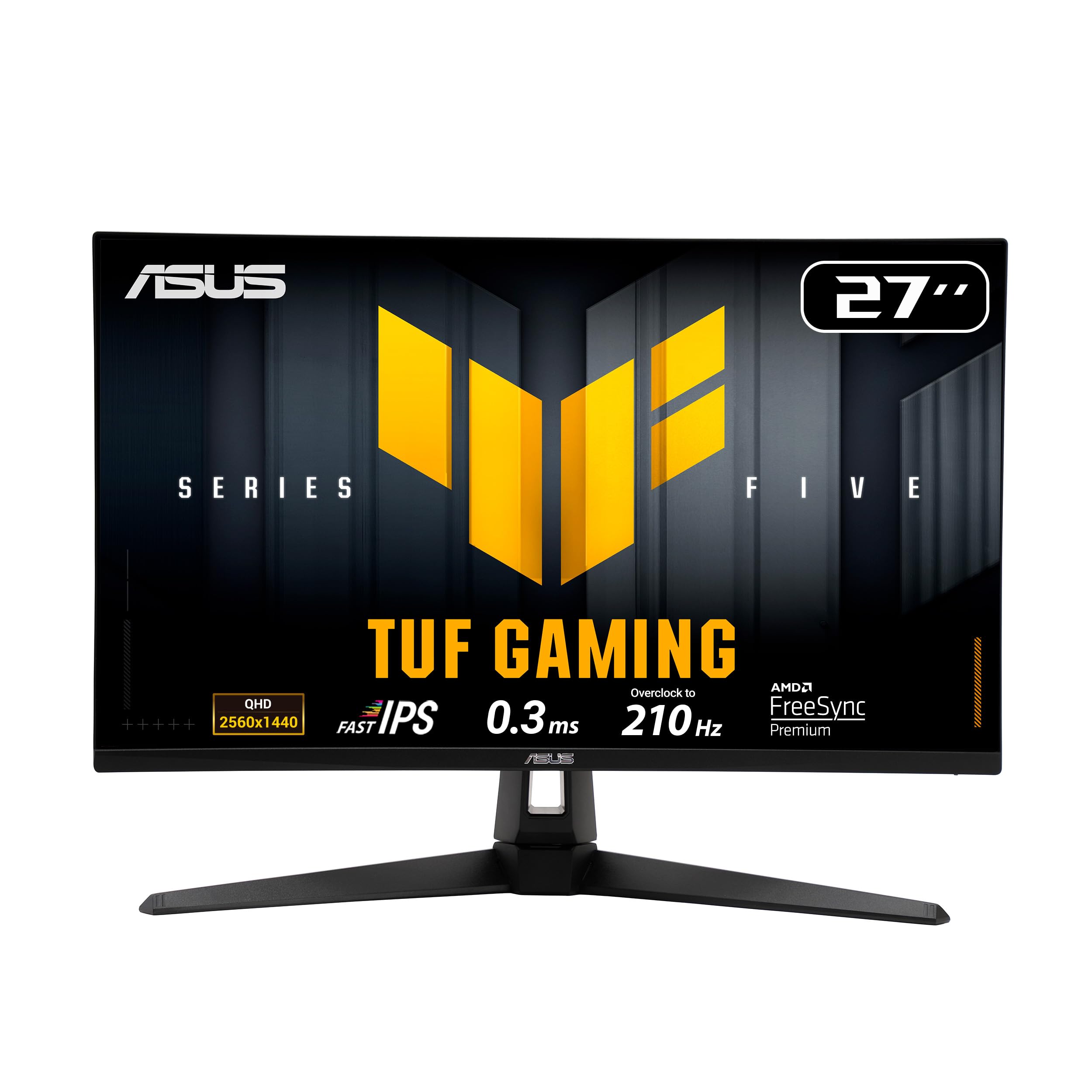
3. ASUS TUF Gaming VG27AQL5A
A fast IPS panel that clocks 0.3ms and 210Hz without asking OLED money for the privilege.
Here is the spec worth circling: a 0.3ms grey-to-grey response time on an IPS panel. Standard IPS screens quote 1ms, so this one cuts the pixel transition short by a meaningful margin — that is how it keeps a fast pan from smearing while staying an IPS panel that never burns in. Its 130 color gamut figure points to a wider color spread than the Samsung OLED’s 0.99, for richer on-screen color.
The 210Hz refresh (reached with overclock) sits well above the 120Hz floor, and the panel is a 27-inch QHD Fast IPS at 2560 x 1440. ASUS Extreme Low Motion Blur Sync lets blur-reduction and variable refresh work at the same time, which is the trick most panels cannot pull off. FreeSync Premium keeps the picture tear-free by default. You also get a height-adjustable stand and built-in speakers, plus DisplayWidget Center so you can change settings with a mouse instead of hunting through the on-screen menu with buttons.
Owners consistently rank the panel itself above everything — the picture and smoothness earn the most praise, with color right behind it. The mixed area is image quality, where most reports praise the contrast and picture but a few came across dead pixels. If that happens it shows up on day one, so the first power-on is your check. If you want a bright, burn-in-free screen for years of desktop work, this is the IPS answer to the OLED picks above. This is the IPS answer to the OLED picks above, and it deserves its spot near the top of the pile.
This suits you if: you want a bright, burn-in-free workstation panel that still hits 210Hz and a 0.3ms pixel.
skip it if: you demand true-black contrast — this is an IPS, so grey-blacks come with the territory.
4. Acer Nitro XV272U W2bmiiprx

The panel that puts a 240Hz refresh within reach of almost any desk budget.
Read the fine print on the refresh rate first, because it is the whole story here. This panel hits 240Hz over DisplayPort but drops to 144Hz over HDMI, so plug in with the DisplayPort cable that comes in the box or you leave frames on the table. That 240Hz is twice the 120Hz baseline, and the 1ms grey-to-grey response time keeps the trail behind a moving object short. It is an IPS panel with a 1,000:1 contrast ratio and a 99 color gamut, so colors read accurate but blacks sit at grey rather than OLED black.
The ergonomics are more generous than the price suggests. The stand tilts from -5° to 15°, raises through a 4.7-inch range, swivels a full 360°, and pivots plus and minus 90° for portrait use. It is VESA-mount ready at 100 x 100mm if you prefer an arm. Two 2-watt speakers are built in, and you get one DisplayPort 1.4 and two HDMI 2.0 ports alongside an audio-out jack.
Gaming performance and the picture are the strong suits, and that is where the praise lands. The honest side is brightness: plenty of the feedback points to light bleeding through the screen, and some find it too dark from the start in HDR mode. Ghosting and stuck pixels also come up, so run a full-screen color test in your first session. It is the biggest seller on this list by feedback volume — roughly four times the ratings of the leader — but keep expectations on brightness realistic.
The 240Hz hook: at 240Hz over DisplayPort, this panel delivers the same ultra-smooth refresh as the premium picks for a fraction of the outlay.
Plan around this: brightness is the weak note — some find it dim and see light bleeding, so buy it where you can try it or send it back.
Worth it for: competitive players on a budget who can use a DisplayPort cable and do not mind tuning brightness once.
Step away if: you cannot accept backlight bleed or dimmer HDR — that is the price of hitting this refresh cheaply.
5. LG 27GR83Q-B UltraGear
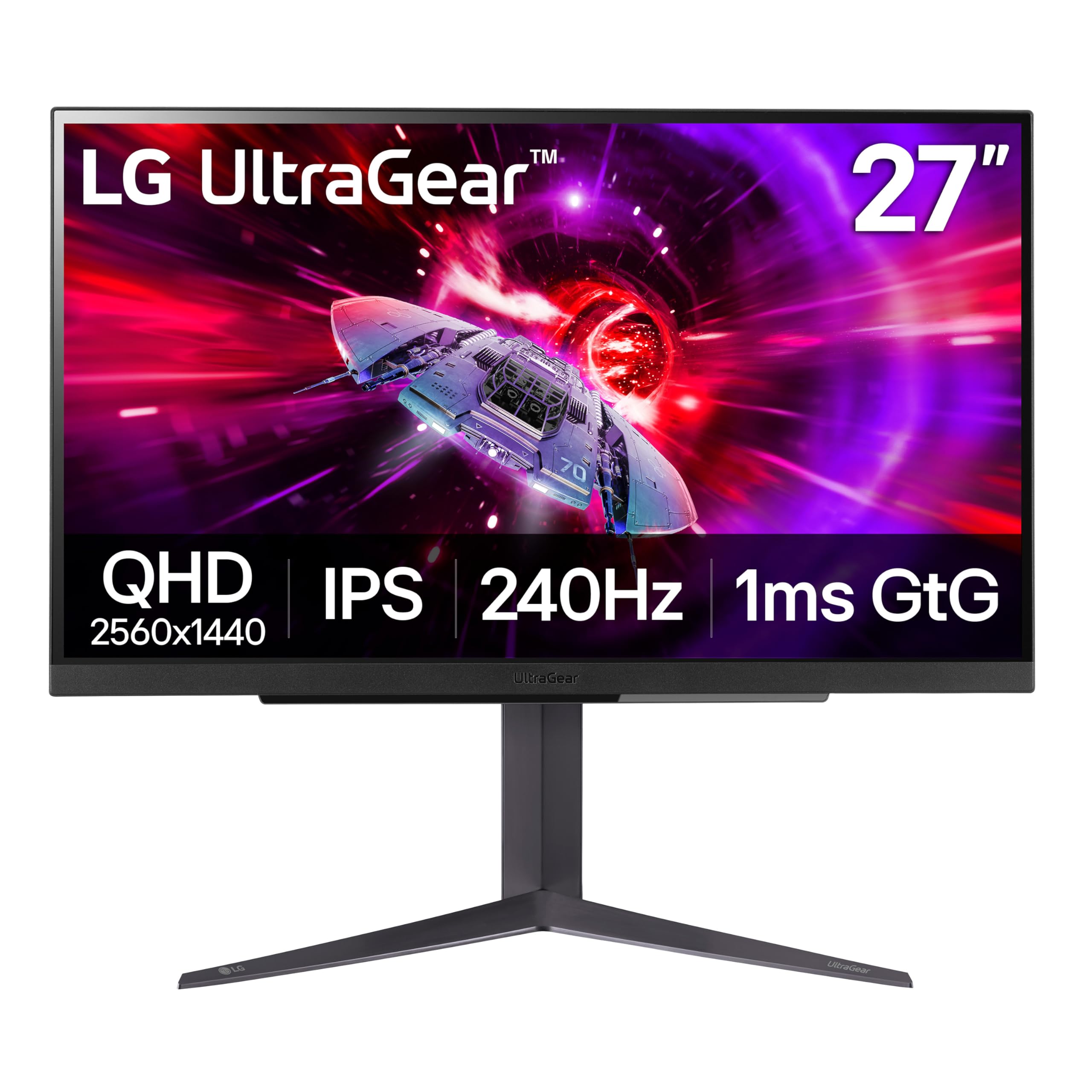
One panel for the PC and the console shelf, thanks to HDMI 2.1 and a 240Hz ceiling.
Most monitors on this list give you one great input. This LG gives you two — DisplayPort 1.4 and HDMI 2.1 both carry up to 240Hz, so a modern console and your PC can share the screen without a fight. It is an IPS panel set to 2560 x 1440, with a 1ms grey-to-grey response and G-SYNC Compatible validation from NVIDIA on one side and AMD FreeSync Premium on the other. That dual-sync support means the adaptive smoothness works whichever team your graphics card plays for.
HDR400 with up to 95 percent of the DCI-P3 gamut (typo aside, a broad slice of the color range) keeps tones rich, and the on-screen gaming modes hand you FPS, RTS, and Gamer presets. Dynamic Action Sync trims lag, Black Stabilizer lifts enemies out of dark corners, and the on-screen FPS counter lets you see what the card is actually delivering. There is a 4-pole headphone jack with DTS Headphone:X for spatial audio over your headset.
Picture clarity is where the applause lands — owners describe it as super crisp and full of color. Pixel quality is the risk on this model. Some units arrived with dead pixels clustered near the center of the panel, which is exactly the sort of thing that shows up immediately, so inspect the first screen you see. Beyond that, gaming quality and value are the reasons it earns a mid-tier spot rather than a budget one.
What makes it a keeper
- Full 240Hz on both DisplayPort 1.4 and HDMI 2.1
- Works with NVIDIA G-SYNC Compatible and AMD FreeSync Premium
- HDR400 with up to 95% DCI-P3 color coverage
- 4-pole headphone jack with DTS Headphone:X spatial audio
Keep this in mind
- Dead pixels centered on the panel are the recurring complaint
- Some units did not survive long — test fully before the window closes
- IPS blacks stay grey next to the OLED picks
Pick this one when: you want one screen to serve both a gaming PC and an HDMI 2.1 console at 240Hz.
Give it a miss when: you want true-black contrast — the IPS panel trades that away for brightness.
6. Acer Predator X27U W1
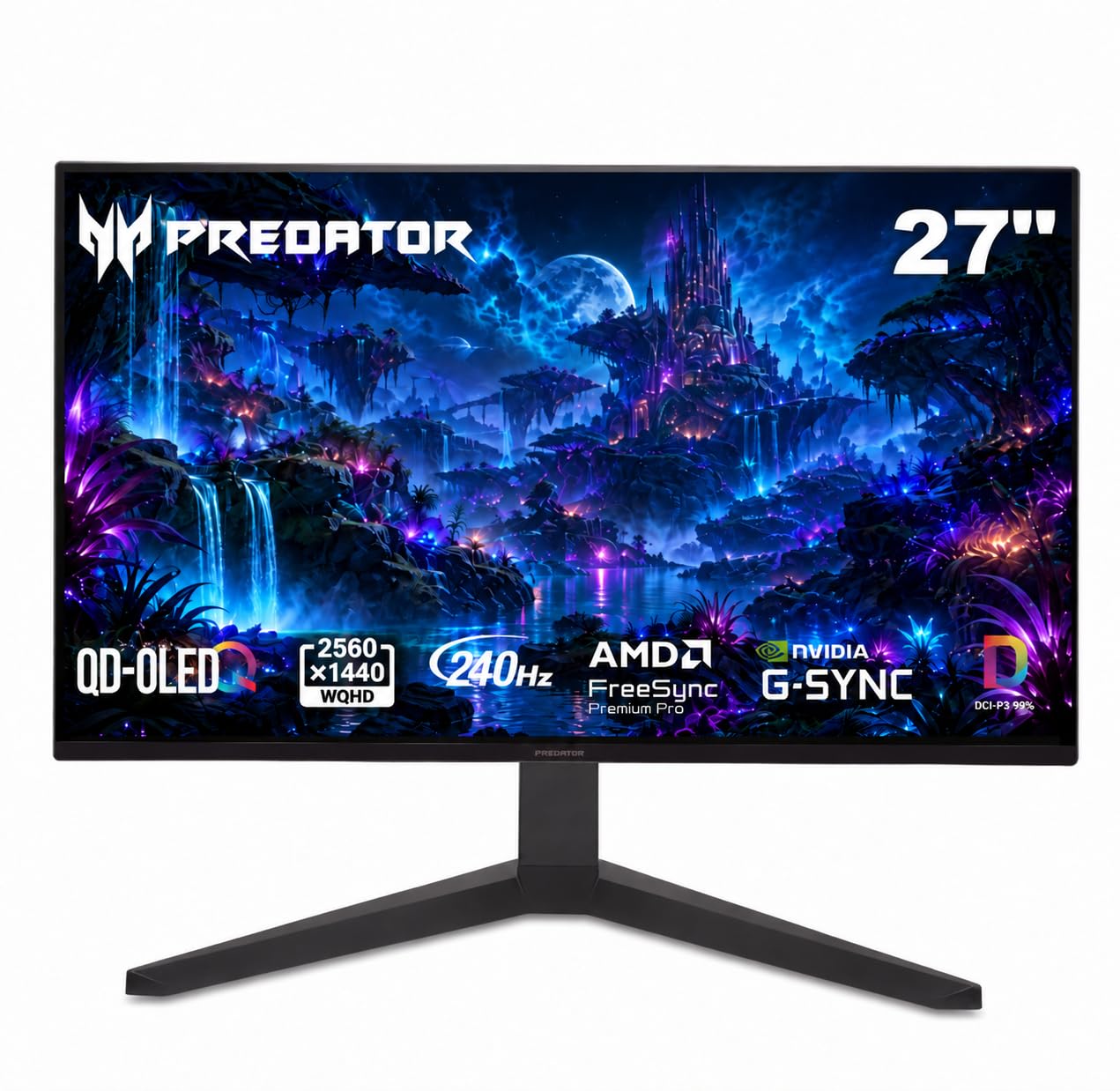
The way to get quantum-dot OLED contrast without climbing into the premium tier.
Target shoppers who want OLED but flinch at the top-tier panels land here. The X27U is a 26.5-inch WQHD quantum-dot OLED at 2560 x 1440 with true 10-bit color, a 240Hz refresh, and a 0.03ms grey-to-grey response. That 0.03ms matches the Samsung up top and is 33 times quicker than the LG’s 1ms IPS, so fast motion reads cleanly with little ghosting. DCI-P3 99 percent coverage and Delta E<2 accuracy keep colors close to source.
The size is deliberate. At 26.5 inches the whole panel sits within your field of view, which is why esports setups favor it, and the ZeroFrame bezel removes the border so your eyes have less to skip past. Image retention refresh runs in the background to stop static elements from sticking, and AMD FreeSync Premium syncs frames to cut tearing. Height, tilt, swivel, and pivot are all built into the stand, so it drops onto a desk without an extra arm.
The screen itself is what everyone raves about — near-universal praise for the display quality, with color and true blacks close behind. Value gets called out too, because getting OLED contrast in this tier is the whole point. Brightness is the honest fork in the road: some find it plenty and appreciate the low glare, while others find it subpar, and peak brightness on an OLED depends on how much of the screen is lit. A few reports mention performance hiccups worth testing in week one.
OLED on a working budget: a 0.03ms QD-OLED at 240Hz with full adjustability and 99% DCI-P3 color — the entry ticket to true blacks.
Know before you buy: brightness splits opinions, so decide whether you game in a dark room (where it shines) or a sunlit one.
The right call if: OLED contrast is the goal and you want it in a manageable 26.5-inch frame.
Look past it if: you need a very bright panel for a room flooded with daylight.
7. AOC AGON Pro AG276QZD2
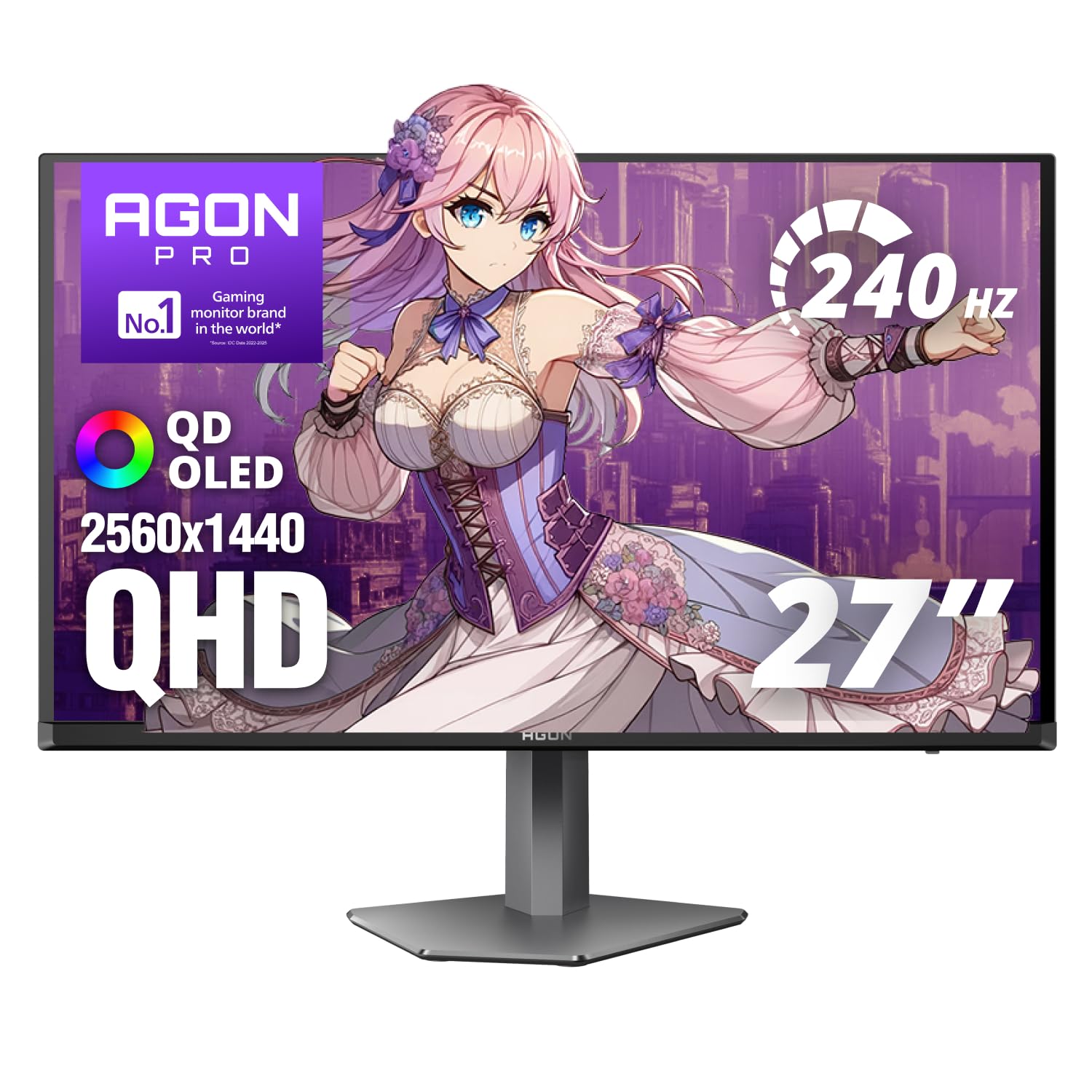
A tournament-shaped OLED that brings a 1,500,000:1 contrast ratio and a 0.03ms pixel to the desk.
Start with the panel, because that is what this one is built around. It is a 26.5-inch 2K Quad HD QD-OLED at 2560 x 1440, with a 1,500,000:1 contrast ratio and over 1.07 billion colors. Contrast at that level is the reason a night map looks lit by streetlights rather than washed in grey. The 240Hz refresh and 0.03ms response time give it the same sharp motion as the other OLED picks, and HDR10 adds richer contrast and a wide gamut.
There is one console-friendly detail worth calling out: this panel tops out at up to 120Hz over a console connection, so if you split time between a PC and a living-room console, you get smooth output on both. The 101 percent DCI-P3 and 136.7 percent sRGB coverage (two color-range standards) handle color breadth. AOC Shadow Control lifts detail out of dark corners, six game modes let you switch presets on the fly, and the rear lighting glows in whatever color you pick so the monitor ties into the rest of your setup.
What owners love most is the panel quality itself, with value right behind it — the OLED look lands without the top-of-the-line ask. The mixed signals show up in the display’s HDR performance, where some find HDR400 (a basic HDR tier) underwhelming, and in the pixel refresh feature, where VRR flicker (a brief brightness shift when the refresh rate changes) can appear in certain scenes. A smaller group hit wake-from-sleep trouble. None of that changes the core verdict: for the money, this is an OLED that puts genuine blacks and fast pixels within reach.
The one to grab if: you want a true-black OLED for fast competitive games without paying top-tier money.
Leave it on the shelf if: you expect HDR400 to deliver eye-searing highlights — that is the part this panel does not nail.
8. ASUS ROG XG27AQDMG
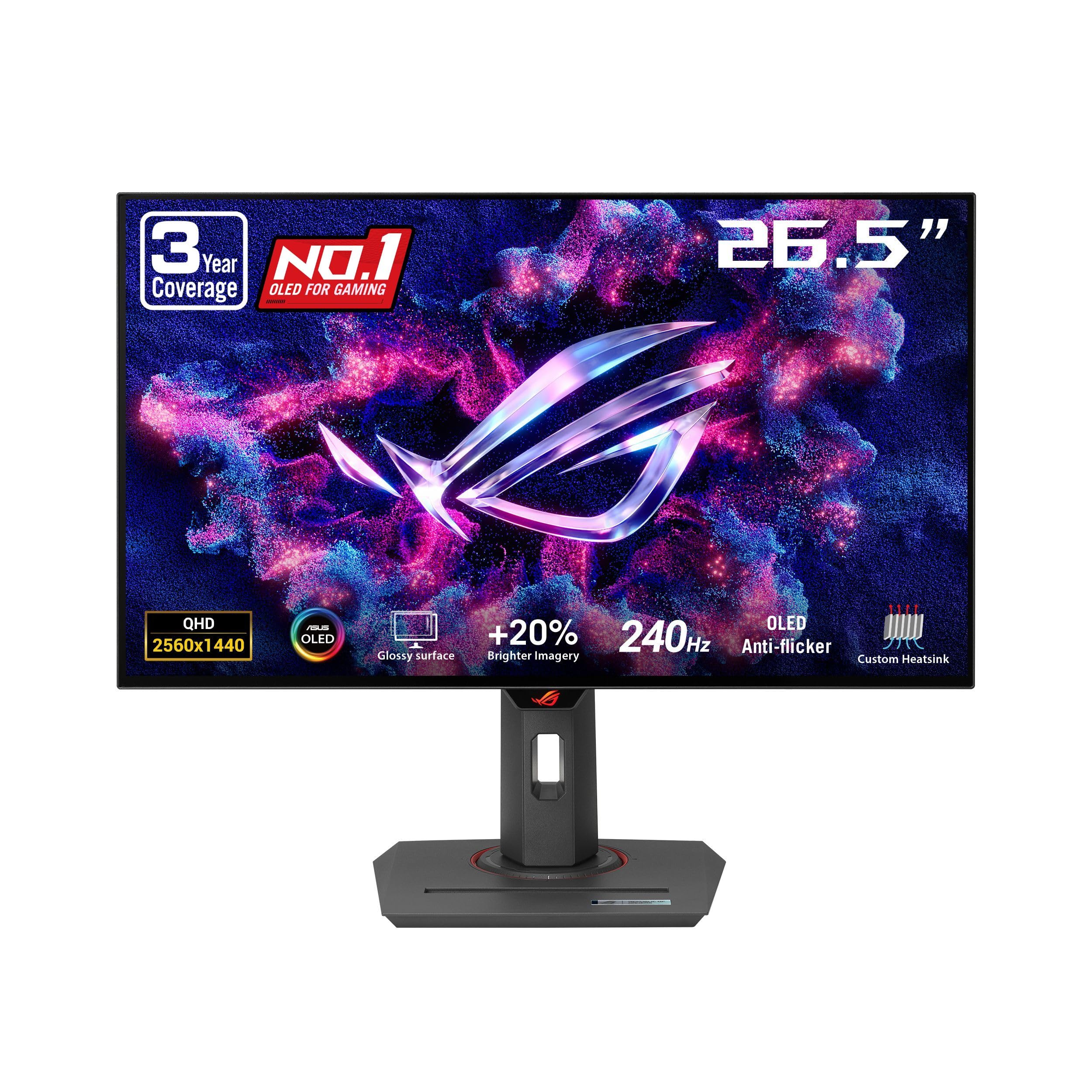
A glossy OLED that makes colors punch through the glass instead of scattering off a matte coat.
The glossy finish is the headline. A gloss coating lets colors read with more pop than a matte anti-glare coat, and ROG pairs it with a third-generation WOLED panel that delivers brighter full-white windows, clearer text, and better motion clarity. You still get the OLED essentials — a 26.5-inch QHD panel at 2560 x 1440, a 240Hz refresh, and a 0.03ms response time — plus 99 percent DCI-P3 color coverage for accurate, saturated tones.
ROG has also addressed the two classic OLED worries. A custom heatsink and advanced airflow work with ASUS OLED Care functions to cut burn-in risk, ROG OLED Anti-flicker technology reduces flicker as the refresh swings, and a uniform brightness setting keeps luminance level across the panel. The maker covers it with a 3-year warranty that includes burn-in coverage, which is a real answer to the usual OLED anxiety. G-SYNC Compatible and FreeSync Premium both work, so either graphics card plays nicely.
The dark blacks and the clean glossy look are what get praised loudest, and the color and depth earn it. Picture quality is more divided: some love the HDR and rich display, while others flag blurry text and image retention. Reliability is the one to watch, with a share of reports where the panel stopped working entirely. A settling complaint is automatic dimming when you switch tabs, which the uniform brightness setting helps tame. Test it inside the return window and you will know exactly where yours stands.
Why it earns the premium spot
- Glossy WOLED finish makes color read richer than matte panels
- 0.03ms response and 240Hz for fast, clean motion
- Heatsink plus OLED Care and a 3-year warranty with burn-in coverage
- 99% DCI-P3 color coverage
The trade-offs to weigh
- Glossy coating reflects room light and lamps
- Auto-dimming on tab switches annoys some users
- Blurry text and image retention show up in a slice of reports
For the buyer who: wants the OLED shine and color pop, and values burn-in coverage baked into the warranty.
Better to pass if: your room has bright windows behind the desk — gloss will mirror them.
9. Alienware AW2725DF

A 360Hz QD-OLED built for the player who cares about every single frame of motion clarity.
No other panel on this list hits 360Hz. That is three times the 120Hz baseline, and it pairs with a 0.03ms grey-to-grey minimum response and a 26.7-inch QD-OLED panel at 2560 x 1440. The combination is the closest thing here to motion that simply does not blur. An infinite contrast ratio and VESA DisplayHDR True Black 400 keep blacks genuinely black with brights in the same frame, and DCI-P3 99.3 percent coverage with Delta E<2 accuracy means colors hold up for content work too.
AMD FreeSync Premium Pro and VESA AdaptiveSync handle tearing, so the picture stays clean across the full refresh range. The stand tilts, raises, swivels, and pivots. In the box you get a full cable kit, a factory calibration report, and a microfiber cloth. The USB 3.2 Gen1 hub adds a couple of easy ports so you can leave your accessories plugged in.
The crisp, sharp display and the deep OLED blacks are what the praise centers on, and the look of the thing on a desk draws its own compliments. Value splits opinion more than any spec: fast-frame players see the 360Hz as the whole point, while others find the top-tier ask hard to justify if they mostly play slower games. Durability reports are the area to watch, with scratches and smudges surfacing for a minority, so examine the panel the moment it arrives.
Built for the frame-chaser: 360Hz with 0.03ms response is the fastest spec sheet here, and it pays off in twitch shooters and racing games.
The reality check: you only feel that 360Hz if your graphics card pushes those frames, and the price is the highest on the list.
Go here if: you own a graphics card that can feed 360 frames and want the sharpest motion on the list.
Not for you if: your card tops out well below 240 — the extra headroom stays unused and the premium buys you nothing.
Know the Specs
Contrast Ratio
Contrast ratio is the brightness gap between the whitest white and the blackest black. A higher number means deeper blacks and more separation between shadows and highlights. OLED panels can quote 1,000,000:1 or more because each pixel switches off for true black, while IPS panels typically sit near 1,000:1 and show grey-blacks. VA panels land in between, often quoting several thousand to one. If you play dark games, that number drives the mood of the scene more than raw brightness.
Response Time (GTG)
Response time is how long a pixel takes to change color, measured in milliseconds — grey-to-grey (GTG) is the standard measure. Lower is sharper in motion, so a 0.03ms OLED leaves a cleaner trail than a 1ms IPS panel. A slow pixel response shows up as ghosting behind fast-moving objects. Look for the GTG figure, and remember that a fast response and a high refresh rate work together: one caps the blur, the other caps the smoothness.
Refresh Rate
Refresh rate is how many times per second the screen redraws, in hertz. 120Hz is the floor for this list, and 180Hz, 240Hz, or 360Hz panels draw more frames for a smoother pan and a faster read on a moving target. Check the input: one panel here runs 240Hz over DisplayPort but caps at 144Hz over HDMI. Buy above 120Hz only if your graphics card can push those frames — otherwise the extra hertz go unused.
Adaptive Sync
Adaptive sync matches the monitor’s refresh to your card’s frame rate so the image does not tear or stutter. AMD FreeSync is the AMD side, G-SYNC Compatible is the NVIDIA side, and several of these panels support both. Match the technology to your graphics card before you buy, and turn it on in both the graphics driver and the monitor menu, because it is easy to leave off by accident.
Common Questions
Do I really need more than 120Hz on a 1440p monitor?
Is OLED better than IPS for a 1440p gaming monitor?
Can a 1440p gaming monitor run a PS5 or Xbox at 120Hz?
What does the ms response time number actually mean?
Will a curved 1650R monitor bother me for work?
Is burn-in still a risk on OLED gaming monitors?
Do I need G-SYNC or is FreeSync enough?
Why do OLED monitors look dimmer when I switch tabs or windows?
What should I check in the first hour after my monitor arrives?
Is a 27-inch 1440p monitor sharp enough for a large desk?
The Bottom Line
For most buyers, the 1440p 120hz gaming monitor winner is the Samsung Odyssey OLED G6 because its 1,000,000:1 QD-OLED contrast (the ratio between its brightest white and darkest black) and 0.03ms response time beat every IPS panel here on motion and black levels. If you want the same OLED look at a lower entry point, the Acer Predator X27U W1 delivers a 240Hz QD-OLED in a compact 26.5-inch frame. And if you would rather stay bright, burn-in-free, and reach 240Hz on a tight budget, the Acer Nitro XV272U is the panel to reach for — just plug in with DisplayPort (the video cable standard for high refresh rates) and check the backlight in your first session. Whichever way you lean, the Samsung holds the highest rating on this list at 4.5+ stars from 450+ owners.
How we choose
We do not accept paid placement. Every pick is matched to a real buyer and a real use-case; we do not hands-on test units.
Sources
Specifications: manufacturer listings and product documentation. Review insights: verified customer reviews, as of November 2026. Pricing: not shown on this page (it changes often); check the current price via the retailer link.
As an Amazon Associate, Gamepad Test earns from qualifying purchases. This does not affect which products we feature.