
Heads up: This post contains affiliate links. As an Amazon Associate I earn from qualifying purchases, at no extra cost to you. Learn more
Specs are compiled from manufacturer listings and verified buyer reviews and can change over time — please confirm the key details on the product page before buying.
You want frames to land faster than your reflexes, and a 360 Hz monitor only helps if the panel behind that number can actually keep up. The number printed on the box is one thing. What matters is what you see in motion: a target that stays sharp while you swing, no smear trail behind a flick, and no ghost of last frame pulled across this one. This guide sorts eleven verified 360 Hz-class screens by panel type, response time, and resolution so you can match one to your setup and your eyes instead of a logo.
This guide is built by comparing the manufacturers’ published specifications and the patterns across verified customer reviews, so you get each pick’s real strengths and trade-offs instead of marketing spin.
You want fast motion without a blurry trail behind it, and the screens below deliver that in different ways. The list runs from entry IPS panels to 1440p OLEDs with a 0.03 ms gray-to-gray response (how fast one pixel switches tone), plus one QHD option that pushes past the 360 Hz class altogether. Each one is sorted so you can match it to your desk and your game.
The picks here answer a simple question about the best 360 hz monitor: which panel speed, resolution, and price tier actually fit how you play?
Top Picks

How To Choose The Best 360 Hz Monitor
Buying a 360 Hz screen is really a question of whether your eyes and your graphics card can both keep up with it. A monitor that refreshes 360 times a second shows you the newest frame before your opponent sees theirs, but only if the panel’s pixels can change color fast enough and your GPU can render those frames. Here is what decides whether a specific screen earns its place on your desk.
Refresh rate versus response time
The refresh rate (how many times per second the screen redraws) sets the ceiling on smoothness. The response time (how fast one pixel switches from one color to the next) decides whether that speed looks clean or smeared. A 360 Hz panel with a slow pixel transition shows ghost trails behind moving targets, which is worse than a clean lower refresh. Look for gray-to-gray figures in the 0.5 ms to 1 ms range on IPS, or the 0.03 ms that OLED panels list, and treat those numbers as the real measure of motion clarity.
Panel type shapes everything
Fast IPS keeps colors consistent across wide angles and costs less, and it does not carry burn-in risk. QD-OLED adds quantum dots to an OLED layer for near-infinite contrast and black levels that IPS cannot reach, which makes dark scenes in games read clearly. The trade is brightness headroom and the long-term worry of static elements burning into the panel, which is why OLED models ship burn-in protection and, in several cases, warranty coverage for it.
Resolution and the load it puts on your card
A 1080p 360 Hz screen is the lightest load and the safest way to actually sit near 360 frames per second in esports titles. A 1440p 360 Hz screen shows finer detail and gives you more desktop room, but your GPU has to push far more pixels to hit the same refresh. Match resolution to the card you own, not the one you plan to buy.
Ports, sync, and the extras that matter
You need DisplayPort 1.4 or HDMI 2.1 to carry 360 Hz at high resolution, and USB-C helps if you switch between a laptop and a desktop. Adaptive sync (FreeSync or G-Sync Compatible) keeps the panel and GPU in step so the image does not tear when frame rates dip. An ergonomic stand with height, tilt, swivel, and pivot adjustment keeps the screen at eye level for long sessions.
Side-by-Side Comparison
| Model | Best For | Refresh Rate | Resolution | Panel Type | Amazon |
|---|---|---|---|---|---|
| Alienware AW2523HF 24.5″★ Best Overall | Esports-first 1080p setups | 360 Hz | 1920 x 1080 | Fast IPS | Amazon |
| ASUS ROG XG279CNS 27″USB-C Streaming Pick | Streamers and USB-C desks | 380 Hz (overclock) | 1920 x 1080 | Fast IPS | Amazon |
| KTC 25M2 Pro 24.5″Shielded Play Pick | Shielded, glare-free play | 360 Hz native / 400 Hz overclock | 1920 x 1080 | Fast IPS | Amazon |
| KTC 27M1 Plus 27″ | 1440p speed on a budget | 360 Hz native / 400 Hz overclock | 2560 x 1440 | Fast IPS | Amazon |
| Philips Evnia 27M2N8500 | Color-rich OLED on a mid budget | 360 Hz | 2560 x 1440 | QD OLED | Amazon |
| AOC Q27G40SDE 27″ | G-Sync Compatible OLED | 360 Hz | 2560 x 1440 | QD-OLED | Amazon |
| INNOCN GA27M1Q 27″ | Highest refresh in the group | 500 Hz | 2560 x 1440 | QD-OLED | Amazon |
| MSI MAG 271QPX 27″ | Balanced OLED value | 360 Hz | 2560 x 1440 | QD-OLED | Amazon |
| ASUS ROG Strix XG27ACDNG 26.5″ | Premium OLED with cooling | 360 Hz | 2560 x 1440 | QD-OLED | Amazon |
| Samsung Odyssey OLED G6 27″ | Glare-free OLED design | 360 Hz | 2560 x 1440 | QD-OLED | Amazon |
| Alienware AW2725DF 26.7″ | Rich-color 1440p OLED | 360 Hz | 2560 x 1440 | QD-OLED | Amazon |
Detailed Reviews
1. Alienware AW2523HF 24.5″ 360Hz IPS Gaming Monitor
Our pick — 4.5+★ from 550+ verified ratings; the strongest balance of quality and price.
A 24.5-inch 1080p panel that treats 360 Hz as a habit, not a stunt.
The Alienware AW2523HF earns its spot on one number: a 0.5 ms gray-to-gray minimum response time in Extreme mode (the time one pixel takes to switch tone, so fast movers keep a clean edge). That speed sits on a 24.5-inch Fast IPS panel running 1920 x 1080 Full HD at 360 Hz. The panel is quick enough that the refresh rate is not just a number on a spec sheet. In a competitive FPS, an enemy crossing your screen stays readable instead of smearing into a trail. Buyers report the most consistent display-quality praise of any screen here, which is why it is the pick to beat. If you want 1440p detail or OLED contrast, look at the KTC 27M1 Plus or the OLED picks instead.
Color holds up better than most speed-first screens. The sRGB 99% coverage means games look natural rather than washed out, and support for HDR content playback adds punch to bright highlights. AMD FreeSync Premium and VESA AdaptiveSync certification keep the panel and card in step when your frame rate wobbles. The redesigned hexagonal base frees up mouse and keyboard room on a tight desk, and the integrated retractable headset hanger keeps one more thing off your surface.
What wins people over is the display itself, and the value lands right behind it — this is a screen that competitive players feel they got their money’s worth from. The recurring honest gripe is motion handling from the start: some setups show blur until you tune the overdrive, and there is no dedicated blur-reduction option, so plan on spending an evening in the menus. A few units also show dead pixels on arrival, which any brand can hit.
What earns it first place
- 360 Hz with a 0.5 ms gray-to-gray minimum in Extreme mode keeps fast targets legible
- sRGB 99% coverage for natural color rather than a washed-out esports look
- Hexagonal base and retractable headset hanger clear desk space for mouse swings
The tuning you should expect
- No dedicated blur-reduction option, so overdrive tuning is on you
- A few units arrive with dead pixels, so check the panel on day one
Buy it for: a 1080p esports setup where frame rate beats pixel count every round.
Hold back if: you want a 1440p canvas — the native resolution here tops out at 1920 x 1080.
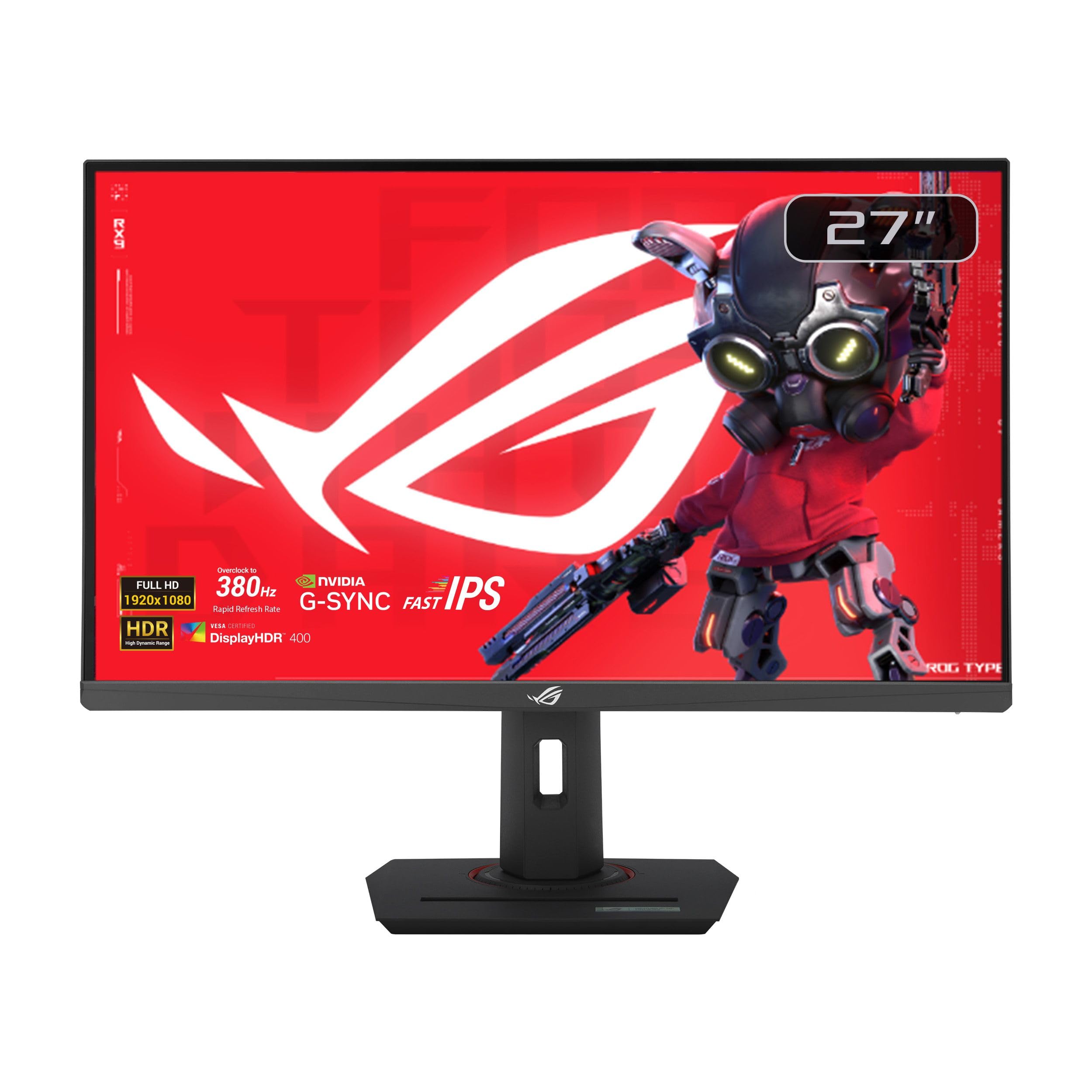
2. ASUS ROG XG279CNS 27″ 1080p 380Hz USB-C Gaming Monitor
A 27-inch ROG that overclocks past the 360 Hz class and ships a tripod socket.
Start with the spec that separates it from the rest of the 360 Hz crowd: this 27-inch 1920 x 1080 screen overclocks to 380 Hz, which is higher than the Alienware above. ASUS pairs that with Fast IPS technology and a 0.3 ms gray-to-gray response time (the pixels switch tone fast enough that the extra frames stay sharp). Extreme Low Motion Blur Sync runs the blur-reduction feature alongside variable refresh, so you can cut ghosting without turning adaptive sync off. DisplayHDR 400 certification adds HDR support for brighter highlights.
The connectivity is the reason a streamer or hybrid worker should look here. A USB-C port lets you run display and data over one cable, and there are multiple input options for consoles and second machines. The built-in tripod socket is a genuinely uncommon touch — it lets you mount a camera or light without an arm cluttering the desk. ASUS backs it with a 3-year warranty and Advanced Replacement service, which matters on a panel you plan to keep.
The honest limit is sharpness at this size. A 1080p image stretched across 27 inches is not as crisp as a 4K panel, and the mixed feedback on the refresh side centers on exactly that. Frames flow beautifully; fine text and distant details are softer than a higher-resolution screen. Performance is what earned the praise here, and there is plenty of it.
Where it wins: a 380 Hz overclock, 0.3 ms gray-to-gray, and a USB-C port that collapses your cable run into one line.
Where it gives ground: 1080p across 27 inches reads softer than a 4K panel — great for fast games, less ideal for detail work.
Reach for this if: you stream or dock a laptop and want one cable to carry everything.
Look elsewhere if: crisp text on a big screen is your priority over raw speed.
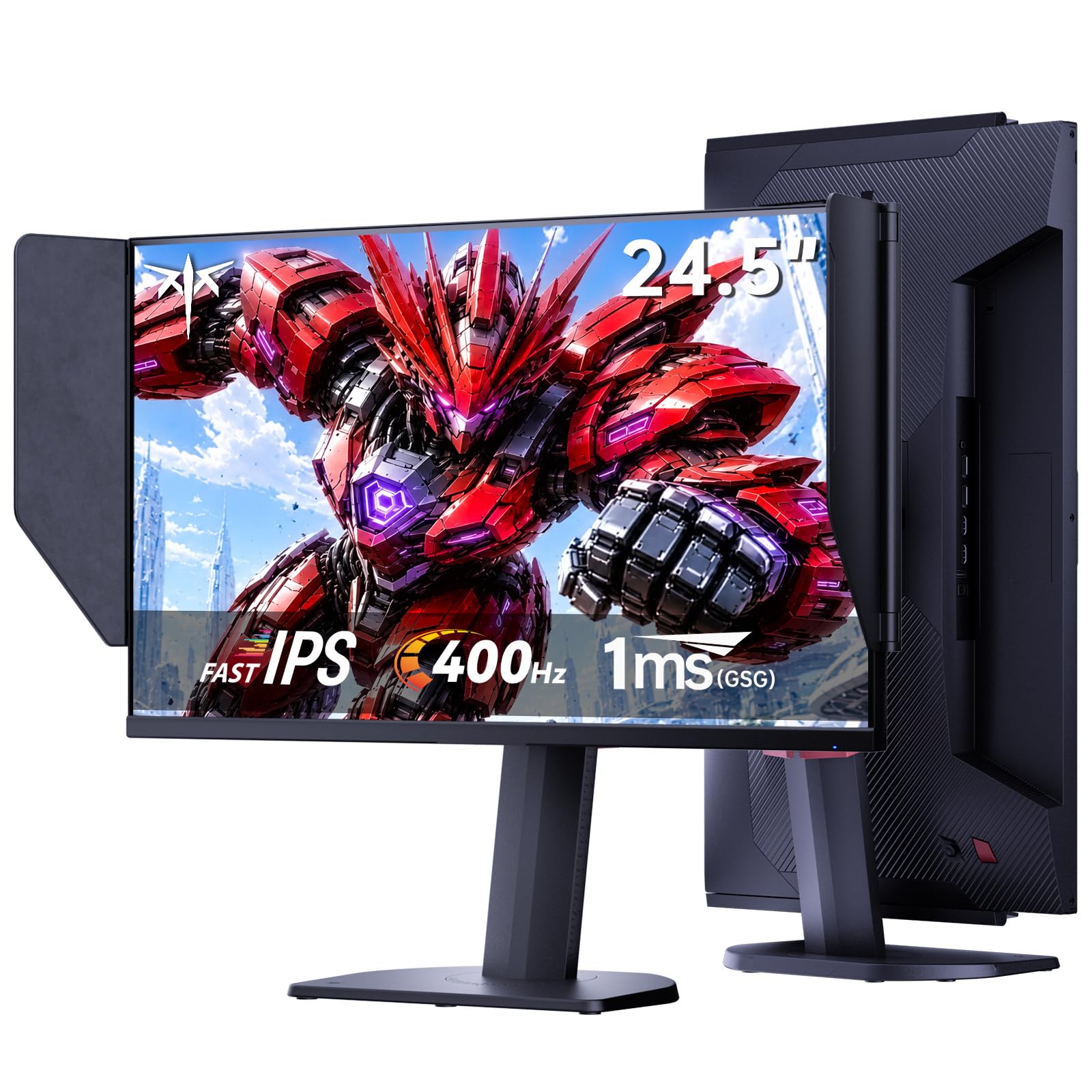
3. KTC 25M2 Pro Gaming Monitor
The one that blocks the room light so the panel has your full attention.
Two hoods ship in the box, so this 24.5-inch KTC suits someone who plays in a bright room or beside a window and is tired of glare eating their contrast. The flocked lining inside the hood soaks up ambient light to kill bezel reflections, and the soft surface adds a little sound absorption on top. The panel is a Fast IPS running 1920 x 1080 at a native 360 Hz, overclockable to 400 Hz, with a 1 ms MPRT response time (a motion-based figure for how much blur remains when a moving object is captured). That 400 Hz ceiling edges past the Alienware’s 360 Hz. skip it if you need 1440p detail — this one stays at 1080p.
Color is a strong point at this tier. The 126% sRGB gamut (how much of the standard color space the screen can reproduce) puts it well above the Alienware’s 99% coverage, so hues carry more saturation and pop. Brightness sits at 400 cd/m² and HDR10 support rounds out the picture. Low blue light and flicker-free handling ease eye strain across long sessions. A bundled external controller lets you flip between gaming presets without digging into the on-screen menu.
Look at the ports before you commit. Each of the two HDMI 2.0 inputs is capped at 240 Hz, so 360 Hz and the 400 Hz overclock only happen over DisplayPort 1.4. Plug in the wrong cable and you will wonder why the screen feels ordinary. The stand adjusts through height, tilt, swivel, and pivot, so you can stand it upright for a portrait setup.
The reason it stands out: a hooded design and 126% sRGB coverage make it a glare-tamer with richer color than most speed-first panels.
The wiring catch: HDMI tops out at 240 Hz here, so DisplayPort 1.4 is the only path to the full refresh.
Best matched to: a bright room, a tight 24.5-inch footprint, and a player who wants a shielded view.
Think twice if: you plan to connect over HDMI and expect 360 Hz — that port will not deliver it.
4. KTC 27M1 Plus 27″ 400Hz 2K 360Hz Fast IPS Gaming Monitor
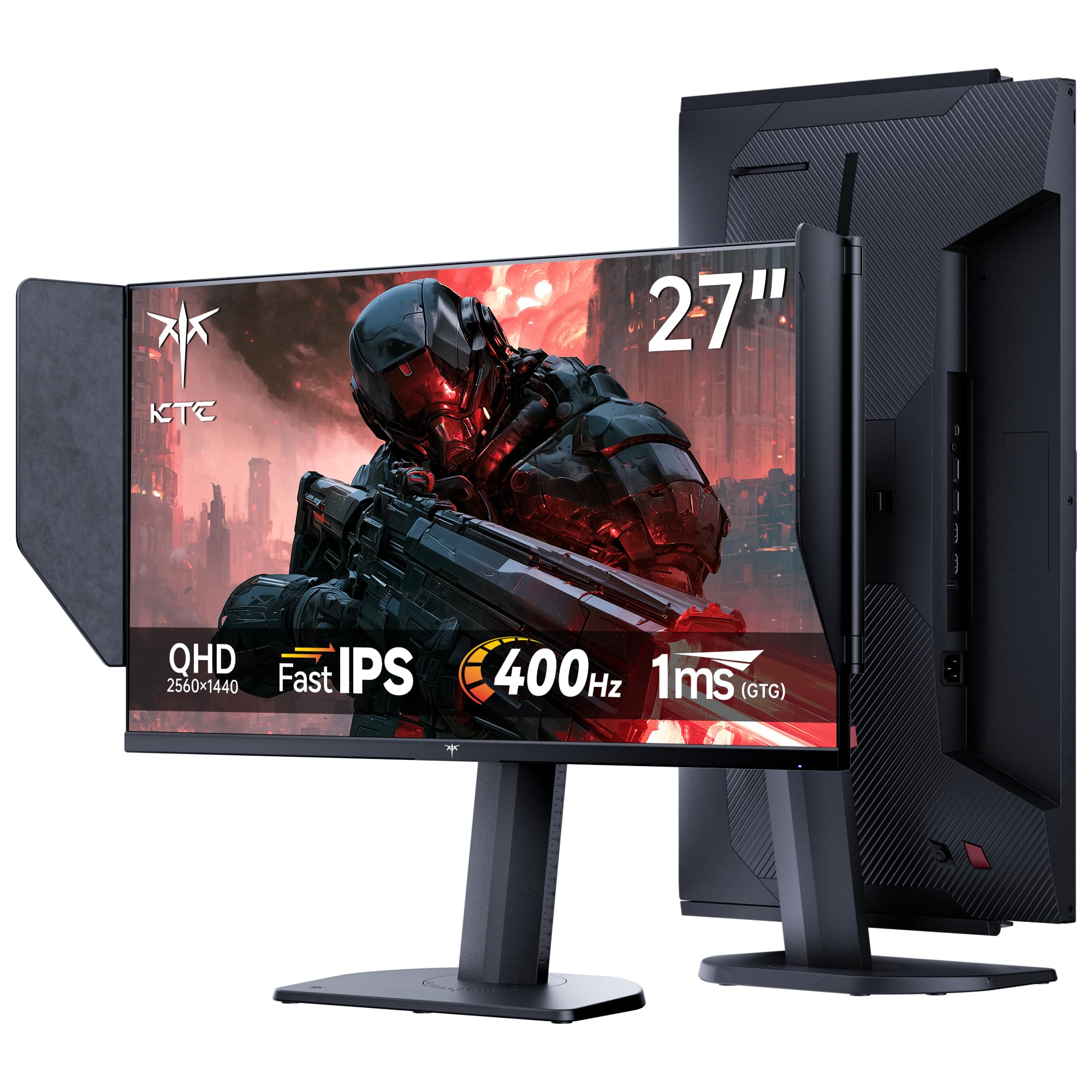
Quad-HD detail at native 360 Hz, with an overclock that reaches 400 Hz.
You get 33% more pixels than the 1920 x 1080 Alienware here, which means cleaner edges on distant targets and a much roomier desktop for multitasking. The KTC 27M1 Plus lays a 2560 x 1440 QHD image across 27 inches. It runs a native 360 Hz and overclocks to 400 Hz, so it outpaces the Alienware’s 360 Hz ceiling by a small margin. A 1 ms GTG response time (gray-to-gray, the pixel’s color-switch speed) keeps motion tight. This is the resolution answer to the 1080p crowd.
Color and brightness back up the resolution. The Fast IPS panel covers 126% sRGB gamut area with 400 cd/m² brightness and HDR400 support, so games carry richer hue and stronger contrast than a base panel. Full-bandwidth HDMI 2.1 and DisplayPort 1.4 are both present, which means a PS5 or Xbox Series X can push high-resolution frames without a bandwidth ceiling getting in the way. Hardware low blue light trims eye strain without the yellow tint that software filters add. The stand rotates through height, tilt, swivel, and a 90° pivot, and it mounts to a 100 x 100 mm VESA arm.
The one thing to weigh is the load this puts on your graphics card. A 1440p 360 Hz screen asks a lot more of your GPU than a 1080p one, and if your card cannot feed those frames, the extra speed is wasted. If it can, this is a lot of 1440p speed for a mid-range outlay.
Where the money goes right
- 2560 x 1440 QHD detail at native 360 Hz, with a 400 Hz overclock headroom
- Full-bandwidth HDMI 2.1 and DP 1.4 for next-gen consoles and high-res PCs
- 126% sRGB gamut with HDR400 for color beyond a bare speed panel
What to check first
- 1440p at 360 Hz needs a strong GPU to actually reach those frames
- No QD-OLED contrast here — this is an IPS panel
the balance for: a 1440p gamer with the graphics card to drive it who wants speed over OLED contrast.
Only pass on it if: your GPU struggles at 1440p — you would be paying for frames you cannot render.
5. Philips Evnia 27M2N8500 QD OLED
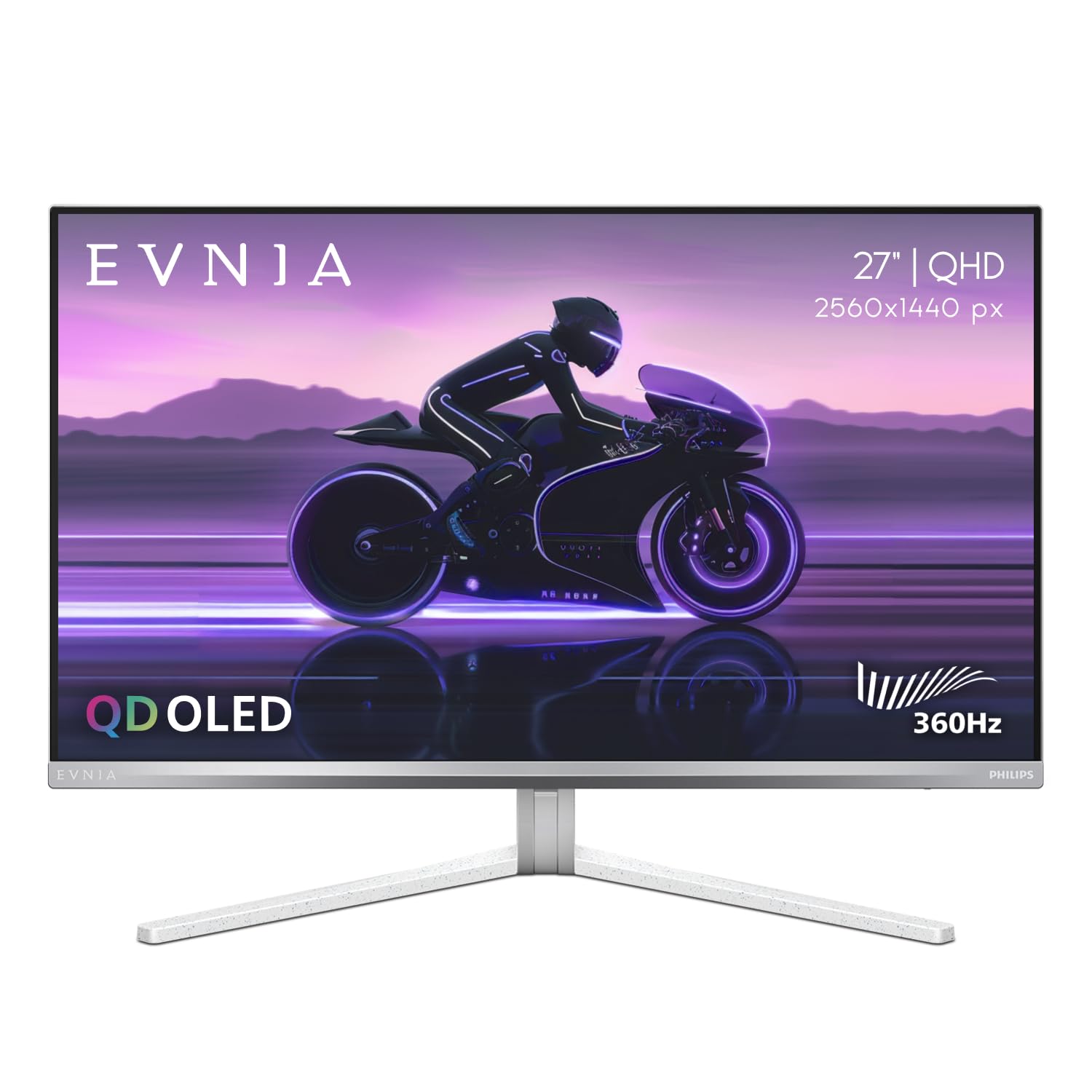
QLED color and OLED blacks, on the least expensive 1440p OLED rung.
The Evnia’s 0.03 ms gray-to-gray response time (near-instant pixel switching) sits on the opposite end of the scale from an IPS panel’s 1 ms, and it changes how motion looks. Fast movers lose their blur entirely because each frame clears before the next arrives. The 360 Hz refresh rate runs at 2560 x 1440, so you get QHD detail and clean motion together. Quantum Dot OLED technology (an OLED layer boosted by quantum dots for purer color) produces the deep blacks and near-infinite contrast that a 1500000:1 ratio figure describes.
VESA DisplayHDR True Black 400 certification adds depth to dark scenes. Ambiglow throws a halo of light behind the panel that shifts with on-screen content, which sells the sense of atmosphere in story games. The stand tilts, swivels, and adjusts in height, and it accepts a VESA mount. Color and build quality are the things that stand out most.
Be candid with yourself about the trade-offs. Image quality lands as mixed here — some find the presentation oversaturated, and the panel’s hardware has drawn reports of random power-off and crash behavior. Brightness peaks at 450 nits, which is bright for an OLED but not a match for a blazing IPS. If you want the richest colors and blackest blacks for the money, this is the OLED entry point.
Why it turns heads: QD OLED with 0.03 ms response, a 1500000:1 contrast ratio, and Ambiglow bias lighting at the lowest OLED entry rung.
The trade you accept: 450 nits brightness and a hardware history that is not spotless — some units have been reported to power off or crash.
Made for: a dark room and a story-driven or FPS mix where black levels and color matter as much as speed.
Pause if: you need maximum brightness for a sunlit room or want a spotless reliability record.
6. AOC 27″ QHD 360Hz QD OLED G-SYNC Compatible (Q27G40SDE)
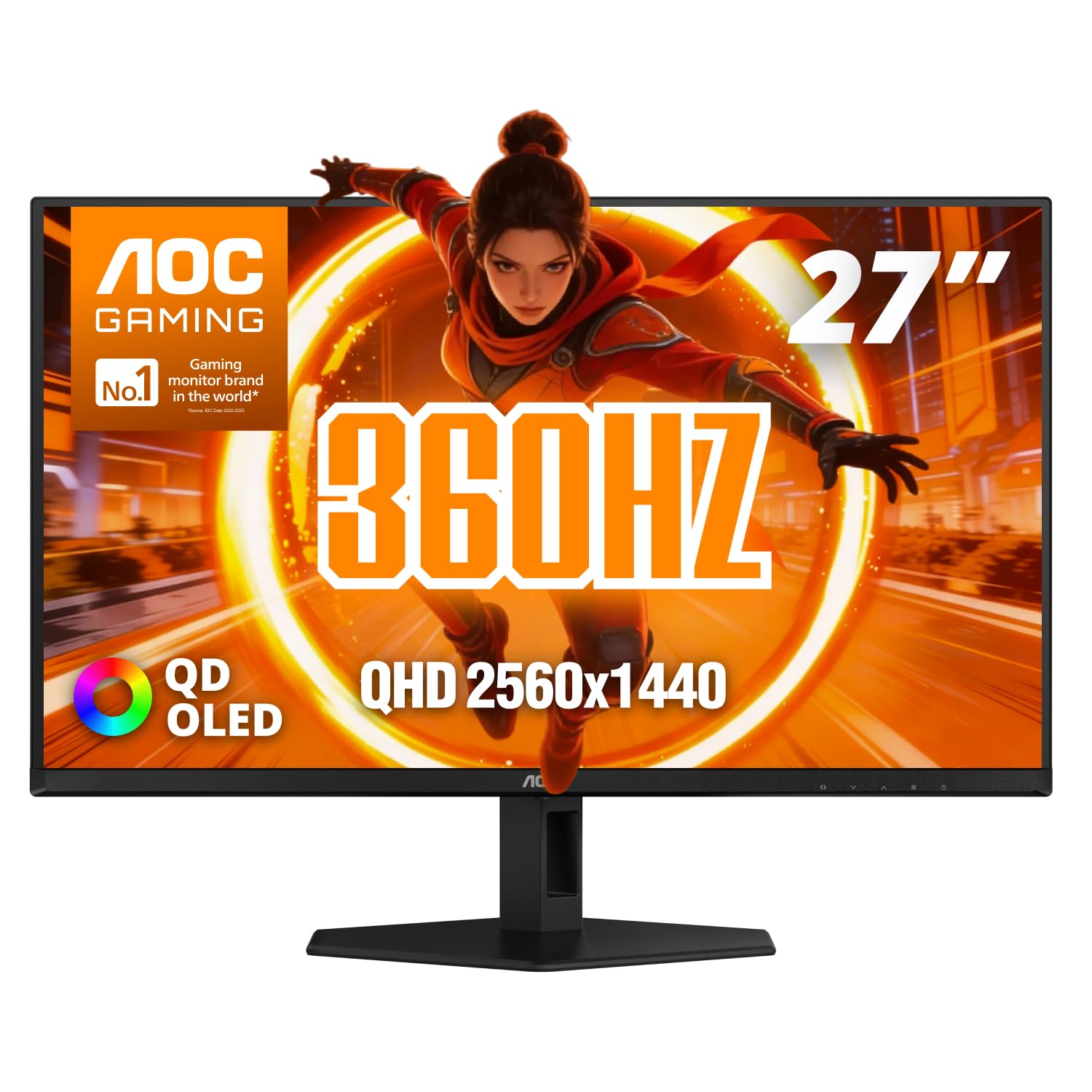
An NVIDIA-certified OLED that pairs 360 Hz with 147.6% sRGB coverage.
For an NVIDIA card owner, certification is the headline. This AOC carries NVIDIA G-SYNC Compatible certification (NVIDIA’s own stamp that the panel pairs cleanly with its adaptive-sync tech), which means less fiddling to get a tear-free image. The 27-inch QD-OLED panel runs a 2560 x 1440 image at 360 Hz with a 0.03 ms GtG response time. HDR400 True Black certification deepens contrast so shadows and highlights read cleanly in the same frame.
The color numbers are the ones to write down. Quantum Dot OLED yields 147.6% sRGB and 110.2% DCI-P3 gamut coverage, which is well beyond what a standard IPS panel can reach and more saturated than the 126% sRGB KTC IPS above. Games take on a punchy, cinematic palette, and film work looks true to the reference. The OLED layer handles blacks without any pixel light bleed.
The trade-offs are the familiar OLED ones. Peak brightness is set for a dimmer room, and static elements left on screen too long are a long-term concern on any OLED — the HDR400 True Black rating is about contrast depth, not daylight brightness. If you game mostly after dark, this screen plays to its strengths.
The draw: G-SYNC Compatible certification plus 147.6% sRGB and 110.2% DCI-P3 coverage — color richer than any IPS here.
The honest cost: OLED brightness is made for a dim room, and static on-screen elements need care over time.
Worth considering for: an NVIDIA rig in a controlled-light room where color and contrast lead.
Not the pick if: your desk faces a bright window and you need daylight-bright output.
7. INNOCN 27″ QD-OLED 1440P 500Hz Gaming Monitor (GA27M1Q)
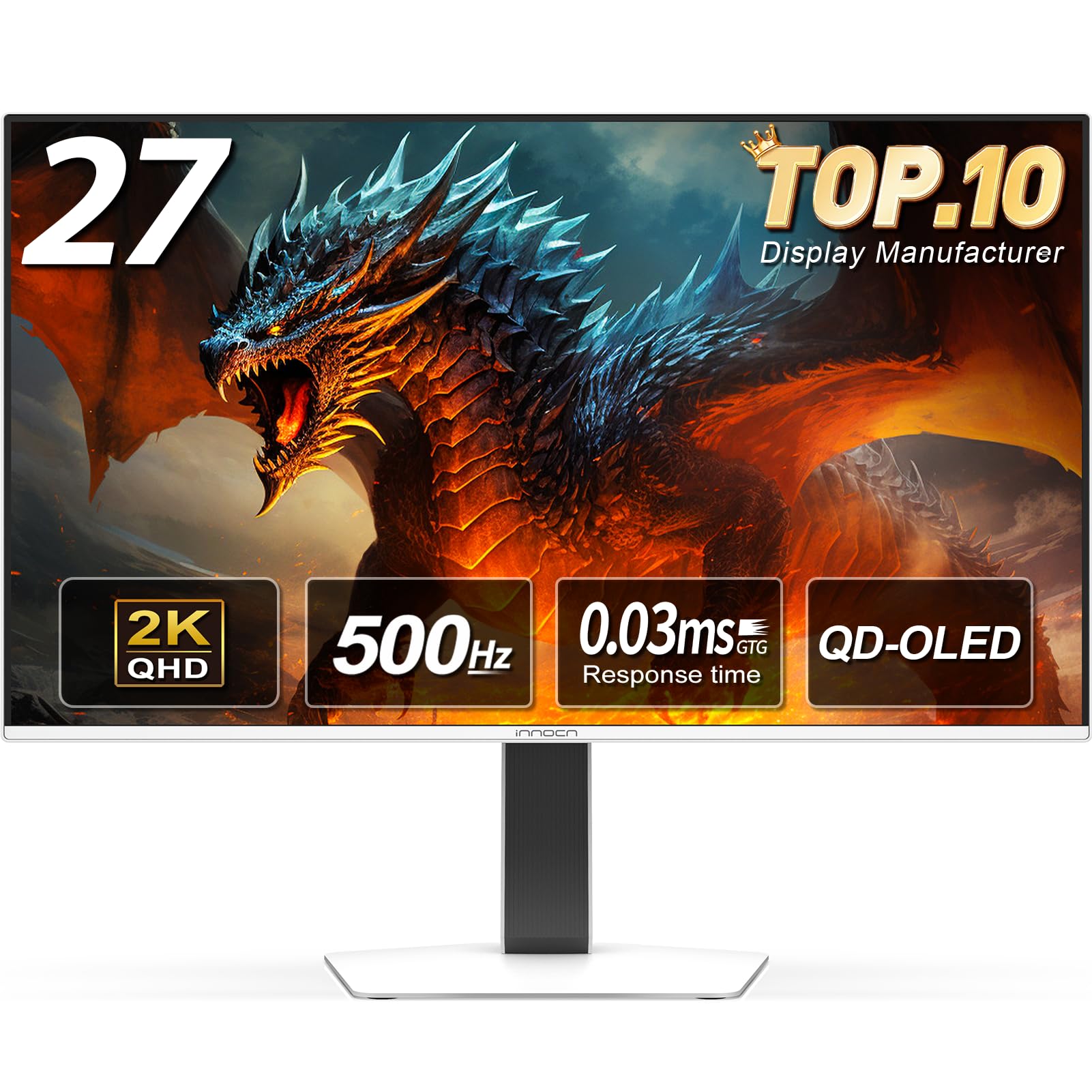
It leaves the 360 Hz class in the dust and runs all the way up to 500 Hz.
This INNOCN is in a different gear from the other screens here: its 27-inch QD-OLED panel refreshes at 500 Hz, higher than every 360 Hz model in this guide. Variable refresh support steps from 48 Hz up through 500 Hz, so the picture stays smooth across a wide range of frame rates. A 0.03 ms response time keeps those frames sharp. The 2560 x 1440 resolution is paired with a 1,500,000:1 contrast ratio and 99% DCI-P3 color over 1.07 billion (10-bit) colors, so motion speed does not come at the cost of picture depth. If you want the highest refresh here and have the card to feed it, this is your screen; if you want to spend less, the 360 Hz picks cover you.
HDR500 pushes brightness into the highlights so light and dark detail survive in the same scene. Connectivity is generous: two DisplayPort inputs, two HDMI, and a 3.5 mm audio jack cover laptops, Macs, phones, tablets, and consoles like Switch, PS5, and Xbox. A Mac-View mode tunes the picture for a connected Mac. Three-sided ultra-narrow bezels keep the footprint clean, and LED atmosphere lights behind the screen add glow.
The catch is brightness ceiling. At 250 cd/m² this is the dimmest panel in the group, so a bright room will flatten its contrast advantage. In a controlled room, the 500 Hz rate and the build both draw praise, and the OLED picture quality is the main reason buyers rate it.
Biggest number on the board: 500 Hz QD-OLED at 0.03 ms, with a 1,500,000:1 contrast ratio and full console and Mac connectivity.
Know before you buy: 250 cd/m² is the lowest brightness here — this screen wants a controlled room.
Pick this if: you want the absolute highest refresh rate here and game in a dim room.
Pass if: your space is flooded with daylight — the 250 cd/m² output will look flat.
8. MSI MAG 271QPX 27″ QD-OLED 360Hz Gaming Monitor

A third-gen QD-OLED that pairs 0.03 ms speed with burn-in care built in.
Color stays true on the MAG 271QPX: QD Premium Color holds Delta E≤2 (a measure of how far displayed color drifts from the reference, where lower is truer), so games and edits look faithful. That accuracy sits on a 3rd Gen QD-OLED panel with 0.03 ms GtG response and a 360 Hz refresh at 2560 x 1440. It is the familiar OLED speed spec, but the color claim is specific. VESA DisplayHDR True Black 400 certification (a standard for deep blacks and bright highlights) deepens contrast for cinematic scenes. Pick this if faithful color matters as much as speed; the INNOCN goes higher at 500 Hz if raw refresh is all you chase.
MSI’s OLED Care 2.0 is the feature worth understanding. It is a set of routines designed to reduce the risk of burn-in — the long-term blemish that can appear when a static element like a health bar or browser tab stays lit in the same spot. For a screen you will keep for years, that protection is the difference between enjoying the panel and worrying about it. Console Mode runs HDMI 2.1 at full 48 Gbps bandwidth, so WQHD at 360 Hz reaches a PS5 or Xbox Series X without a bandwidth cut. The stand adjusts for height and tilt.
Reliability lands as a mixed note in the records. Some owners mention the screen turning off mid-game or going black without warning, while most have a clean run. That is worth knowing, but it is one concern against a screen whose picture, color, and design get consistent appreciation.
Why it holds its place
- 3rd Gen QD-OLED with 0.03 ms GtG and Delta E≤2 color accuracy
- OLED Care 2.0 burn-in routines and HDMI 2.1 at full 48 Gbps for consoles
- DisplayHDR True Black 400 for deep, controlled contrast
The flag to know
- Some units have been reported to turn off or go black during play
- An OLED panel asks for sensible habits around static images
Balanced buy for: a 1440p gamer who wants OLED speed and built-in burn-in protection without chasing the top tier.
Weigh carefully if: a spotless reliability record is your first priority over picture and price.
9. ASUS ROG Strix 26.5″ 1440P QD-OLED 360Hz (XG27ACDNG)
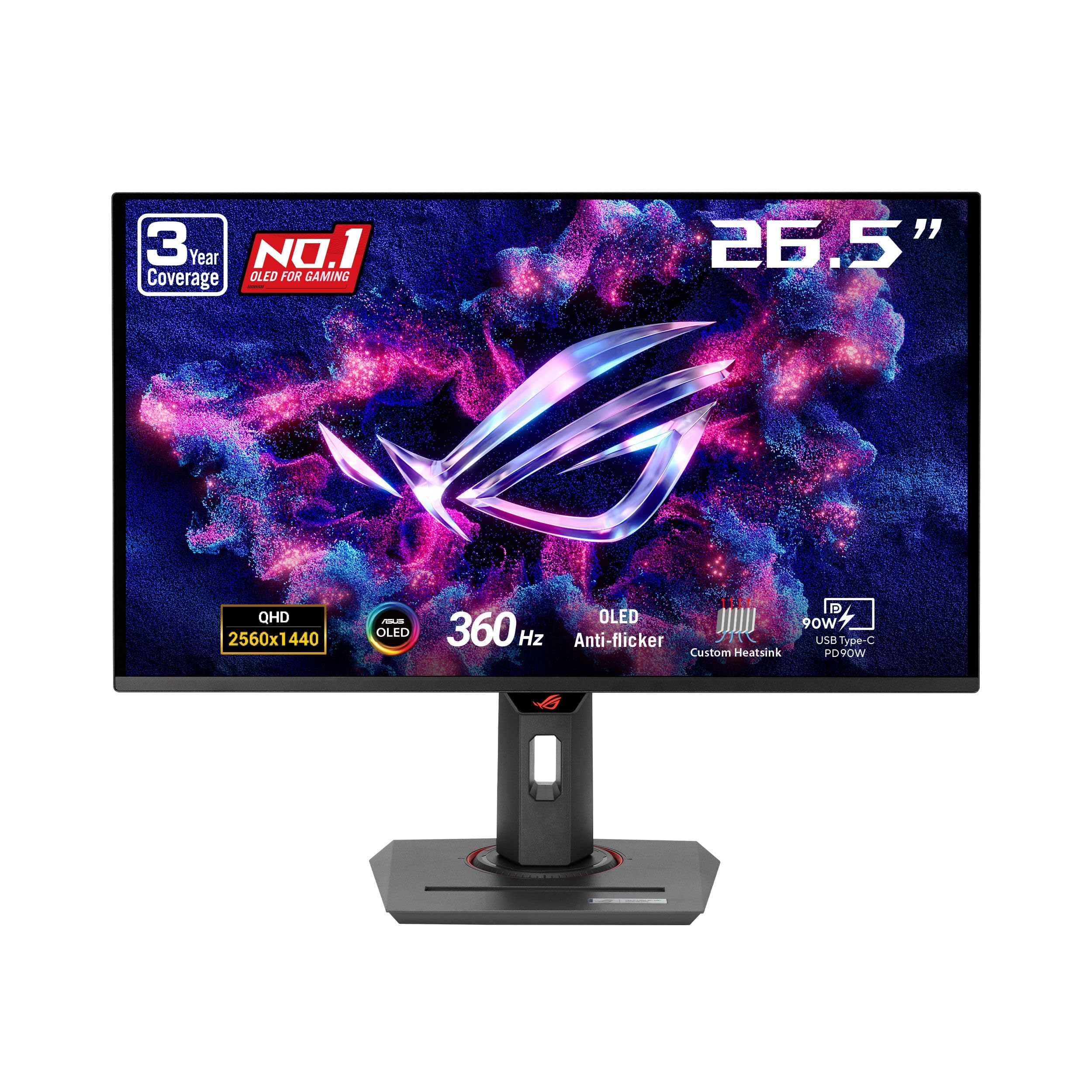
A 26.5-inch ROG OLED built to run cool and last, with 99% DCI-P3.
ASUS puts cooling at the front of this one. A custom heatsink and advanced airflow work with OLED Care+ routines to reduce the risk of burn-in, and a 3-year warranty covers burn-in — a level of backing not every OLED here offers. The 26.5-inch QD-OLED panel runs 2560 x 1440 at 360 Hz with a 0.03 ms response time. Picture quality and color win here: 99% DCI-P3 coverage, true 10-bit color, Delta E<2 accuracy, and VESA DisplayHDR 400 True Black certification push contrast and hue to a reference-grade level.
ROG-exclusive anti-flicker technology is designed to calm flicker during refresh-rate swings, which matters most in games that drop frames unpredictably. G-SYNC Compatible support adds tear-free play with reduced input lag and stutter. ASUS AI Gaming features tune performance automatically. DisplayWidget Center software lets you reach OLED Care functions and settings with a mouse instead of jogging a joystick. Everything about the build reads premium in the hand.
The honest elephant is flicker and reliability. Records show the anti-flicker behavior as a spread point — many find it clean with zero ghosting, while some hit noticeable flicker. A few units have been reported to power on by themselves. On a screen this good-looking, that is a risk worth checking against the return window.
Premium done right: custom heatsink, OLED Care+, burn-in warranty, and 99% DCI-P3 with Delta E<2 accuracy.
The fine-print risk: anti-flicker results are split and a few units self-power-on — test it early.
Suits: a buyer who wants a cooled OLED with burn-in coverage and color tuned for both games and films.
Not for you if: you have hit flicker on OLED panels before and cannot tolerate the risk.
10. Samsung 27″ Odyssey OLED G6 (G60SD) 360Hz QD-OLED

A 3.9 mm-thin OLED with a glare-free coat and a heat pipe where a sheet would be.
Samsung’s answer to the OLED glare problem is a Glare Free technology that significantly cuts reflections from external light, so a window or lamp does not wash out the black. That black is real: QD-OLED delivers deep inky blacks without pixel light bleed. The 27-inch panel runs 2560 x 1440 at 360 Hz with a 0.03 ms GtG response time, and AMD FreeSync Premium Pro keeps the GPU and panel synced to remove choppiness and tears. The chassis measures just 3.9 mm at its thinnest point — thin enough to read as a design object on the desk.
The cooling story is the differentiator. A Pulsating Heat Pipe — a first for this model — evaporates and condenses a coolant to diffuse heat, and A thermal modulation system predicts surface temperature and trims brightness to cut heat, and logo and taskbar detection dims static elements to guard against burn-in. Screen saver kicks in after 10 minutes of inactivity. CoreLighting plus adds ambient glow to match your room.
Durability is the point to test. The record on this one is mixed on longevity, with some units failing near the six-month mark, and the buttons draw complaints for being awkward to reach. Picture and design are the reasons people love it; the build is where you want to watch the warranty clock.
Why the design earns fans
- Glare Free coat plus deep OLED blacks for a reflection-free image
- Pulsating Heat Pipe cooling and thermal modulation to guard against burn-in
- 3.9 mm-thin chassis with CoreLighting ambient glow
Where to stay alert
- Durability has been mixed, with some units failing near the six-month mark
- Buttons are awkward to reach for everyday adjustments
Right for: a bright desk and a style-conscious setup where glare control and thin design matter.
Risk to accept: a mixed durability record — lean on the 3-year warranty and check the panel early.
11. Alienware AW2725DF 26.7″ QHD 360Hz QD-OLED Monitor

Alienware’s 1440p OLED, tuned for color accuracy down to Delta E<2.
This 26.7-inch model moves to the OLED tier, where the 24.5-inch Alienware at the top of this list is a 1080p workhorse. The QD-OLED panel runs 2560 x 1440 at 360 Hz with a 0.03 ms gray-to-gray minimum response time. It also measures its color precisely: DCI-P3 99.3% coverage with Delta E<2 accuracy (a tight tolerance for how far a color can drift from true). The result is a color-reproduction screen that also happens to be fast. Choose it if you edit color and game on the same desk; the Alienware stays the cheaper 1080p route.
Contrast and HDR are the OLED payoff. An infinite contrast ratio and VESA DisplayHDR True Black 400 keep deep blacks and bright highlights in the same frame without light bleed, which is the visual difference that sets this apart from its IPS sibling. AMD FreeSync Premium Pro and VESA AdaptiveSync keep the picture tear-free and stutter-free. The stand does height, tilt, swivel, and pivot, and it ships with both a DisplayPort and a USB-C to DisplayPort cable.
The honest trade is brightness and durability. Some find the OLED output dim, which is a common OLED trait rather than a defect, and the long-term record flags scratches, smudges, and a wearing screen on some units. Color and picture are the reasons this screen earns its keep.
The color case
- QD-OLED with DCI-P3 99.3% coverage and Delta E<2 accuracy
- Infinite contrast and DisplayHDR True Black 400 for deep blacks
- FreeSync Premium Pro and AdaptiveSync for tear-free motion
The watch list
- OLED brightness lands dim for well-lit rooms
- The durability record flags screen wear on some units
Choose it for: color-accurate 1440p OLED at high speed, whether you game or edit on the same desk.
Know the Specs
Refresh Rate in Hz
Refresh rate counts how many times per second the screen redraws. A 360 Hz panel redraws 360 times a second, roughly six times more often than a common 60 Hz office screen, which is why motion looks continuous instead of stepped. The catch is that your graphics card still has to generate those frames — a 360 Hz screen fed 120 frames per second shows 120 frames, just more cleanly. Treat refresh rate as the ceiling and your GPU as the real limiter.
Response Time (GtG and MPRT)
Response time measures how long a pixel takes to change color. Gray-to-gray (GtG) tracks one tone switching to another, and lower is cleaner — IPS panels here list 0.5 ms to 1 ms, while QD-OLED models list 0.03 ms. MPRT measures motion blur differently, tracking how far a moving object smears within one refresh. Both numbers describe the same thing from different angles: how much ghost trail follows a fast target. Fast pixels plus high refresh equals clean motion.
IPS versus QD-OLED Panels
Fast IPS keeps color steady across viewing angles, avoids burn-in entirely, and costs less. QD-OLED stacks quantum dots over an OLED layer for near-infinite contrast and true blacks, so dark game scenes read clearly. The QD-OLED trade is peak brightness and the long-term risk of static elements leaving a mark, which is why OLED models here ship burn-in routines and, in some cases, warranty coverage for it.
Resolution, Ports, and Adaptive Sync
1080p panels draw fewer pixels and are easier to feed at 360 Hz; 1440p panels show finer detail but need a stronger card. To carry the full refresh you need DisplayPort 1.4 or HDMI 2.1 — an older HDMI 2.0 port can cap you at a lower rate. Adaptive sync (FreeSync or G-Sync Compatible) keeps the panel and GPU in step so the image does not tear when frames dip below the refresh ceiling.
Common Questions
Can my graphics card actually push 360 frames per second?
Is 360 Hz worth it over 240 Hz for competitive play?
Do I need DisplayPort or does HDMI work at 360 Hz?
Will an OLED monitor get burn-in from game HUDs?
Is 1440p at 360 Hz better than 1080p at 400 Hz?
What does G-Sync Compatible actually mean?
How close should I sit to a 27-inch 360 Hz monitor?
Does a curved or flat 360 Hz panel matter for gaming?
How do I reduce motion blur on a 360 Hz monitor?
Are these monitors good for work as well as gaming?
The Bottom Line
For most players, the winner in this field of 360 hz monitor options is the Alienware AW2523HF. Its 360 Hz Fast IPS panel with a 0.5 ms gray-to-gray minimum keeps fast targets clean, and customers note the most consistent display-quality praise of any screen here. If you want 1440p detail, the KTC 27M1 Plus delivers QHD at native 360 Hz with an overclock to 400 Hz and full-bandwidth HDMI 2.1 (enough bandwidth for high refresh at that resolution). For a glare-free OLED that runs cool, the Samsung Odyssey OLED G6 pairs a Glare Free coat with a Pulsating Heat Pipe (a cooling part that moves heat away from the panel). Its display is a favorite for a reason — if speed and a clean motion picture come first, start there.
How we choose
We do not accept paid placement. Every pick is matched to a real buyer and a real use-case; we do not hands-on test units.
Sources
Specifications: manufacturer listings and product documentation. Review insights: verified customer reviews, as of November 2026. Pricing: not shown on this page (it changes often); check the current price via the retailer link.
As an Amazon Associate, Gamepad Test earns from qualifying purchases. This does not affect which products we feature.