
Heads up: This post contains affiliate links. As an Amazon Associate I earn from qualifying purchases, at no extra cost to you. Learn more
Specs are compiled from manufacturer listings and verified buyer reviews and can change over time — please confirm the key details on the product page before buying.
Most cheap gaming laptops hide the same compromise, and it is not the processor. It is the graphics card’s video memory: a 4GB card (the small pool of memory the GPU uses for textures) is already the tight spot on several machines here, and owners feel it the moment they open a newer game on high settings. The picks below are the value-focused models that get the important parts right, and this guide tells you plainly which one suits the way you actually play.
This guide is built by comparing the manufacturers’ published specifications and the patterns across verified customer reviews, so you get each pick’s real strengths and trade-offs instead of marketing spin.
Some of these machines pair a fast 144Hz panel with a card that cannot fill it, while others nail the balance for barely more outlay. Read on for the honest breakdown of discount gaming laptops.
Top Picks


How To Choose The Best Discount Gaming Laptops
Buying a gaming laptop on a tighter budget is mostly about knowing which corners were cut and whether you can live with them. The frame rate you see on screen, the amount of video memory feeding the graphics card, and the cooling that keeps everything from throttling matter far more than the badge on the lid.
Video memory sets your ceiling
A 4GB card (video RAM) runs out of room on modern titles at high texture settings — the game stutters or drops detail. A 6GB card gives you more headroom at 1080p, which is why the RTX 4050 machines here hold up better over time. Check this before anything else.
Refresh rate needs a card that can feed it
A 144Hz or 165Hz panel refreshes the image up to 165 times a second, so fast movement looks smooth instead of smeared. That only helps if the GPU can push those frames. On esports titles like shooters it pays off; on heavy single-player games you will settle near 60 frames and the extra headroom goes unused.
Memory and storage are your cheapest upgrades
8GB of RAM is the real minimum for gaming with anything else open, and 16GB is where you stop thinking about it. Several machines here have open RAM slots and a spare SSD bay, so a later top-up is cheap. Soldered memory is the one thing you can never change.
Plan around short battery life
Gaming laptops rarely run long off the charger — most of these last a few hours at best under load, and some far less. Treat battery as a backup for the trip to class, not as your playtime budget, and keep the adapter within reach.
Side-by-Side Comparison
| Model | Best For | Graphics | RAM | Refresh Rate | Amazon |
|---|---|---|---|---|---|
| Acer Nitro 5 AN515-58-525P★ Best Overall | Balanced all-round gaming | RTX 3050, 4GB | 8GB DDR4 | 144Hz | Amazon |
| HP Victus 15 (15-fa0025nr)Best Value | Flexible entry-level play | RTX 3050 | 8GB | — | Amazon |
| ASUS TUF FX505GT-US52Budget Pick | Budget esports and study | GTX 1650, 4GB | 8GB DDR4 | — | Amazon |
| MSI Thin 15 (i5-13420H) | Fast panel, tight budget | RTX 3050, 4GB | 16GB DDR4 | 144Hz | Amazon |
| Lenovo LOQ Essential | Students on the move | RTX 4050 | 8GB | 144Hz | Amazon |
| Acer Nitro V (i5-13420H) | Most popular mid-range pick | RTX 4050 | 8GB DDR5 | 165Hz | Amazon |
| HP Victus 15 (RTX 4050) | Gaming with more RAM | RTX 4050, 6GB | 16GB DDR4 | 144Hz | Amazon |
| MSI GF63 Thin 11UC-1276US | Light everyday gaming | RTX 3050, 4GB | 16GB DDR4 | 144Hz | Amazon |
| Lenovo LOQ (Ryzen 5 7235HS) | Room to grow | RTX 4050, 6GB | Up to 64GB DDR5 | 144Hz | Amazon |
| Alienware 16 Aurora | Big, sharp displays | RTX 5050 | — | 120Hz | Amazon |
Detailed Reviews
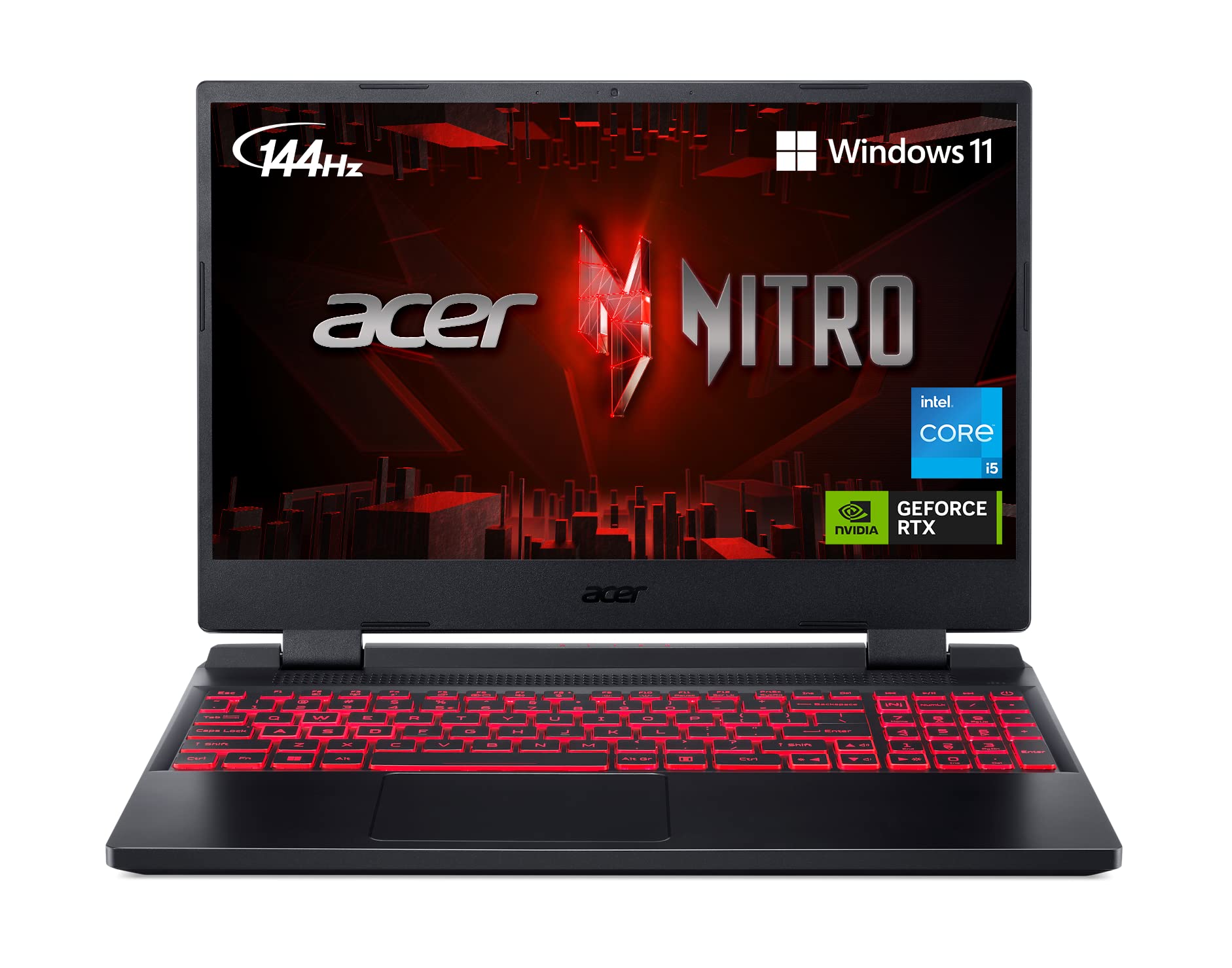
1. Acer Nitro 5 AN515-58-525P Gaming Laptop
Our pick — 4.5+★ from 800+ verified ratings; the strongest balance of quality and price.
A 144Hz screen and a 12th-gen i5 for the gamer who wants no fuss and steady frames.
The Nitro 5’s case for your money is simple: it puts a 144Hz IPS panel (a screen that redraws 144 times a second, so fast pans stay smooth) on top of a 12th-gen Intel Core i5-12500H and an NVIDIA RTX 3050 with 4GB of dedicated video memory. The 4GB of VRAM (the GPU’s own memory for textures) is the weak spot: newer titles at high settings will want more. What wins people over, though, is raw performance — well over 70 buyers call out how well it games, and it tops the aspects ranked here by a clear margin.
Two upgrade doors are open by design: the memory runs 8GB DDR4 at 3200MHz across 2 DDR4 slots total, expandable to a maximum 32GB, and there is a 512GB PCIe Gen 4 SSD sitting alongside 2 PCIe M.2 slots plus 1 2.5-inch hard drive bay. In plain terms, you can add RAM and a second drive yourself as your library grows. Connectivity covers Killer Ethernet E2600 and Killer Wi-Fi 6 AX1650 for a steadier online session, and cooling comes from dual fans, dual top-and-bottom intakes and a quad-exhaust layout.
The recurring gripe is battery runtime — the honest read is that this is a desk and dorm laptop that needs its charger nearby. Reliability splits opinion too, and that is a fair mixed signal rather than a verdict. If you want an upgrade-friendly machine that games confidently on a budget, this is the strongest overall package on the list. The crowd backs it with 4.5+ stars across 800+ ratings.
What earns the top spot
- 144Hz IPS panel keeps motion clear in fast shooters
- Two RAM slots (max 32GB) and a second M.2 slot for later upgrades
- Killer Wi-Fi 6 and Ethernet for steadier online play
- Dual-fan, quad-exhaust cooling
Where it asks you to flex
- 4GB VRAM is tight on newer games at high texture settings
- Short battery life — plan on the charger
- Reliability draws a genuinely mixed response
Pick this one if: you want upgrade room and a fast panel for the budget.
Look past it if: you need all-day battery away from a socket.
2. HP Victus 15 Gaming Laptop (15-fa0025nr)
An entry-level Victus that punches above its class on general speed and gaming alike.
The Victus 15 leans on a 12th-gen Intel Core i5-12500H with an NVIDIA GeForce RTX 3050 and 8GB of RAM, wrapped around a Full HD IPS display with 178-degree wide-viewing angles. Those angles matter more than they sound: two people can watch the same screen from off to the side without the picture washing out. Performance is the theme that carries this machine — around 40 buyers single out how capably it handles games and everyday work, and the general-use speed wins praise almost as warmly.
Here is the number that separates it from the MSI Thin pick: this one carries 8GB of RAM where the MSI Thin runs 16GB. For gaming with a browser and Discord open, that doubling is not a small thing. Bluetooth lands at 5.2 here, a step above the older 5 standard on the Acer Nitro 5. You get Windows 11 Home, a backlit keyboard, and fingerprint recognition for quick logins.
Two honest catches. The screen draws mixed reaction, with some describing it as a cheap TN panel rather than a rich IPS — worth a look in person if color matters to you. Battery life draws near-universal criticism, so treat it as a plug-in machine. For a starter gaming laptop that also handles schoolwork, it is a sensible, well-priced entry.
What holds up: a fast i5-12500H and RTX 3050 combo that handles games and daily tasks without complaint, plus wide-angle viewing on the FHD panel.
The honest caveat: 8GB of RAM is the tight floor for gaming, and the display and battery both land in mixed-to-negative territory.
Reach for this if: it is your first gaming laptop and you mainly play plugged in.
Hold off if: screen color accuracy or long battery runtime is high on your list.
3. ASUS TUF Gaming Laptop FX505GT-US52
An older TUF that still games honestly, as long as you know its ceiling.
This is a 9th-gen machine in a 12th-gen world, and it is priced to match: an Intel Core i5-9300H paired with an NVIDIA GeForce GTX 1650 with 4GB, backed by 8GB DDR4 at 2666MHz and a 512GB PCIe NVMe M.2 SSD. Its CPU tops out at 4.1 GHz, where the MSI Thin’s i5-13420H reaches 4.6 GHz — a real gap if you do heavy multitasking or video work. For esports and older titles at 1080p, though, the TUF handles its business, and value is where it wins converts.
The 15.6-inch FHD IPS-Type panel covers 1920×1080, Wi-Fi 5 (802.11ac) keeps you connected, and Windows 10 Home comes preinstalled. Performance is the aspect that carries the most weight here — the gaming experience draws enthusiastic praise from a sizable share of buyers, and many call it fantastic for the money. Storage and memory are both modest by current standards, so budget for a RAM bump if you run modern games.
The trade-offs are real but fair. Fans run loud in performance mode, and reliability splits opinion — some machines run admirably for years, others stop within 10 months. Neither should scare you off a machine that still delivers playable frames for a low outlay, but it does mean you should weigh the warranty.
The case for it: a low-cost entry into 1080p gaming for esports and older titles.
The trade-off: an older CPU and Wi-Fi 5 put a ceiling on how future-proof it feels.
4. MSI Thin Gaming Laptop (i5-13420H)

The 16GB-versus-8GB gap is the whole story, and this machine wins it two to one.
Double the memory of the HP Victus for a modest step up in outlay — the MSI Thin carries 16GB of DDR4 RAM where the HP runs 8GB. That doubling is the single most useful thing a budget gamer can get, because it keeps games, a browser and a voice chat all fed without slowing down. The 15.6-inch FHD display at 1920×1080 refreshes at 144Hz, and a 13th-gen Intel i5-13420H with a 4.6 GHz max clock drives it all.
Graphics come from an NVIDIA RTX 3050 with 4GB of GDDR6, so the same VRAM ceiling applies as on the Acer Nitro 5 — this is not the machine for max-texture modern titles. It earns its keep on quality and general performance; the build feels like a well-made entry-level gamer, and buyers describe it running games without a hitch. Storage is a 512GB PCIe NVMe SSD, which keeps load times short and leaves room for a decent game library.
Windows 11 Home is preinstalled, Ethernet is on board for a wired connection, and setup is straightforward. The caveat is that 4GB of video memory will feel tight sooner than 6GB, so if you play the newest releases, look at the RTX 4050 picks. Otherwise this is a quietly excellent mid-range buy for multitasking gamers.
Why it earns its place
- 16GB DDR4 — double the RAM of some rivals here
- FHD 144Hz panel for smooth, clear motion
- 4.6 GHz i5-13420H handles gaming and work
- Solid build quality for an entry-level machine
What to weigh first
- 4GB VRAM caps modern titles at high textures
- No dedicated Ethernet port detail beyond the standard RJ-45 support
- Thin chassis can run warm under load
Great match for: gamers who want more RAM than a bare-minimum build provides.
Think twice if: the newest, heaviest games are your whole library.
5. Lenovo LOQ Essential Gaming Laptop
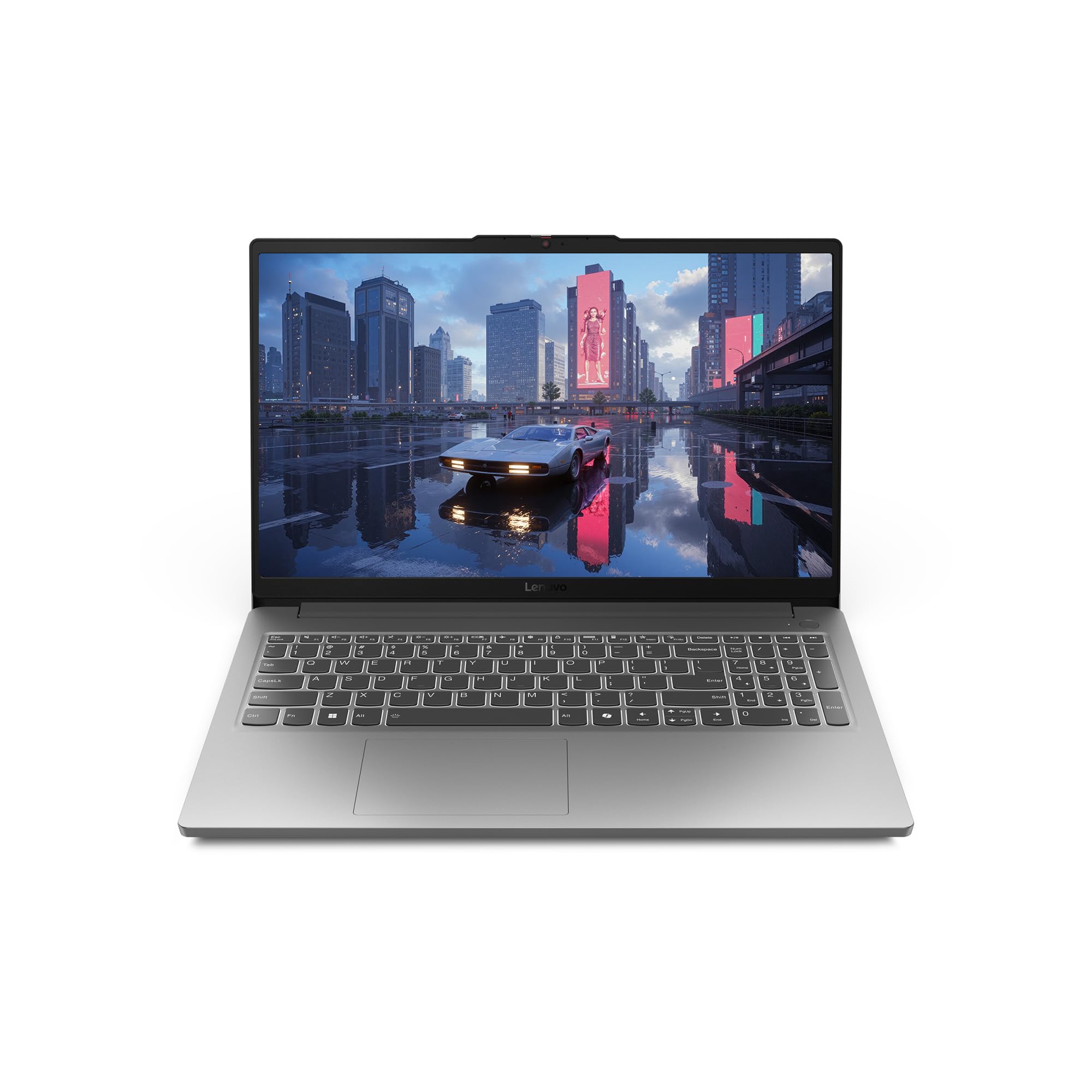
Aimed at the classroom as much as the battlefield, with an RTX 4050 inside.
The LOQ Essential pairs an Intel Core i5-12450HX with an NVIDIA GeForce RTX 4050, a 15.6-inch FHD IPS screen at 144Hz, and 8GB of memory with a 512GB SSD. The screen is rated at 300 nits of brightness and 100% sRGB, so games and videos look colorful and hold up in a lit room. Being RTX 4050-powered puts it a generation ahead of the RTX 3050 machines on this list for graphics headroom.
Portability is a genuine strength — the design is light enough to carry to class and back, and the 1.3mm key travel on the full-sized keyboard gives typing a snappy, tactile feel. A 100mm fan with 0.15mm blades moves air through the chassis to keep temperatures in check. Buyers single out the weight as a plus, and the daily-use performance wins solid praise. You also get three months of PC Game Pass, which is a real head start on a game library.
The catches are the ones you would expect at the budget-to-mid line. The 8GB of memory and 512GB of storage both draw mixed reaction as too small for some, and there are mentions of overheating under load. For a student who wants one machine for lectures and casual gaming, though, this is a smart fit — just plan on a memory upgrade down the road.
The standout: an RTX 4050 graphics card and a bright 300-nit, 100% sRGB screen in a body light enough for a backpack.
The honest caveat: 8GB of RAM and a 512GB drive are the first things you will want to grow, and heat under load is noted.
Best for: students who want gaming and coursework in one portable machine.
Skip if: you refuse to touch the internals — the 8GB/512GB combo will feel small eventually.
6. Acer Nitro V Gaming Laptop (i5-13420H)

The RTX 4050 and a 165Hz panel make this the value sweetheart of the list.
If you want the most future headroom without jumping to premium, start here. This Nitro V pairs an Intel Core i5-13420H with an NVIDIA GeForce RTX 4050 at 194 AI TOPS (a measure of the card’s AI-processing speed), and a 15.6-inch FHD display that refreshes at 165Hz. The 165Hz figure beats the 144Hz on the Nitro 5 and the MSI Thin, and it is paired with 8GB of DDR5 memory — the newer, faster memory standard — plus a 512GB PCIe Gen 4 SSD.
Performance is what carries the most weight, and it earns it: nearly 100 buyers cite how well it runs, with value landing second. The RTX 4050’s 6GB gives more texture headroom than the 4GB RTX 3050 machines above, which is exactly where budget gaming laptops run out of room. Connectivity is thorough — Wi-Fi 6, Killer Ethernet E2600, and a Thunderbolt 4 port (a single connector that handles charging, data and video) — plus a 135W adapter and a protective sleeve in the box.
Two things to know. The cooling and fan noise both get mixed reports, with some machines running hot and loud after 15 minutes of play. Reliability also splits opinion. Neither is a dealbreaker on a well-reviewed mid-ranger, but if you game in a shared room, budget for headphones.
What wins people over
- RTX 4050 graphics for more modern title headroom
- 165Hz panel — the fastest refresh among the mid-range picks
- 8GB DDR5 memory and Thunderbolt 4 connectivity
- Thorough value-for-money reputation
What the reviews flag
- Cooling and fan noise get mixed feedback
- Reliability splits between praise and trouble reports
- Can run hot during extended sessions
The one to beat: a fast panel plus an RTX 4050 for gamers who want modern graphics without premium cost.
Reconsider if: silence in a shared space matters as much as frame rate.
7. HP Victus 15 Gaming Laptop (RTX 4050)

RTX 4050 plus 16GB of memory — the combination the budget picks make you choose between.
This Victus 15 fixes the two compromises that dog the cheaper machines: it carries 16GB of DDR4 RAM and an NVIDIA GeForce RTX 4050 with 6GB of GDDR6. That 6GB over the 4GB cards above means the newest games at high textures have somewhere to go. A 13th-gen Intel Core i5-13420H drives the 15.6-inch FHD 144Hz IPS anti-glare panel, and the SSD is a 512GB PCIe Gen4 NVMe M.2.
Buyers report games running at higher speeds, with screen quality and general responsiveness earning warm notes. Performance leads the conversation, and the value read is genuinely positive. Bluetooth is 5.3 here — the newest version among these picks — and Mica Silver keeps the finish understated. Its 8.5-hour rating is the longest here, though real game sessions will pull it down.
The honest negative is durability: a cluster of buyers express disappointment with the build and finish, and battery life still draws criticism despite the rating. Neither is universal, and the performance story is strong. If you want modern graphics and enough RAM without the upgrade chore, this is the balanced middle.
A natural fit for: gamers who want 6GB of VRAM and 16GB of RAM from the start.
Worth a second thought if: long-term build durability is your top priority.
8. MSI GF63 Thin 11UC-1276US

A slim everyday gamer with plenty of RAM and a fast panel, at an easy-to-justify tier.
The GF63 Thin leans on an 11th-gen Intel Core i5-11400H with a 4.5 GHz max clock, an NVIDIA GeForce RTX 3050 with 4GB, 16GB of DDR4 memory and a 512GB NVMe SSD. The 15.6-inch FHD panel refreshes at 144Hz, so fast games stay smooth, and Windows 11 comes installed. Compared to the 8GB machines on this list, the 16GB here is the upgrade you would otherwise pay for later.
It is built for everyday gaming and general work rather than pushing modern titles at maximum settings — the 4GB card has the same texture ceiling as the other RTX 3050 machines. The trade you accept is battery: at around 4 hours rated, treat it as a plug-in machine for most sessions. A laptop with this memory headroom at a mid-range price is a sensible choice for a student or a first-time gamer.
What makes it sensible: 16GB of RAM and a 144Hz FHD panel already installed, with an 11th-gen i5 handling everyday tasks.
Where it balks: the 4GB graphics memory and roughly 4-hour battery keep it to lighter modern gaming.
The right call if: you want the memory sorted already for everyday gaming and school.
Not the pick for: heavy modern titles or long unplugged sessions.
9. Lenovo LOQ Gaming Laptop (Ryzen 5 7235HS)
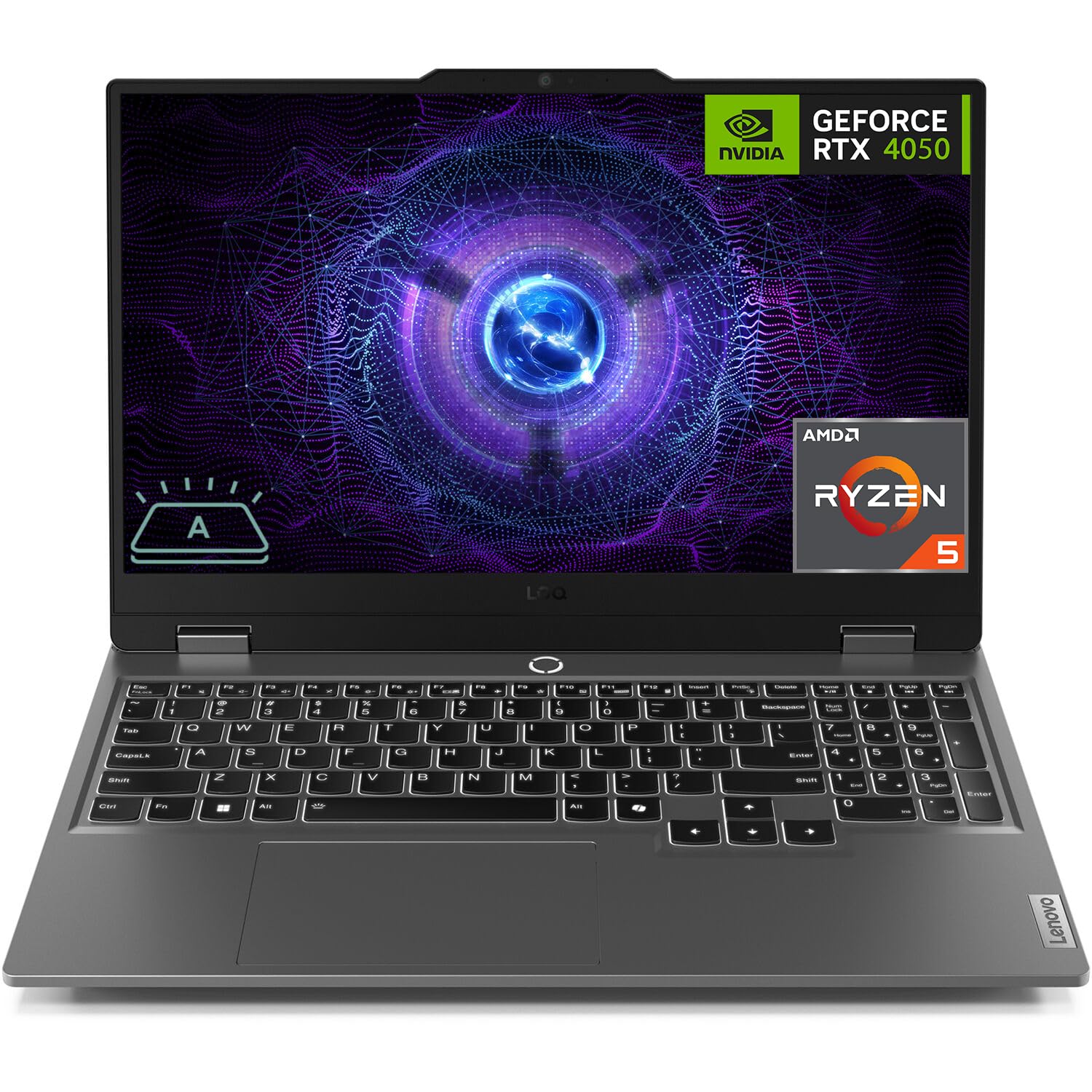
An AMD-powered LOQ that grows with you — up to 64GB of RAM and 8TB of storage.
This LOQ takes a different route to value: an AMD Ryzen 5 7235HS processor (4 cores, 8 threads, up to 4.2 GHz max turbo) paired with an NVIDIA GeForce RTX 4050 at 6GB. The upgrade headroom is the standout — the platform accepts up to 64GB of DDR5 RAM and up to 8TB of PCIe M.2 SSD storage, so it can grow as your library and workload climb. A 15.6-inch FHD IPS panel runs at 144Hz with 300 nits and G-SYNC (which syncs the screen to the graphics card to cut tearing).
Ports are generous — 1 USB-C, 3 USB-A, 1 HDMI, 1 Ethernet RJ45 and a headphone/mic combo jack — plus Wi-Fi 6 and Bluetooth 5.2. Performance is the aspect buyers praise most, describing it as a solid gaming computer that runs without lag. Windows 11 Home comes installed and the keyboard is backlit for late sessions.
The recurring honest note is value — some buyers feel the price tag asks too much for what the Ryzen 5 delivers, while others find it a genuine deal. The 6GB RTX 4050 is the real draw, giving more texture room than the 4GB picks. Consider it if upgrade flexibility matters more than squeezing the last frame from the CPU.
The draw
- RTX 4050 with 6GB of video memory
- Room for up to 64GB RAM and up to 8TB storage
- 144Hz G-SYNC panel at 300 nits
- Strong port selection including USB-C and Ethernet
The reservation
- Value-for-money views split between great deal and overpriced
- Ryzen 5 max turbo of 4.2 GHz is lower than the Intel picks
Made for: tinkerers who will actually use the 64GB and 8TB ceilings.
Weigh this: if you will never open the case, the expandability premium is wasted.
10. Alienware 16 Aurora Gaming Laptop
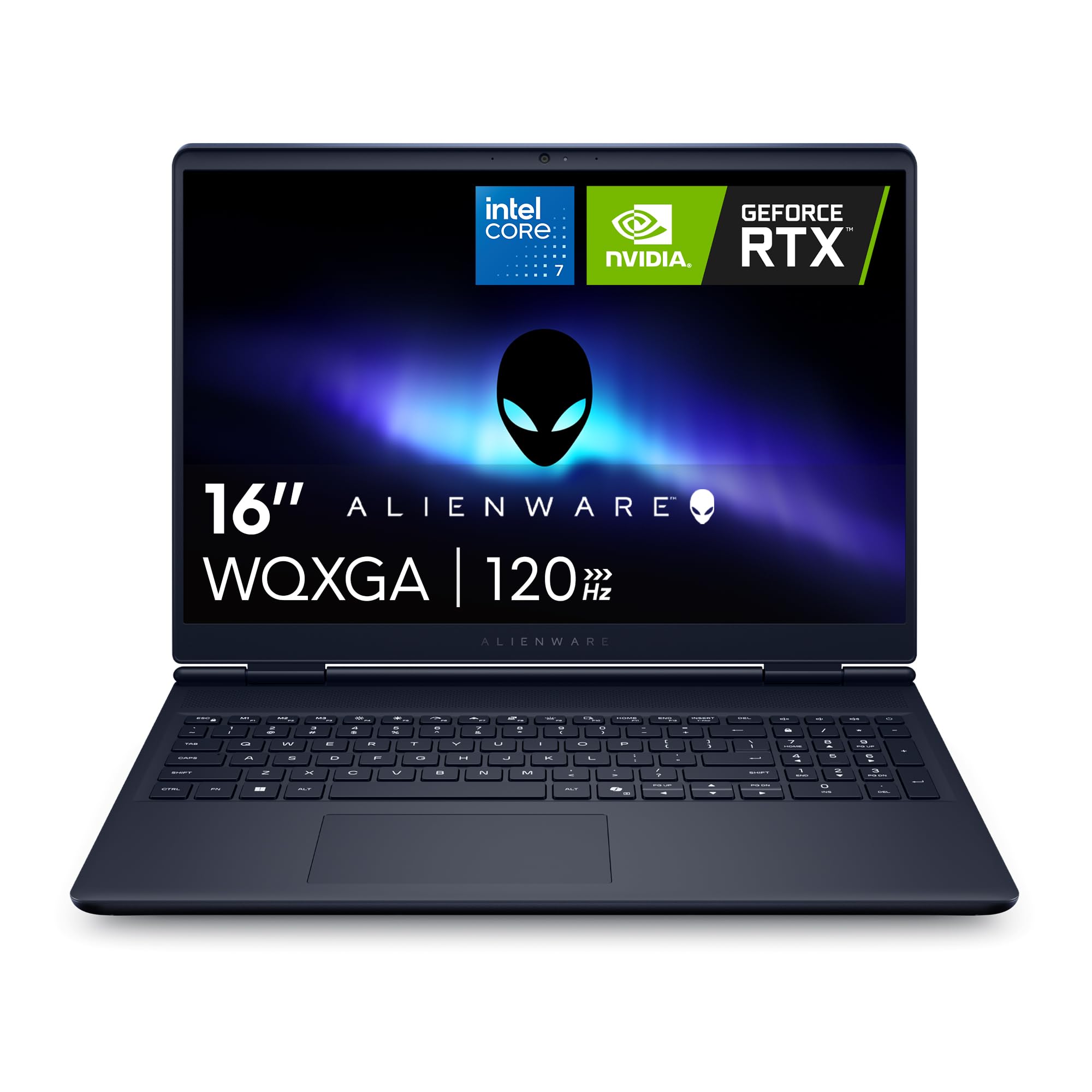
A big WQXGA screen and next-gen RTX 5050 graphics for the gamer who wants the premium feel.
The Aurora 16 is the enthusiast’s entry on this list, and it shows in the display: a 16-inch WQXGA panel at 2560×1600 with a 120Hz refresh and 300 nits of brightness. WQXGA means noticeably more pixels than the 1920×1080 machines here, so text and detail stay sharp. Graphics come from an NVIDIA GeForce RTX 5050 built on the Blackwell architecture, paired with an Intel Core 7 240H that reaches a 5.2 GHz max clock, and an anti-glare coating keeps fingerprints and glare at bay.
Build quality is the aspect buyers praise most, and the machine reads premium in hand. Cooling uses a Cryo-Chamber structure that focuses airflow toward the core components, and the 180W adapter has headroom for the RTX 5050’s draw. A numeric keypad, backlit keyboard and HD audio round out the daily-use features.
The trade-offs are the ones enthusiast laptops always carry: reliability draws a genuinely mixed response, with some reporting crashes and slow spots; performance and cooling also split between praise and frustration; and the sound quality notes are evenly divided between decent and loud. Dell’s 1-year onsite service is the safety net. For a buyer who wants the sharpest screen and newest graphics and can accept some rough edges, it is a compelling step up.
Why it stands out: a 16-inch 2560×1600 screen, RTX 5050 graphics and a 5.2 GHz Intel Core 7 in a premium chassis.
What to know: reliability and cooling land in mixed territory, and this is the most expensive step on the list.
For the buyer who wants: a high-resolution display and the newest graphics generation, and will pay for them.
Sensible to pause if: stability reports and mixed cooling are things you cannot overlook.
Know the Specs
Video memory (VRAM)
The GPU’s own dedicated memory holds textures and frames. A 4GB card (the amount on several picks here) runs out of room on modern titles at high settings, while a 6GB RTX 4050 gives more headroom at 1080p. Check this before clock speed — it sets how long the machine stays comfortable.
Refresh rate (Hz)
A 144Hz panel redraws the image 144 times a second; a 165Hz panel goes a little further. The benefit shows in fast shooters and esports, where clear motion helps your aim. If the graphics card cannot push those frames, the extra speed sits unused.
Processor (CPU)
The CPU handles game logic, streaming and background tasks. A higher max turbo clock — like 4.9 GHz on the i7-13620H versus 4.1 GHz on the older i5-9300H — smooths heavy multitasking. For pure gaming, a fast-enough CPU paired with a stronger GPU usually beats the reverse.
Memory and storage
8GB of RAM is the floor for gaming with other apps open; 16GB is where you stop worrying. DDR5 is a newer, faster memory standard than DDR4. Storage in GB sets how many games fit — a 512GB drive holds a handful of big titles, while 1TB gives real breathing room.
Common Questions
Is a 4GB graphics card enough for modern gaming laptops?
Do I need 16GB of RAM or is 8GB fine for gaming?
How long does a gaming laptop battery actually last?
Can I upgrade the RAM and storage on these laptops myself?
Does a 144Hz screen matter if the GPU cannot hit 144 frames?
Is the RTX 4050 better than the RTX 3050 on a budget gaming laptop?
Will a gaming laptop overheat during long sessions?
What does DDR5 memory give me over DDR4?
Do these laptops come with Windows installed?
How much storage do I need for a gaming laptop?
The Bottom Line
For most buyers chasing discount gaming laptops, the honest winner is the Acer Nitro 5 — it pairs a 144Hz panel with upgrade room up to 32GB of RAM and a spare M.2 slot, so it grows as you do. If a modern RTX 4050 and a 165Hz screen are what you are after, the Acer Nitro V with the i5 is the crowd favorite for good reason. And for the gamer who wants the i7, 16GB and 1TB sorted from the start, the Nitro V i7-13620H is the one to reach for. Whichever you pick, weigh the VRAM ceiling and battery reality first — those two decide whether a budget gaming laptop feels like a deal or a compromise.
How we choose
We do not accept paid placement. Every pick is matched to a real buyer and a real use-case; we do not hands-on test units.
Sources
Specifications: manufacturer listings and product documentation. Review insights: verified customer reviews, as of November 2026. Pricing: not shown on this page (it changes often); check the current price via the retailer link.
As an Amazon Associate, Gamepad Test earns from qualifying purchases. This does not affect which products we feature.