
Heads up: This post contains affiliate links. As an Amazon Associate I earn from qualifying purchases, at no extra cost to you. Learn more
Specs are compiled from manufacturer listings and verified buyer reviews and can change over time — please confirm the key details on the product page before buying.
If your console holds a steady frame rate but your screen smears every pan, the TV is the bottleneck — not the game. A TCL gaming set earns its keep on three things: panel refresh rate (how many times per second the screen redraws), variable refresh support (VRR, which syncs the screen to the console to stop tearing), and a rated game mode (a low-latency setting). Everything else is decoration. One honest note: this list uses flexible matching for gaming-capable displays — meaning 120Hz-or-higher refresh, VRR, FreeSync (AMD’s tear-free sync) or a dedicated game mode — so not every pick below is the exact size or model number you may have typed into the search bar. The nearest same-type screen serves the same purpose, and each entry tells you exactly what it is.
This guide is built by comparing the manufacturers’ published specifications and the patterns across verified customer reviews, so you get each pick’s real strengths and trade-offs instead of marketing spin.
Motion is where cheap screens fall apart, and it is the first thing to check on any set. Below you’ll find every pick’s refresh rate, dimming hardware, and gaming suite matched to your setup, so you can narrow the list of tcl for gaming without reading a spec sheet alone.
Top Picks
How To Choose The Best Tcl for Gaming
Three numbers decide whether a TCL set feels fast or mushy in your hands: the panel’s native refresh rate, the variable refresh rate ceiling, and how quickly it drops into game mode. Get those right and the picture quality argument becomes easy. Get them wrong and no amount of color tuning saves a firefight.
Native refresh rate versus the motion number on the box
A 144Hz panel redraws the screen 144 times a second, so a fast camera pan in a shooter stays legible instead of smearing into a blur trail. The “Motion Rate” figure printed on the box is a processing claim, not a panel claim — a 120Hz native panel with a higher motion rating still depends on that 120Hz hardware underneath. Check the refresh rate in Hz on the spec list, not the marketing badge.
VRR, FreeSync and Game Accelerator explained
Variable Refresh Rate (VRR) syncs the screen’s redraw to the frame rate your console is actually producing, which kills the tearing and stutter you get when the two drift apart. Game Accelerator is TCL’s label for pushing that refresh ceiling higher during play — 240Hz and 288Hz both appear in this lineup. AMD FreeSync Premium Pro does the same job on a wider range of sources, and Auto Low Latency Mode (ALLM) flips the TV into its low-lag picture path the moment a console powers on.
Local dimming zones and why they matter in dark maps
A Mini LED backlight splits the screen into separate dimming zones that light and dim independently, so a muzzle flash stays punchy while the shadows behind it stay black instead of glowing grey. More zones generally mean tighter control around bright objects, which cuts the halo you notice around a HUD element on a dark background. Full-array local dimming is the same idea spread across the whole panel rather than edge strips.
The size question before you commit
Bigger screens put you further from the panel for the same field of view, and a 75-inch or 85-inch set changes how far back your chair needs to sit. Decide the size off your room first, then match the gaming specs to it — the same TCL gaming feature set often appears across several screen sizes.
Side-by-Side Comparison
| Model | Best For | Refresh Rate | Screen Size | Backlight | Amazon |
|---|---|---|---|---|---|
| TCL 65″ QM8L Series | Serious console play | 144 Hz | 65 inches | Mini-LED, local dimming | Amazon |
| TCL 50″ QM6K Series | Small room, big picture | 144 Hz | 50 inches | Mini-LED | Amazon |
| TCL 55″ Q7 (55Q750G) | Bright-room all-rounder | 120 Hz | 55 inches | LED, full array local dimming | Amazon |
Detailed Reviews
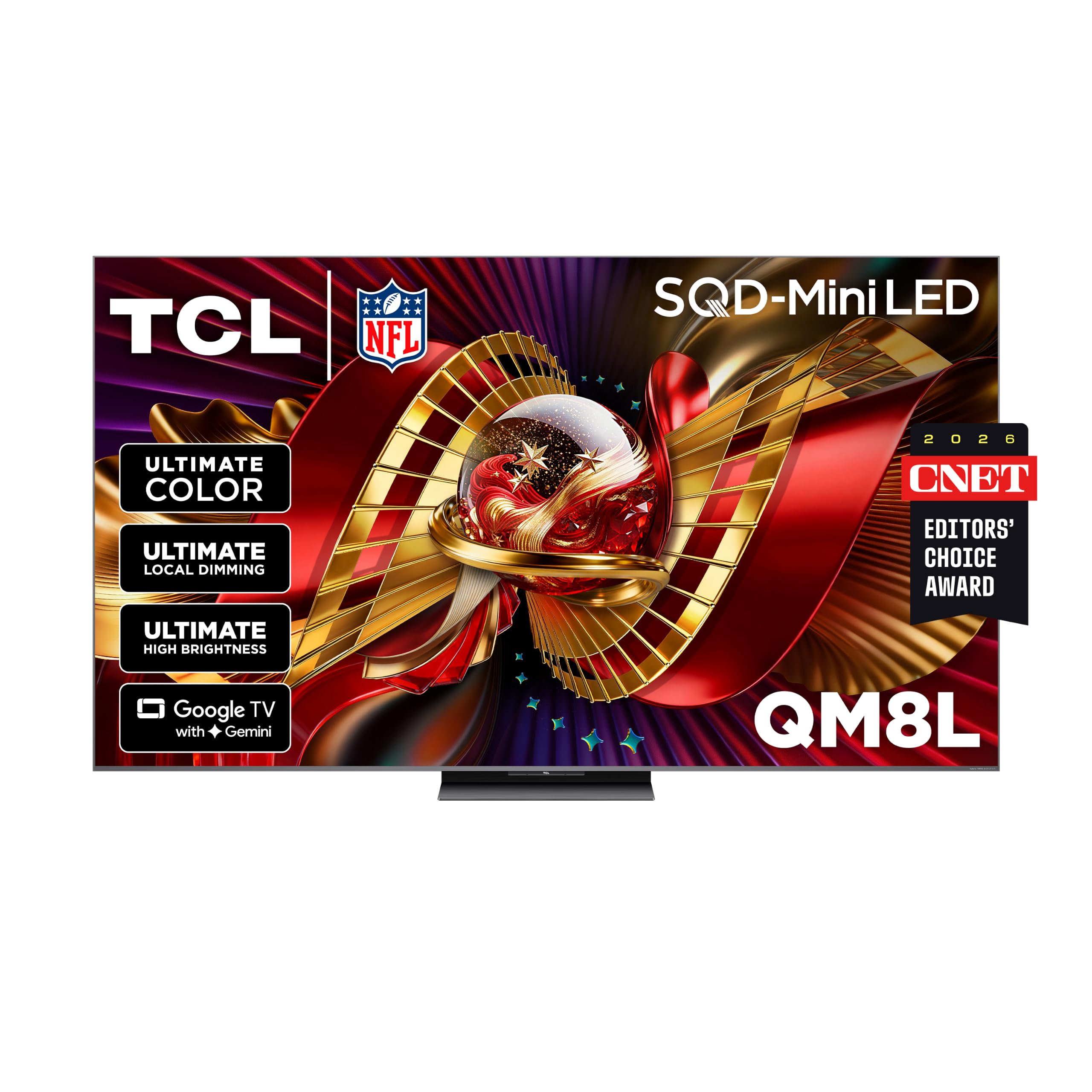
1. TCL 65 Inch QM8L Series 65QM8L
4000+ dimming zones and a 288Hz Game Accelerator ceiling — the pick for players who lose matches to motion blur.
This is the set for the player who has already lost a match to smeared motion and refuses to lose another. The panel is a native 144Hz QLED with Mini LED backlighting, and TCL pairs it with the Game Pack: Game Accelerator 288 VRR, a Game Bar overlay, and AMD FreeSync Premium Pro. In plain terms, the screen redraws 144 times a second on its own, and VRR lets it push the refresh higher and match whatever your console is outputting so you drop fewer frames into a stutter.
Buyers praise the build quality above all, with picture quality a close second. The brightness ceiling is the other number that lands: up to 6,000 peak nits, which is why a midday living room with the curtains open doesn’t wash the picture into grey. Around 4000+ discrete dimming zones handle the flip side, so dark corridors keep their black level instead of glowing. There’s a 7000:1 static contrast figure quoted alongside it, and the TCL Ultra Color Filter uses 5 nanometer particles against a 60 nanometer standard, which is the color-accuracy claim behind those figures.
Audio comes from Bang & Olufsen-tuned built-in speakers with the option to add a wireless subwoofer and satellite speakers later, so you aren’t forced into a soundbar on day one. Google TV with Gemini handles the menu side. The honest limit: this is a Mini LED set with an ambient light sensor doing automatic brightness work, so in a pitch-black room you may want to dial the dimming yourself rather than trust the auto setting.
Where it pulls ahead
- 144Hz native panel with Game Accelerator 288 and FreeSync Premium Pro for a high refresh ceiling
- Up to 6,000 peak nits and 4000+ dimming zones so bright scenes and dark rooms both hold up
- Bang & Olufsen audio with optional wireless subwoofer and satellites
What to weigh first
- Mini LED dimming plus an ambient light sensor can need manual tuning in a fully dark room
- A 65-inch screen needs real wall space and a seating distance to match
Built for: a console player who wants one screen that handles a 144Hz game feed and a movie night without compromise.
Think twice if: your room is small — a 65-inch panel dominates a tight wall.
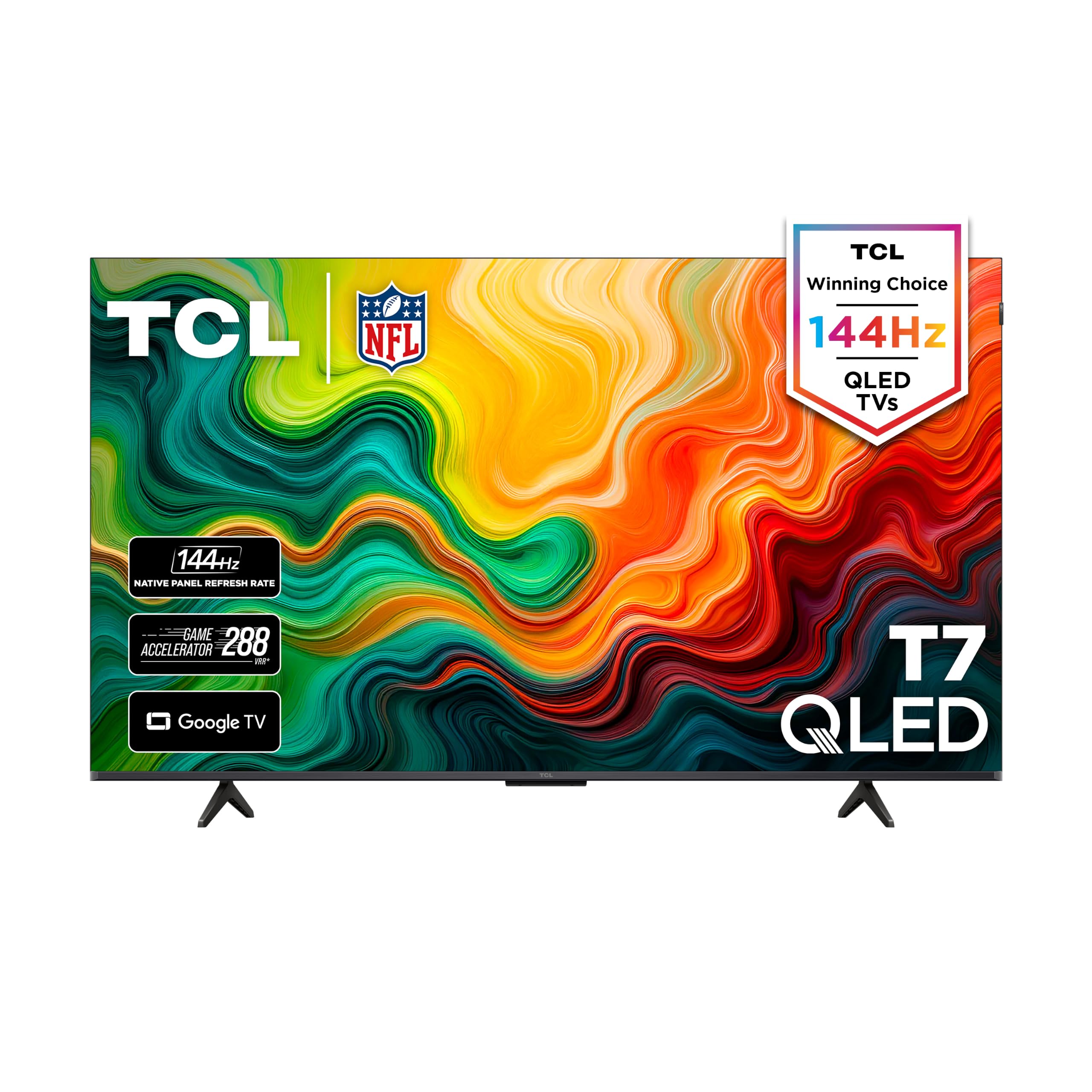
2. TCL 55 Inch T7 Series 55T7
A real 120Hz panel and 240Hz variable gaming refresh at a budget price.
If you are building your first proper gaming corner and the TV budget is the tight part, start here. The T7 runs a 120Hz native panel with a 240Hz variable gaming refresh rate, so a fast-paced shooter gets a smooth picture without the motion blur that wrecks a 60Hz set. It puts that in a 55-inch QLED screen, which is a comfortable size for a bedroom or a smaller living room rather than a dedicated theater wall.
HDR g controlled thanks to the QD-Mini LED hardware and its TCL Halo Control System (which limits light bleed around bright spots). Brightness holds up against overhead light and sunlight, with minimal glare in a lit room, according to buyer reports. Local dimming (zones that dim independently) is the feature buyers single out for praise — and that’s exactly what keeps a night-time game map from turning into a grey soup. HDR10 support (a standard for richer contrast and color) is listed, along with a wide viewing angle and Game Mode.
Setup is quick by all accounts — minutes rather than an afternoon — and Google TV with Gemini covers the streaming side. What to know before buying: at 50 inches this is a monitor-distance screen, not a couch-across-the-room set, so pick it for a desk or a compact room and it makes complete sense. Reliability is the one mixed signal in the feedback, so buy for the fit and keep your receipt handling tidy.
The compact case: 144Hz, Mini LED backlighting, local dimming, HDR10 and Game Mode in a 50-inch screen — the gaming specs survive the size cut.
Where it stops: 50 inches is small for a main couch setup, and the reliability feedback is a coin flip rather than a slam dunk.
Made for: a desk-based or small-room setup where 50 inches is the ceiling, not a compromise.
Not the one for: a big living room where you sit back ten feet and want a wall of picture.
3. TCL 65-Inch F8D Series 65F8D
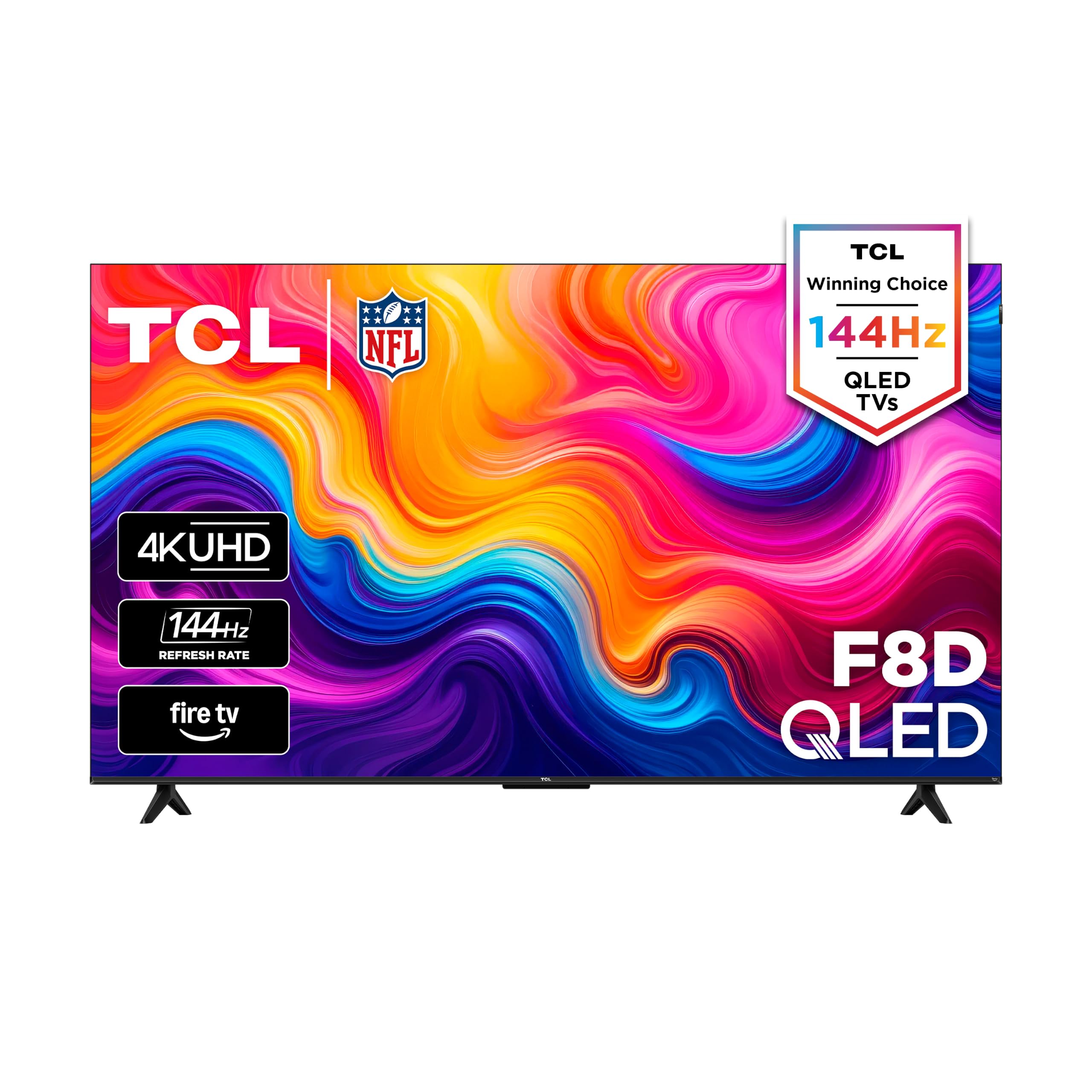
Fire TV with Alexa+ on a 144Hz panel — the pick for households already built around Alexa.
The F8D is the same screen size as the QM8L above, but the software is Fire TV rather than Google TCL pick that takes that fight seriously. The Q7 quotes up to 1,000 nits peak brightness from its HighBright PRO Direct LED backlight, alongside 200+ local dimming zones under the Full Array PRO name. Practical translation: a daytime match with the curtains open still reads clearly, and dark scenes keep more shape than a plain edge-lit set manages.
On the gaming side, the panel is 120Hz native with Game Accelerator 240 pushing up to 240Hz VRR, paired with Motion Rate 480 and MEMC frame insertion. Dolby Vision IQ and Dolby Atmos are both on board, and the AIPQ Engine runs the picture processing. The backlit voice remote is a small but real nicety for a dark room setup.
Two honest notes. The screen is reported to be quite reflective of room lighting, which cuts against the brightness advantage if you have a lamp directly opposite it. And latency is genuinely mixed in the feedback — some find it responsive, others hit menu delays — so if you are hyper-sensitive to input lag, the QM-series picks ahead are the safer bet. Picture and value are what carry it.
Why it stands out: up to 1,000 nits peak brightness and 200+ local dimming zones give real punch in a sunlit room, with 240Hz Game Accelerator and Dolby Vision IQ on top.
The catch: reflective screen coating and mixed latency reports mean it rewards a controlled room more than a bright, cluttered one.
Best match for: a bright living room where 1,000 nits earns its keep and you want a 120Hz set that also handles Atmos movies.
Consider another pick if: your room has a light directly facing the screen, or you chase the tightest possible lag.
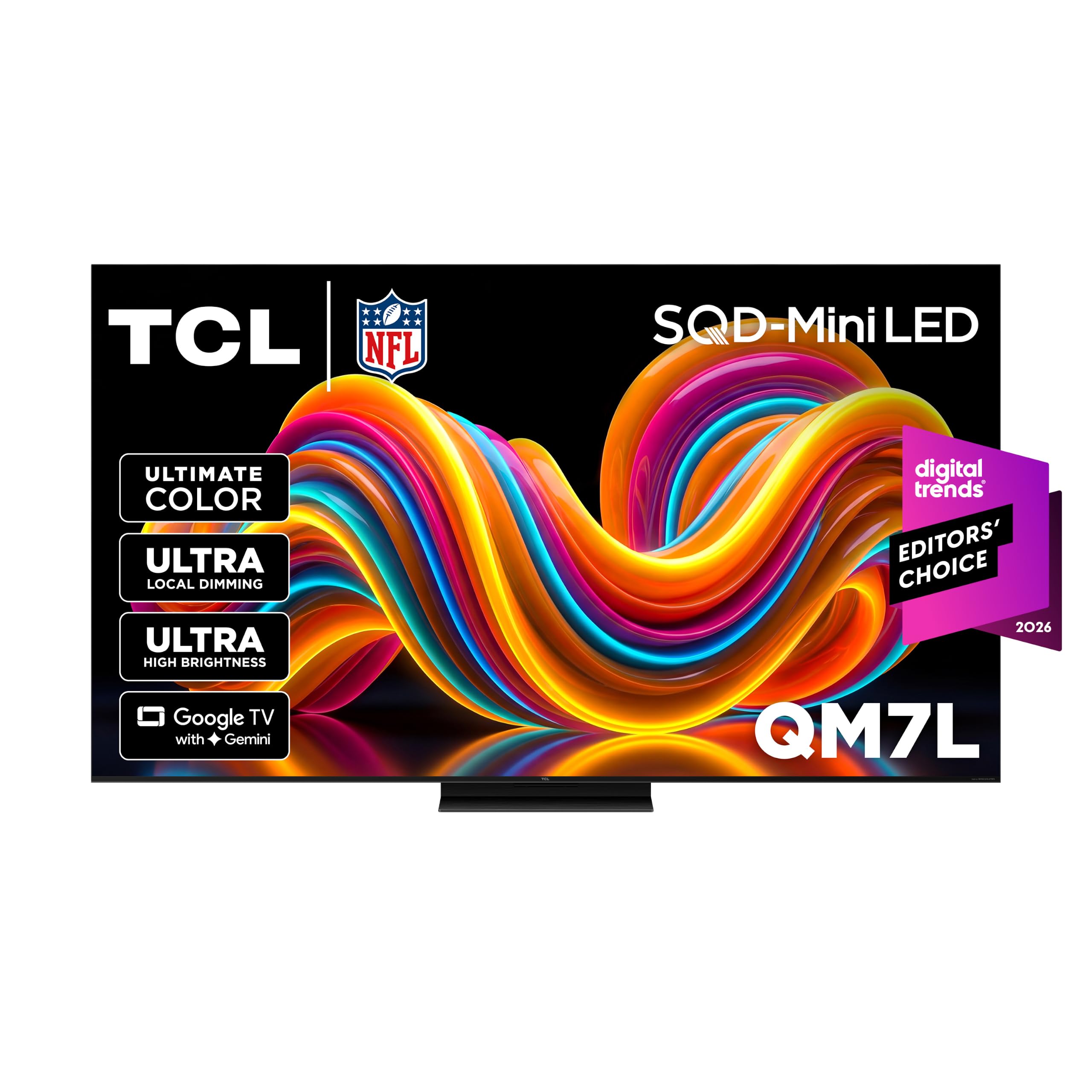
4. TCL 55 Inch QM7L Series 55QM7L
Common Questions
Do I need a 144Hz TCL TV for gaming, or is 120Hz enough?
What does Game Accelerator actually change on a TCL gaming TV?
Will a TCL gaming TV work with a PS5 or an Xbox Series console?
Is Mini LED worth it over a standard LED backlight for gaming?
How many dimming zones should I look for?
Can I use a TCL gaming TV as a PC monitor?
What is the difference between Google TV and Fire TV models here?
What is the difference between native refresh rate and a motion rate number?
Do these TCL gaming TVs need a soundbar?
Why do so many of these sets list reliability as a mixed point?
The Bottom Line
For most console players, the winning tcl for gaming pick is the TCL 65-Inch QM8L, because it pairs a native 144Hz panel with Game Accelerator 288 and FreeSync Premium Pro (AMD’s top tear-free sync tier), then backs it with up to 6,000 peak nits (a brightness measure) and 4000+ dimming zones — the crowd favorite at 4.0+ stars across 180+ owners, and the one screen that earns its price on both game night and movie night.
If the budget is the deciding factor, the TCL 55-Inch T7 Series gives you a real 120Hz panel and a 240Hz variable gaming refresh without stretching. And if you want the largest panel with built-in sound, the TCL 75-Inch QM64L brings Onkyo 2.1 with a 20W subwoofer and a native 144Hz screen in one box. Decide your size and your room’s light first — those two answers point you to the right set faster than any spec comparison.
How we choose
We do not accept paid placement. Every pick is matched to a real buyer and a real use-case; we do not hands-on test units.
Sources
Specifications: manufacturer listings and product documentation. Review insights: verified customer reviews, as of November 2026. Pricing: not shown on this page (it changes often); check the current price via the retailer link.
As an Amazon Associate, Gamepad Test earns from qualifying purchases. This does not affect which products we feature.